
Try the public scrapbook sample
Open a demonstration book in the reader, then try arranging its pages.
The sample uses public demonstration photos and keepsakes. It is not a customer book. Your practice changes do not edit the original sample.
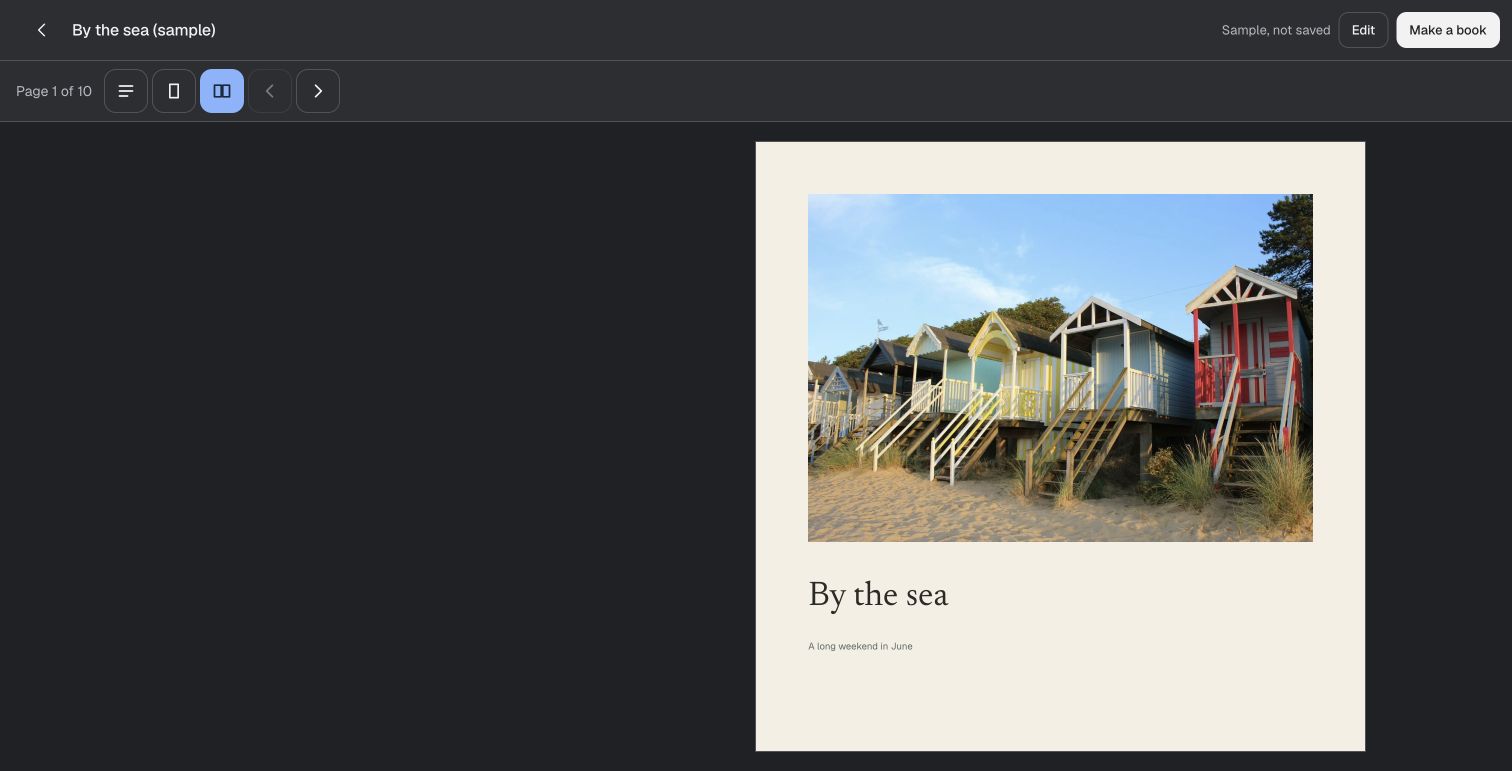
Try one page
- Open the sample, then choose Edit.
- Select a photo. Move it, resize it or crop it on the page.
- Use Undo to compare the change, then open Read.
- Make your own book when you want to keep a separate project.
The sample's changes are temporary. Make a book in your library to share or download your own work.
Choose the kind of book
For a personal scrapbook, pair photos with relevant scans and your own words. For a shared memory book, collect contributions and review what enters the pages.
Check plans, editor permissions and export formats before starting a larger book.