
Instagram scrapbook template for your own posts
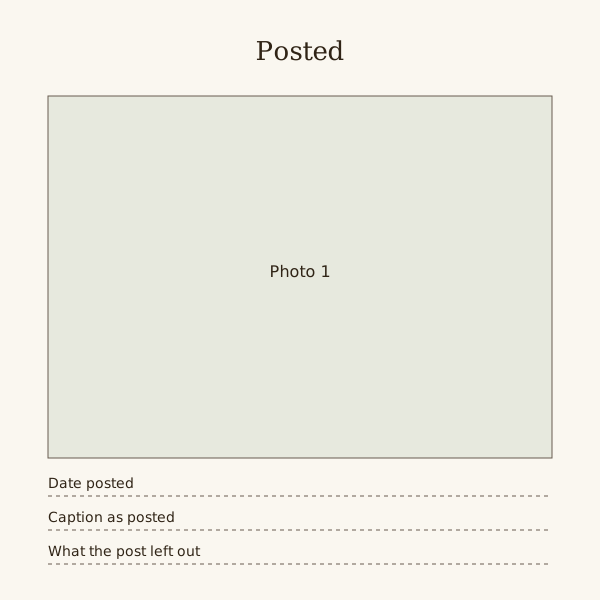
Pair an original photo with its posting date and your own caption, if you want to keep it. The square SVG is a book-page guide, not an Instagram Story template or account import.
Choose which record you want: the photo as taken, or the post as it appeared. An original image keeps more detail; a screenshot can preserve the crop and layout you actually shared.
The template has one square photo box and three lines. It copies the shape of a post without the buttons, counts and usernames around it.
Fill the pages online instead
Drop your photos onto editable pages and download a PDF.
Copy the caption word for word
Keep the spelling, the in-jokes and the hashtags you used. Tidying them turns a record of that day into something you wrote later.
If the caption is long, copy it in full on the back or a facing page. A shortened version loses the part you meant.
Start from the original photo
For a clean print, use the original camera file if you have it. To document the post itself, keep a screenshot as a separate reference rather than discarding its context.
If you only kept the screenshot, crop it to the photo itself before printing. Print it smaller rather than enlarging it.
- Search your camera roll by the date you posted.
- Ask a friend for the original if the photo was theirs.
- Keep the crop you posted, or print the full frame and note the difference.
Comments are other people's words
A friend's comment may be the best line on the page, but they wrote it for a feed, not a book. Ask before printing it with their name.
Choose whether counts matter to this record. Remove usernames and details belonging to other people from any copy you intend to share.
Carousels and grids
A post with several photos can take a strip of three boxes across one page, in the order you posted them, with the single caption beneath.
For a month at a glance, print nine posts small in a three by three grid. Put the full captions on the facing page, numbered to match.
Steps
One post, one page
Square photo across the top two thirds, then the date and caption lines. Use this for a post that marked something, such as a move or a first day.
Carousel strip
Three equal squares side by side at the top, in posting order, with one caption below. Number the squares if the order told a story.
Nine-post month
A three by three grid of small squares filling the page, each corner numbered. The facing page carries the nine captions, numbered to match.
Posted and not posted
The photo you shared on the left, a photo from the same moment that you did not share on the right. The lines below say why one made the cut.
Questions
Should I print the date the photo was taken or the date it was posted?
Write the posting date on the line, since the caption belongs to that day. Add the date taken in brackets if it differs by more than a few days.
What if I deleted the post but kept the photo?
Use the template anyway and write the caption as you remember it, marked as remembered. Do not present a rebuilt caption as the original.
Can I use the template for a digital scrapbook?
Yes. Place the SVG in an editor that accepts it, or match the square box and three lines on your own page. Type the caption rather than pasting a screenshot of it.