
Year in review scrapbook from a phone full of photos
Copy the year's photos into one album, choose one lead photo per month in a single pass, fill thin months with tickets or screenshots, and finish with a page of numbers you counted yourself.
Choose twelve monthly pages, seasonal sections or a smaller set of events. A month-by-month book gives ordinary months a place alongside holidays.
Start in the last week of December with January to November, and add December in the first week of January when it is over.
Make the memory book together
Invite people to send photos and their own words, then choose what goes in the book.
Choosing twelve from thousands
Work through one month at a time at the smallest thumbnail size. Mark at most five candidates as favourites, then pick the one that shows something only that month had.
For an example monthly selection, choose one lead photo and up to three extras. Check all twelve months before filling the first pages, so the busy months do not use the whole book.
- Skip screenshots, receipts and duplicates on the first pass.
- Prefer a photo with people and place over one of either alone.
- Keep up to three small extras per month for a second row.
Filling the thin months
Some months will have almost nothing in them. Use a calendar entry, a ticket, a route from a walk or the one ordinary photo of the kitchen at night.
A thin month on the page is honest. Do not borrow a photo from the month before to make it look fuller.
A page of numbers you counted
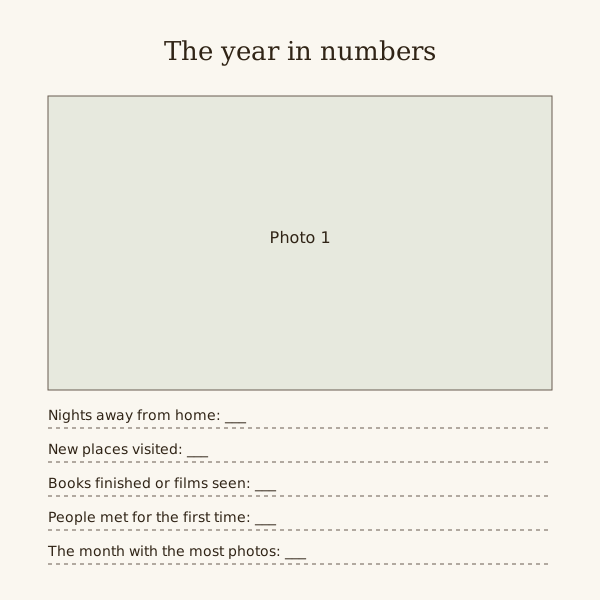
Close the book with a page of counts: nights away, books finished, films seen, new places, people met. Use only numbers you can check against a calendar, a booking email or a shelf.
Leave a line blank rather than guess.
Find gaps without inventing them
Make a twelve-row index with month, lead-photo file and date checked. Mark a missing month as missing, or use a dated calendar item; never move another month's photograph to fill the gap.
Pages to make
Make one album for the year
Copy or add every photo from 1 January to 31 December into a single album or folder, so you choose from the year without changing your phone's main library.
Pick the lead photo for each month
Three months per sitting, at most five favourites per month, then one lead photo and up to three small extras. Write the month name on the page before placing anything.
Write one line per month
Under each lead photo, a single line on what happened that month that you would otherwise forget. Write it the day you place the photo.
Count and build the closing page
Go through the calendar and booking emails, count what you can check, fill the numbers page, and leave blank anything you cannot confirm.
Questions
How many photos go in a year in review scrapbook?
One monthly option uses twelve lead photos and up to three extras each, for 12 to 48 in all. Treat that as a page plan, not a minimum or maximum for every year book.
Does it have to run January to December?
No. A school year, a year in a new home or birthday to birthday works the same way, as long as it is twelve months with a clear start and end.
What goes on the stats page?
Counts you can check: nights away, places visited, books or films, people met. Leave out anything you would have to estimate.