
Try the tbf scrapbook sample
The tbf scrapbook sample is a demonstration book you can read and edit in your browser, with no account and nothing to install.
The sample uses public demonstration photos and keepsakes. It is not a customer book. Your practice changes do not edit the original sample.
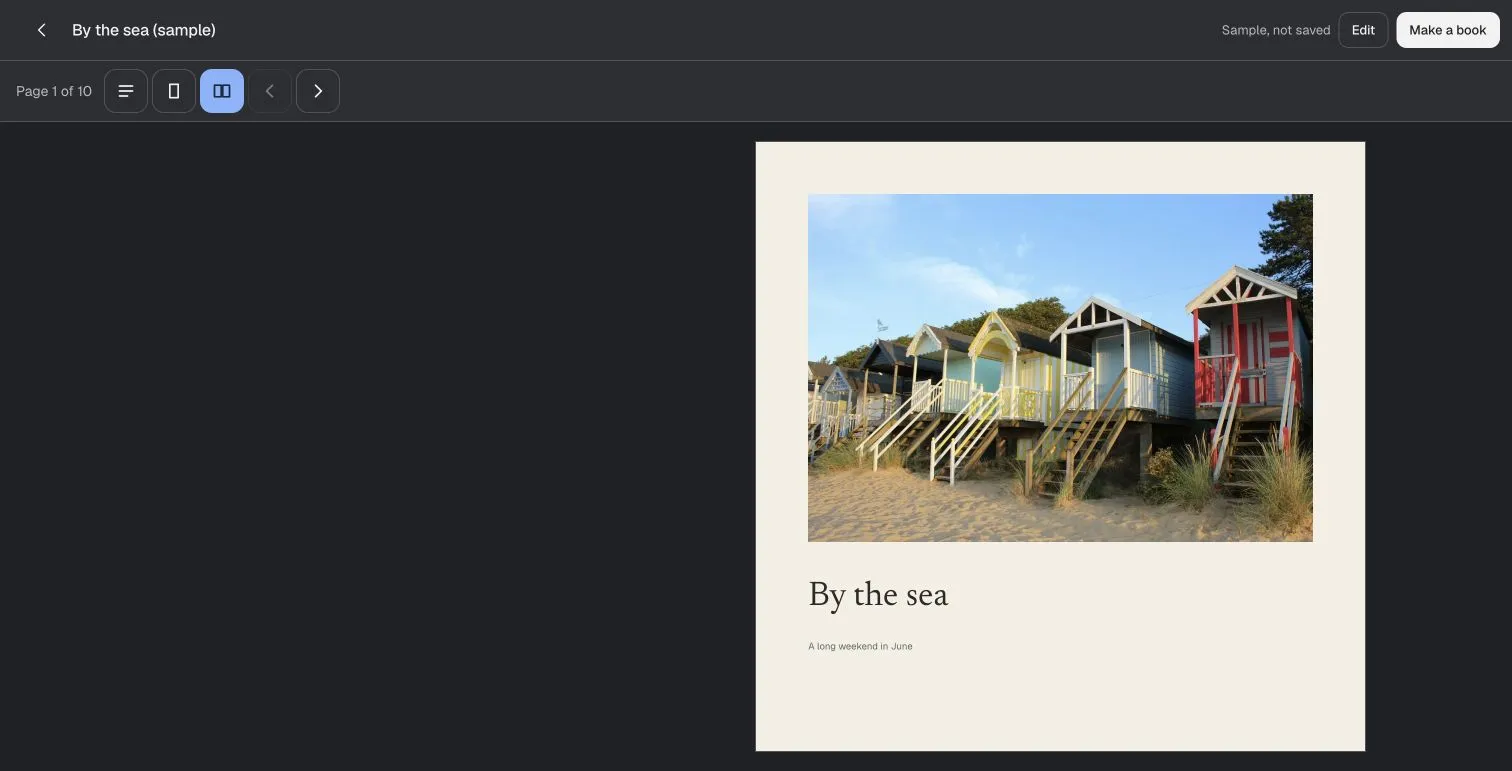
What is in the sample
A book called By the sea, about a weekend at the coast. It has 12 pages with 22 photos, 19 pieces of writing, 4 scanned keepsakes and the papers and decorations around them, laid out the way a finished book is.
What you can open
- Read turns the pages the way a person with the book's link sees them.
- Edit is the full editor: move, resize, crop and layer anything on a page.
- Arrange shows every page at once, to change their order.
- Share and export shows how a finished book leaves the editor: a link, a download or a printed copy.
Try one page
- Open the sample, then choose Edit.
- Select a photo. Move it, resize it or crop it on the page.
- Use Undo to compare the change, then open Read.
- Make your own book when you want to keep a separate project.
The sample's changes are temporary. Make a book in your library to share or download your own work.
Choose the kind of book
For a personal scrapbook, pair photos with relevant scans and your own words. For a shared memory book, collect contributions and review what enters the pages.
Check plans, editor permissions and export formats before starting a larger book.
Questions
Do I need an account to try the sample?
No. It opens in your browser without signing in. You need an account to make and keep a book of your own.
Are my changes saved?
No. Changes in the sample are temporary and never change the original. Start your own book to keep your work.
Is it somebody's real book?
No. It uses public demonstration photos and keepsakes, not a customer's book.
What does my own book cost?
A free book is forty pages and 250 MB with the complete editor. No payment card is needed. Plans and prices.
Can other people add to my book?
Yes. Send one link and they send photos and words from their phones. How a shared memory book works.