
Five-photo scrapbook layout ideas
For five photos, use one large scene with four smaller details, or a two-column arrangement with two images on one side and three on the other. Keep the smallest subjects readable.
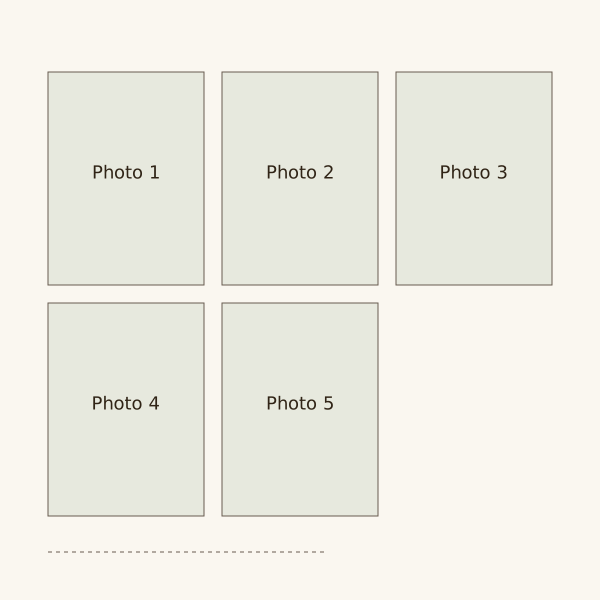
Five equal photographs rarely form a tidy rectangular grid without an empty space. Use that space for a related item, or choose a layout with a clear main picture.
Use equal boxes when the five photos need similar space. A main photo above four small details is another option on a 12-inch square.
Try this in your own scrapbook
Arrange your photos on the pages of a digital scrapbook in your browser.
Choose the large photograph
Choose the overview, group portrait or clearest action picture as the large image. The other four should explain details rather than repeat it.
Keep a person's only portrait large enough to recognise. Use a spread if shrinking it to fit a small supporting box would hide their face.
Measure the supporting grid
A 6 by 4-inch main image above four 2.5-inch squares takes 10 inches in height with 0.5-inch gaps. Put your own text beside the main photo, not in a squeezed bottom strip.
If square crops lose detail, use a two-and-three arrangement of rectangles. The columns can have unequal counts without unequal photo sizes.
Order the smaller photographs
The large image naturally starts the page. Follow it with supporting details arranged across the upper row and then the lower row.
For five equal pictures in chronological order, number the positions in your sketch. A staggered arrangement needs dates close to each image to avoid confusion.
Place the photos
Main scene at the top
Place a 6 by 4-inch landscape 3 inches from the left and 0.75 inches down. Keep a narrow text area beside it if context is needed.
Four details below
Use four 2.5-inch squares below the main image. Put their tops at 5.25 and 8.25 inches, with 0.5-inch row and column gaps.
Two and three columns
Use five 4 by 3-inch images in columns 0.5 inches apart. Put two on the left and three on the right, keeping the last image inside the lower margin.
Five equal stages
Try five 1.7 by 2.55-inch portraits in one row with 0.5-inch gaps. The width is 10.5 inches; use this only when small subjects remain clear.
Questions
How do I avoid an awkward gap with five photos?
Use one large image above four smaller ones, or arrange two images in one column and three in the other. A planned space can also hold a relevant keepsake.
Can five photos fit on a single scrapbook page?
Yes, using smaller photos or one large image with four details. Check faces at reading size. Use a spread if all five need more room.
Should all five photos be equally important?
They can be. Equal boxes give them similar space. A larger box draws more attention, so avoid it when all five people or moments should have equal prominence.