
Free boarding pass template for a surprise trip
Download a sheet of two blank boarding passes, each 190 by 80 mm with a stub. Fill in the passenger, from, to, date, flight, gate, seat and boarding time yourself, then print on card and cut out.
Start with 40 pages free. No card needed.
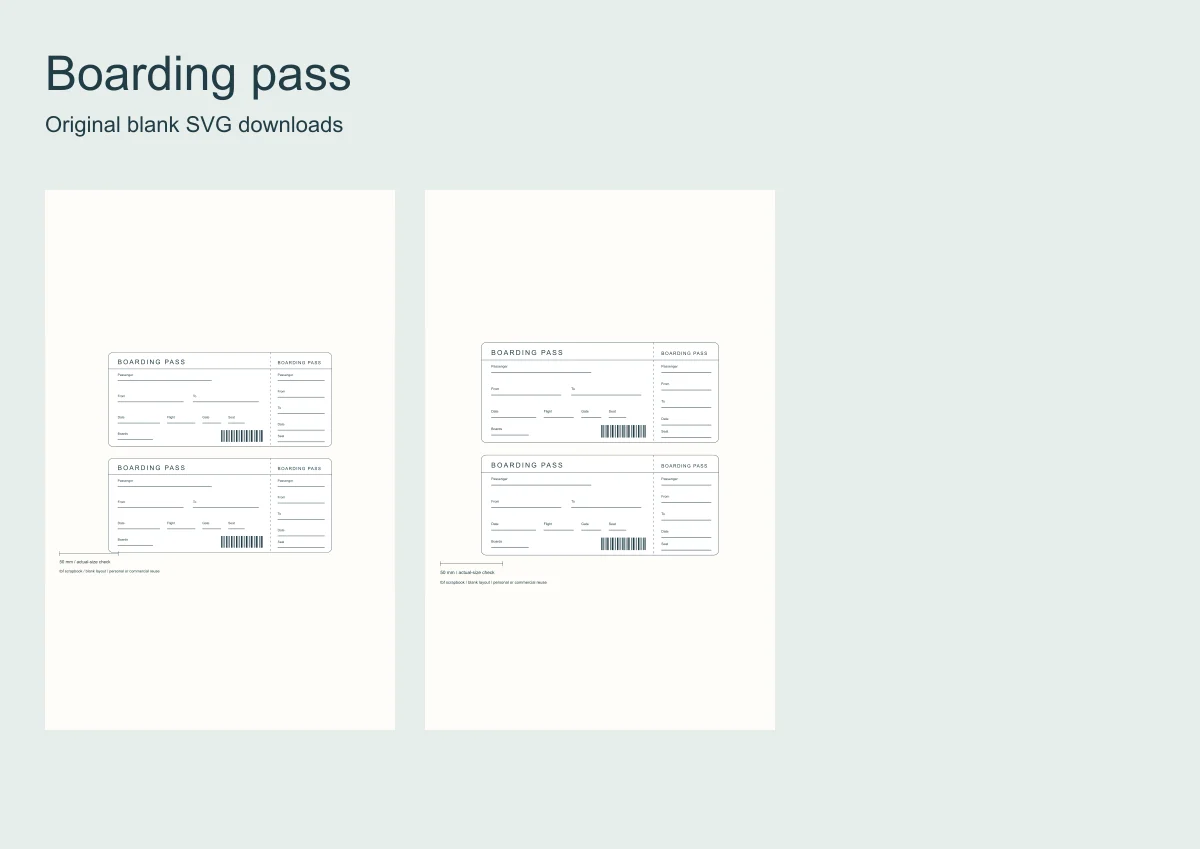
The pass has eight labelled lines and nothing written on them. It carries no airline name and its bars are decoration, so it cannot be mistaken for a real travel document.
People use it to announce a trip as a gift, and afterwards as the first thing stuck into the scrapbook of that trip.
See also: Mount real tickets so both sides can be read, Plan the pages for a trip by road.
Make a scrapbook
Drop your photos onto editable pages and download a PDF. Make the trip's scrapbook online.
| Line | On the main part | On the stub | What to write |
|---|---|---|---|
| Passenger | Yes | Yes | The traveller's name, surname first on a real pass |
| From | Yes | Yes | Departure city or airport code |
| To | Yes | Yes | Destination city or airport code |
| Date | Yes | Yes | The day of travel |
| Flight | Yes | No | The flight number, once booked |
| Gate | Yes | No | Leave empty until the day |
| Seat | Yes | Yes | Row and letter, once assigned |
| Boards | Yes | No | Boarding time, usually 30 to 45 minutes before departure |
Download this table as a spreadsheet (CSV)
Download the blank layouts
Free original SVG files. Edit a copy in a vector editor or print it. These are separate files, not native tbf book templates or fillable PDFs.
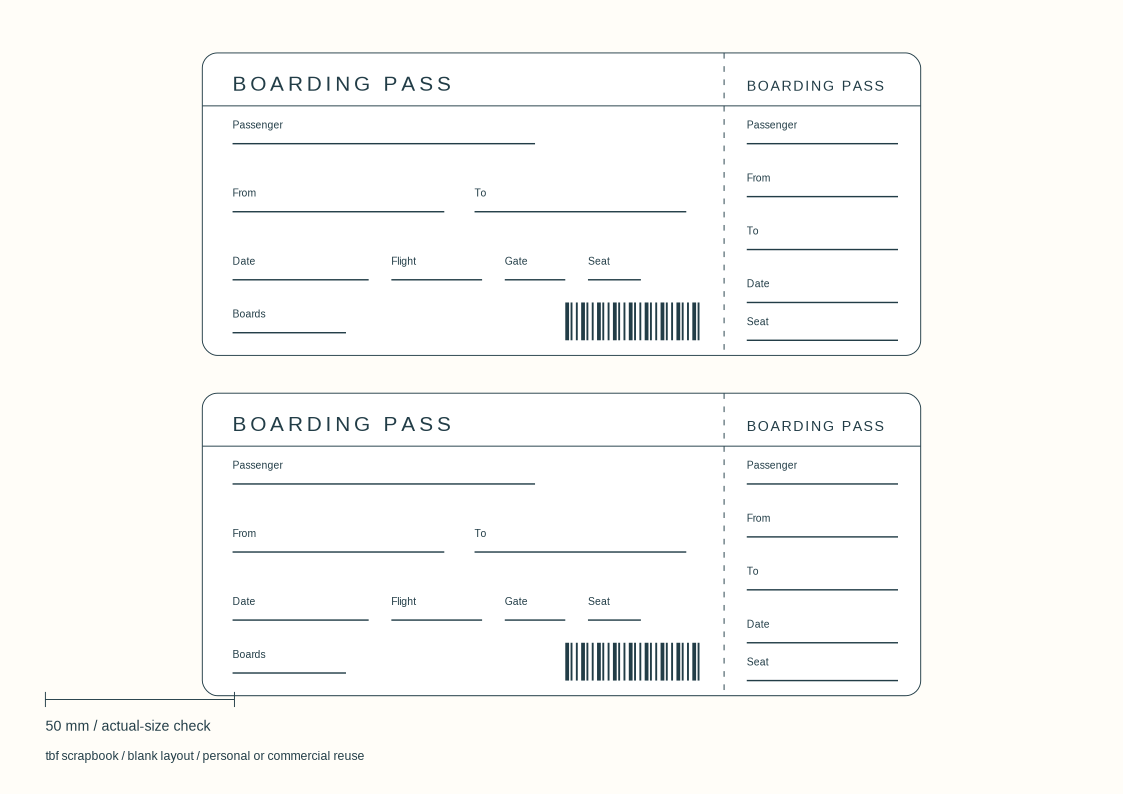
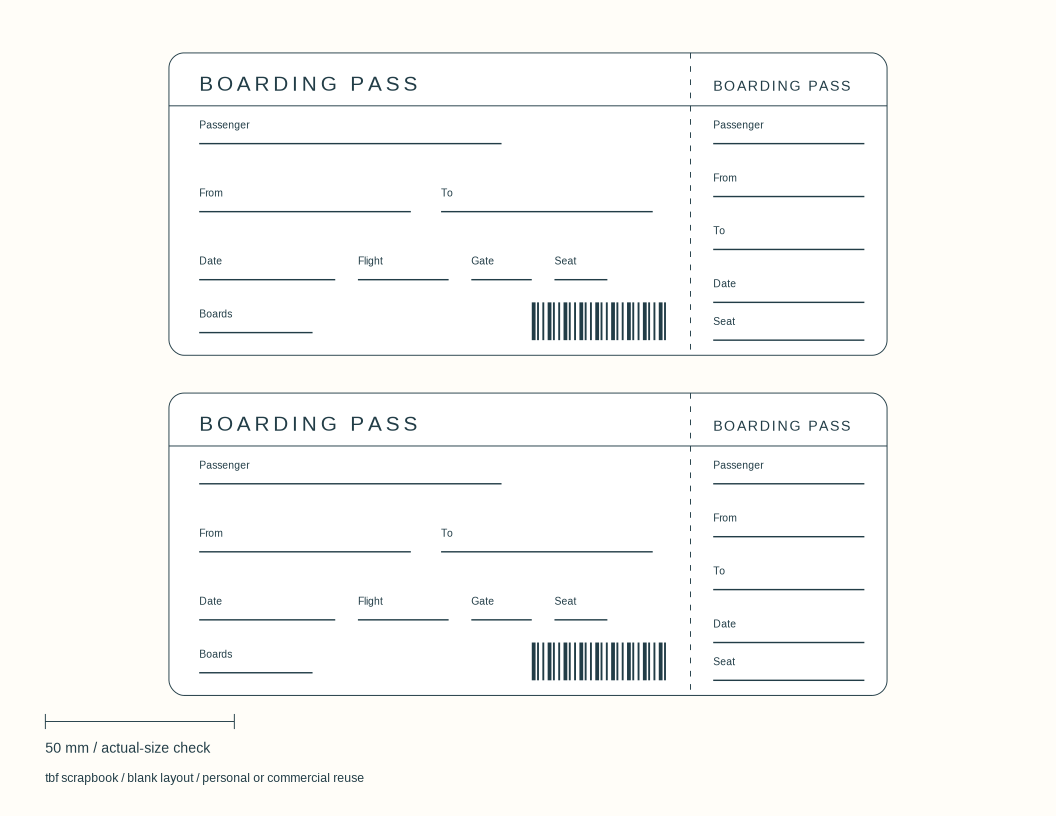
Use and adapt the original blank designs for personal or commercial work, without attribution. Added images keep their own rights. Check a print at actual size before making a batch.
What is on the pass
The main part is 138 mm wide with lines for passenger, from, to, date, flight, gate, seat and boarding time. A dashed line marks where the 52 mm stub tears away.
The stub repeats five of the lines: passenger, from, to, date and seat. Keep the stub for the scrapbook and give the main part as the gift.
Two passes fit one landscape sheet, with a 50 mm check line under them. Print two sheets for a family of four.
Fill it in
Write by hand in capitals with a fine black pen for the look of a printed pass, or type over the lines in a vector editor before printing.
Airports are usually shown by their three-letter codes with the city beneath. Look up the real codes for your route so the pass reads properly.
If the flight is not booked yet, fill in the places and the date and leave flight, gate and seat empty. They can be added the day you travel.
Print and cut
Print at actual size on white or cream card of 200 to 250 gsm. Thin paper curls and reads as a printout, not a ticket.
Cut round the outer line with scissors and round the corners to match. Score the dashed line with a blunt knife so the stub folds cleanly.
For a real tear line, run a tracing wheel or the tip of a pin along the dashes every 2 mm.
Give it, then keep it
A pass fits a standard DL envelope, 110 by 220 mm, without folding. It also slips into a passport cover or the front of a guidebook.
Afterwards, mount the pass on the opening page of the trip's scrapbook with photo corners, beside the real tickets if you kept them.
Real boarding passes are often thermal paper and fade within a few years. Photograph or scan them the week you get home.
Steps
Download the sheet
Choose A4 or US Letter.
Fill in the lines
Type them in a vector editor or print first and write by hand.
Print on card
Actual size, 200 gsm or heavier, and measure the check line.
Cut and score
Cut the outline, round the corners and score the stub line.
Questions
What size is a boarding pass?
Printed airport passes are commonly about 8 by 3.25 inches, or 203 by 83 mm. This template is 190 by 80 mm so two fit on A4 or US Letter with margins.
Can I edit the boarding pass template in Word or Canva?
Both can place an SVG as a picture, so you can add text boxes over the lines. The lines and labels themselves are edited in a vector program.
Can I make a boarding pass in tbf scrapbook?
tbf has no ticket or pass template. Make the pass from this file, then photograph it and add it to the opening page of the trip's book in the studio.