
Free digital scrapbook templates: six blank layouts
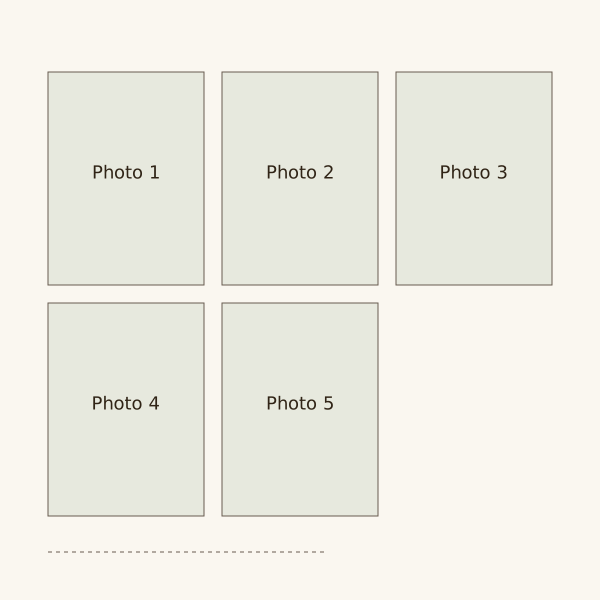
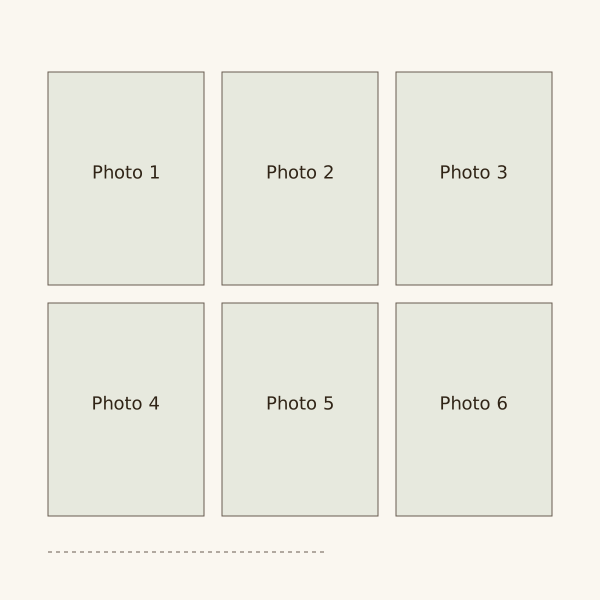
Download six blank SVG layouts for one to six photos. Use them as planning sketches or edit them in a vector editor, then adapt the arrangement to your photos and keepsakes.
Choose a layout that fits your photos. Four equal spaces may work for a short sequence, but one portrait and a tall ticket need a different arrangement.
The six downloads are blank SVG layouts. Use them as sketches or open them in an editor that accepts SVG; add your own photos and writing there.
Try this in your own scrapbook
Arrange your photos on the pages of a digital scrapbook in your browser.
Six blank page layouts
Download an SVG to use as a layout reference or edit in a vector editor. These files are free guide resources.
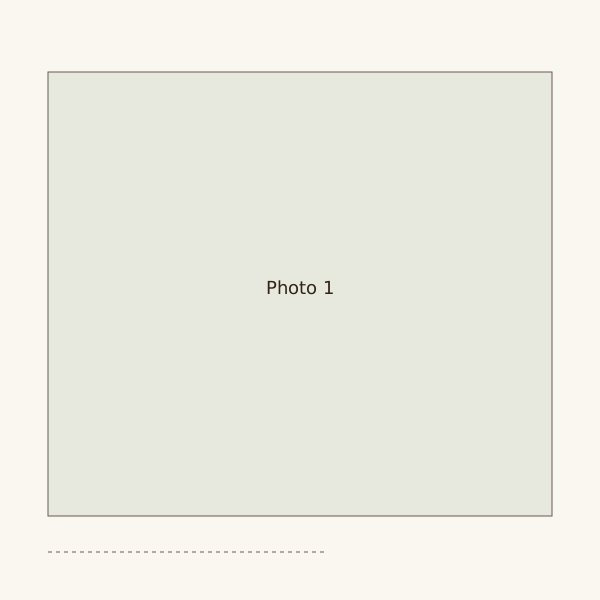
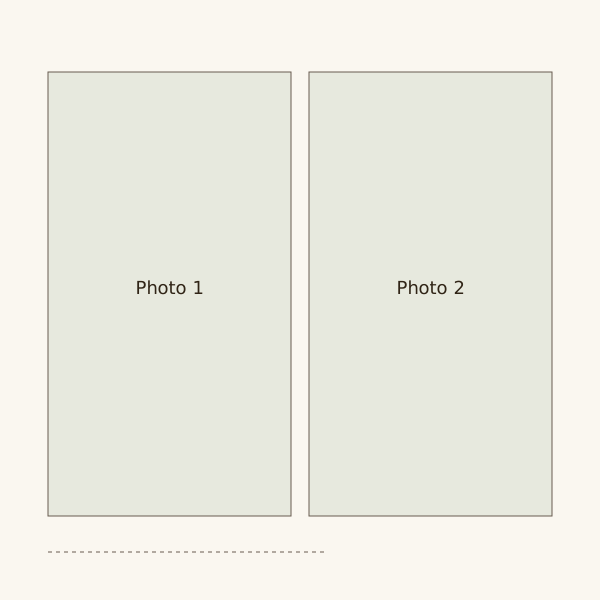
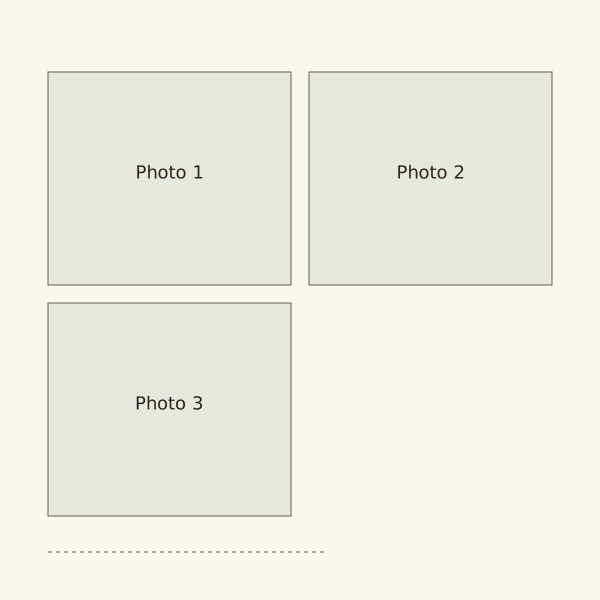
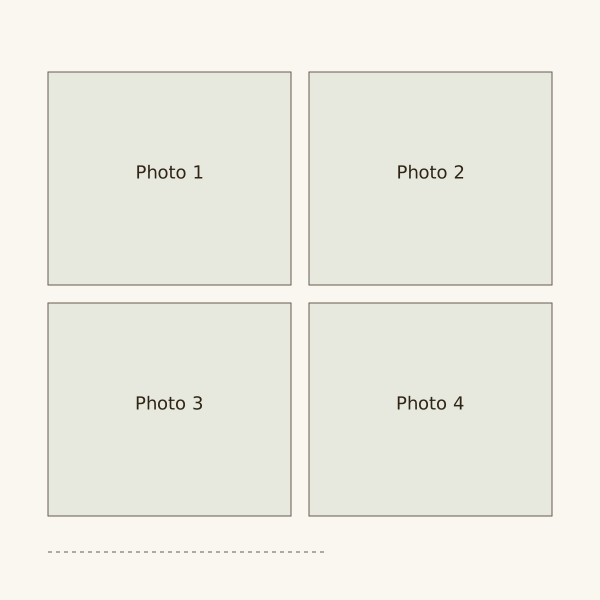
Check which files your editor accepts
A sketch shows where things sit. To edit a downloaded template, you also need software that accepts its file format.
SVG, PDF and Photoshop files work differently. Check the file type before downloading a template from another site.
Fit the spaces to your material
Give the main photo enough room, then place the keepsake and writing beside it. Change the photo space if you need a portrait instead of a landscape image.
Keep a blank copy before filling the layout. It is easier to reuse than a page with dates and photos already in place.
Check other downloads before using them
For templates from other sites, keep the licence with the file. Check permission for any illustrations or textures, especially if you plan to share the book publicly.
Remove sample names and writing from a purchased template. Check small text and any hidden layers before exporting it.
Steps
One main photo
Reserve about two-thirds of the page width for one image. Use the remaining column for a small keepsake and your own account.
A photo sequence
Set three equally sized images in reading order. Leave a band below for dates and the details that changed between them.
A tall keepsake
Give a tall document the centre of the page. Add one small photograph in a lower corner, leaving the document readable.
Several contributors
Use a consistent photo space and a separate writing space for each contributor. Keep their names beside the material they supplied.
Questions
How can I use the six blank layouts?
Download the SVGs and use them as page sketches, or open them in a vector editor. Choose a layout by photo count, then adapt the spaces to the material you have.
Can I use a template without writing provided text?
These six layouts contain no personal wording. For a template from another source, remove its example text and leave the space empty until you write your own words.
How many arrangements does one book need?
Try one main-photo page, one grid and one document page. Add another arrangement only when the contents need a different shape.