
Family history book template with source records
Use a family history template that keeps each photograph and claim linked to its source. Download blank household, timeline, photo-register, source-list and uncertainty pages, plus a cover.
Start with 40 pages free. No card needed.
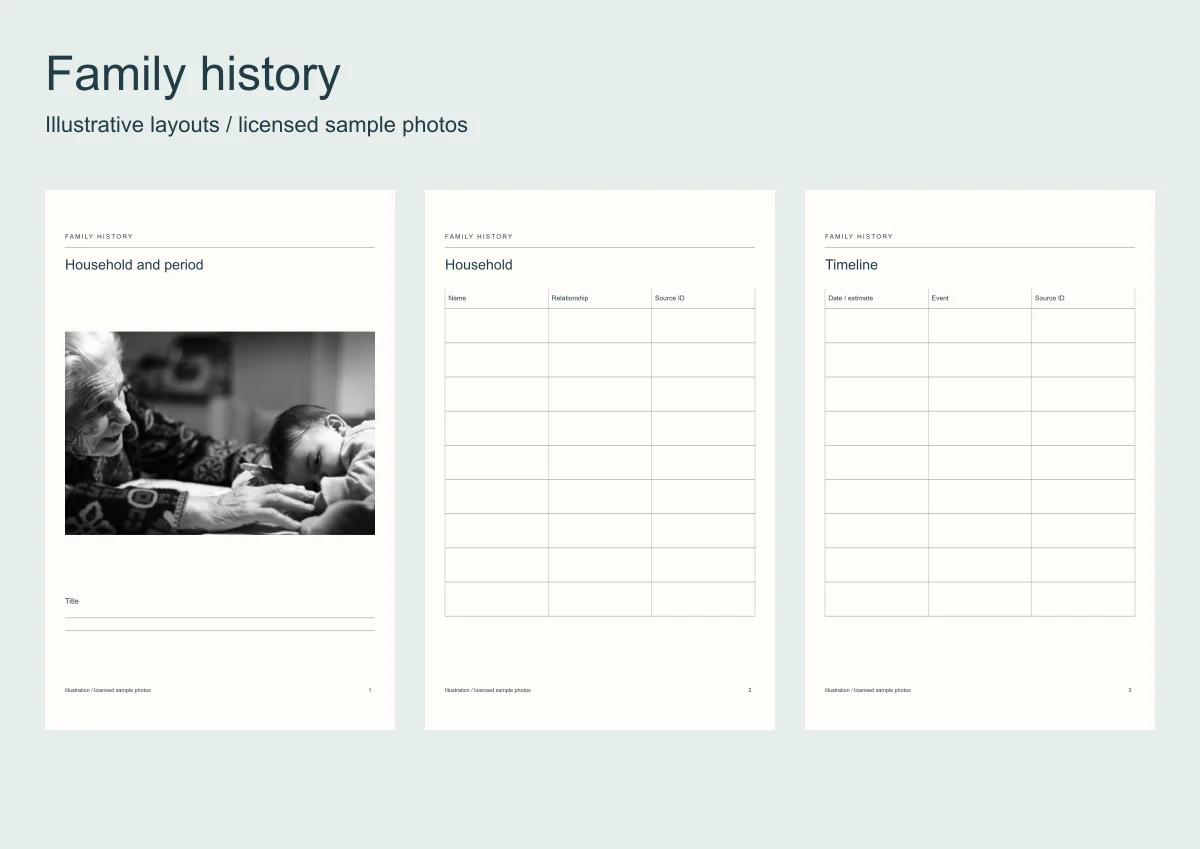
The family-history guide explains how to research a collection. This pack gives that research places to go in the book without turning an uncertain recollection into a fact.
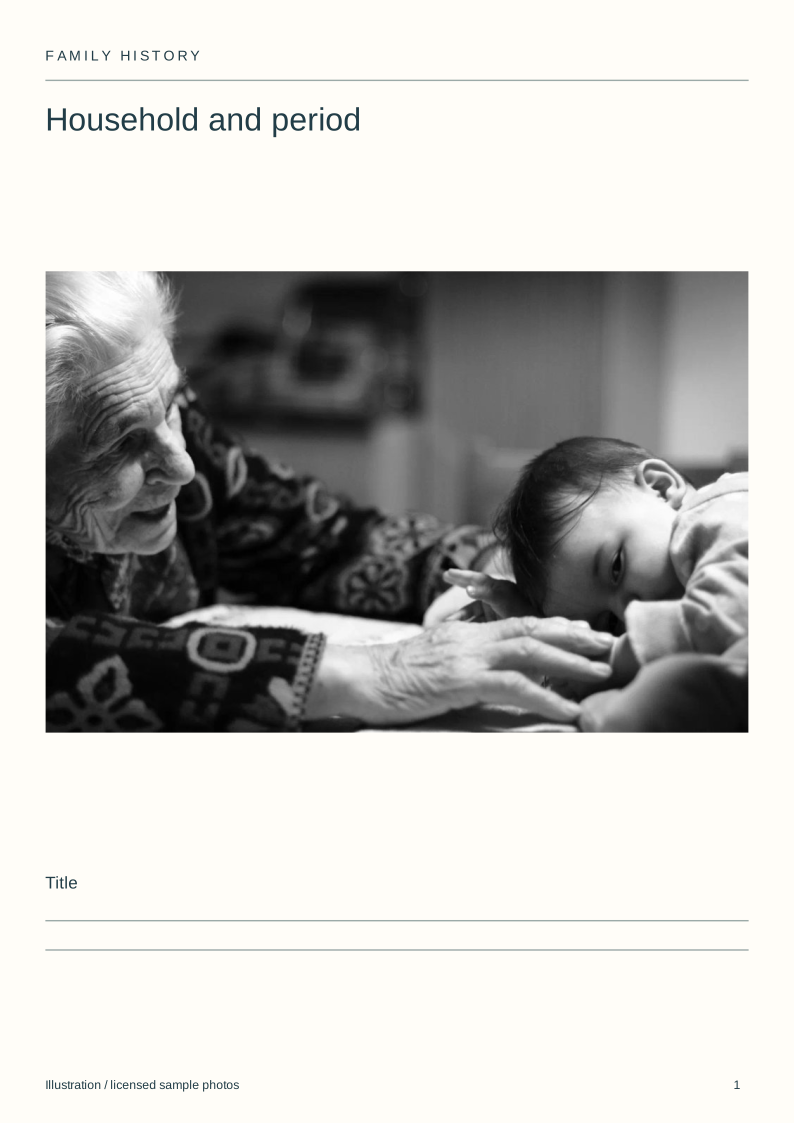
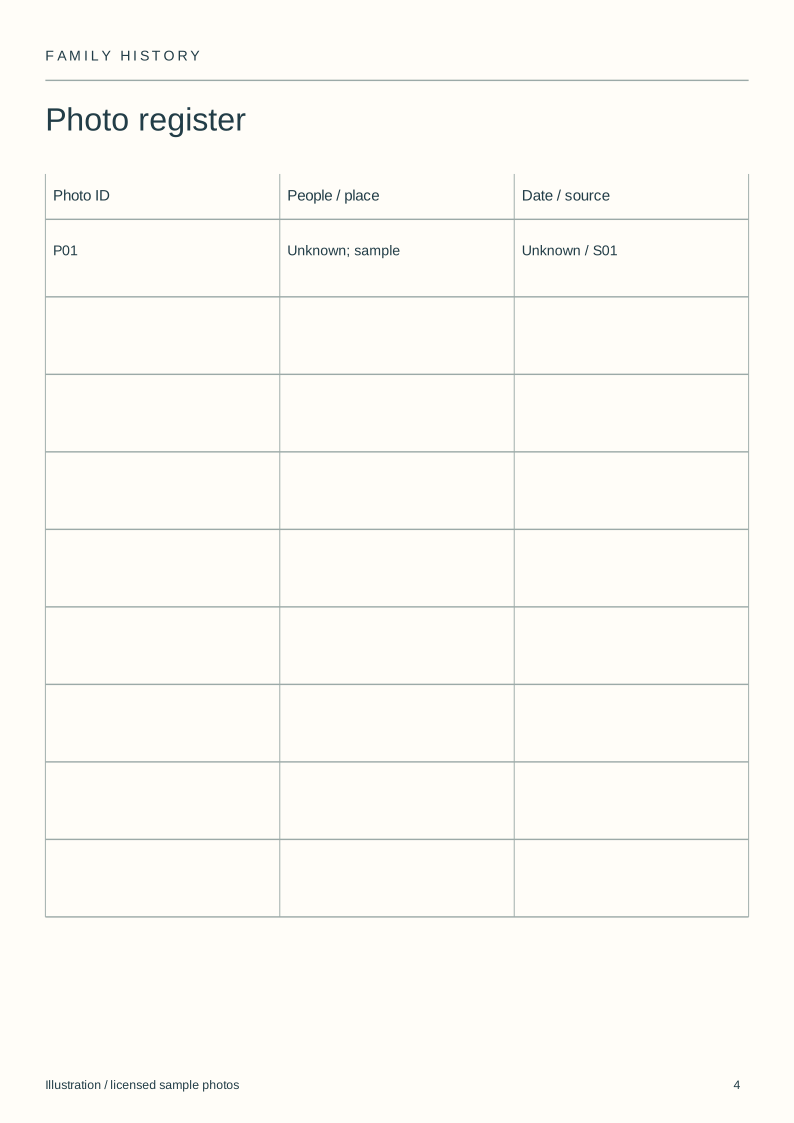
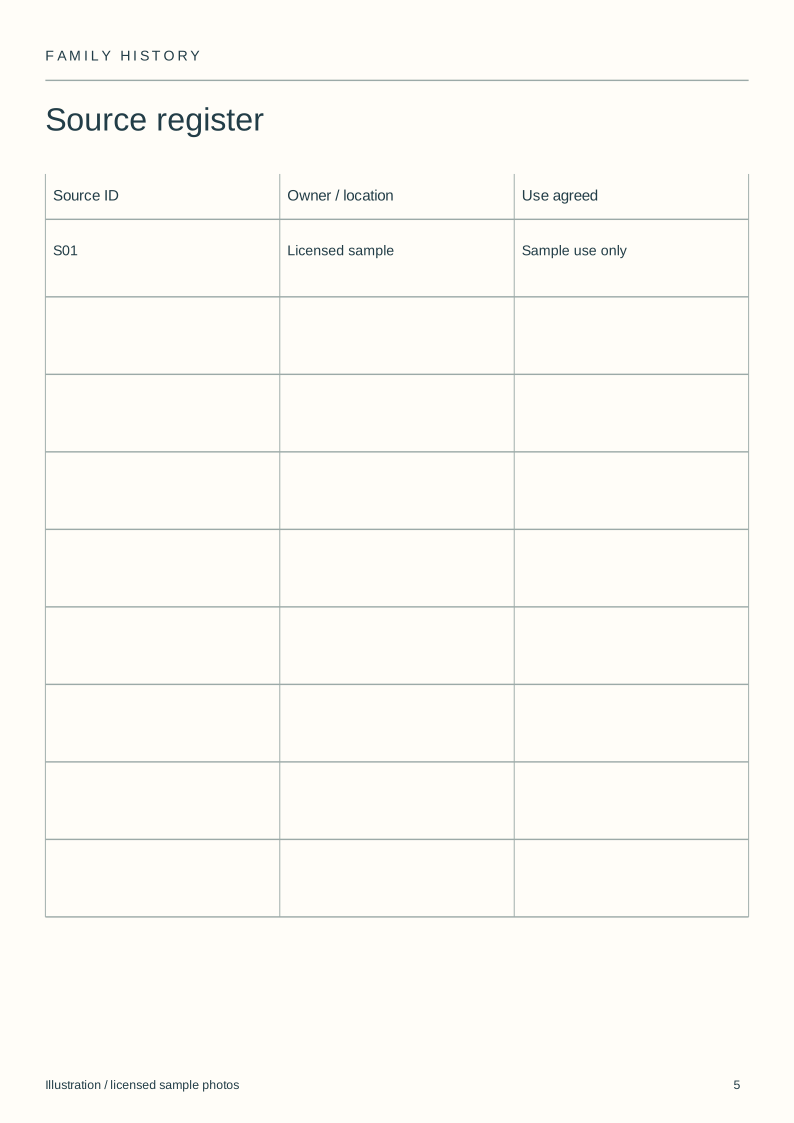
The illustrated example links sample photo S01 to its source register and records unknown people and dates. It uses a licensed image, without an invented family history.
Open a template instead
Six whole-book templates with the frames and the words laid out. Open one, put your photos in.
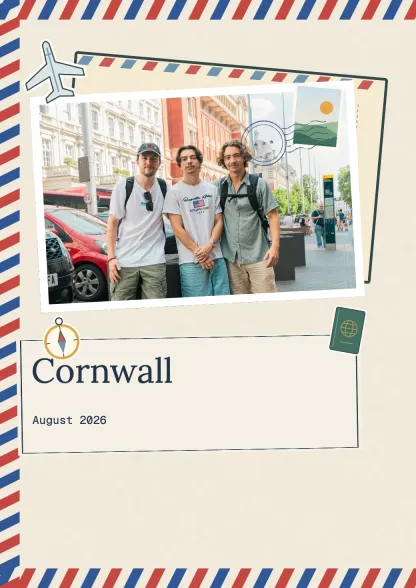 Travel journalTravel · 10 spreadsUse this template
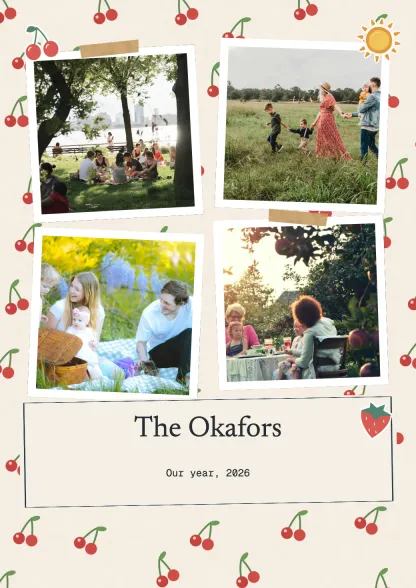 Family albumFamily · 10 spreadsUse this template
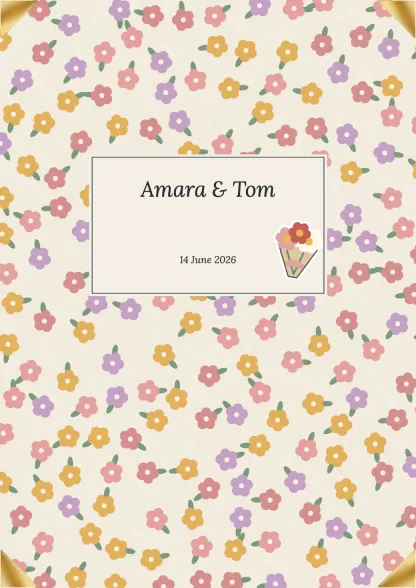 Wedding albumCelebrations · 10 spreadsUse this template
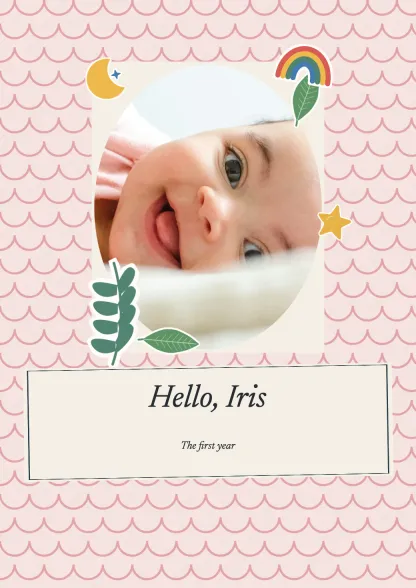 First yearFamily · 10 spreadsUse this template
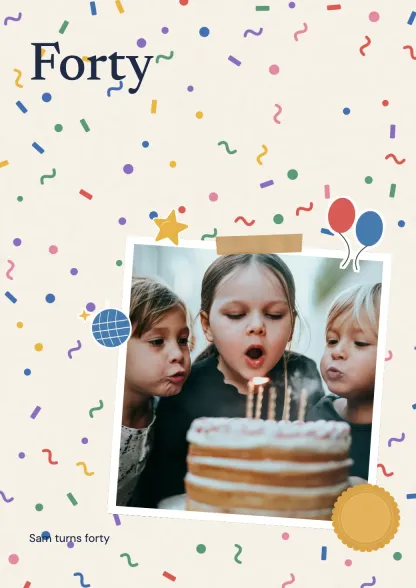 Birthday bookCelebrations · 10 spreadsUse this template
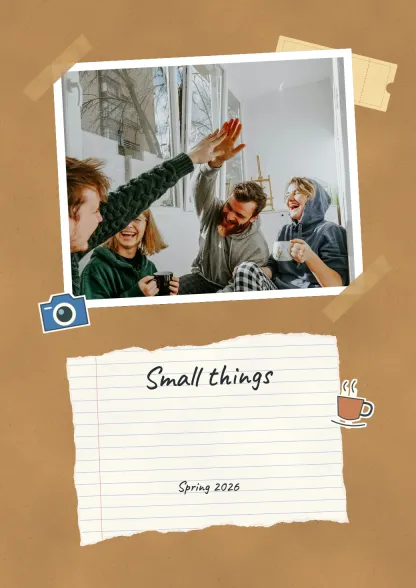 Everyday collectionEveryday · 10 spreadsUse this template
Make a family history scrapbook
Drop your photos onto editable pages and download a PDF.
| Page | Record | Purpose |
|---|---|---|
| Cover | Household or branch and period | Defines the scope |
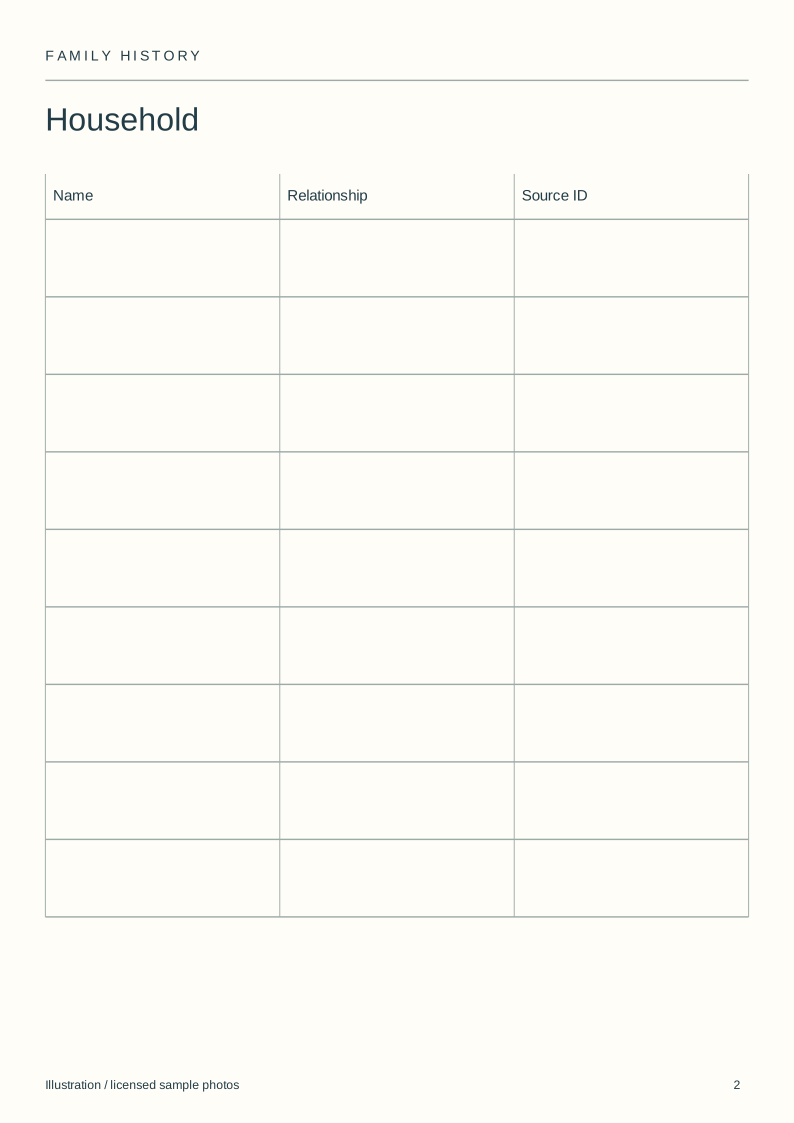
| Household | Names and relationships you can support | Identifies the people |
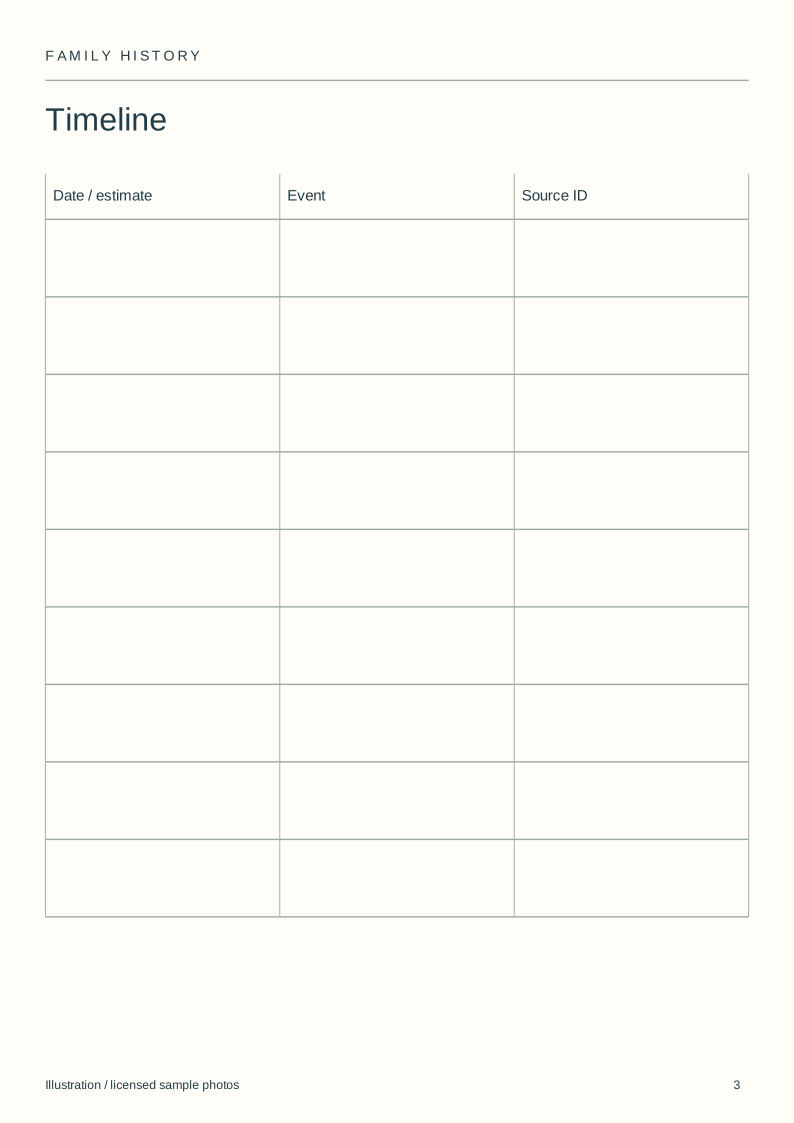
| Timeline | Date, event and source reference | Keeps claims traceable |
| Photo register | Image ID, people, place and date | Identifies the photographs |
| Sources | Owner, location and sharing permission | Locates the original |
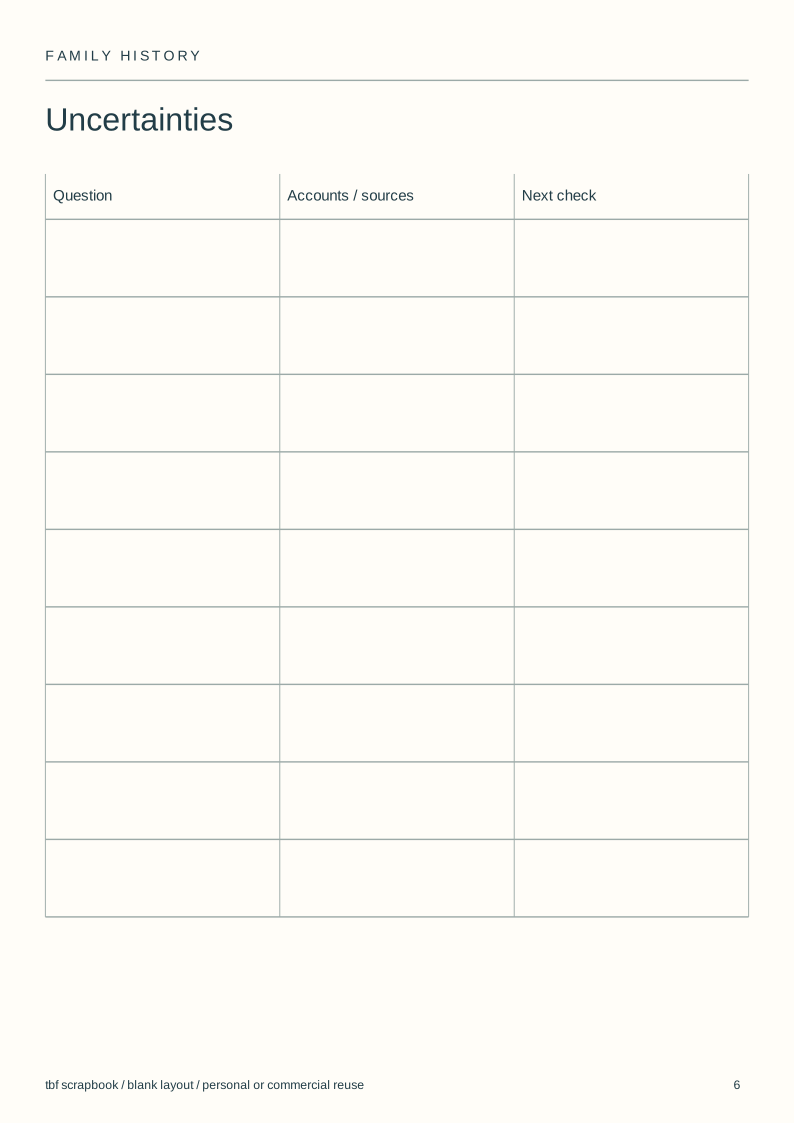
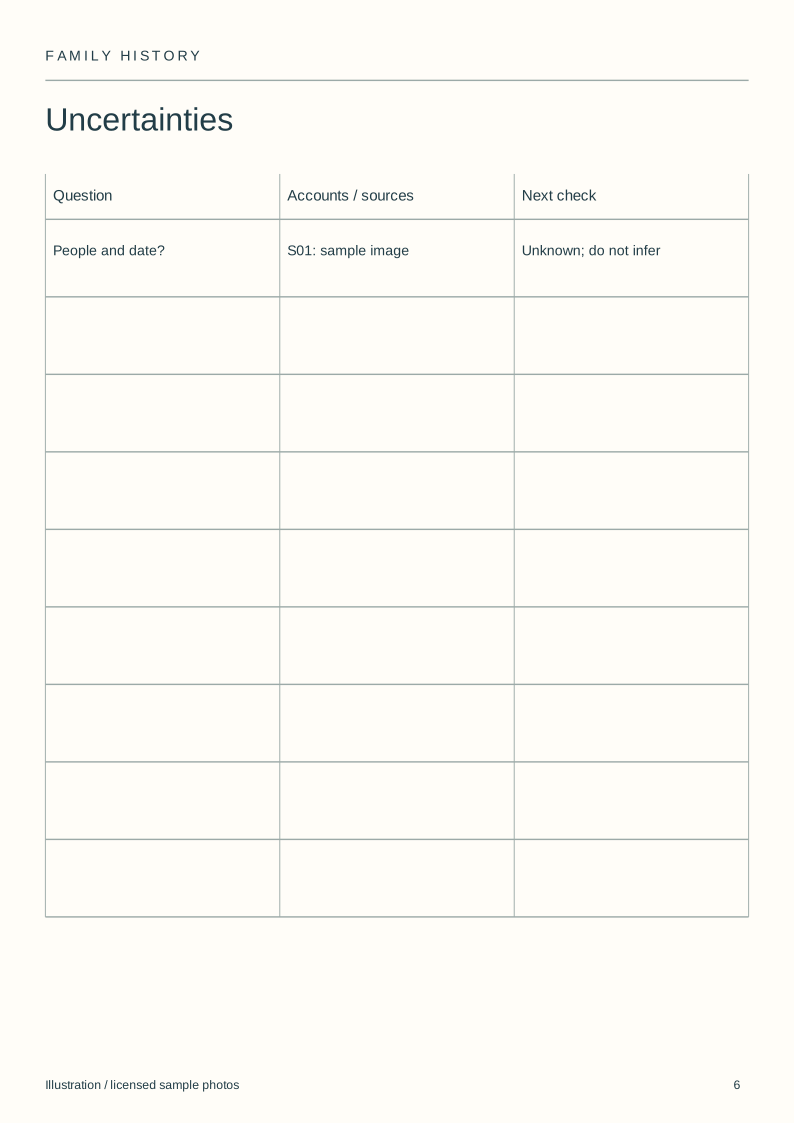
| Uncertainties | Conflicting accounts and open questions | Preserves what remains unknown |
Download the blank layouts
Free original SVG files. Edit a copy in a vector editor or print it. These are separate files, not native tbf book templates or fillable PDFs.
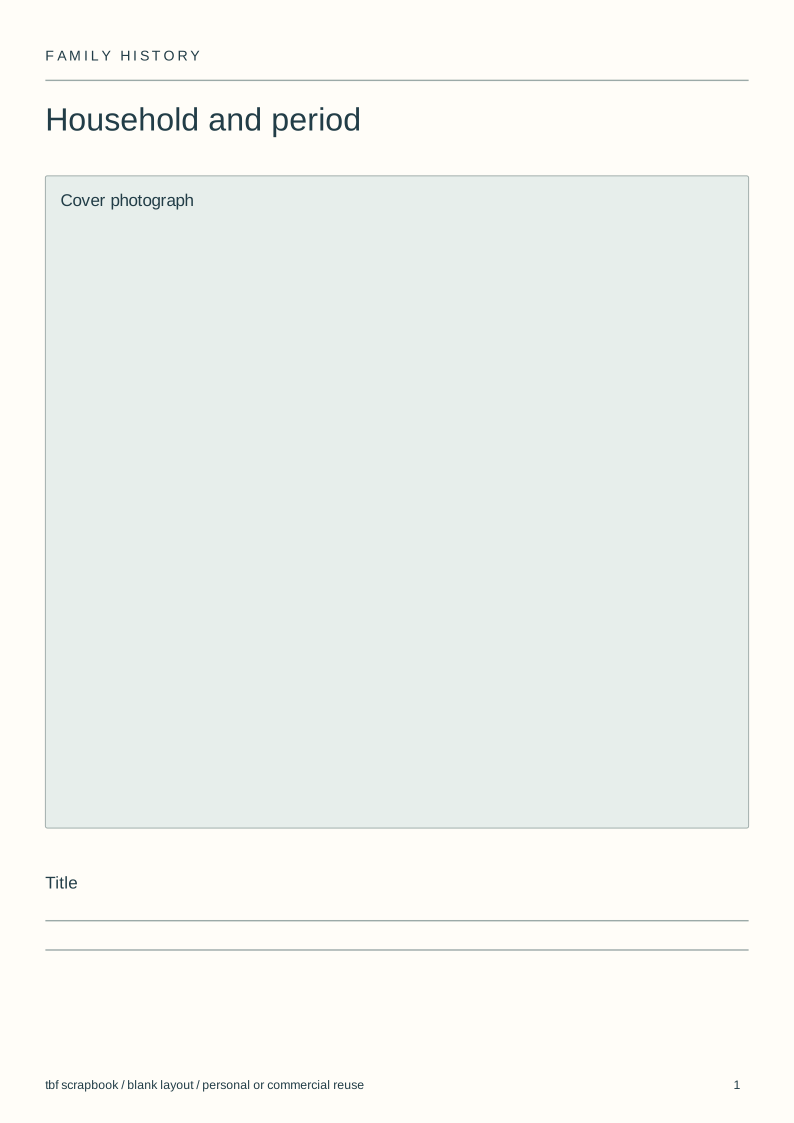
- Household and period (SVG)
- Household (SVG)
- Timeline (SVG)
- Photo register (SVG)
- Source register (SVG)
- Uncertainties (SVG)
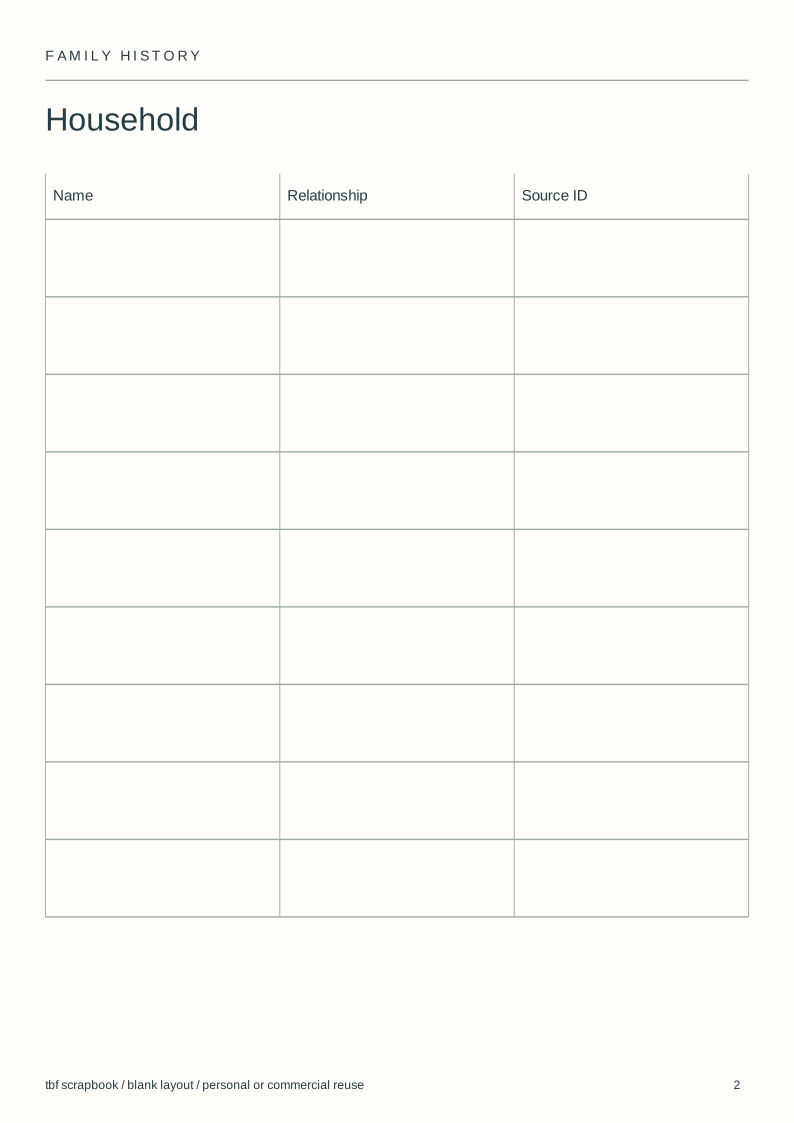
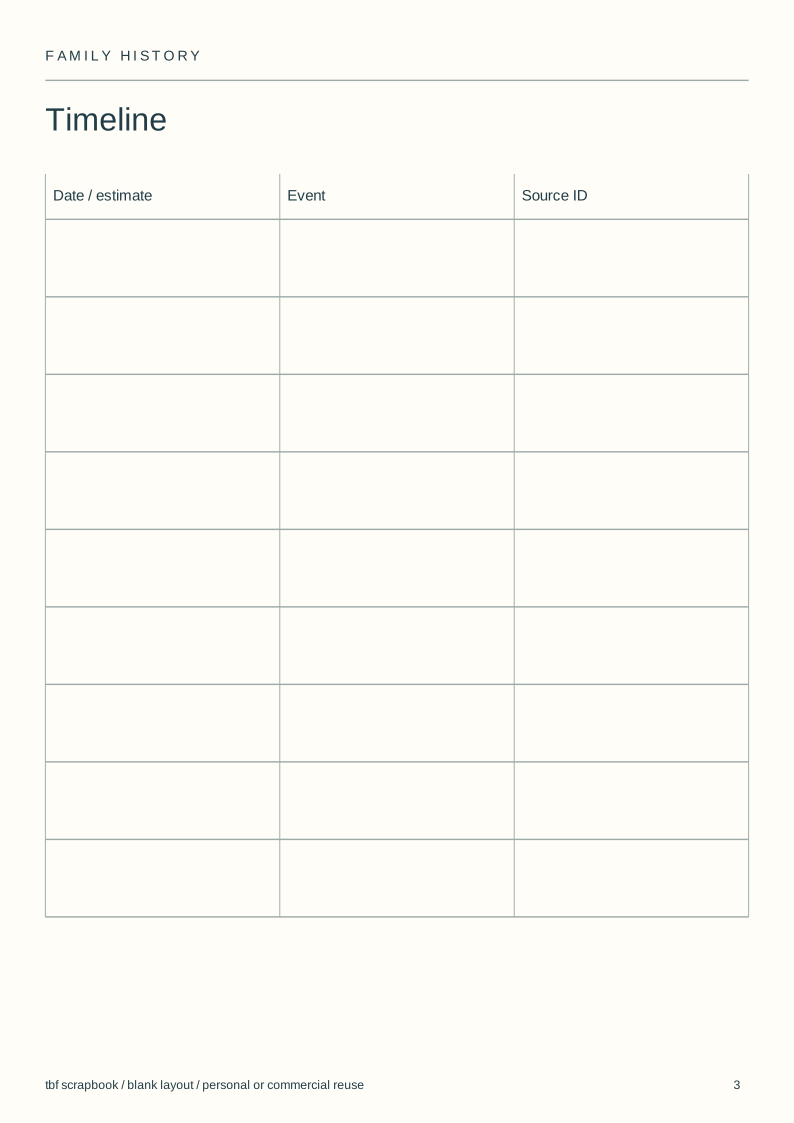
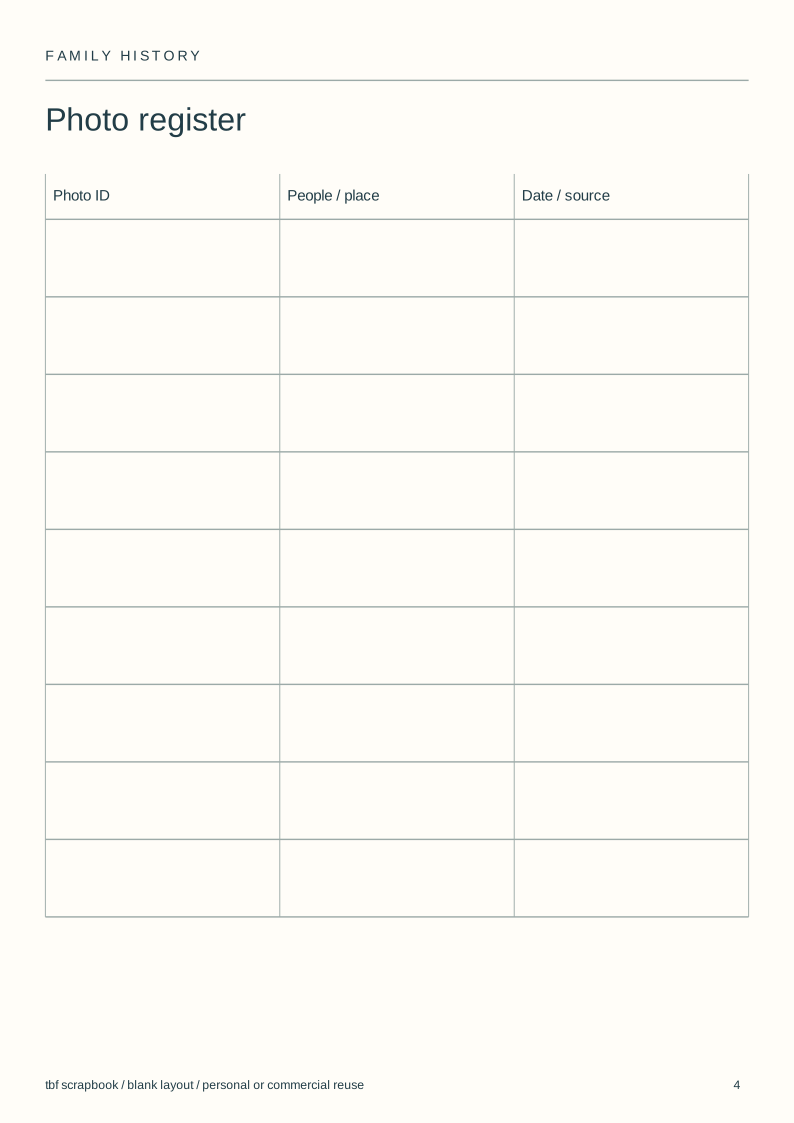
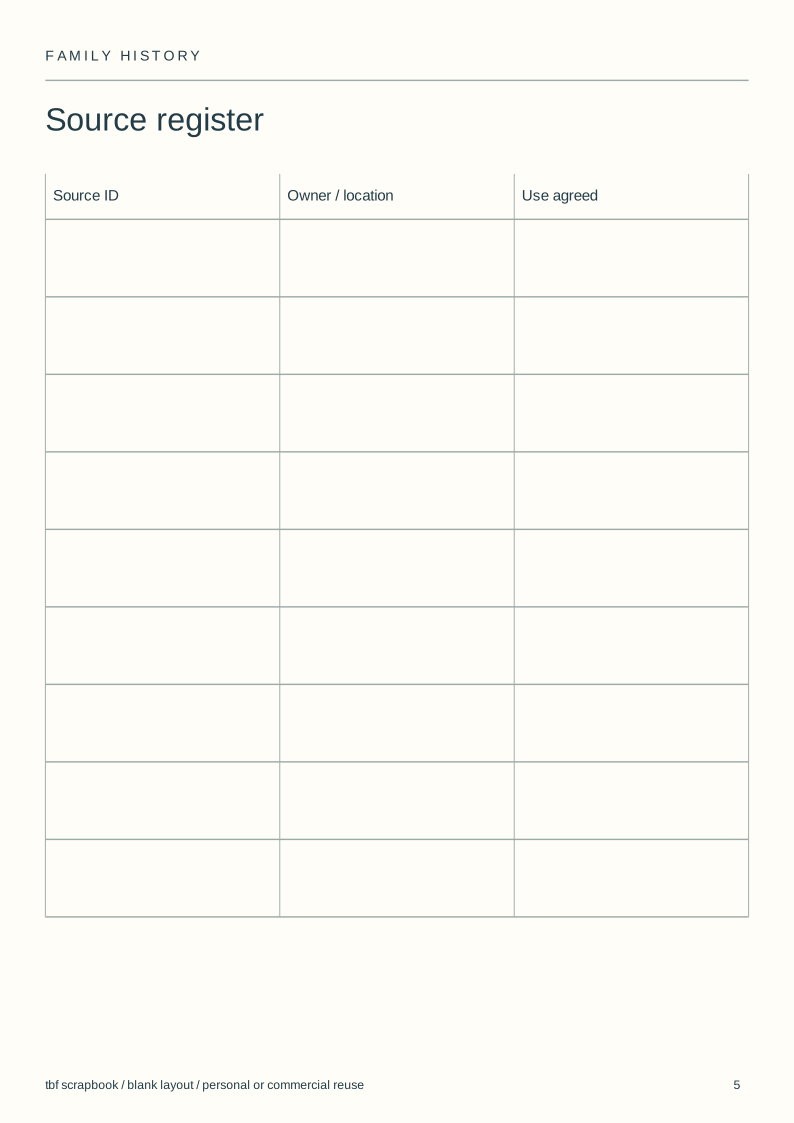
Use and adapt the original blank designs for personal or commercial work, without attribution. Added images keep their own rights. Check a print at actual size before making a batch.
View the complete illustrated layout
Illustrative layouts using licensed sample photographs. These show page structure, not an actual wedding, class, family history or trip. Personal writing stays empty.
Give each source a stable reference
Number photographs and documents before making layout copies. Keep the reference beside a crop so the reader can find the complete source later.
Record the source owner, where the original is kept and any restrictions on sharing. A filename alone does not explain where a family claim came from.
Distinguish dates from estimates
Use the timeline for supported events. Mark an approximate date as approximate and keep the reason for the estimate with the source record.
When two accounts disagree, preserve both attributions in the uncertainty register. Do not average dates merely to make the timeline look tidy.
Keep the household scope visible
Choose one household, branch or period for a section. Put the people and places that define that scope on its opening page.
A wider tree can be a separate reference. Avoid shrinking a large family tree until its names become too small to read in the book.
Review living people's information
Ask before including personal accounts or documents about living relatives. A certificate or letter can contain details that do not belong in every family copy.
Keep an access-controlled research folder separate from the published book. Only the material selected for the intended audience needs to appear on its pages.
Steps
Define the section
Choose the household, branch or period covered by the first set of pages.
Number the sources
Assign references before cropping photos or copying documents.
Fill known facts
Leave unknown fields empty or explicitly uncertain.
Check the shared copy
Review the source links and living people's details before distribution.
Questions
Does this template connect to Ancestry?
No. It is a set of standalone SVG layouts. Enter the information you have checked; it does not import an online family tree.
Can I include conflicting memories?
Yes. Attribute each account and keep the disagreement visible in your research notes. Do not present a chosen version as confirmed without evidence.
Is this a written family history example?
No. The pack supplies blank record and layout fields. Family members write their own accounts; the download contains no generated family story.