
Instax Mini scrapbook: fitting small prints on a page
An Instax Mini print is 54 by 86 mm with a 46 by 62 mm picture. Nine fit on A4 and six on an 8 inch page. Hold them with corners or pockets, and never cut one.
Fujifilm gives Instax Mini film as 5.4 by 8.6 cm, with a picture of 62 by 46 mm. That is a tall, narrow card, close to a bank card stood on its end.
The small size is the whole problem to solve. One Mini alone looks lost on a big page, and the side borders are only about 4 mm, so most writing has to go beside the print.
Make a digital scrapbook
Add your photos and keepsakes in tbf scrapbook, then arrange them on the pages.
| Page size | Prints upright | Prints sideways | Good for |
|---|---|---|---|
| 12 by 12 in (305 mm) | 12, in 4 columns of 3 | 12, in 3 columns of 4 | A busy day, or 8 prints and a notes column |
| A4 (210 by 297 mm) | 9, in 3 columns of 3 | 8, in 2 columns of 4 | A day in nine frames with notes on the facing page |
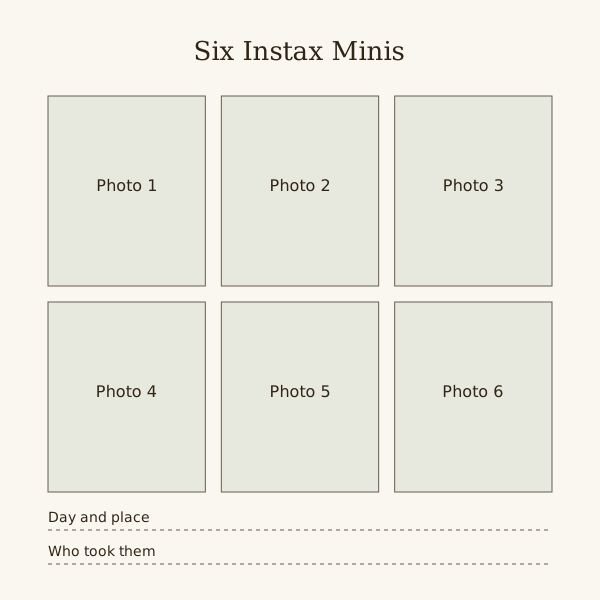
| 8 by 8 in (203 mm) | 6, in 3 columns of 2 | 6, in 2 columns of 3 | Six with no writing, or 4 with a line under each |
| A5 (148 by 210 mm) | 4, in 2 columns of 2 | 3, in 1 column | Four upright prints with little room for writing |
| 6 by 6 in (152 mm) | 2, side by side | 2, one above the other | A mini album spread |
Count before you stick
The table tests blank pages using 54 by 86 mm cards, 8 mm gaps and 10 mm outer margins. Binding holes, corners and writing take extra space and can reduce the count.
Minis are all one size, so grids look tidy. Leave one cell of a grid empty for a title or a ticket and it still reads as a set.
Pockets and sleeves
Slip-in pockets keep fingers off the picture and let prints come out again. The inside of a pocket must be wider than 54 mm and taller than 86 mm, or the print bows.
Pocket pages sold for trading cards are close to this size. Check the inside measurement on the packet before buying a stack.
Fujifilm warns that storing photos in a sealed bag can discolour them. Keep loose prints in an open box or an open-topped sleeve.
Never cut a Mini
Fujifilm says not to cut or take apart Instax film, because it contains a caustic alkaline paste. If a layout needs a smaller shape, trim a scan or a reprint.
Fujifilm also says the paste can stay active for about 10 minutes after the picture is taken and that prints should not be bent while developing. Mount them later.
Where the words go
The bottom strip takes a date or two or three words in a fine pen. Longer notes go on the page: a narrow label beside each print, or one line under each row.
With nine on a page, number the prints in pencil on the page and write all the notes in one block underneath. The grid stays clean and the notes stay readable.
Check a pocket without an original
Cut a 54 by 86 mm card and try it in the pocket first. Leave room to lift the print out without bending it. Do not assume a trading-card pocket suits the complete instant-photo frame.
Steps
Wait, then sort
Leave fresh prints alone for at least 10 minutes, then sort them by day. Choose the ones that earn a place before planning any page.
Pick the grid
Choose a page size and count from the table. Mark each print's position lightly in pencil so the gaps come out even.
Fix with corners or pockets
Clear photo corners on the border, or one print per pocket. Nothing goes on the picture, and nothing goes through the card.
Write beside the grid
Dates on the bottom strips, everything longer beside or under the grid, keyed by number if the page is full.
Questions
Do Instax Square or Wide prints fit a Mini layout?
No. Square and Wide are different formats. Measure the complete card, including its border, and make a new full-size dummy grid rather than reusing Mini positions.
Can I glue an Instax print straight onto the page?
You can fix the back, but corners or pockets let it come out later. Keep any adhesive off the picture side.
Can I write on an Instax Mini?
On the bottom strip, yes, with a fine pen tried on a spare print first. The side borders are about 4 mm, too narrow to write on.