
Recipe book template: a blank page and contents plan
A useful recipe book template separates ingredients, method and source. Keep a consistent page layout, allow longer recipes more room and add a contents list after the order is settled.
Free: one book, 40 pages, 1 GB. Printing is a separate order.
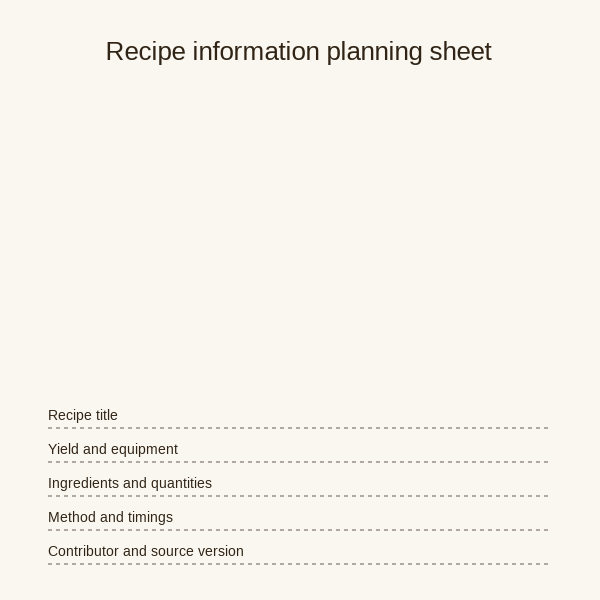
Use the blank SVG below to plan the information each recipe needs. It is an editable planning sheet, not an automatic recipe importer or a finished cookbook.
The page budget is a worked example for a 40-page document. It shows how to leave space for navigation and longer recipes without shrinking the writing.
See also: choosing a recipe book maker, recipe book printing checks, the scrapbook editor.
Try your recipe page in a book
Add your own checked recipe text and source photographs. Use the planning sheet to decide what each page needs before arranging it in the editor.
Free: one book, 40 pages, 1 GB. Printing is a separate order. Plans and prices.
| Part | Calculation | Pages |
|---|---|---|
| Front and back covers | 1 + 1 | 2 |
| Title, contents and section openers | 2 + 2 + 2 | 6 |
| Short recipes | 12 recipes x 1 page | 12 |
| Long recipes | 8 recipes x 2 pages | 16 |
| Dish index and source notes | 2 + 2 | 4 |
| Total | 2 + 6 + 12 + 16 + 4 | 40 |
Download this table as a spreadsheet (CSV)
Build one page that works for your longest recipe
Choose a recipe with several ingredients and a substantial method for the first layout. A short recipe makes almost any design look usable; a long one reveals the space it actually needs.
Put ingredients in one clear area and the method in another. Give the yield and any equipment a consistent position. Readers should not have to hunt through a family story for a measurement.
Keep the dish name, the person who supplied it and the source version separate. If a recipe has been adapted, explain that in your own factual note rather than silently replacing the original.
Leave room for an optional picture, but do not force every recipe to have one. An empty decorative box is less useful than larger instructions that can be read from the kitchen counter.
Use the blank sheet to collect complete information
The SVG has fields for a title, yield, ingredients, method and source. Print it for collection or edit the labels in a vector editor. Add extra sheets when the method needs them.
Ask contributors to supply their own instructions. The template does not fill a missing temperature, invent a family memory or turn a rough note into a tested recipe.
Keep the original scan beside the working file. Use a private checklist to mark unanswered questions about units, timing or order, then resolve those questions with the contributor.
Give the whole book a page budget
The example below holds 12 single-page recipes and eight recipes with two pages each. That is 20 recipes across 28 recipe pages, with 12 pages left for covers and reference material.
The two-page recipes can keep their complete method on one side and a photograph or original card on the other. Do not split one crucial step across a page turn.
Treat the count as a document plan. A printer may count covers separately or add manufacturing pages, so compare its specification with the final proof before ordering.
Check navigation and cooking details separately
Arrange recipes by a system your readers will use: meal, ingredient or contributor. A family collection can keep sections by person and still provide an alphabetical dish index.
Finish the page order before entering page references. Then follow every contents entry and check that it opens the right recipe, including recipes that occupy two pages.
Read the ingredients against the method. Look for an ingredient never used, a quantity with no unit and a step referring to an ingredient missing from the list.
Print one page at its intended size before duplicating the layout. Check the smallest text, column width and gutter with the book held at the distance you expect to cook from.
Steps
Test the difficult recipe
Lay out the longest method first and check the text at the final page size.
Collect the missing fields
Use the blank planning sheet to identify absent quantities, units, timings and source details.
Allocate recipe pages
Choose which recipes need two pages before filling the rest of the book.
Finish the reference pages
Add the contents and index only after every recipe has its final place.
Questions
Is the recipe book template free?
The blank SVG planning sheet is free to download. It is a guide resource, separate from a printed book order or a paid editing plan.
Can I type into the SVG?
Open it in a vector editor to change the labels and add your own information. You can also print it and write on it. It does not import recipes into tbf scrapbook.
Should every recipe use exactly one page?
No. Reserve two pages for a long method or a handwritten original. Consistent headings help readers more than forcing every recipe into the same amount of space.