
Scrapbook inspiration: where to find pages, how to use them
The best scrapbook inspiration is a real page you can study: where the photos sit, what was used and why. Find pages in galleries, sketches and challenges, then scraplift one and credit its maker.
Browsing and posting are free.
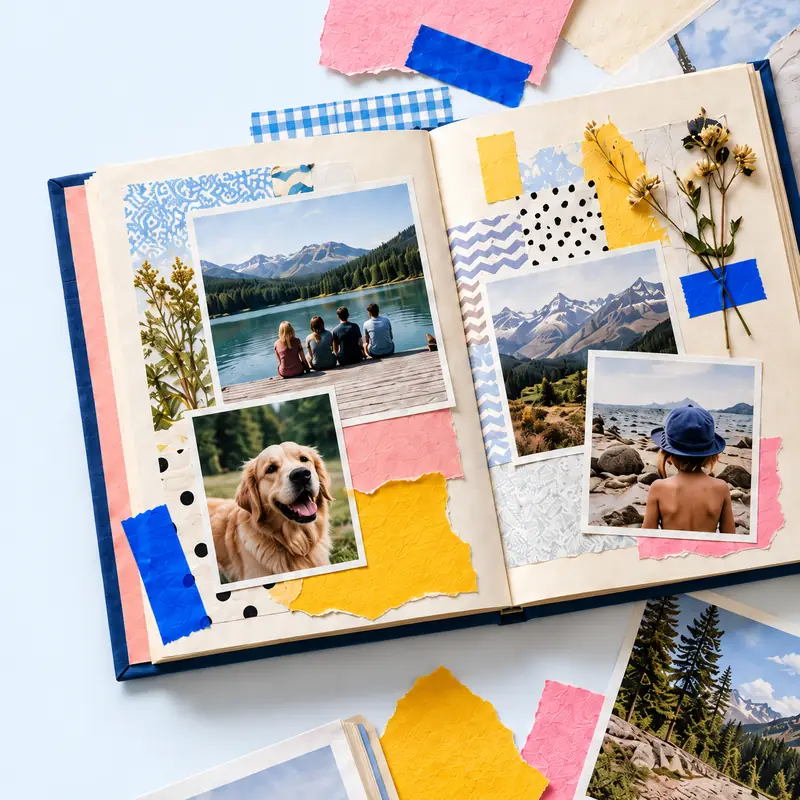
A pinned picture shows what a page looks like. It rarely shows the paper, the order things went down or what the maker would change, and that is what helps when you sit down to make your own.
The table lists where to look, what each source gives you and how to use it.
See also: scrapbook forums with monthly challenges, digital scrapbook forums and their galleries, two-page layout sketches to fill.
Find a page, make your own version
Every page in the tbf scrapbook community lists its materials and steps. Credit the page you worked from and the original lists your version. Make a scrapbook online.
Browsing and posting are free. See the community.
| Source | What you get | How to use it |
|---|---|---|
| Endless finished pages, often with no maker or materials | Save to a board by layout, not by theme, so you can find a 3-photo page fast | |
| Scrapbook.com gallery | Layouts sorted by category and product | Search for the paper line you own to see what others made with it |
| Sketches | A plan of boxes for photos, title and journaling | Fill the boxes with your own photos and colours |
| Forum challenges | A monthly theme, colour or sketch, with other entries to compare | Enter one a month to finish pages you would not otherwise start |
| Process videos | The page made from start to finish | Watch for the order of layers, then pause and copy one step at a time |
| Your own old pages | Layouts you already know work | Remake a favourite with new photos |
| tbf scrapbook community | Pages with materials, steps and the maker's answers to questions | Post your version with a source credit; the original then lists it |
Scraplifting, and how to do it fairly
To scraplift is to copy the design of another person's page with your own photos and papers. Scrapbookers have done it for decades and most makers are pleased to be lifted.
Credit the original wherever you post your version: the maker's name and a link to their page. Change at least the photos and the words; the story should be yours.
Look for structure, not decoration
When a page catches your eye, ask three things. How many photos, and where do they sit? Where is the title? Where does the eye land first?
Copy those and choose your own embellishments. A page with the same bones and different trims looks like yours, not a copy.
When nothing comes
Start from the photos, not the inspiration. Pick the one photo you most want on the page, decide its size, then look for a sketch that fits it.
- Use one colour from the photo for the background.
- Write the title before choosing paper.
- Limit yourself to three embellishments.
Steps
Pick one page you like
Choose one page to work from, not a board of fifty. Note its number of photos and where the title sits.
Sketch its bones
Draw the boxes on scrap paper: photos, title, journaling, and the main embellishment cluster.
Fill it with your story
Use your own photos, colours and words in those boxes.
Post it with credit
Share your page with the original maker's name and a link to their page.
Questions
What does scraplift mean?
Copying the layout of somebody else's scrapbook page with your own photos and papers. The polite way is to credit the original maker when you share yours.
Where can I find scrapbook layouts with the supplies listed?
Scrapbook.com tags gallery layouts by product, digital shop galleries list the kits, and every page in the tbf scrapbook community carries a materials list.
How do I get out of a scrapbooking slump?
Join one monthly challenge, or remake one of your own favourite pages with new photos. A fixed sketch takes away the blank-page decision.