
Scrapbook stickers: the types and how to place them
Scrapbook stickers come flat, puffy, epoxy, rub-on and chipboard. Use them to frame a title, mark a date and fill a gap, in small clusters, and keep them off faces in photos.
Start with 40 pages free. No card needed.
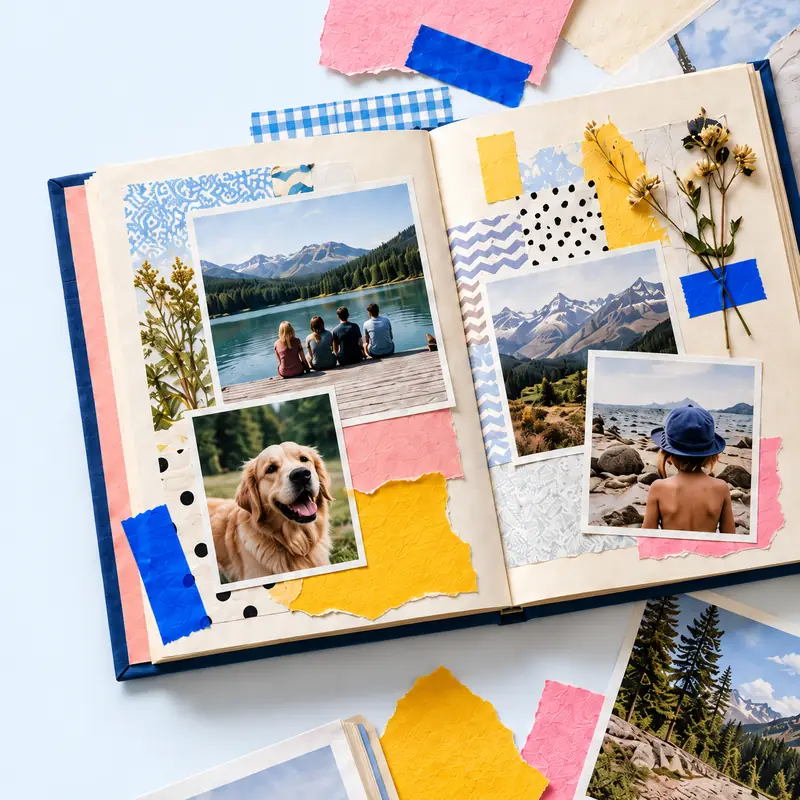
A sticker is the quickest embellishment and the easiest to overdo. Most pages need three to five.
The table compares the common kinds by thickness and where they work.
See also: how to make stickers at home, scrapbook titles, junk journal supplies.
Stickers from your keepsakes
In the tbf scrapbook studio, photograph a ticket or keepsake, cut it out and it lands on the page with a thin white outline. Make a digital scrapbook online.
Start with 40 pages free. No card needed. Plans and prices.
| Type | Thickness | Works for |
|---|---|---|
| Flat paper or vinyl | Flat | Labels, dates and small accents in any album |
| Puffy | Raised and padded | Titles and children's pages |
| Epoxy | A clear raised dome | Small accents that catch the light |
| Rub-on transfers | None once applied | Words and patterns that look printed on |
| Chipboard | Thick card | Titles and frames, in albums with deep sleeves |
| Clear or vellum | Flat and see-through | Layering over a photo without hiding it |
| Alphabet sheets | Flat or puffy | Spelling out titles and names |
Clusters of three
Group stickers in threes of different sizes by one corner of a photo instead of scattering them. A cluster looks placed; scattered stickers look like filler.
Thick stickers and sleeves
Puffy, epoxy and chipboard stickers press into the facing page and strain a page protector. Keep them to pages with room, or lay a sheet of vellum between.
Stickers from your own photos
Printable sticker paper turns your photos and drawings into stickers. On a digital page, a cut-out photo does the same job with no paper at all.
Steps
Title first
Spell the title in alphabet stickers along one edge, then build the page round it.
Anchor a corner
Put the main cluster at one corner of the largest photo.
Echo it once
Repeat one small sticker on the opposite side to balance the page.
Date it
Add a small label sticker with the date and place.
Questions
Are scrapbook stickers acid-free?
Most sold for scrapbooking are, and the pack says so. Stickers from general craft or party packs may not be, so keep those off photos.
Can you put stickers on photos?
Photo-safe stickers can go on a print you have a copy of. On an only copy, place the sticker on the paper beside it.
Where can I find stickers that match my photos?
Make them from the photos themselves: print on sticker paper, or cut out part of a photo on a digital page.