
Wedding magazine template: six blank page layouts
Build a wedding magazine from a cover, running order, people, practical information and photo pages. Download the blank SVG layouts and use only the sections your guests need.
Start with 40 pages free. No card needed.
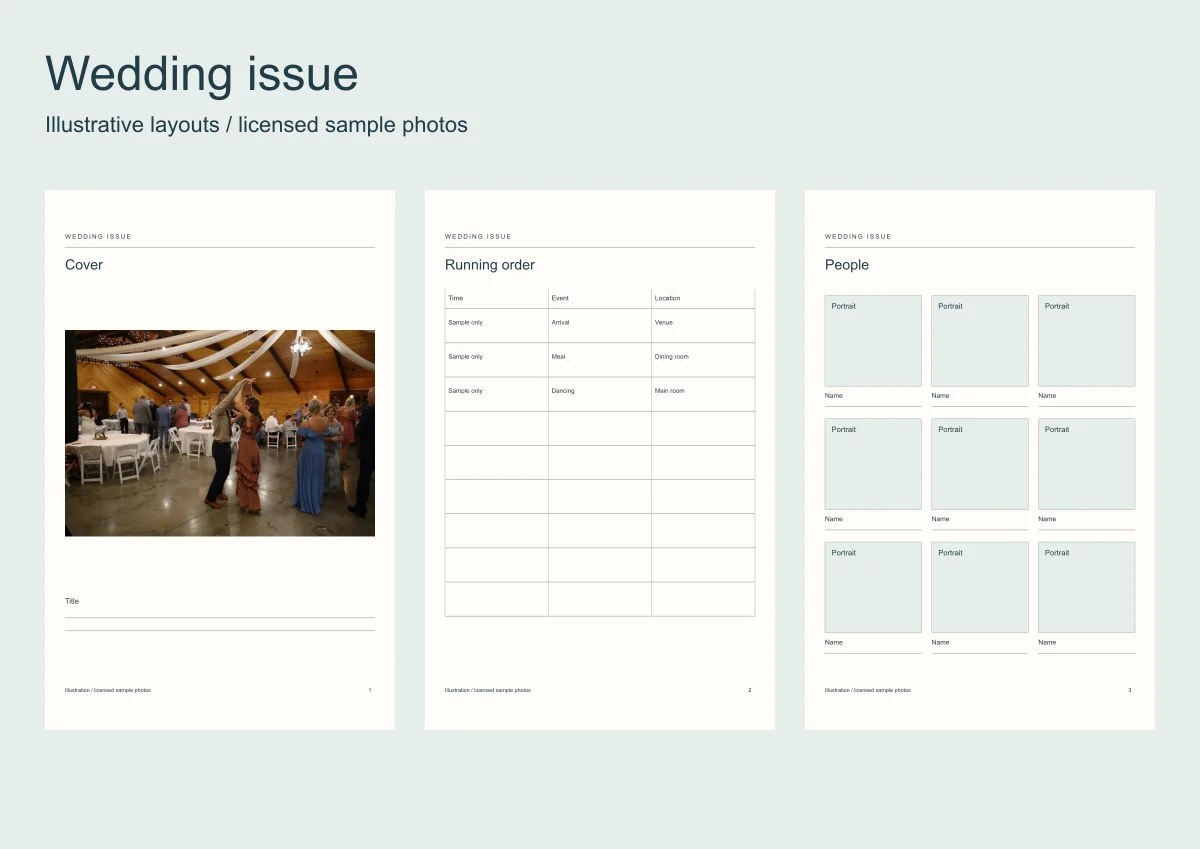
A wedding magazine can be a programme before the event or a photo keepsake afterwards. Decide which job it has before asking for material.
The six blank SVG pages have a separate illustrated sample using licensed wedding photos and an example running order. It is not a real couple's programme.
Open a template instead
Six whole-book templates with the frames and the words laid out. Open one, put your photos in.
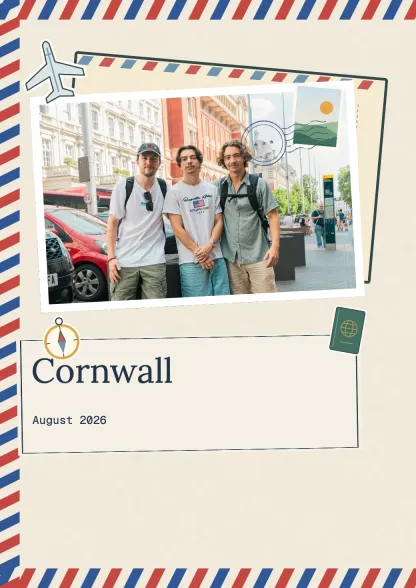 Travel journalTravel · 10 spreadsUse this template
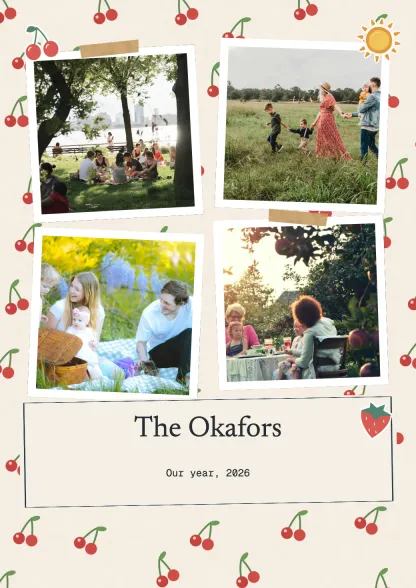 Family albumFamily · 10 spreadsUse this template
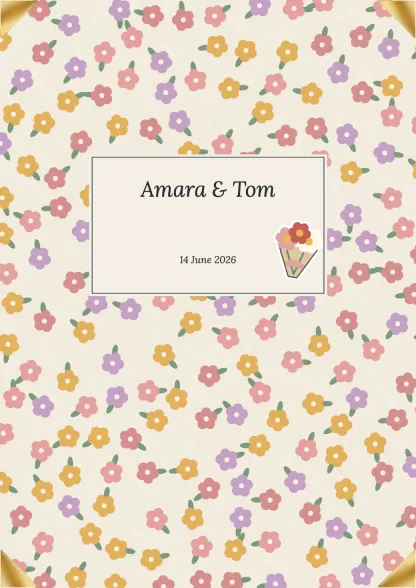 Wedding albumCelebrations · 10 spreadsUse this template
 First yearFamily · 10 spreadsUse this template
 Birthday bookCelebrations · 10 spreadsUse this template
 Everyday collectionEveryday · 10 spreadsUse this template
Make a wedding scrapbook
Drop your photos onto editable pages and download a PDF.
| Layout | Before the wedding | After the wedding |
|---|---|---|
| Cover | Names and event date | Names and edition date |
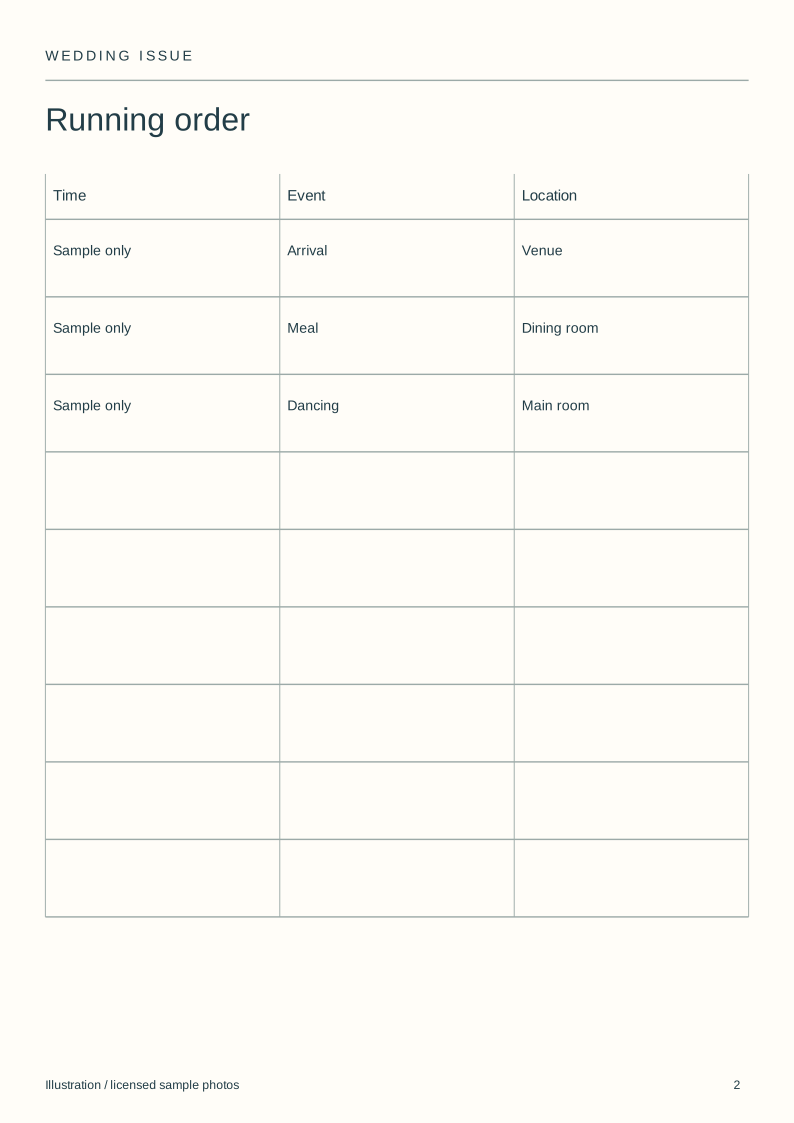
| Running order | Confirmed times | Optional record of the day |
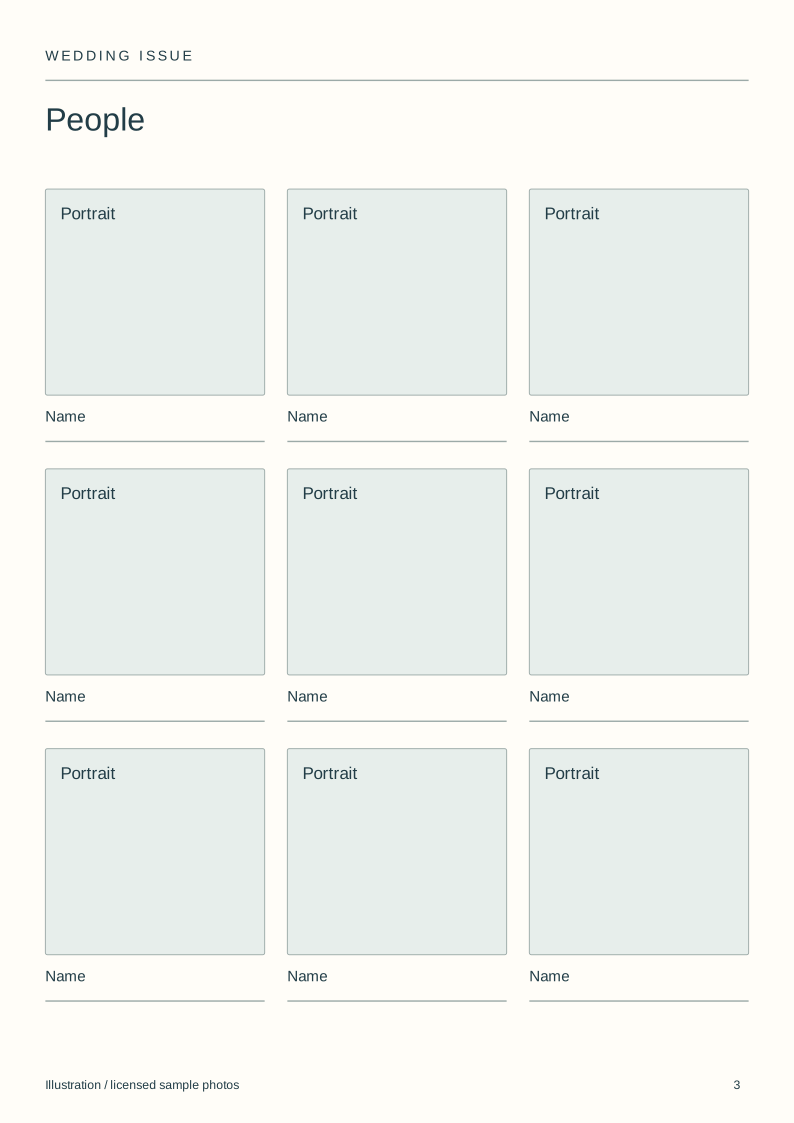
| People | Names and agreed roles | Photographs with names checked |
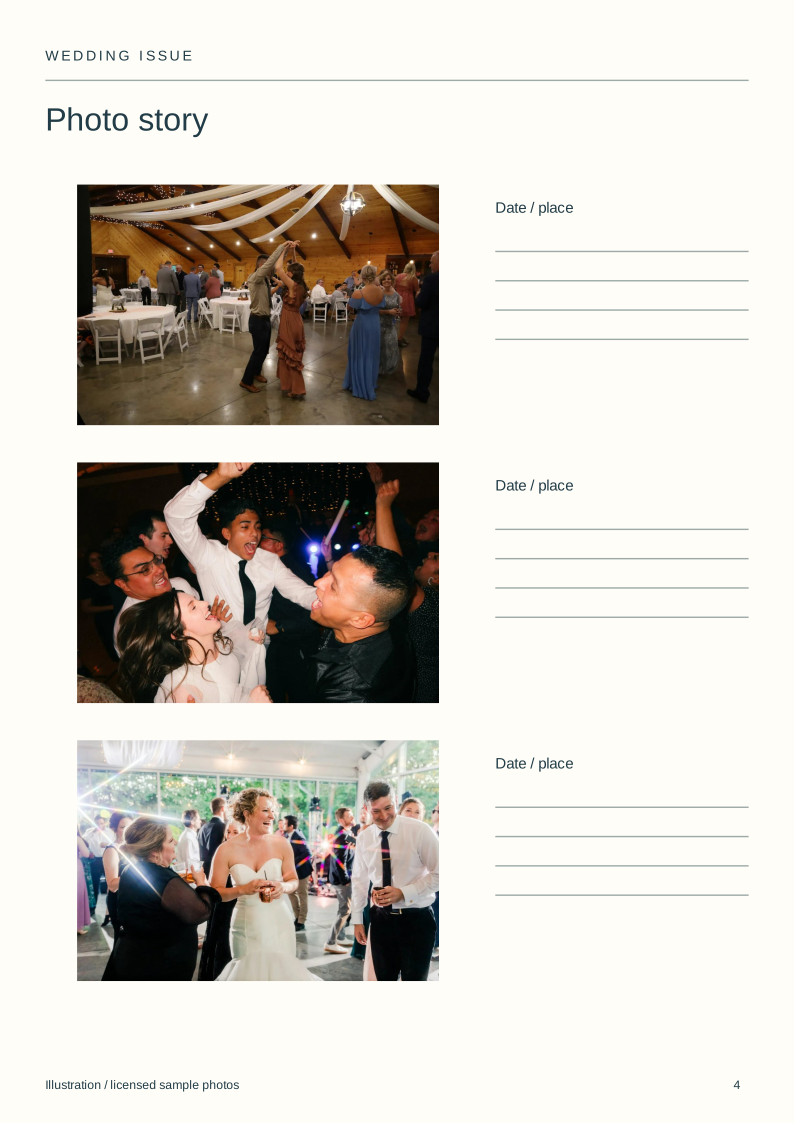
| Photo story | Existing photos chosen by the couple | Selected pictures from the event |
| Information | Only details guests need | Credits or source notes |
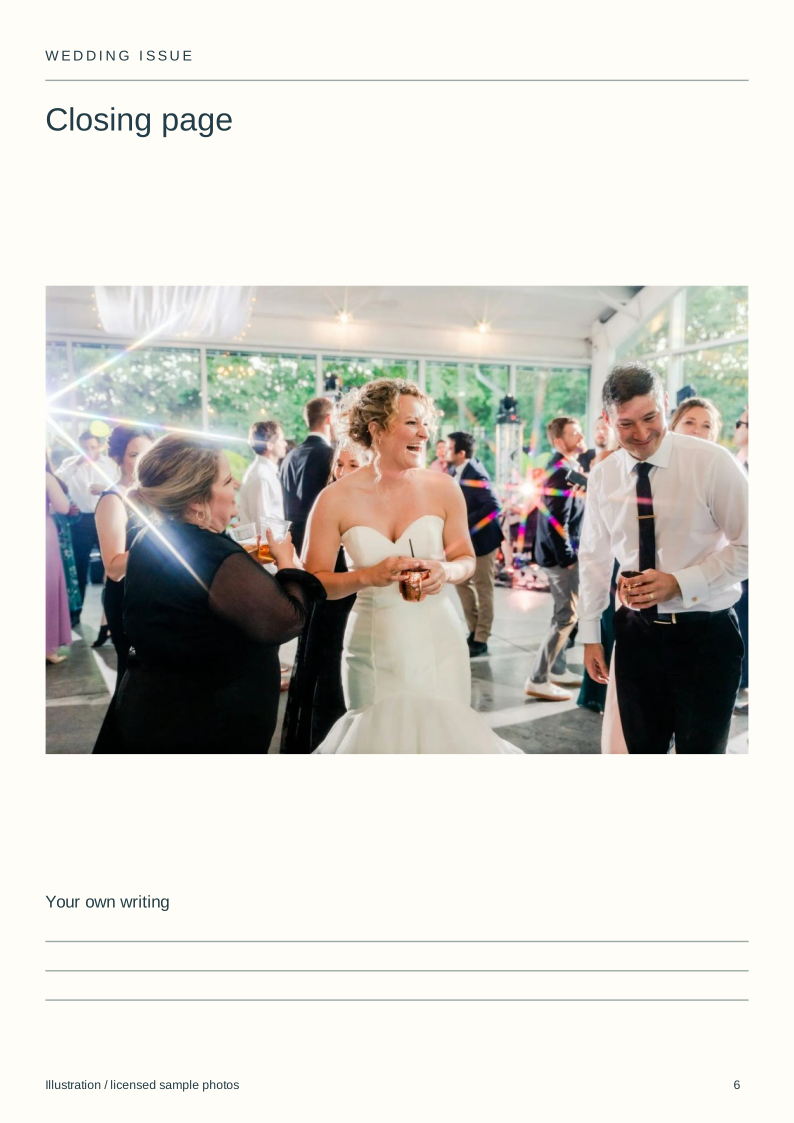
| Closing page | One chosen image | A different closing photograph |
Download the blank layouts
Free original SVG files. Edit a copy in a vector editor or print it. These are separate files, not native tbf book templates or fillable PDFs.
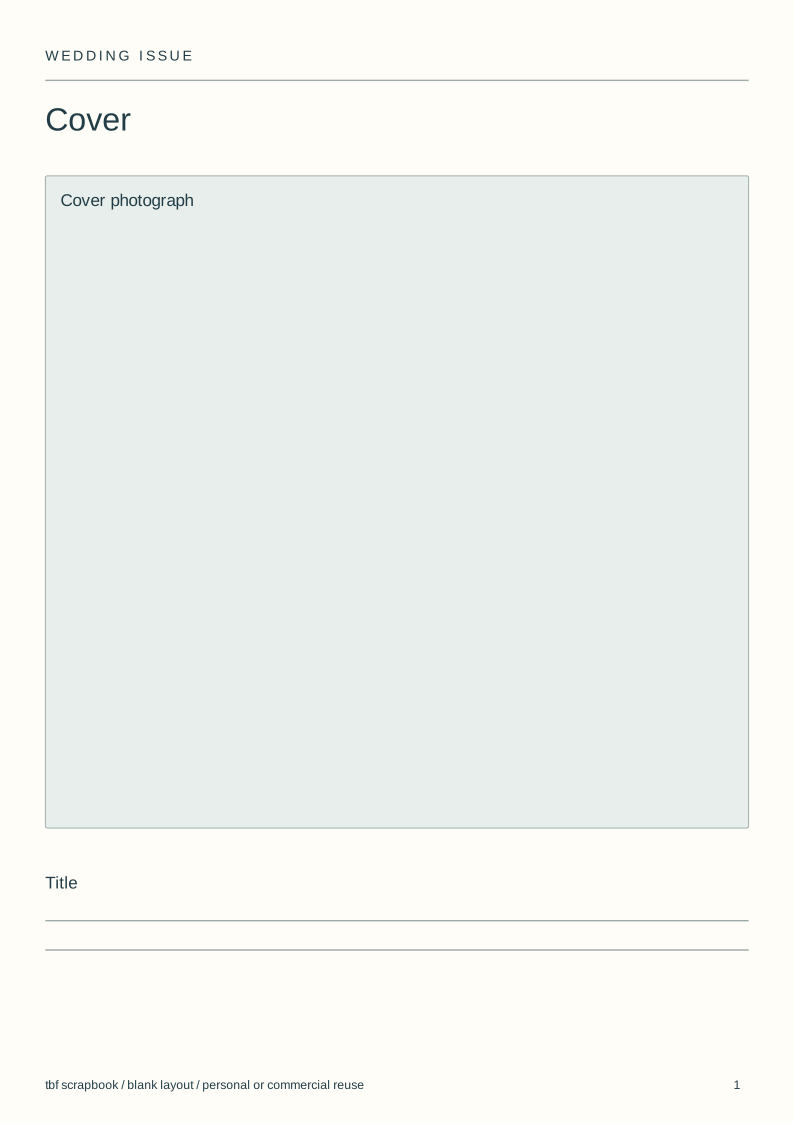
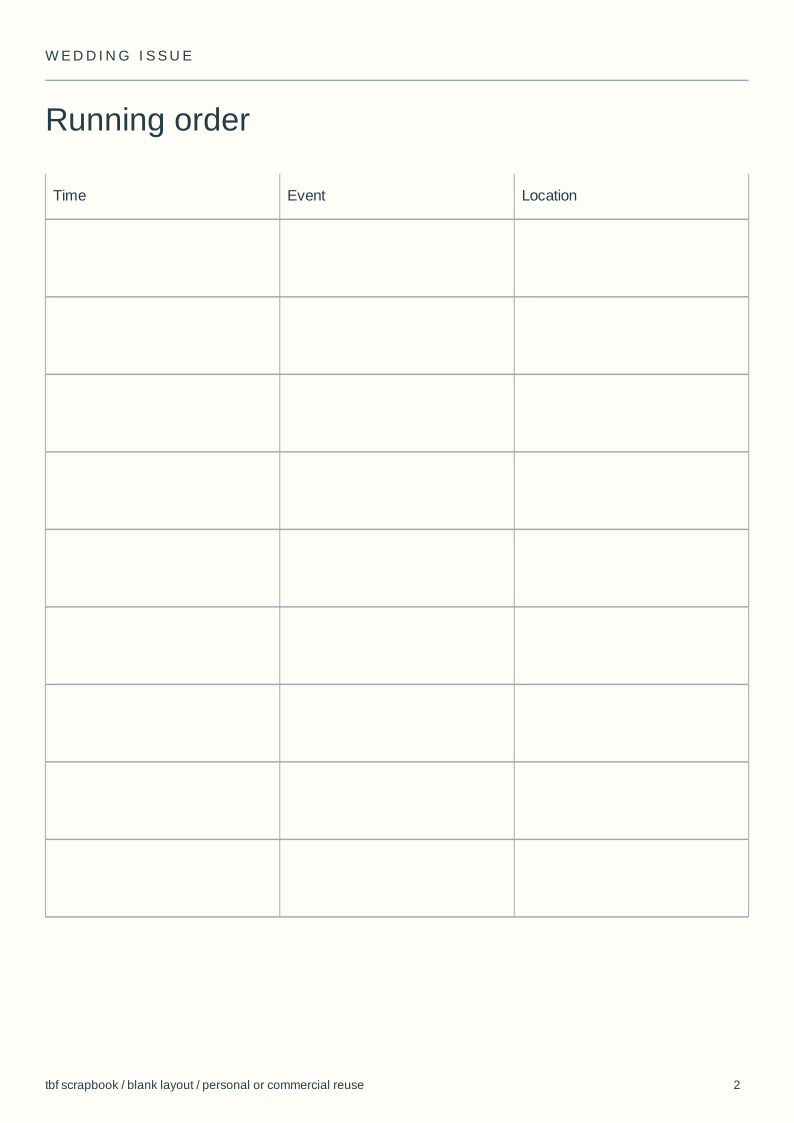
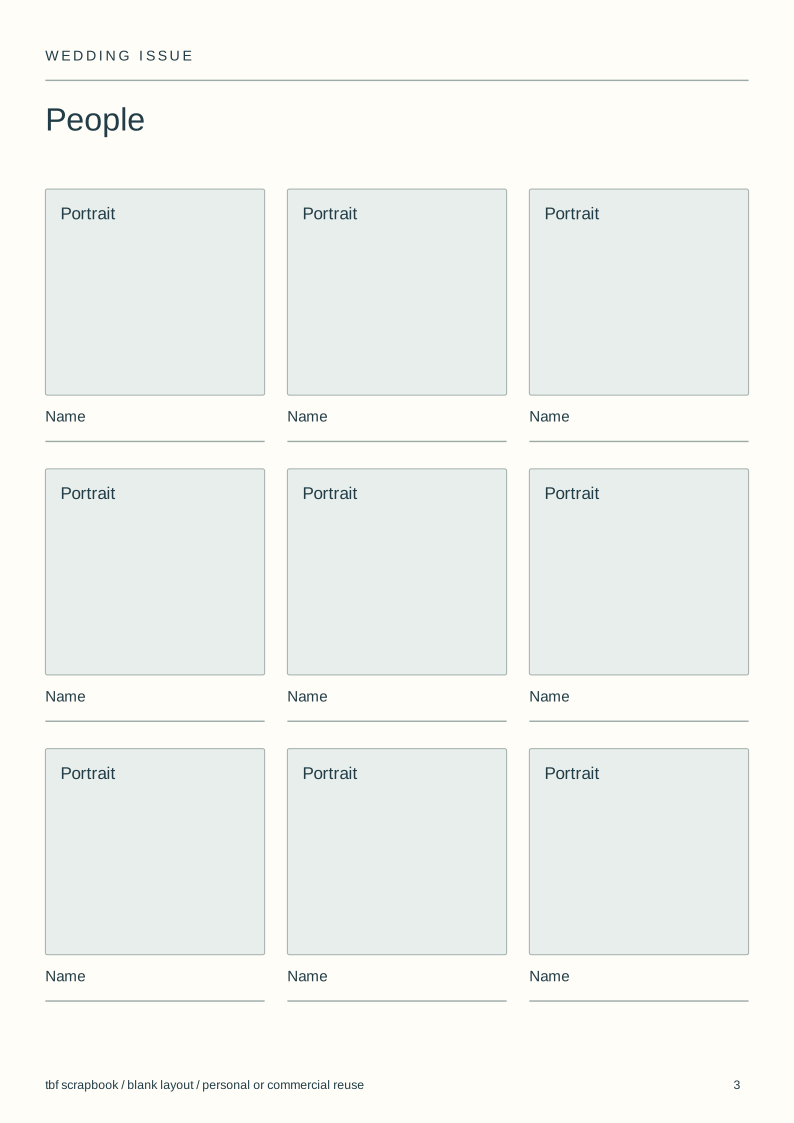
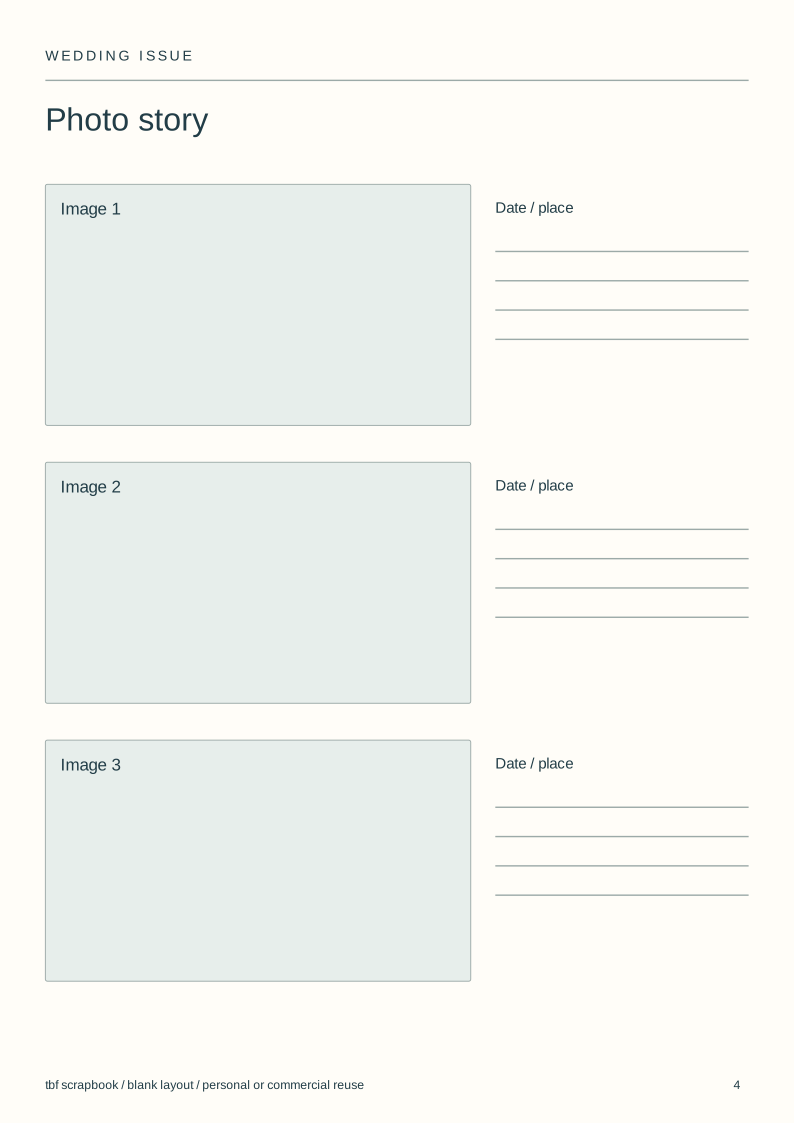
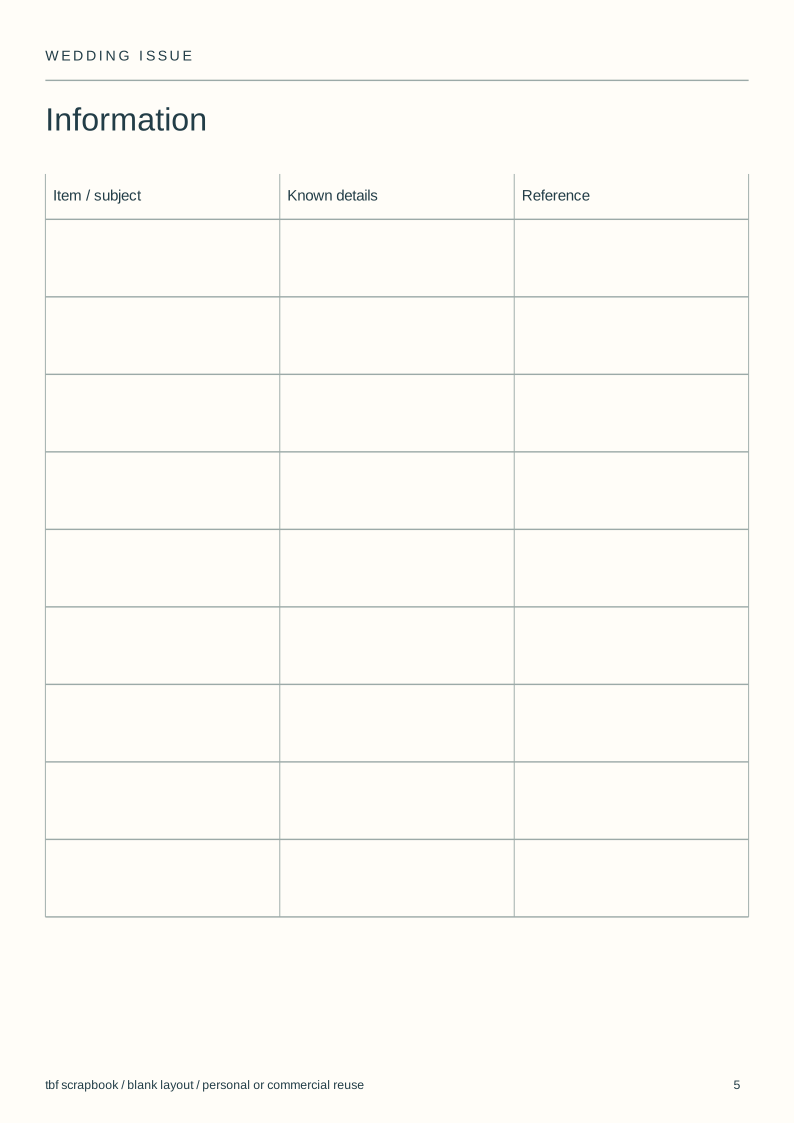
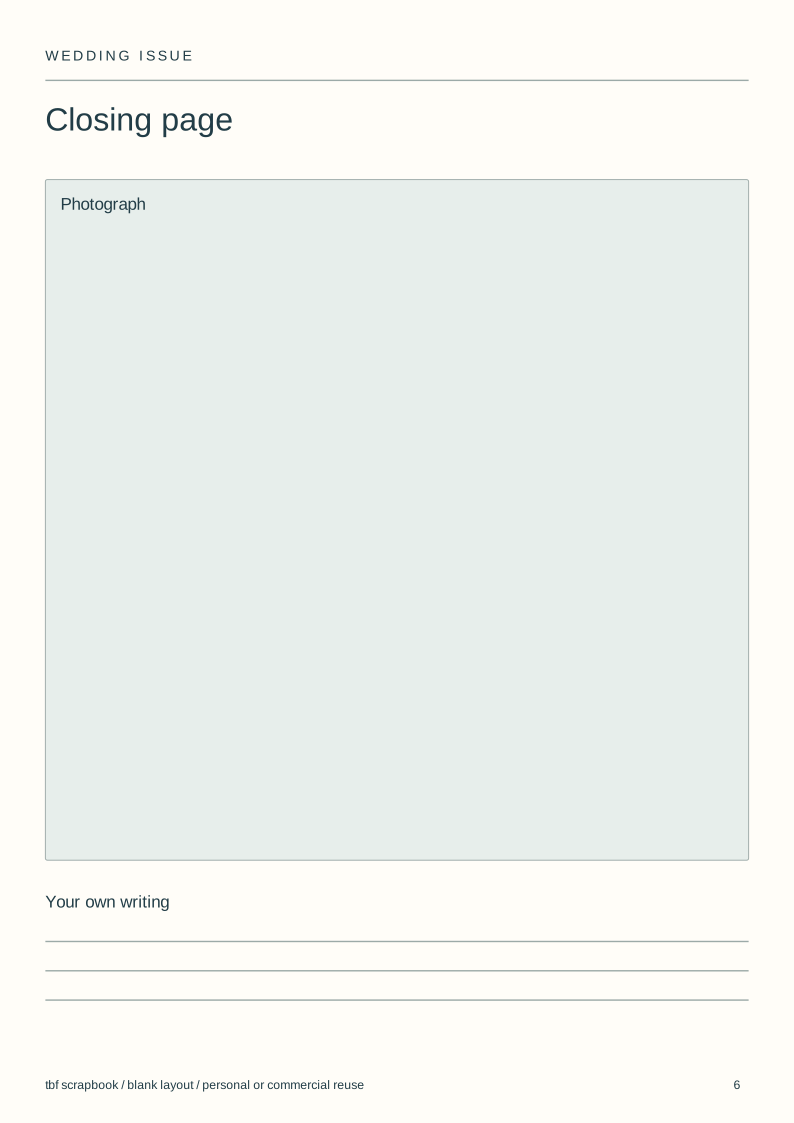
Use and adapt the original blank designs for personal or commercial work, without attribution. Added images keep their own rights. Check a print at actual size before making a batch.
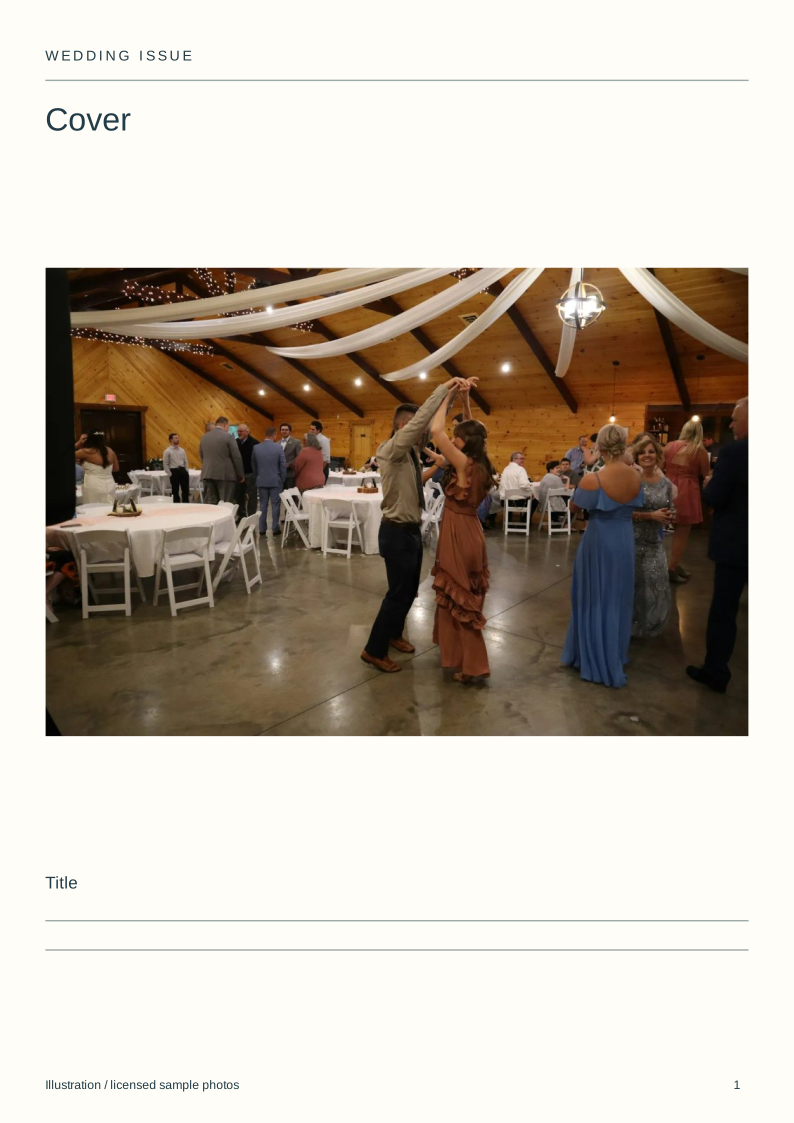
View the complete illustrated layout
Illustrative layouts using licensed sample photographs. These show page structure, not an actual wedding, class, family history or trip. Personal writing stays empty.
Separate advance information from the keepsake
An advance issue needs accurate times, locations and access information. A later keepsake can replace these pages with photographs and accounts of what happened.
Do not label a planned event as a memory of something that has already happened. Keep the edition date visible when details may still change.
Use the people page carefully
Names and roles can help guests recognise one another. Check how each person wants to be named and whether a photograph is suitable for the intended audience.
Keep phone numbers, private addresses and travel details out of a broadly shared edition. Practical arrangements can be sent separately to the people who need them.
Choose page layouts from the material
Use one large picture for a section opening, a grid for a short sequence and a clear table for the running order. A long programme should not be squeezed into a photo caption.
The SVG files can be edited in a vector editor. For a digital book in tbf, use the Wedding album template and rebuild the arrangements on its editable canvas.
Check the print format before placing an order
Magazine layouts and magazine binding are different choices. A tbf printed book does not become a stapled magazine because the pages use columns.
Ask an external magazine printer for its page count, bleed and export specification before preparing files. The downloads are layout guides, not a guarantee of compatibility with every printer.
Steps
Choose the edition
Decide whether guests will read the issue before or after the event.
Confirm the facts
Check names, locations and times with the people responsible.
Fill the layouts
Use the blank pack without adding suggested personal wording.
Preview the output
Check phone reading or the intended printer specification.
Questions
Can I make a wedding magazine for free?
The SVG page layouts are free. Printing, third-party software and any paid book plan are separate; the download is not a free physical magazine.
Does the template include vows or a couple's story?
No. It contains empty image and writing spaces with factual labels. The couple supplies their own words.
Can tbf print a stapled wedding magazine?
This page does not offer stapled magazine printing. tbf offers its stated book formats; use a specialist printer if you need a magazine binding.