
Free yearbook template: six reusable page layouts
Download a yearbook pack with a cover, class introduction, portrait grid, clubs, events and index. Repeat the relevant pages, then check names, picture permissions and page numbers before sharing.
Start with 40 pages free. No card needed.
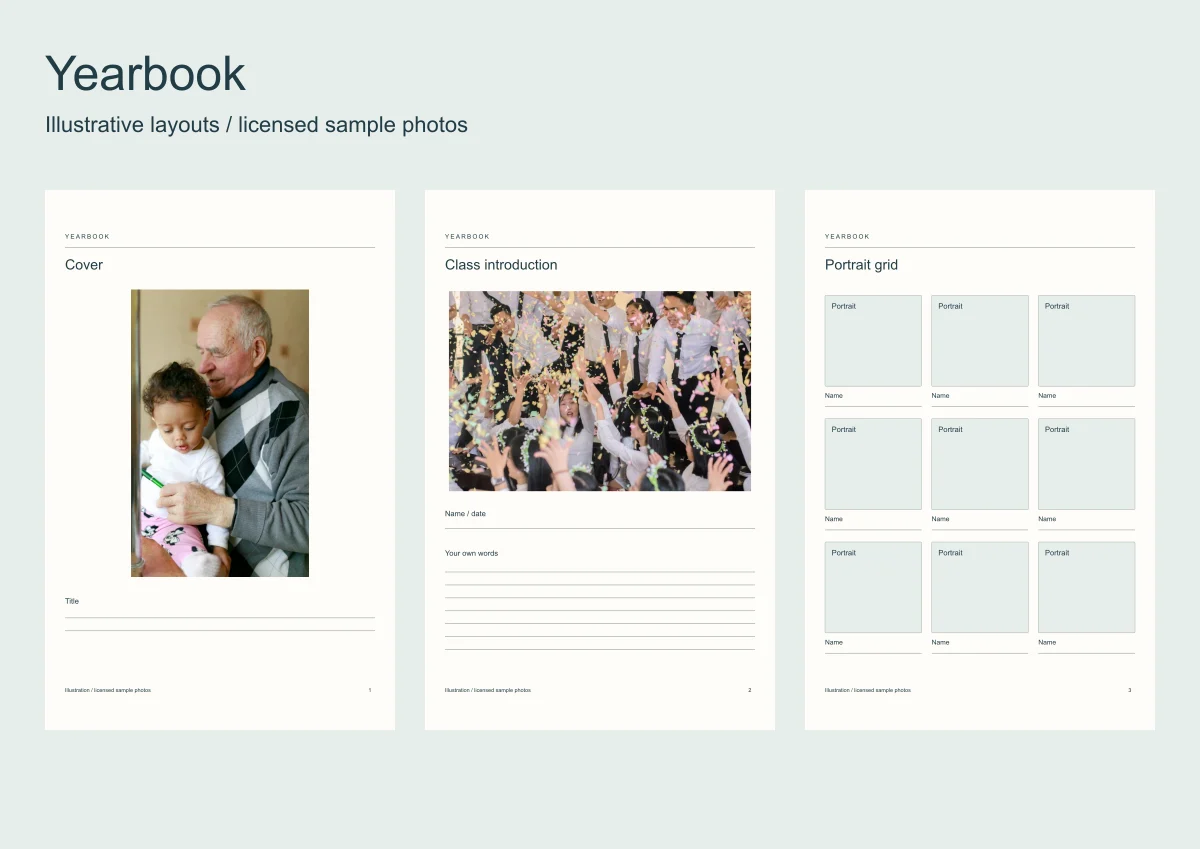
A theme gives a yearbook its visual character. A template gives contributors repeatable spaces so portraits, events and captions fit together.
Download the six blank SVG pages and view the complete illustrated pack. It uses licensed sample photos; portrait and personal-writing fields stay empty.
Open a template instead
Six whole-book templates with the frames and the words laid out. Open one, put your photos in.
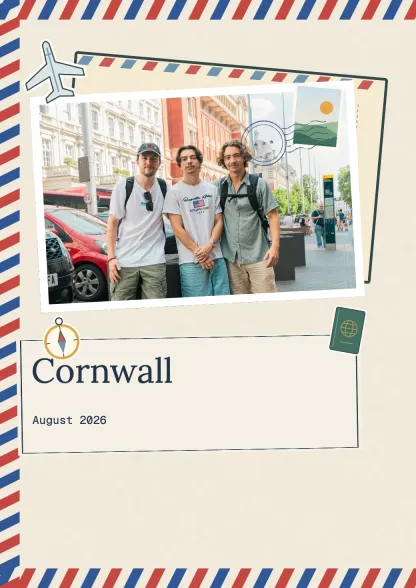 Travel journalTravel · 10 spreadsUse this template
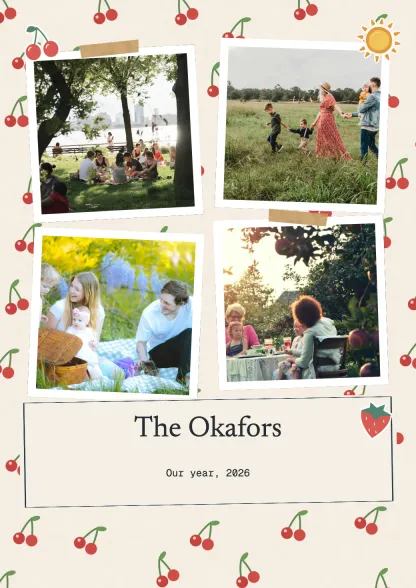 Family albumFamily · 10 spreadsUse this template
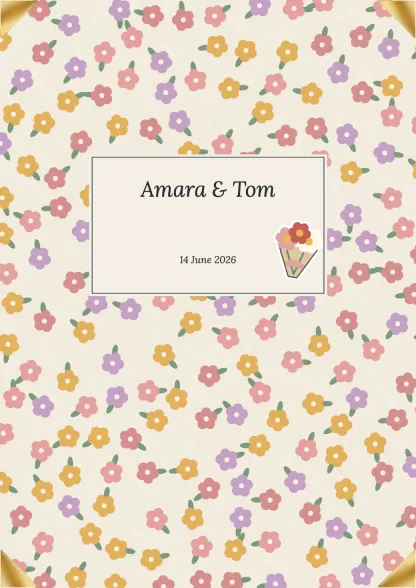 Wedding albumCelebrations · 10 spreadsUse this template
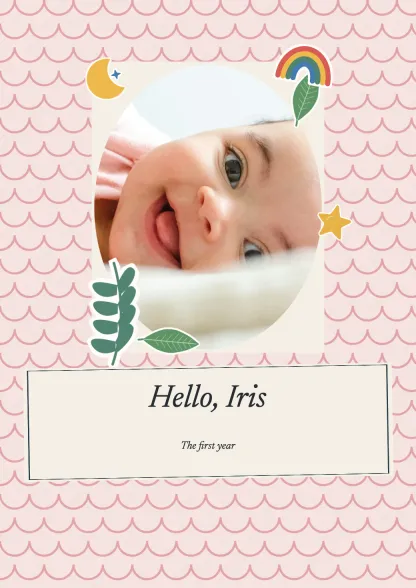 First yearFamily · 10 spreadsUse this template
 Birthday bookCelebrations · 10 spreadsUse this template
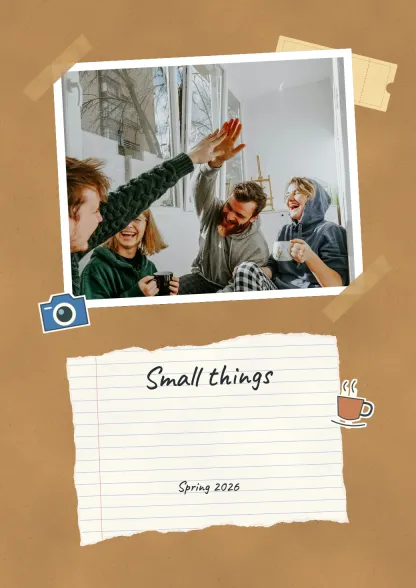 Everyday collectionEveryday · 10 spreadsUse this template
Make a scrapbook
Drop your photos onto editable pages and download a PDF.
| Layout | Repeat for | Final check |
|---|---|---|
| Cover | One yearbook | School and year as intended |
| Class introduction | Each class or year group | Names and dates |
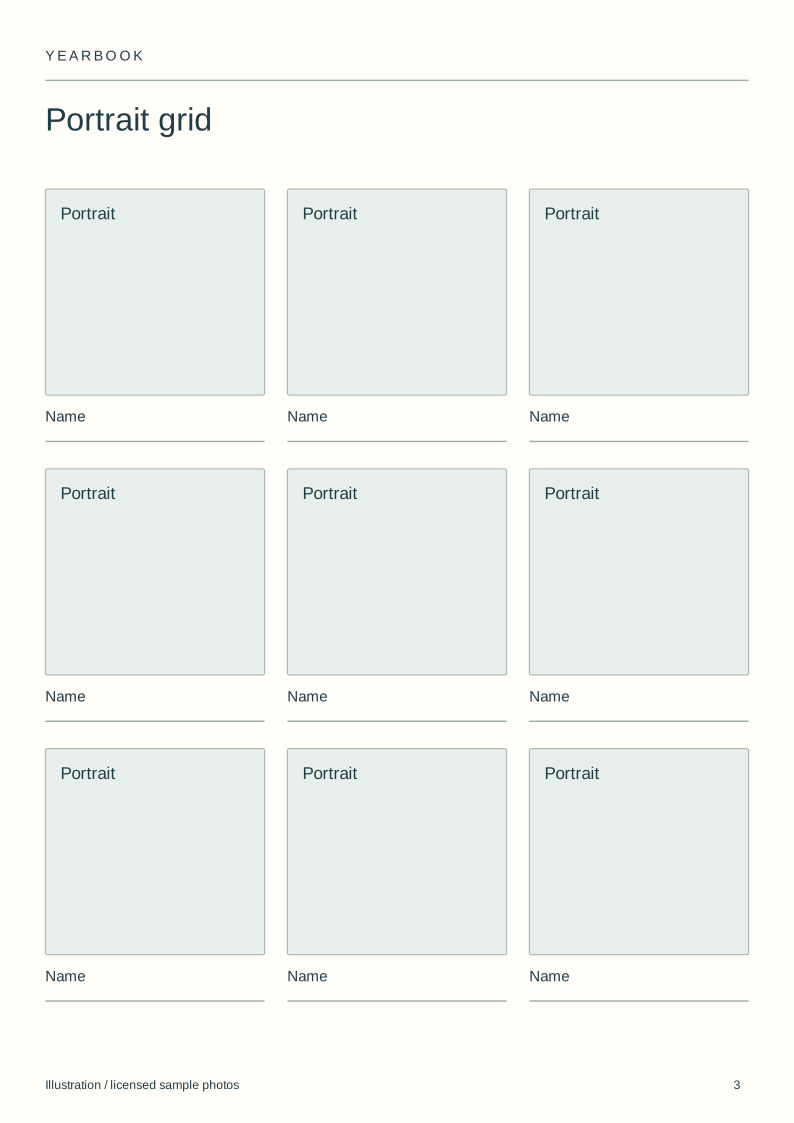
| Portrait grid | Each group of portraits | Correct image/name pairs |
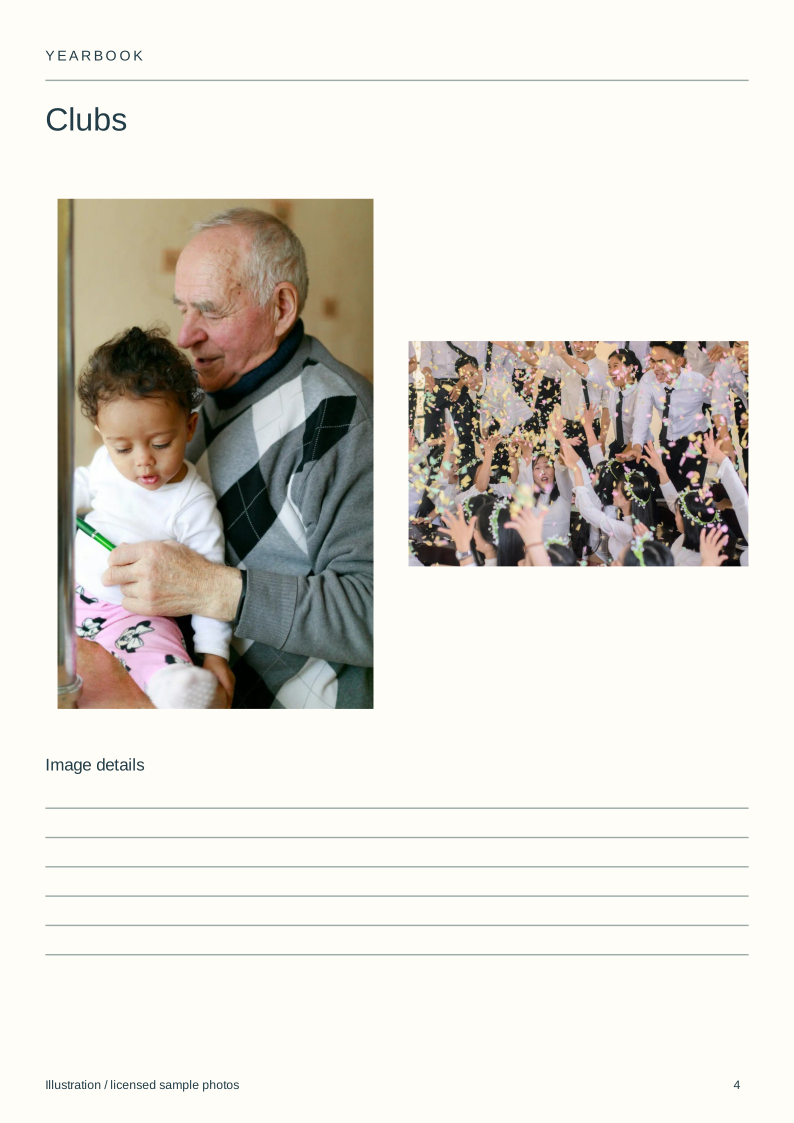
| Clubs | Each activity section | Participation and image permission |
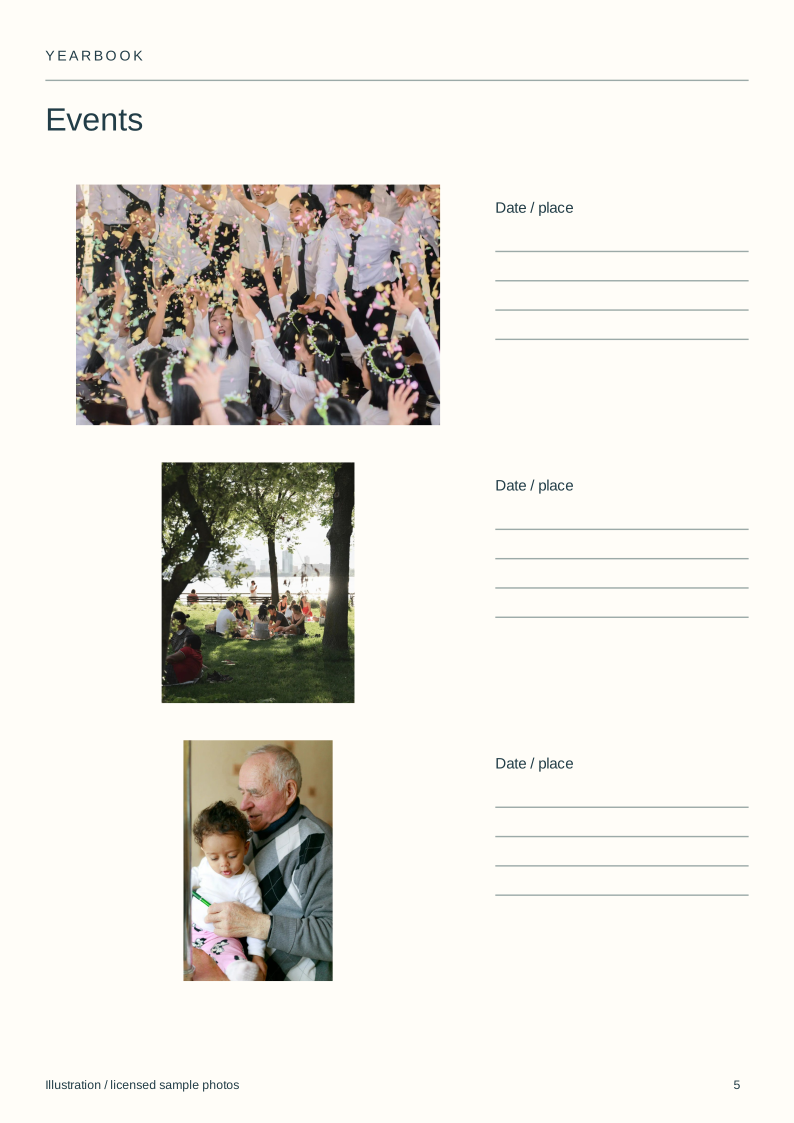
| Events | Selected school events | Dates and factual captions |
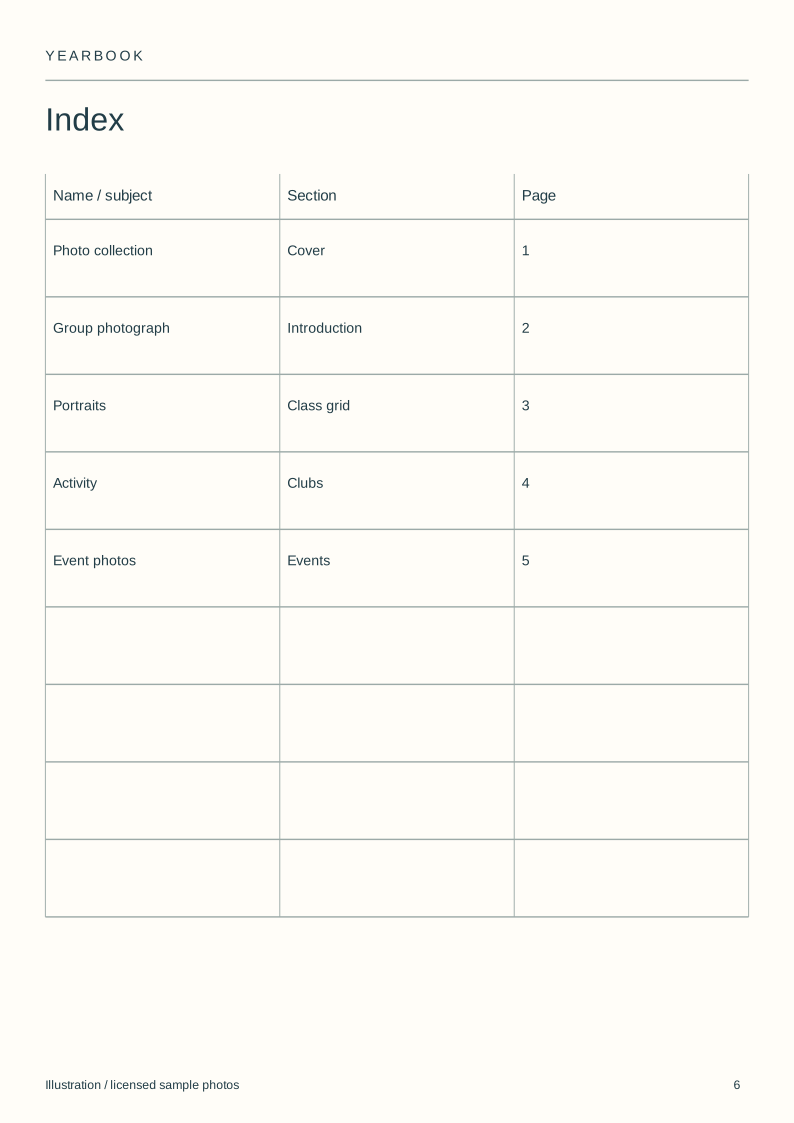
| Index | The complete book | Page references after final ordering |
Download the blank layouts
Free original SVG files. Edit a copy in a vector editor or print it. These are separate files, not native tbf book templates or fillable PDFs.
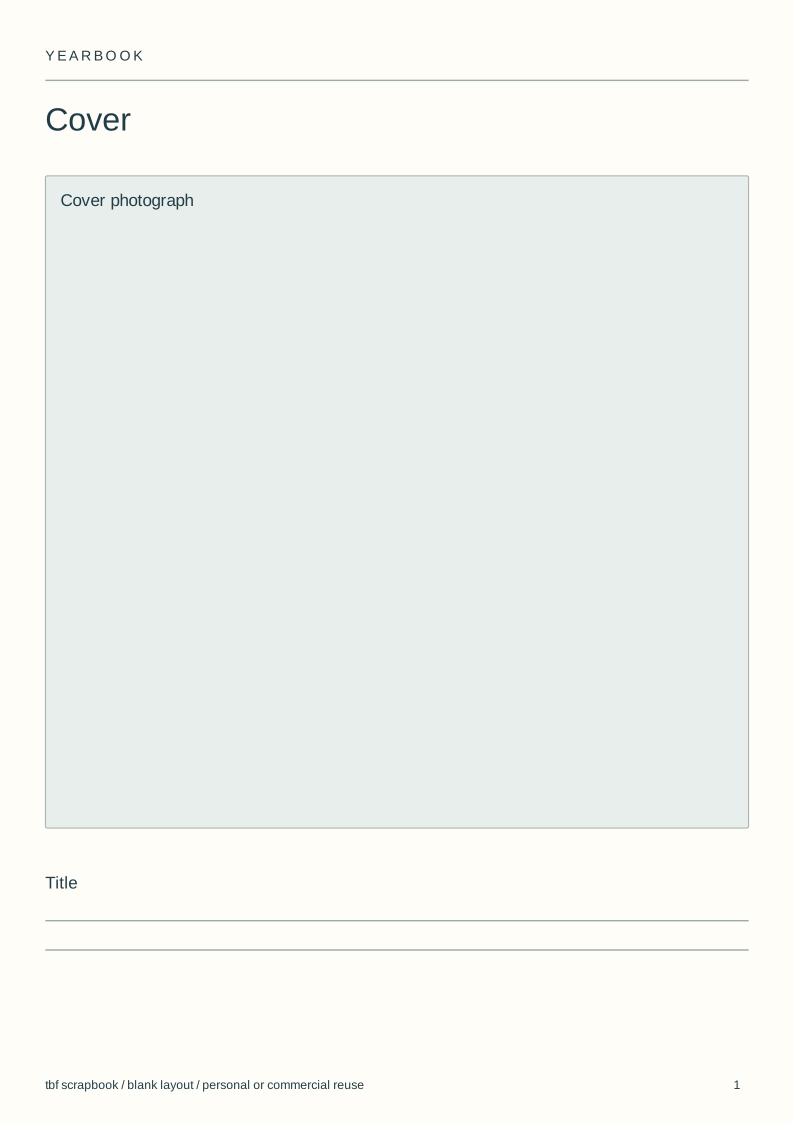
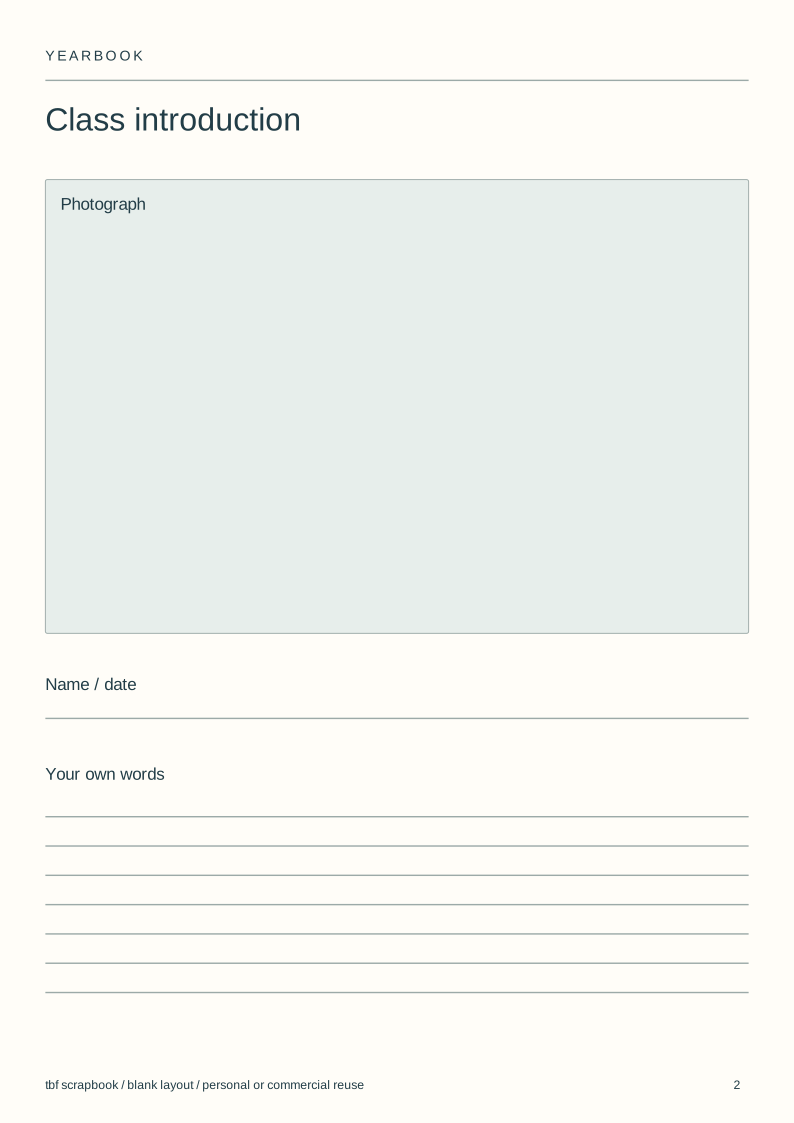
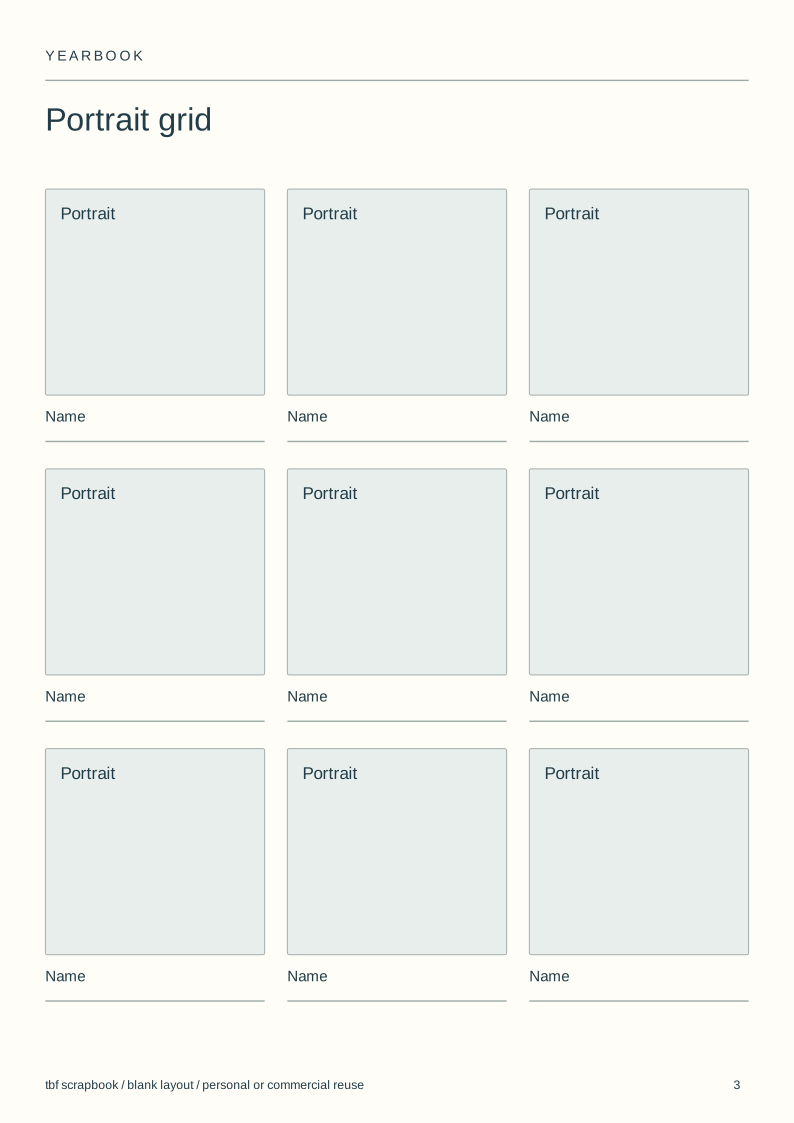
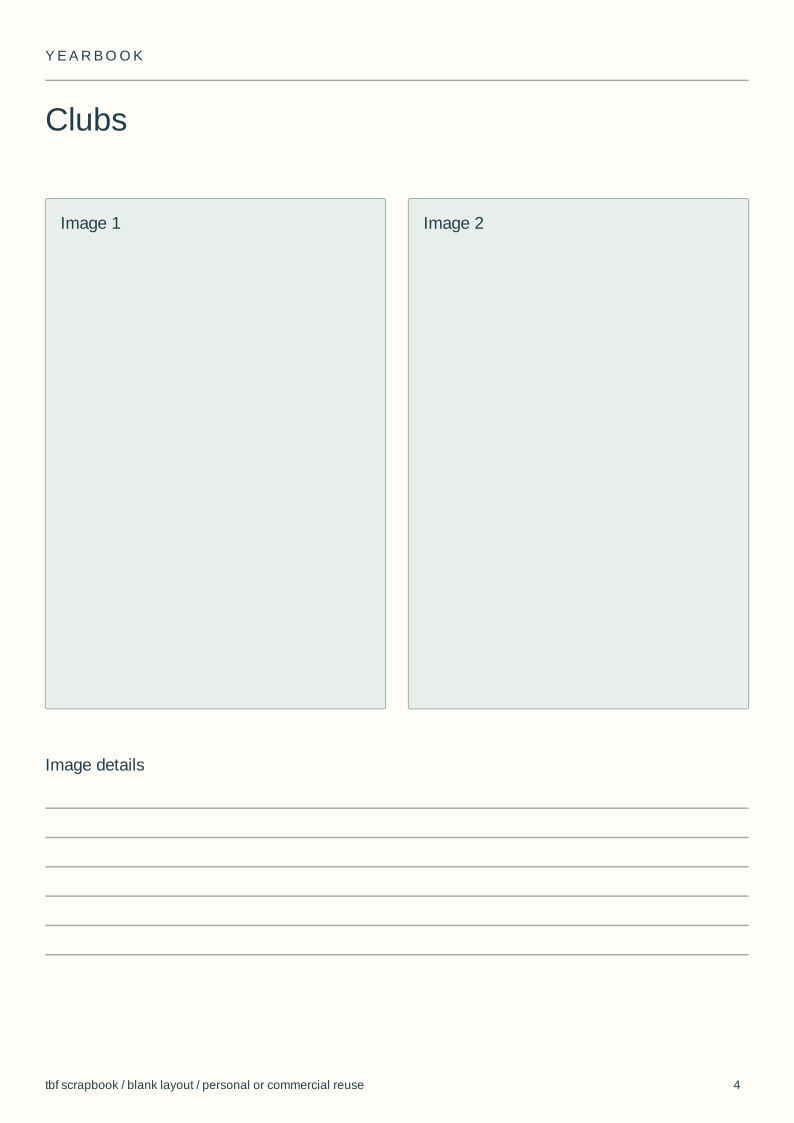
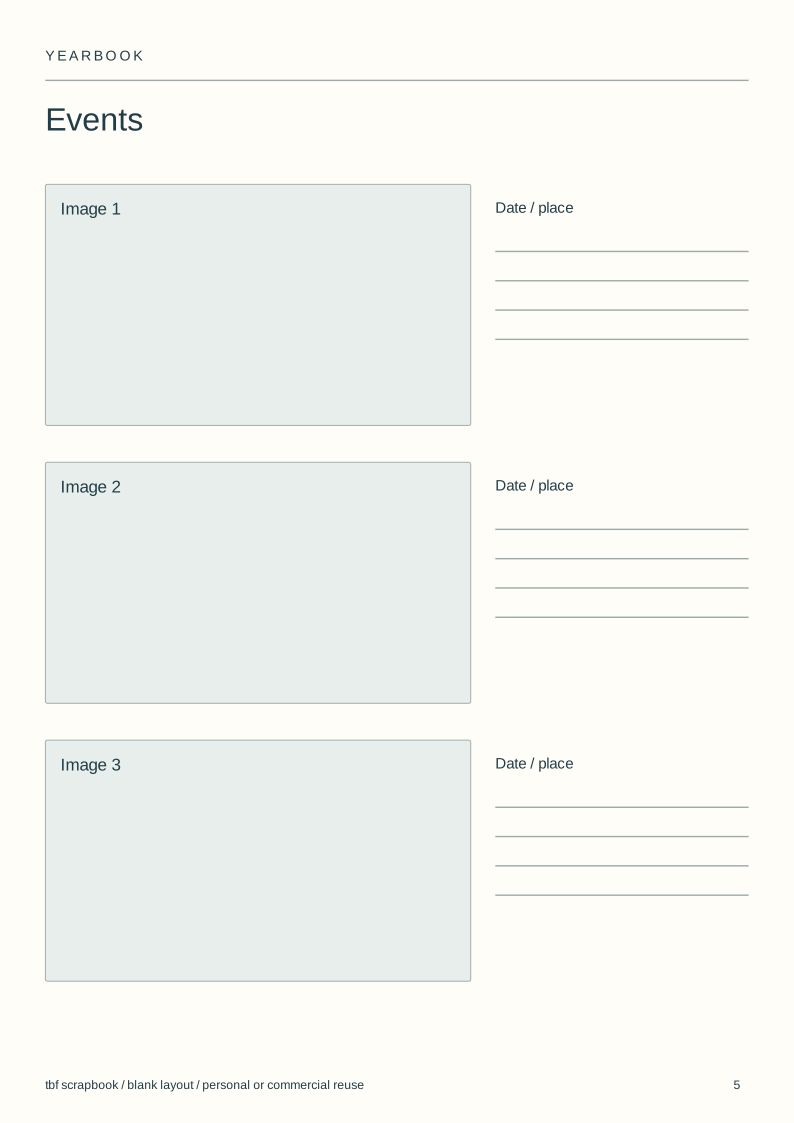
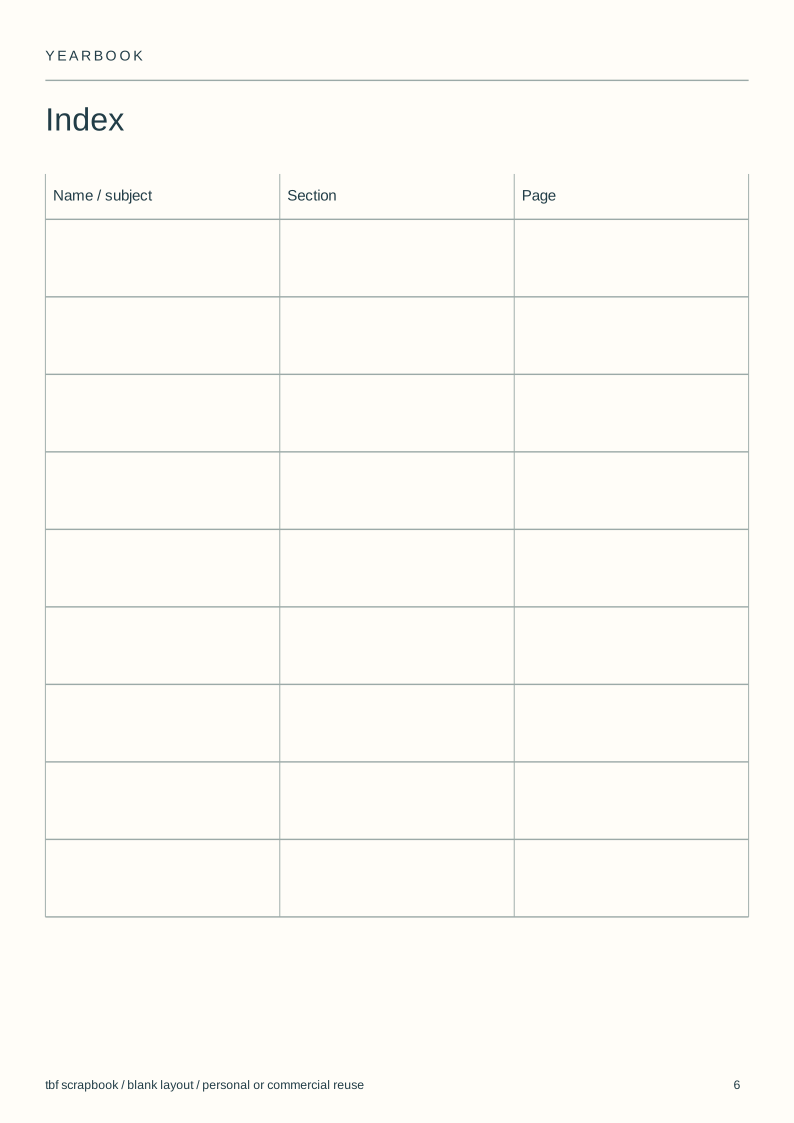
Use and adapt the original blank designs for personal or commercial work, without attribution. Added images keep their own rights. Check a print at actual size before making a batch.
View the complete illustrated layout
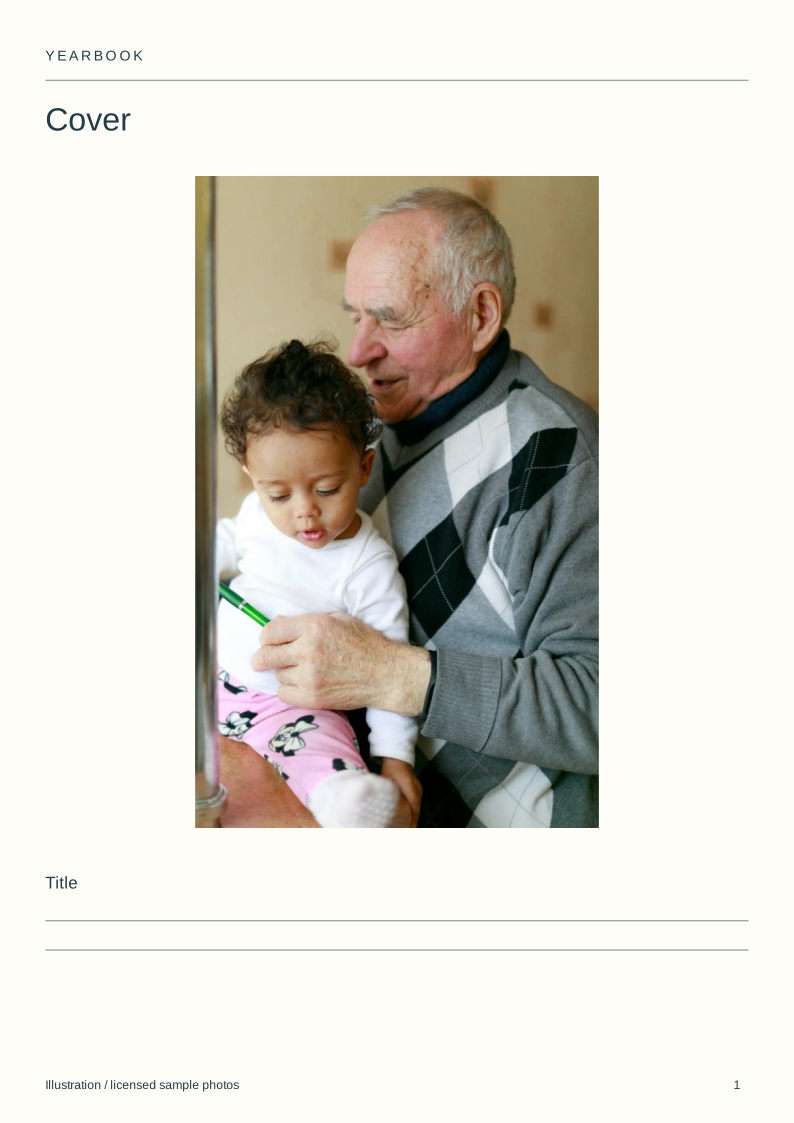
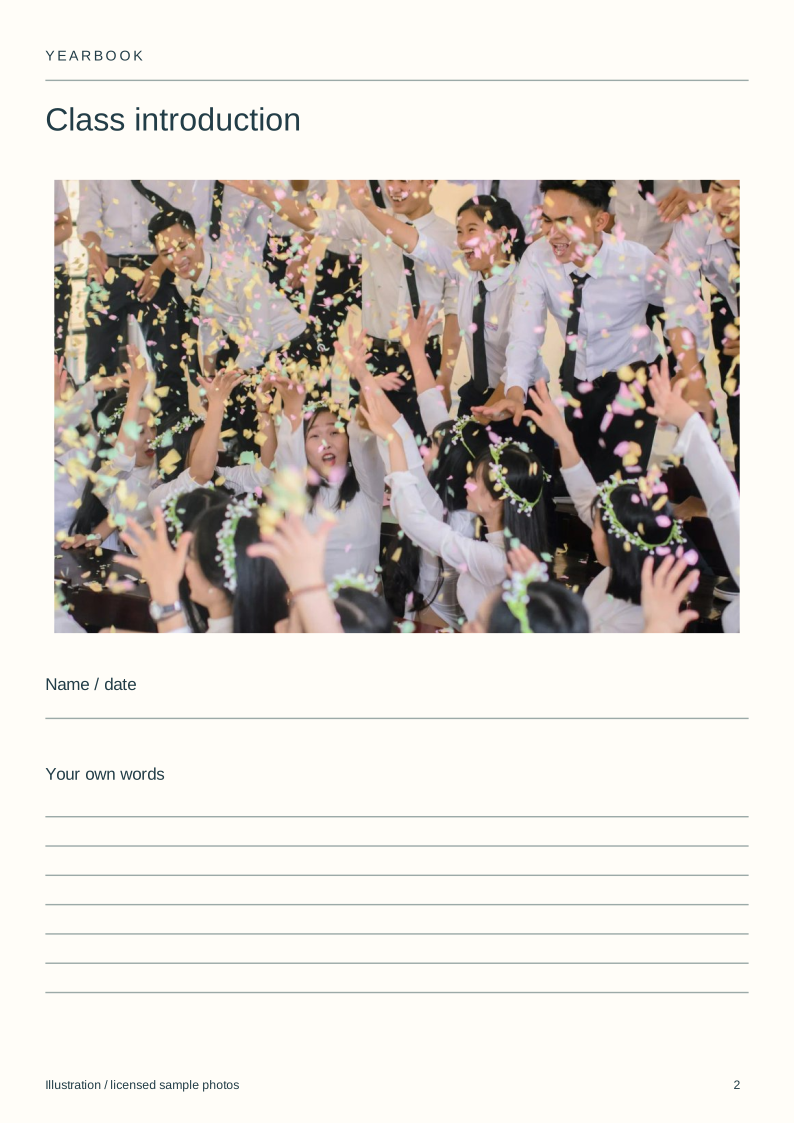
Illustrative layouts using licensed sample photographs. These show page structure, not an actual wedding, class, family history or trip. Personal writing stays empty.
Set the page plan before asking for photographs
Count classes, clubs and events first. Give each group a page allowance so the book does not grow unevenly while contributors are working.
Keep one shared style record for margins, heading size and portrait proportions. A different photograph should not need a different page system.
Check portrait names against an approved list
A photograph and a name are separate pieces of information. Match them carefully, and ask the school which information may be included and who may receive the book.
The portrait grid has blank name fields. It supplies no fictional pupils, quotes or personal statements.
Leave space for everyday school life
Clubs and events pages can show activities beyond posed portraits. Choose pictures that add a different part of the year rather than repeating the same group photograph.
A timetable, programme or piece of work can be included where permission allows. Check that scans do not reveal private contact details or assessment information.
Keep an index and an approval copy
Number the pages after the order is stable, then check the contents and index against the actual file. Ask each section owner to review the relevant names and facts.
A class book needs the school's approved process for photographs and distribution. A private family scrapbook is not automatically suitable for circulating to a whole class.
Steps
Count the sections
Allocate pages to classes, clubs and events before collection starts.
Share the layouts
Give contributors the same blank files and style record.
Check the information
Match names, pictures and permissions through the school's process.
Approve the ordered book
Review the complete copy with the final contents and index.
Questions
Are the yearbook templates editable?
Yes, the six SVG layouts can be edited in a vector editor. They are also printable planning sheets. They do not connect to a school database.
How is this different from a yearbook theme?
A theme sets the visual idea. This pack supplies repeatable page arrangements. Use the yearbook-themes guide to choose the idea that runs through them.
Can a class make a yearbook together?
Yes, if the school approves the collection and sharing process. Assign sections, use consistent files and review names and photographs before distribution.