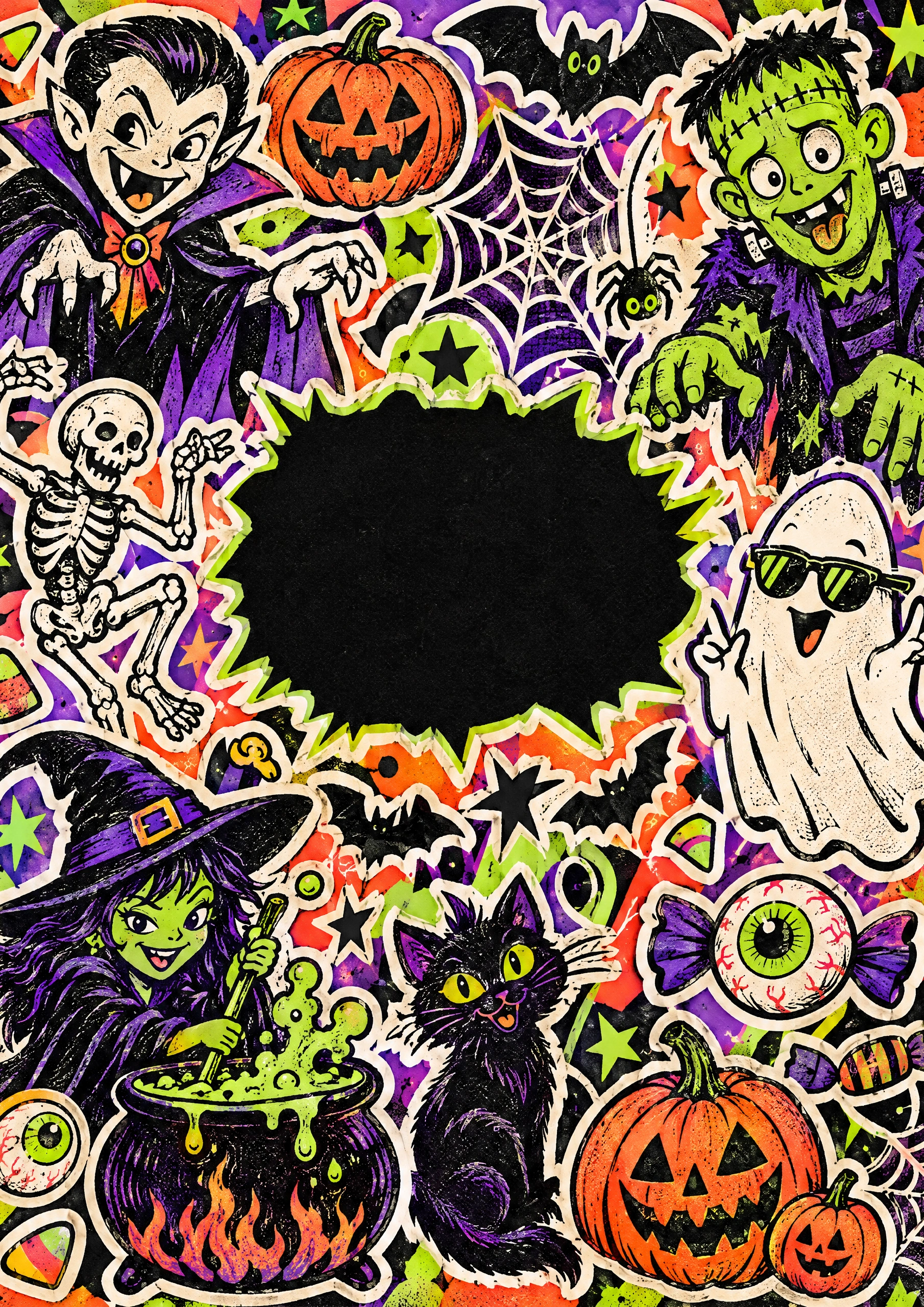
Halloween collection · Monster Club
Halloween stickers you make yourself.
A vampire in wellies. A ghost in your team's colours. Make Halloween stickers that belong in your book.
Make Halloween stickersStart digitally for free. Printing is paid separately.
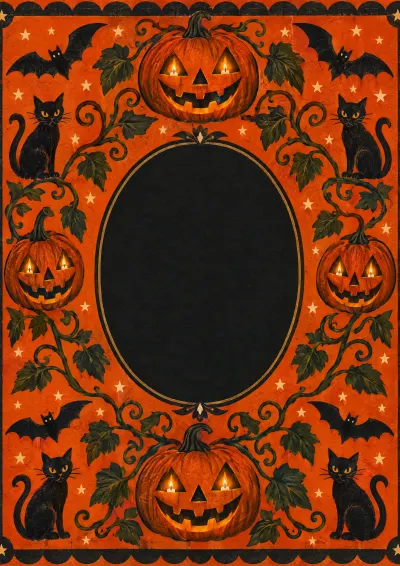
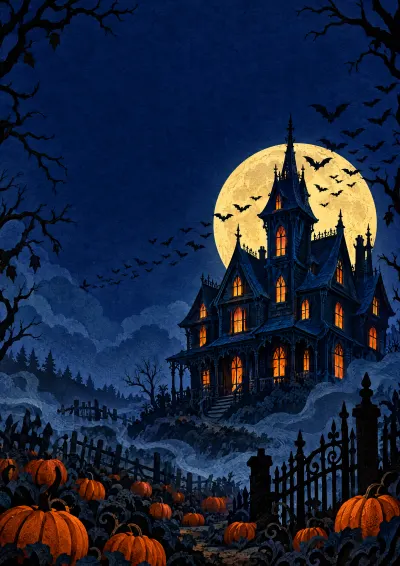
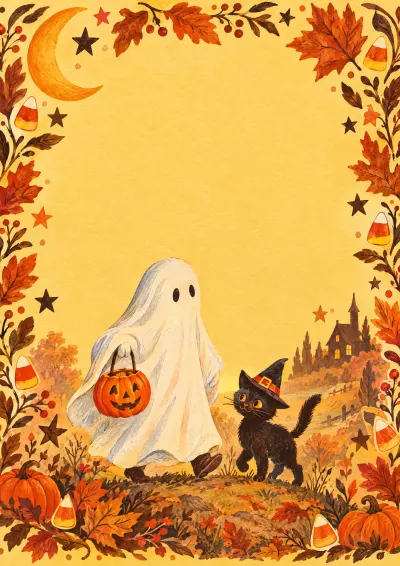
Download this cover artwork ↓Add the image to your first page in the editor. Choose A4 portrait for this cover.
Inside your book
Start with a monster of your own
Use the editor's AI artwork tool to describe a pumpkin, witch, skeleton or creature of your own. Choose its colours and style, then resize and layer the decoration beside your photos.
Free accounts include 3 artwork credits. One credit makes one AI decoration. These are digital decorations for your book, not adhesive stickers sent in the post. More generations use credits.
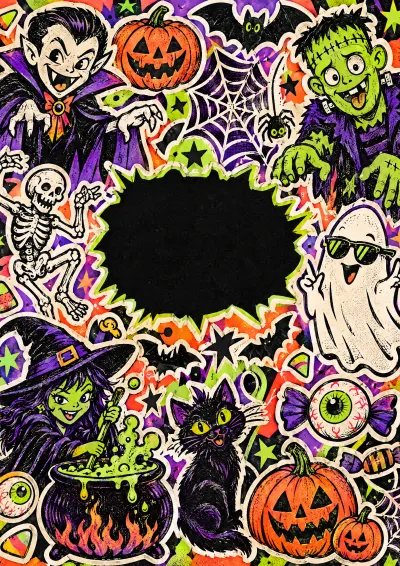
Monster Club is the matching cover: bright monsters, dancing bones and a bubbling cauldron. Download the artwork and add it to your first page.
Three places to start
- Choose one character and two colours.
- Generate its artwork in the editor.
- Place it beside a photo, away from faces.
Can I print the Halloween stickers?
They print as part of your book pages. We do not supply separate adhesive sticker sheets. The free plan lets you try the editor; PDF export needs a paid plan.
Digital now. Hardback later.
Keep adding. Print when you are ready.
Arrange the book online, then choose Hardback or Matte hardback at print. Check every page in the proof before ordering. The studio shows the current price and delivery charge.
The free plan includes one book, 10 pages, 250 MB and watermarked reading and sharing. Larger books and PDF export need a paid plan. Online hosting follows your plan.
Plans and printing details →Four ways to keep October