
Birthday magazine: a six-page layout to make your own
Make a birthday magazine with a cover, contents, photo sections and space for contributions. Download the six blank page layouts below, then fill them with your pictures and your own words.
Start with 40 pages free. No card needed.
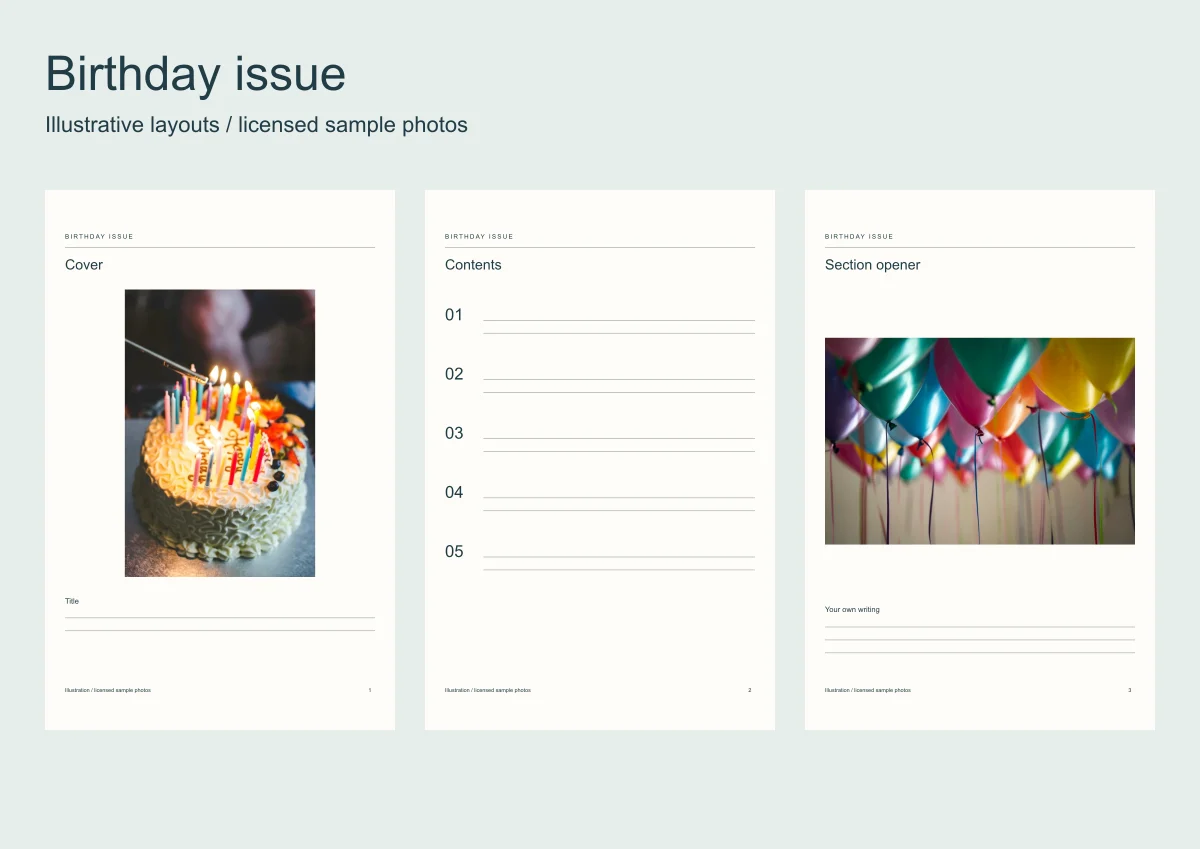
A magazine gives the birthday book sections rather than a page for every year. Choose two or three subjects from the photos you have, such as places, celebrations and everyday life.
The downloads are SVG layouts you can edit in a vector editor or print. The demonstration uses licensed sample photographs; it is not a customer birthday book.
Make a birthday memory book
Add photos and your own words, or invite people to send their memories for the book.
| Page | Purpose | Material to gather |
|---|---|---|
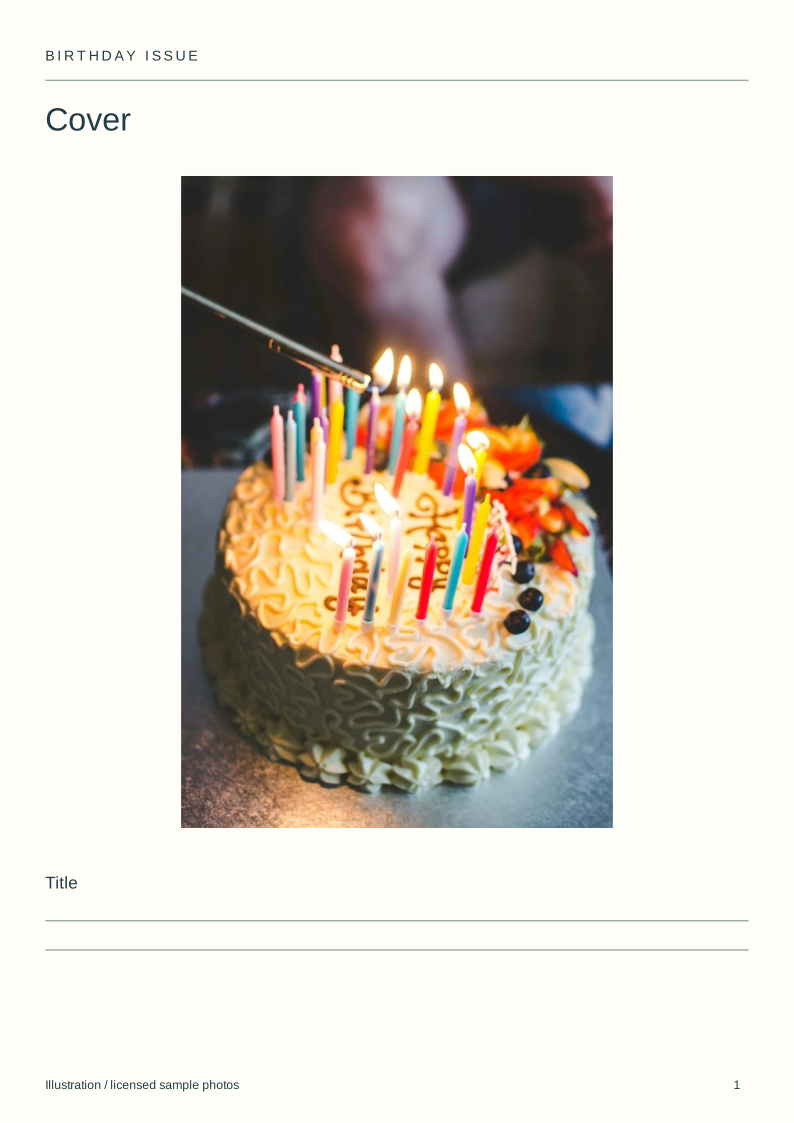
| 1 | Cover | One photo and a title you choose |
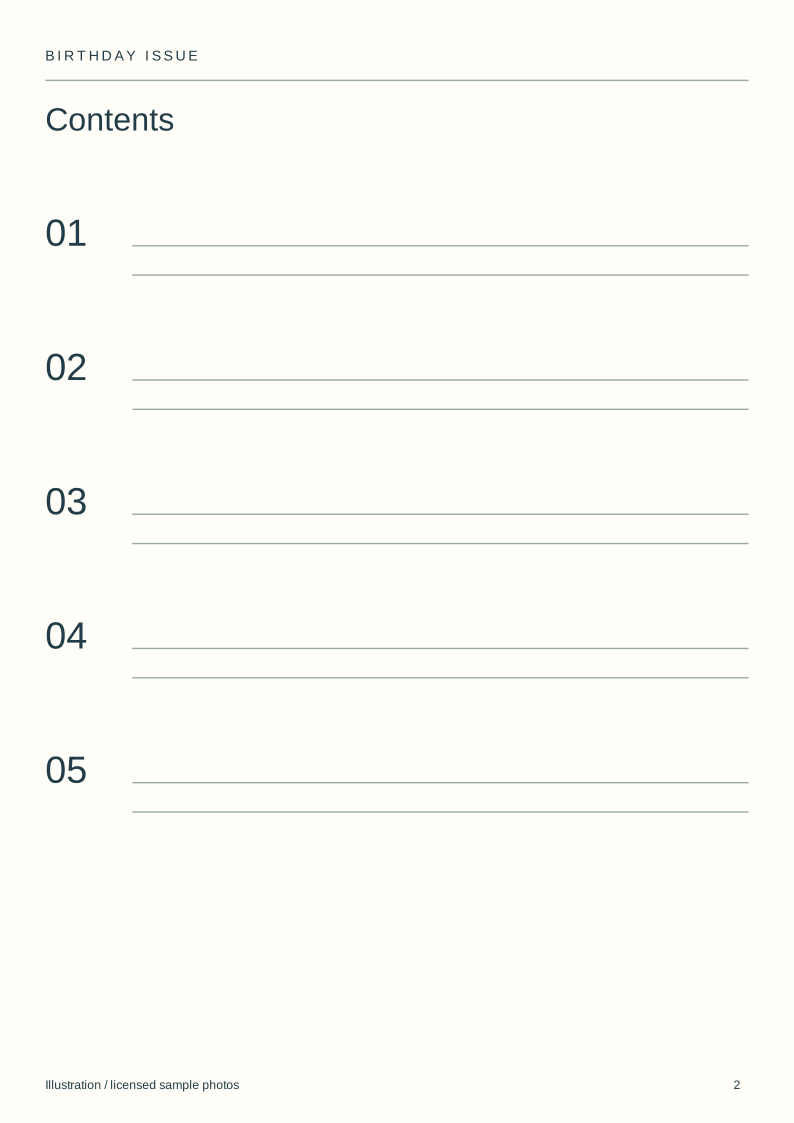
| 2 | Contents | Section names and page numbers |
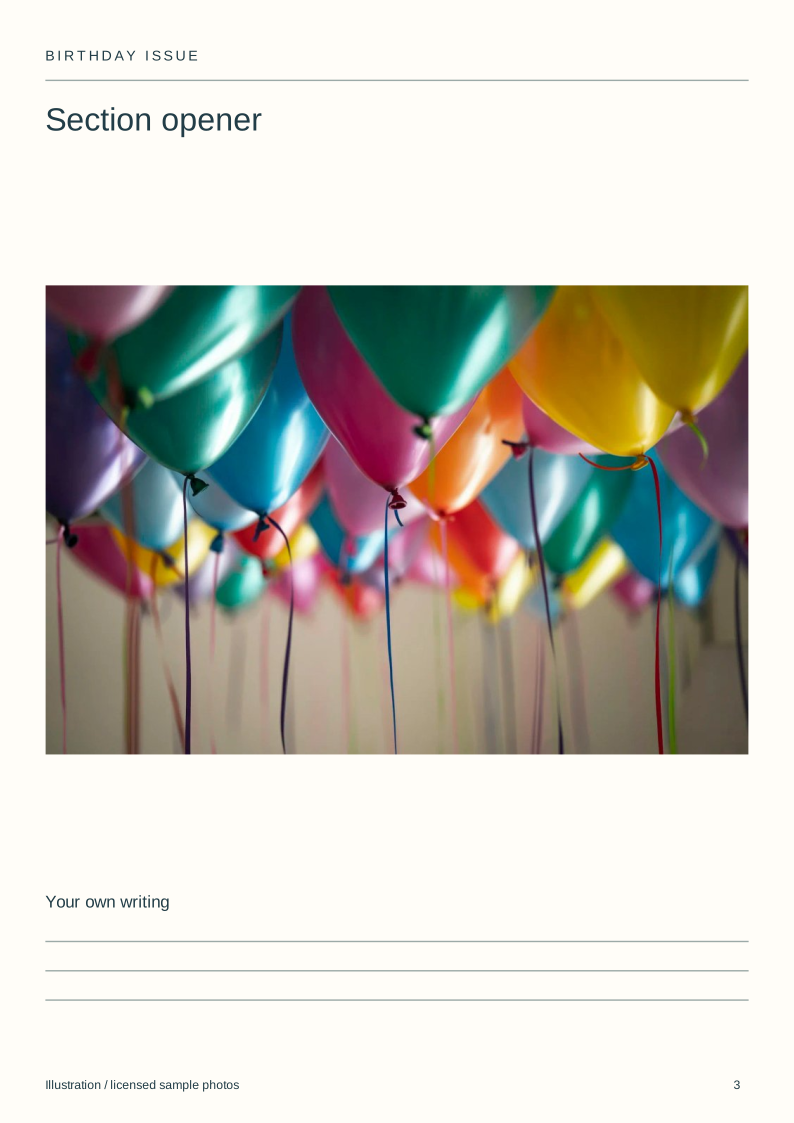
| 3 | Section opener | One large image |
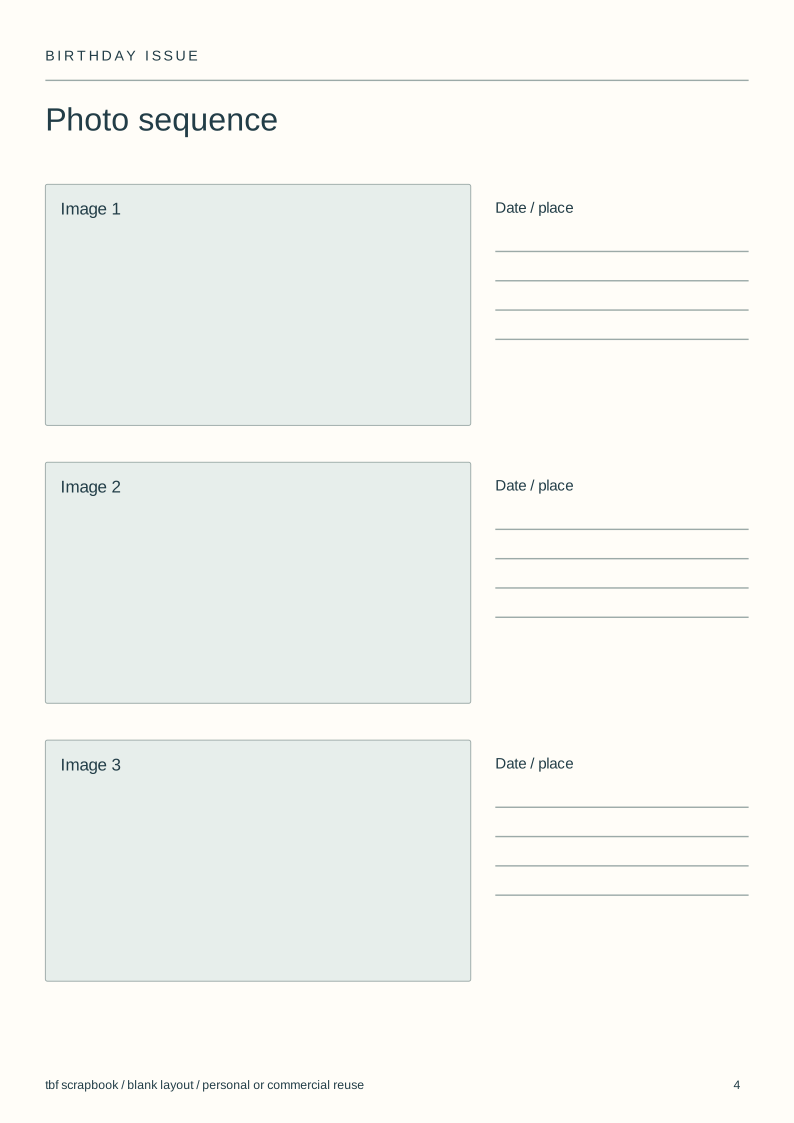
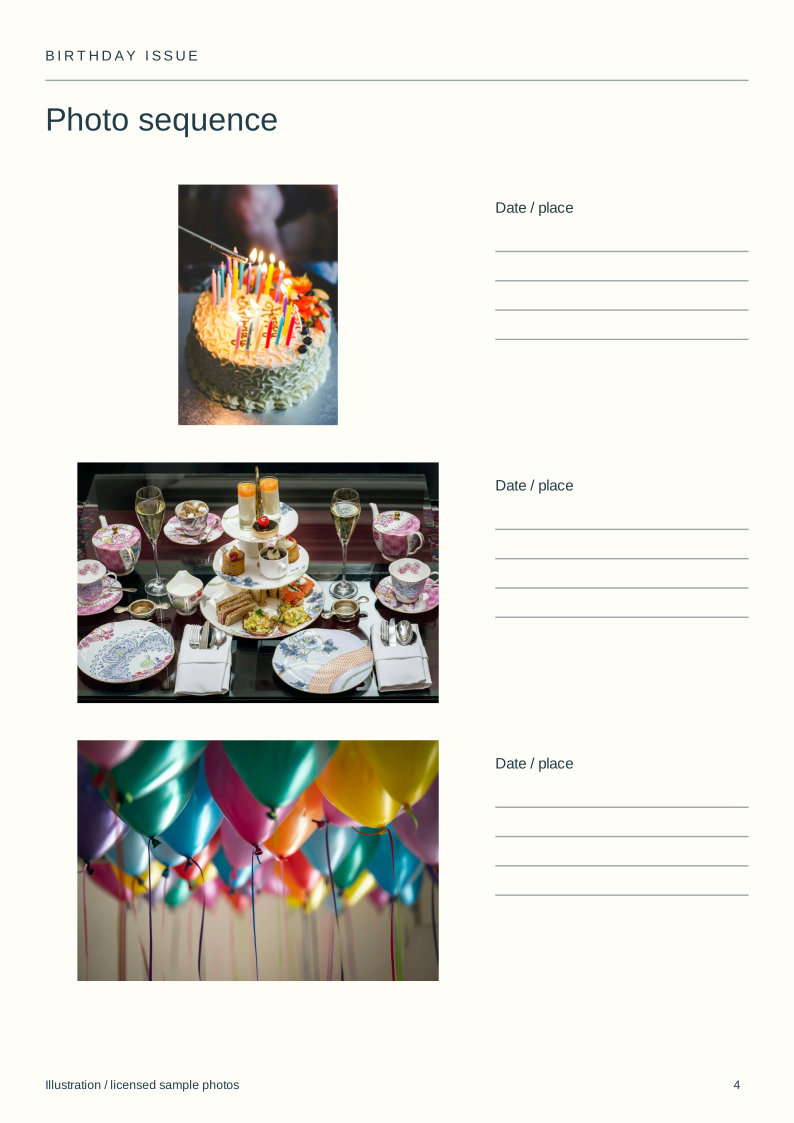
| 4 | Photo sequence | Three related pictures |
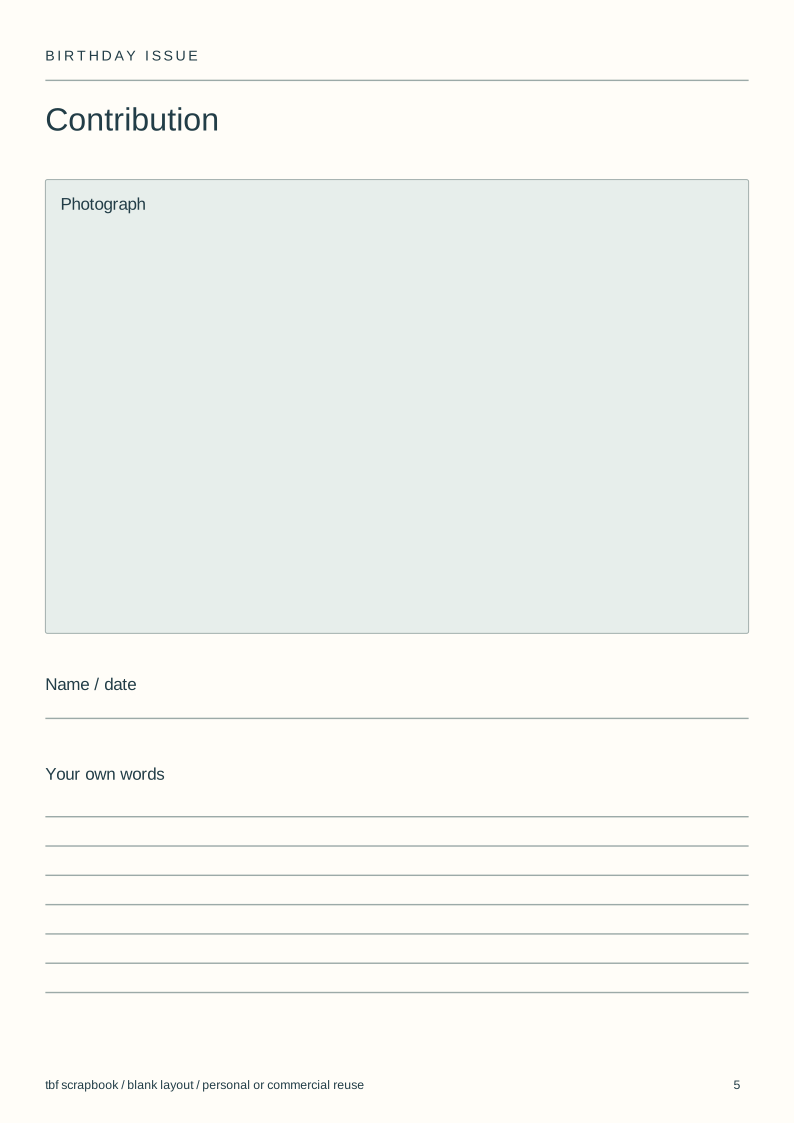
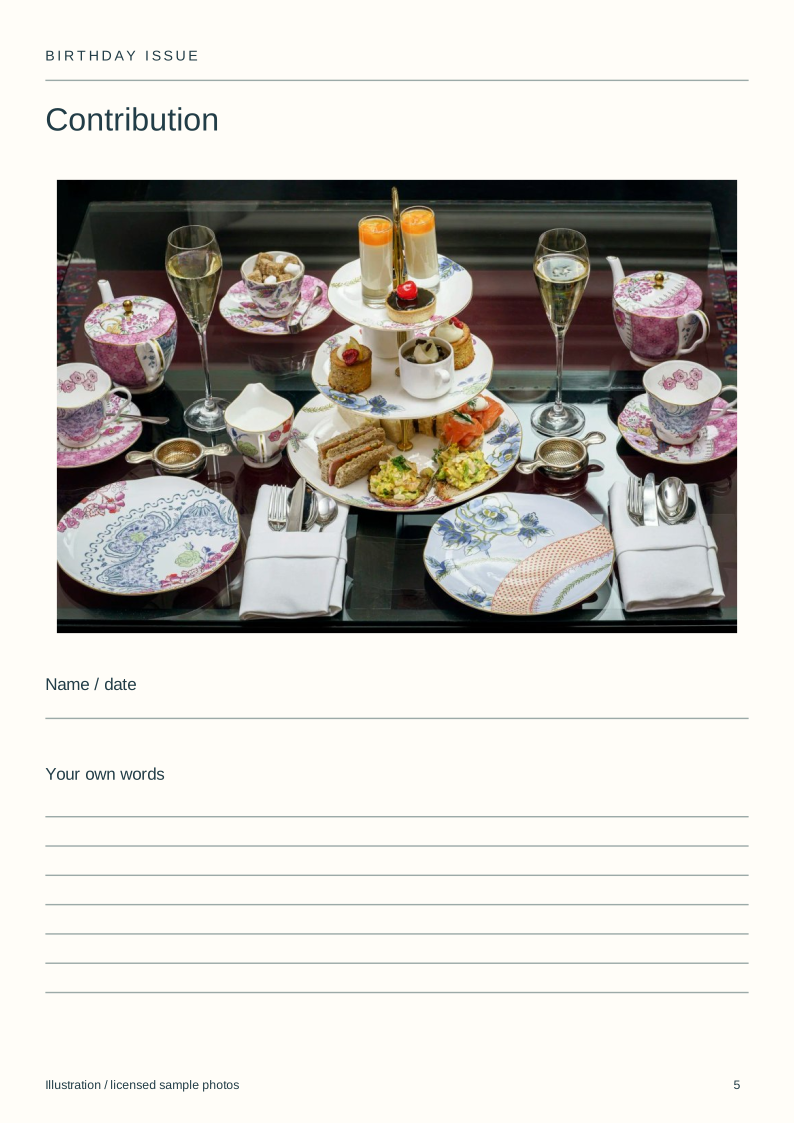
| 5 | Contribution | Photo and the contributor's own writing |
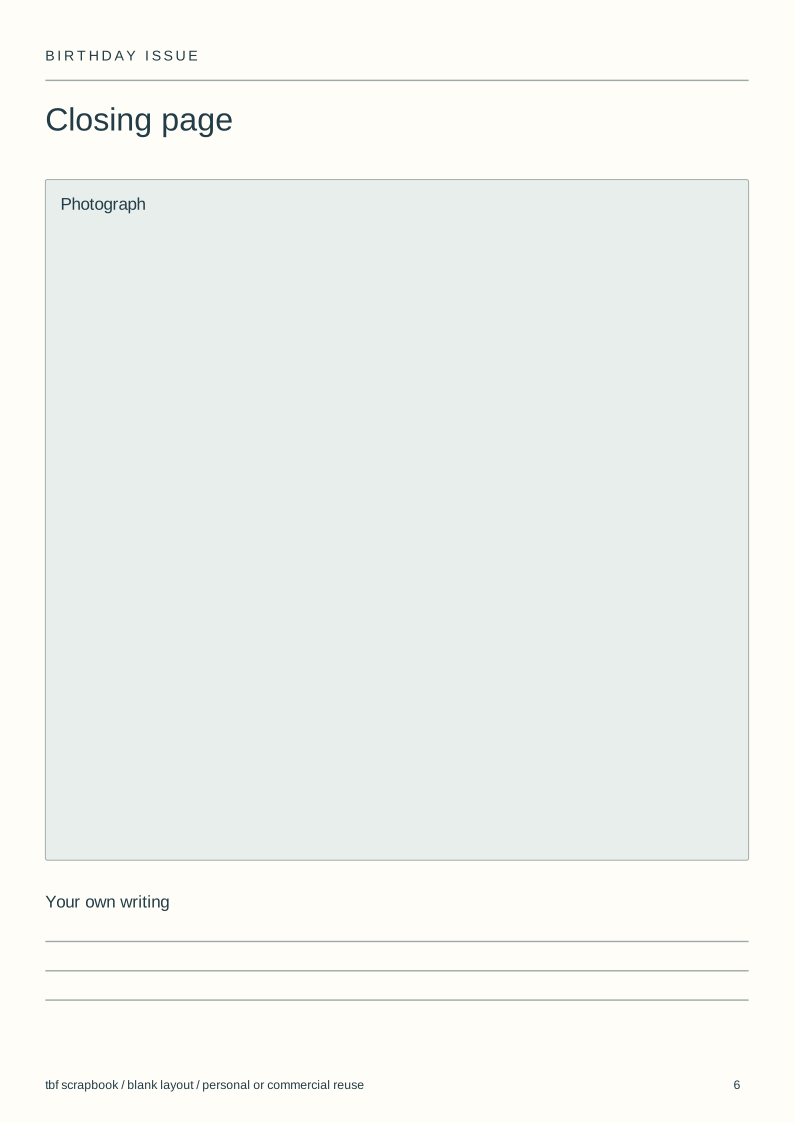
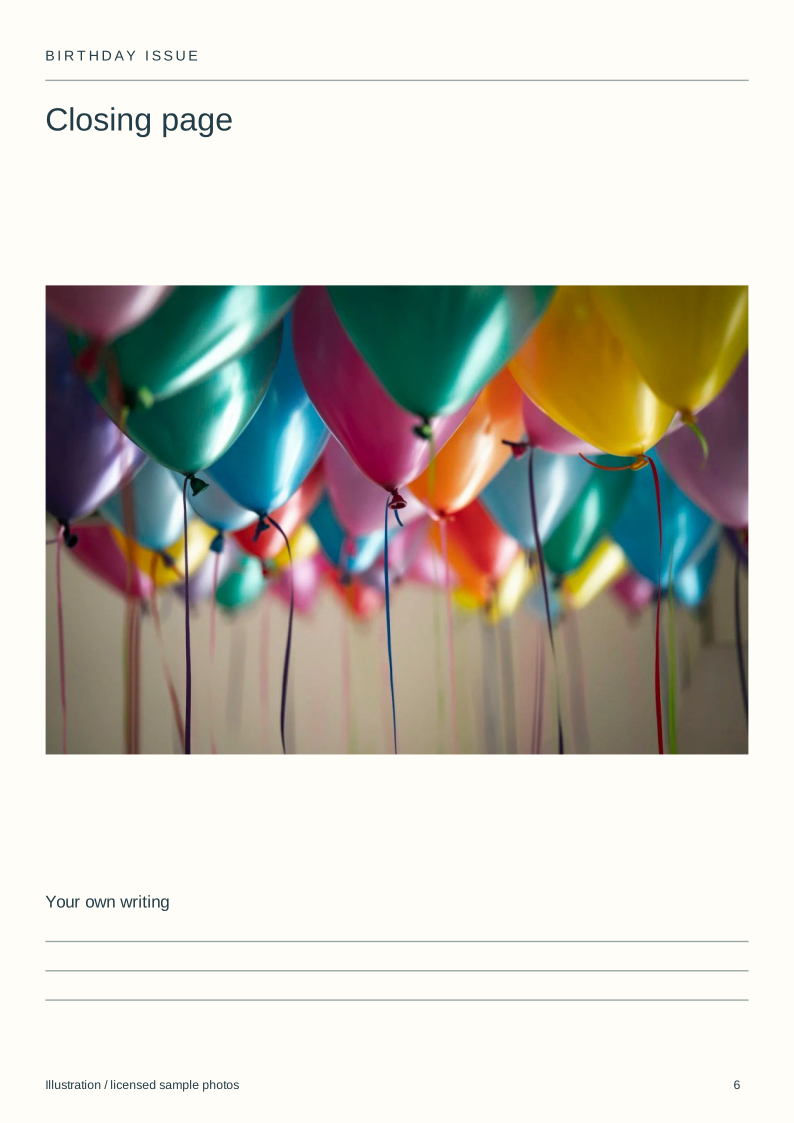
| 6 | Closing page | A different image and credits if needed |
Download the blank layouts
Free original SVG files. Edit a copy in a vector editor or print it. These are separate files, not native tbf book templates or fillable PDFs.
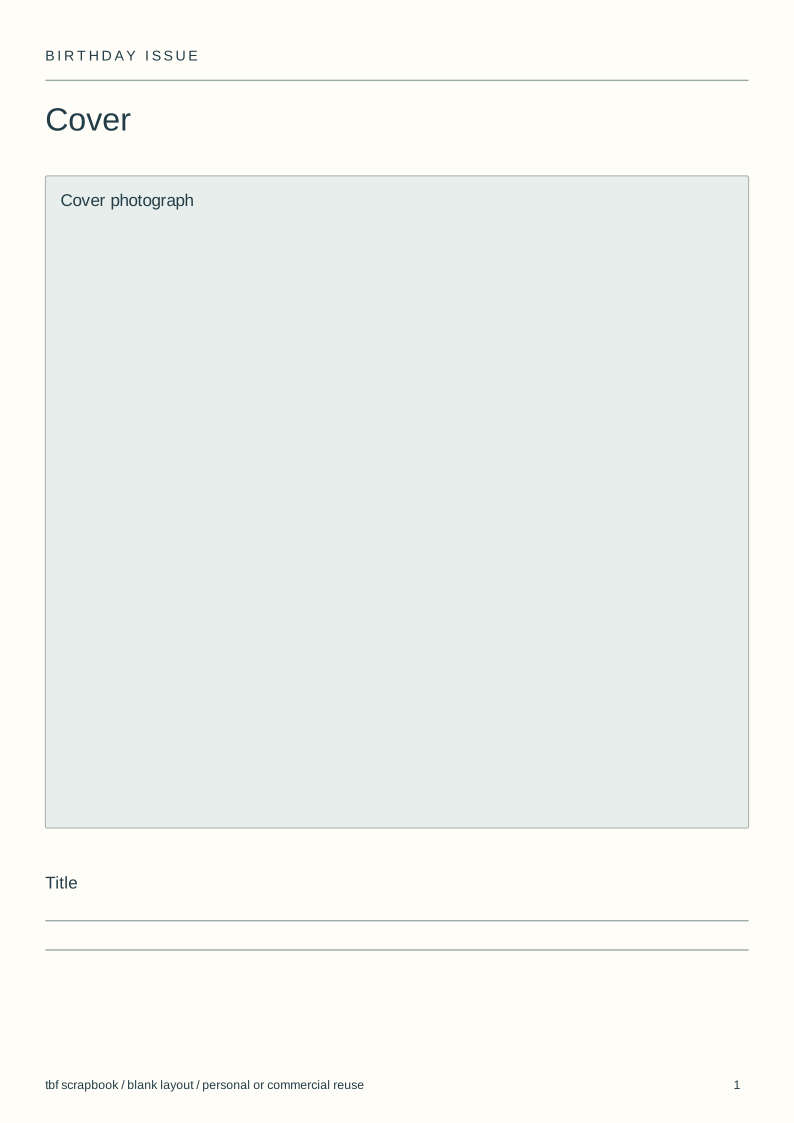
- Cover (SVG)
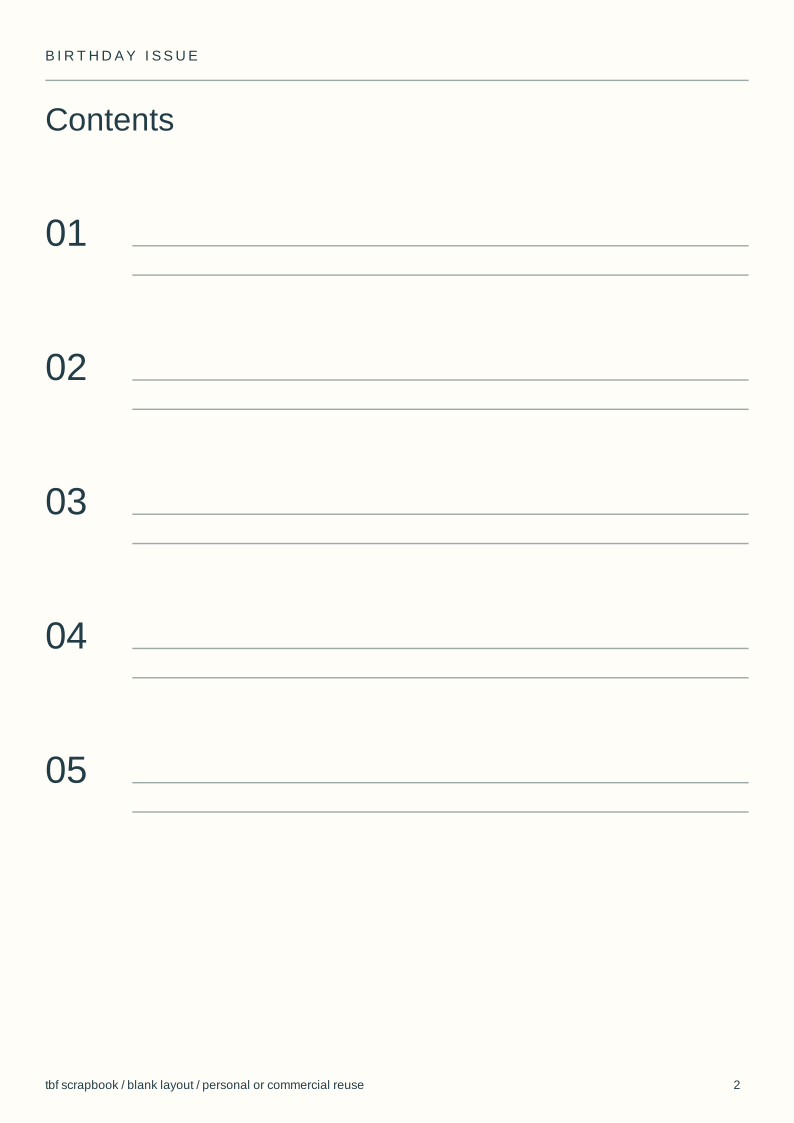
- Contents (SVG)
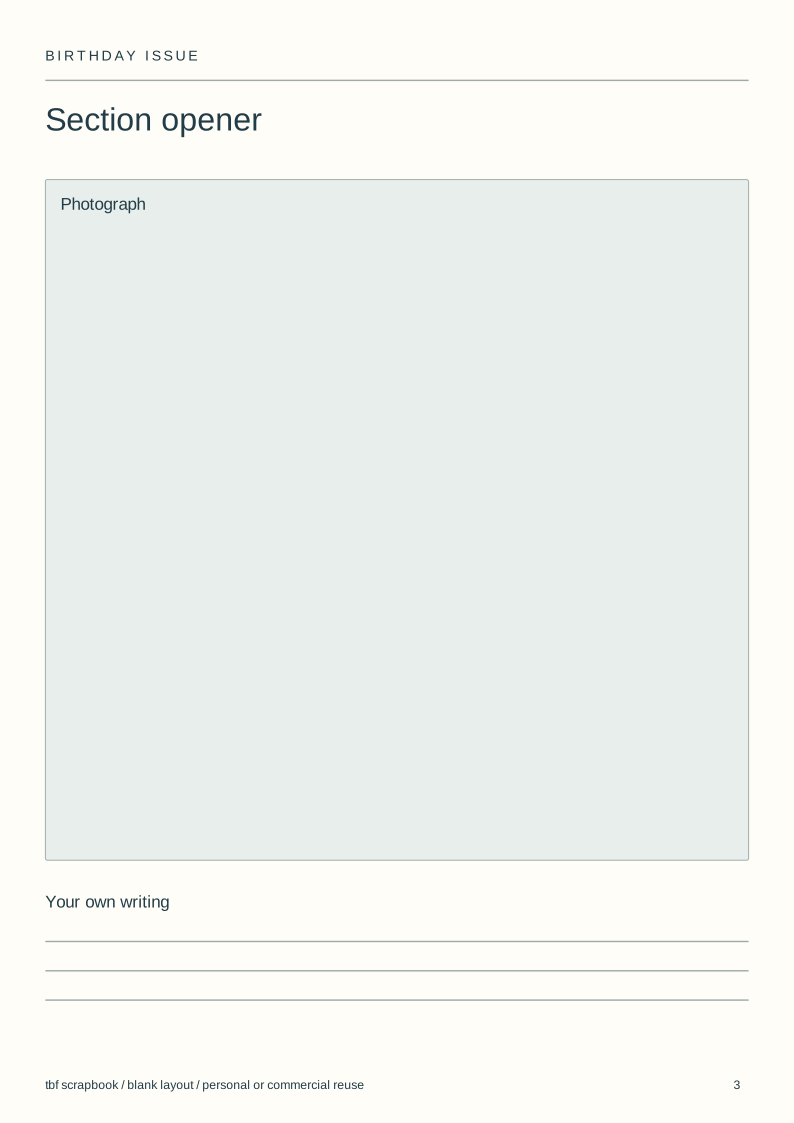
- Section opener (SVG)
- Photo sequence (SVG)
- Contribution (SVG)
- Closing page (SVG)
Use and adapt the original blank designs for personal or commercial work, without attribution. Added images keep their own rights. Check a print at actual size before making a batch.
View the complete illustrated layout
Illustrative layouts using licensed sample photographs. These show page structure, not an actual wedding, class, family history or trip. Personal writing stays empty.
Give the issue a reading order
Open with one clear photograph. Follow with a contents page, a section opener, a photo sequence, a contribution and a closing image.
Six pages work for an online issue. A printer may require a different page count for a folded or stapled magazine; check that before adding more pages.
Collect material for specific spaces
Choose the sections before inviting contributions. Ask each person for an image, its date and any account they want to write themselves.
Keep a contribution with its author. A portrait, recipe card or ticket can lead a section without turning every page into a greeting.
Use the blank layouts
Each file has separate photo boxes, heading areas and writing lines. Duplicate a layout in your vector editor, replace the boxes and remove any labels you do not need.
For a book in tbf scrapbook, open the Birthday book template and recreate the arrangements on its editable pages. These SVG files do not install a new whole-book template.
Choose how the issue will be read
Check the smallest writing on a phone as well as at print size. A crowded contents page is harder to use than a short list of sections.
tbf offers a digital book and separate book printing. A magazine-style layout does not change the binding into a stapled magazine.
Pages to make
Choose three sections
Sort the selected photos into three subjects before designing the cover.
Assign the spaces
Match each image to a page and leave the personal writing blank.
Make the issue
Download the layouts or start with the Birthday book template.
Check the reading copy
Open the complete issue on a phone and check the order and names.
Questions
Is this a free birthday magazine template?
The six SVG layouts are free to download and edit. They are separate page files, not a native tbf template or a printer-ready stapled magazine.
Can I make it in tbf scrapbook?
Yes. Use the Birthday book template for editable book pages, then arrange your photos into sections. Write the title and memories yourself.
What goes in a birthday magazine?
A cover, contents, photo sections and contributions are enough. Choose sections from the material you already have instead of filling a long list of empty categories.