
Canva digital scrapbook: how it works and where it stops
Canva makes a scrapbook page from a template, with drag and drop, filters and its own graphics. Good for single pages; a long book, other people's material and a file you keep need more.
Start with 40 pages free. No card needed.
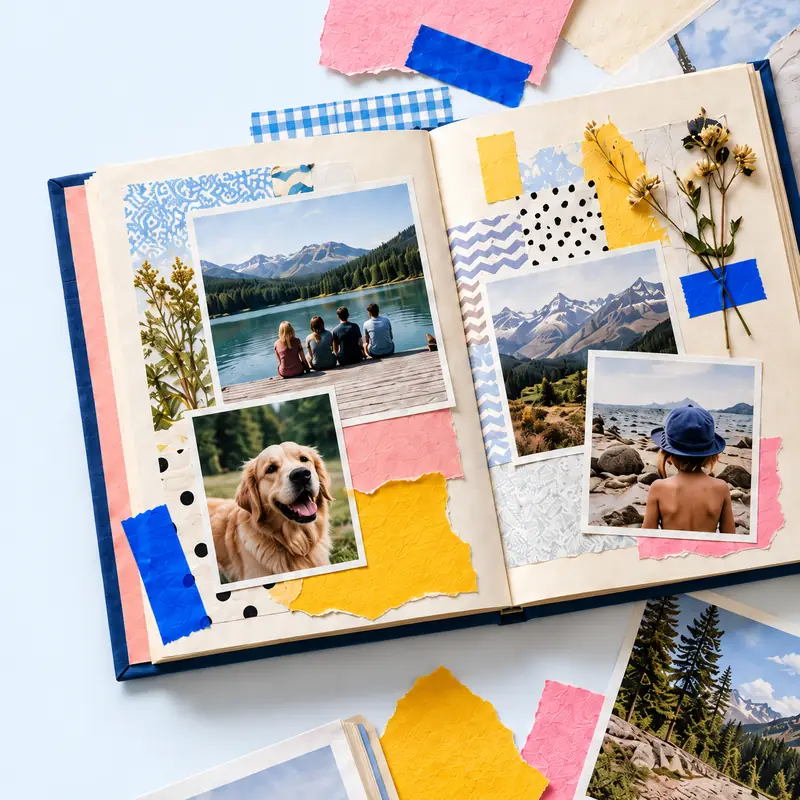
Canva's scrapbook maker starts from a template. You swap in your photos, resize by dragging the edges, add icons and stock photos from its library and apply a filter. Pages print one by one.
That suits a page or a short run of pages made on a laptop. The questions below are the ones people ask after the first ten pages: size, sharing, what you can export and what happens on a phone.
Where Canva fits the job better, this page says so. Where it does not, the layouts here are free and the maker runs in the same browser.
See also: the six free blank layouts, the Instagram page template, how to make a digital scrapbook, step by step, digital scrapbooking software for a computer, Open the online scrapbook maker, Six scrapbook templates you can open and fill.
Make a digital scrapbook
Add your photos and keepsakes in tbf scrapbook, then arrange them on the pages. Make a digital scrapbook online.
| What you want to do | Canva | tbf scrapbook |
|---|---|---|
| Start a page | Pick a scrapbook template, swap in your photos, drag the edges to resize | Start a page at the book's size, add photos and keepsakes, move and crop each one |
| Page sizes named | 12 x 12 inch, 8.5 x 11 inch, 8 x 6 inch and a mini theme | A4 portrait, A4 landscape and 21 cm square, the sizes that can also be printed |
| Graphics | Its library of icons, illustrations and stock photos; Draw for doodles | Your own scans and photos; optional AI decoration on plan credits |
| Other people | Share an edit link and they change the same design | Invite contributors; they send photos and words and you choose what goes on the page |
| Keeping the book | Print pages individually and bind them; its page names no digital export format | PDF, page images and an editable book file on paid plans; a free book is read online |
| Cost | The page is titled free; Pro is sold separately and four AI tools carry a Pro label | One book of 40 pages and 250 MB free; paid plans for exports and editors |
What Canva does well for scrapbook pages
A single page is quick. The template gives you frames, you drop photos into them, and the library answers most wants for a sticker or a label. Filters and a background tint are a click.
One scrapbooker who works only in Canva prints some pages for page protectors and puts finished projects into books. She gathers elements on her phone and arranges them on a laptop.
- Pages for a page protector or a frame.
- A short project with a clear end, such as a December album.
- Someone who already keeps bought kits inside Canva.
Where it gets slow
The same account reports that templates sometimes refuse a photo when the frame is not square or rectangular, so she uses them as sketches and rebuilds the layout. Drop shadows resize objects oddly.
Full pages are hard to work on at phone size. Canva has no interactive pages, so a voice note or a clip has to be a QR code to somewhere else.
Nothing on Canva's scrapbook page names a digital export format. A book you can hand over as a file, or open in ten years, needs that settled before page twenty.
Sharing a design is not collecting a book
Canva shares by edit link: tick the edit box and everyone who opens it changes the same design. That is fine for two people at one table and harder for forty relatives sending photos.
A memory book made by many people needs a way for each to send material without editing the pages. In tbf scrapbook a contributor sends photos, words or a recording and the owner chooses what goes in.
Moving between the two
Keep a planning sketch from the six blank layouts beside Canva and rebuild its frames there. The sketch is the layout; it is not an import.
If a book outgrows single pages, export what Canva gives you, keep the originals in a folder and start the book in a maker that holds all of it. The free plan here is 40 pages.
Steps
Decide the end product
A framed page, a bound album of printed pages, a PDF or a book read online. The answer decides the page size and the tool.
Make the hardest page in Canva
The one with a tall portrait, a ticket with small print and a long caption. If it works, the easy pages will.
Count the people
Two of you at a laptop can share an edit link. Twenty people sending photos need contributions and one owner.
Settle the file you keep
Export one page and open it elsewhere. Keep the originals in a folder with the book, whatever made it.
Questions
Is Canva free for digital scrapbooking?
Its scrapbook page is titled free online scrapbook maker and sells Pro separately; four AI tools on it carry a Pro label. Check the plan page for what Pro adds before relying on it.
Can I print a Canva scrapbook as a book?
Canva's page says pages print individually and can be bound into an album. For a bound book from one file, use a maker or printer that takes the whole book at once.
Can family add to a Canva scrapbook?
By edit link they edit the design itself. If you want people to send material that you then arrange, use a maker with contributions and one owner.