
Photo zine: sequence a series and make the pages
A photo zine is a small publication built around a photographic subject. Choose a tight series, put the pictures in a deliberate order and test the page sequence before choosing a print format.
Start with 40 pages free. No card needed.
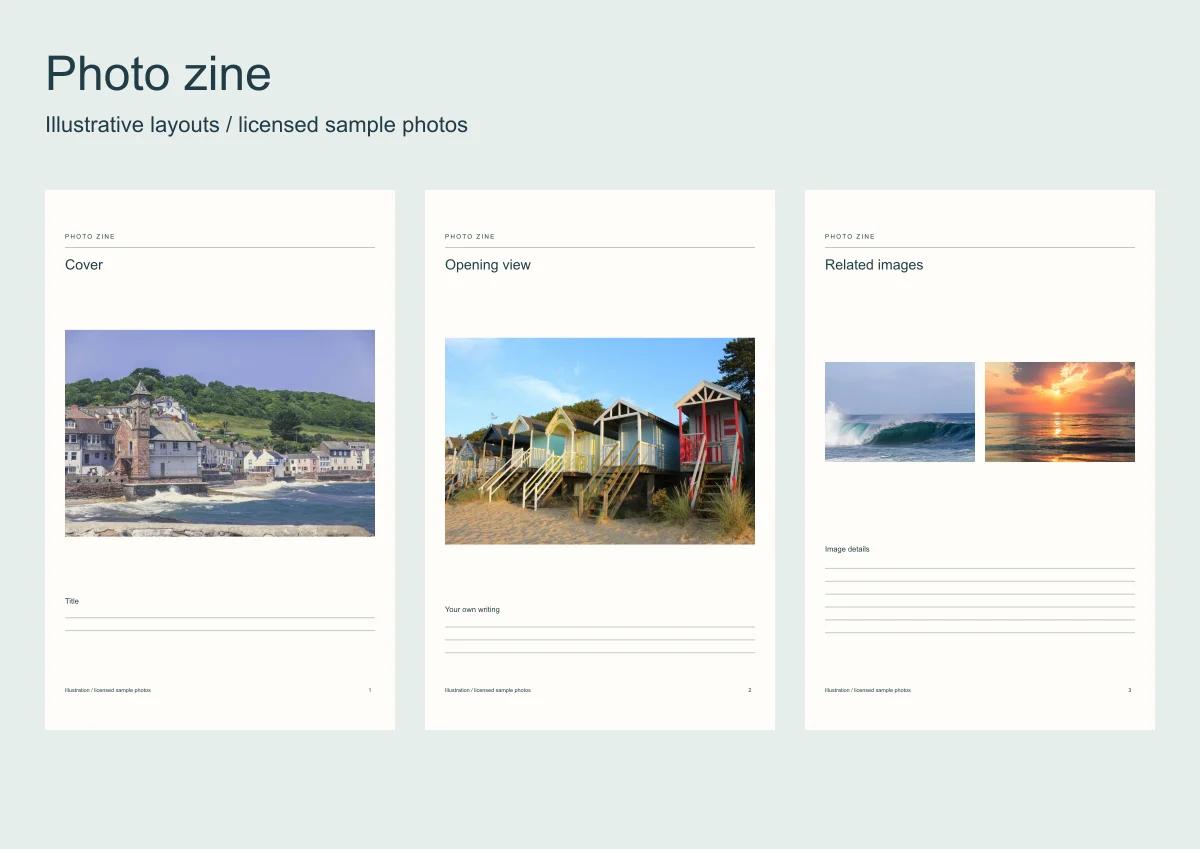
A zine can follow one walk, a place at different times or a repeated detail. The subject should be small enough that the photographs belong together without a long explanation.
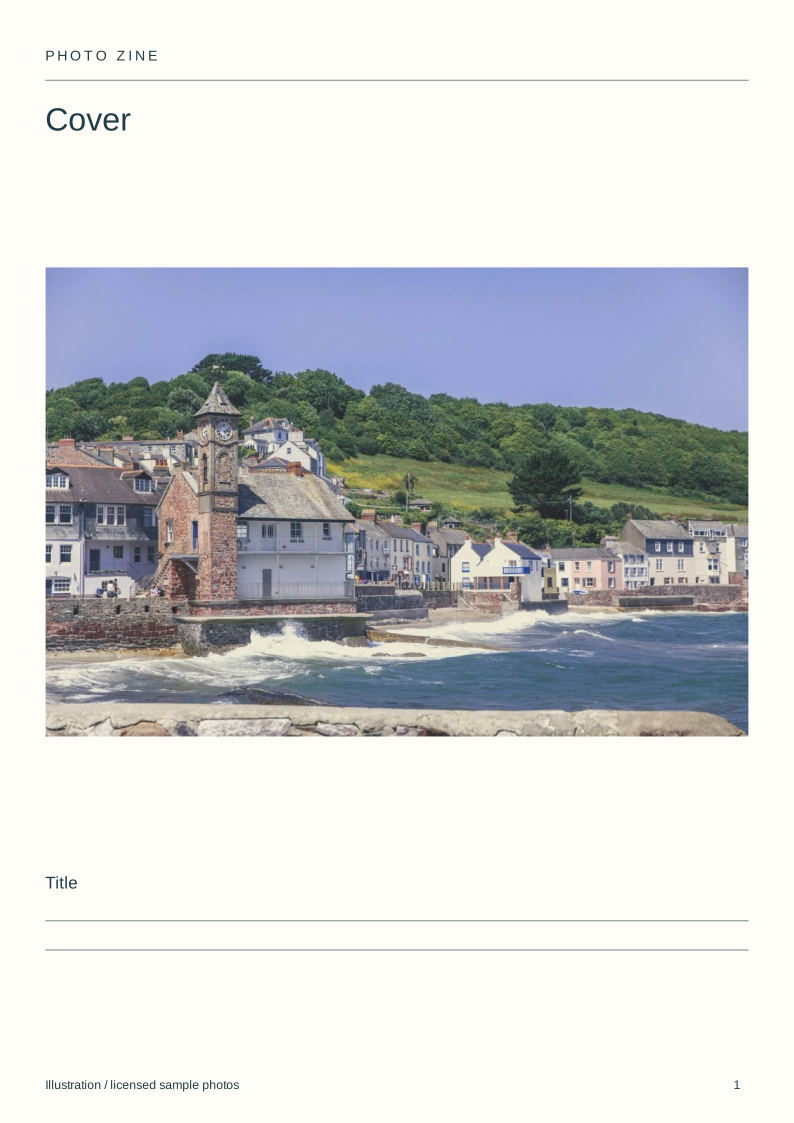
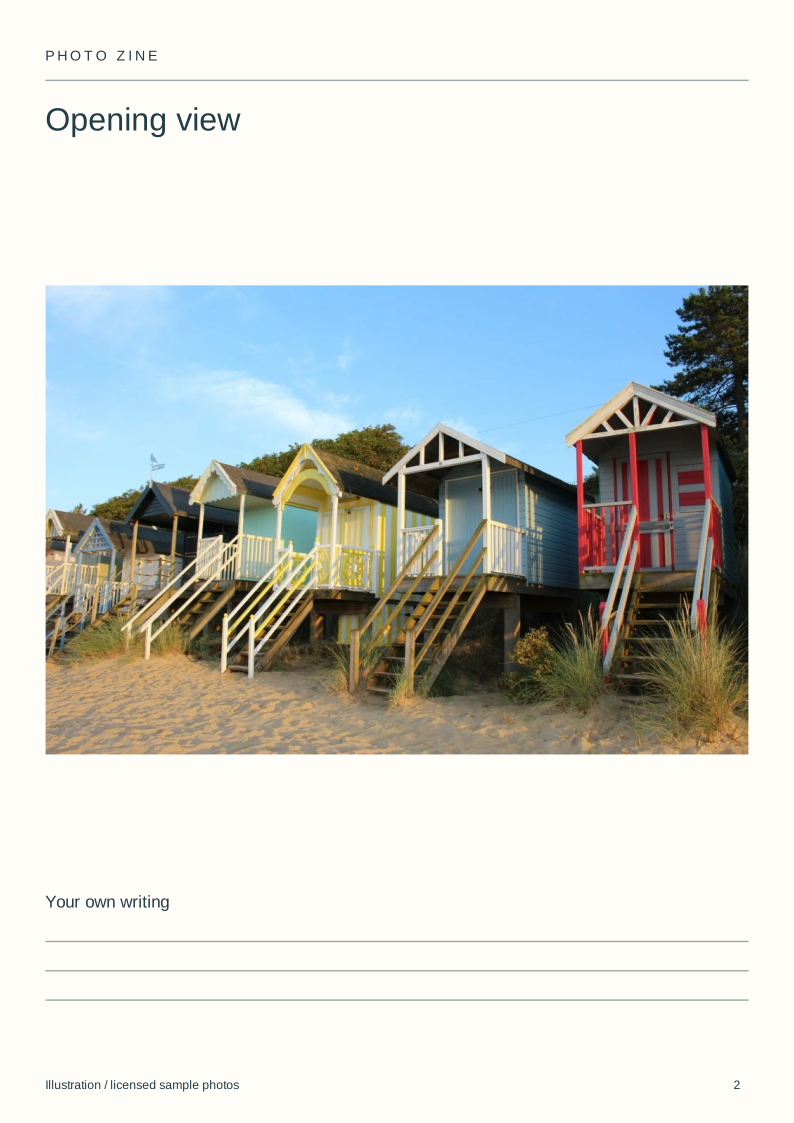
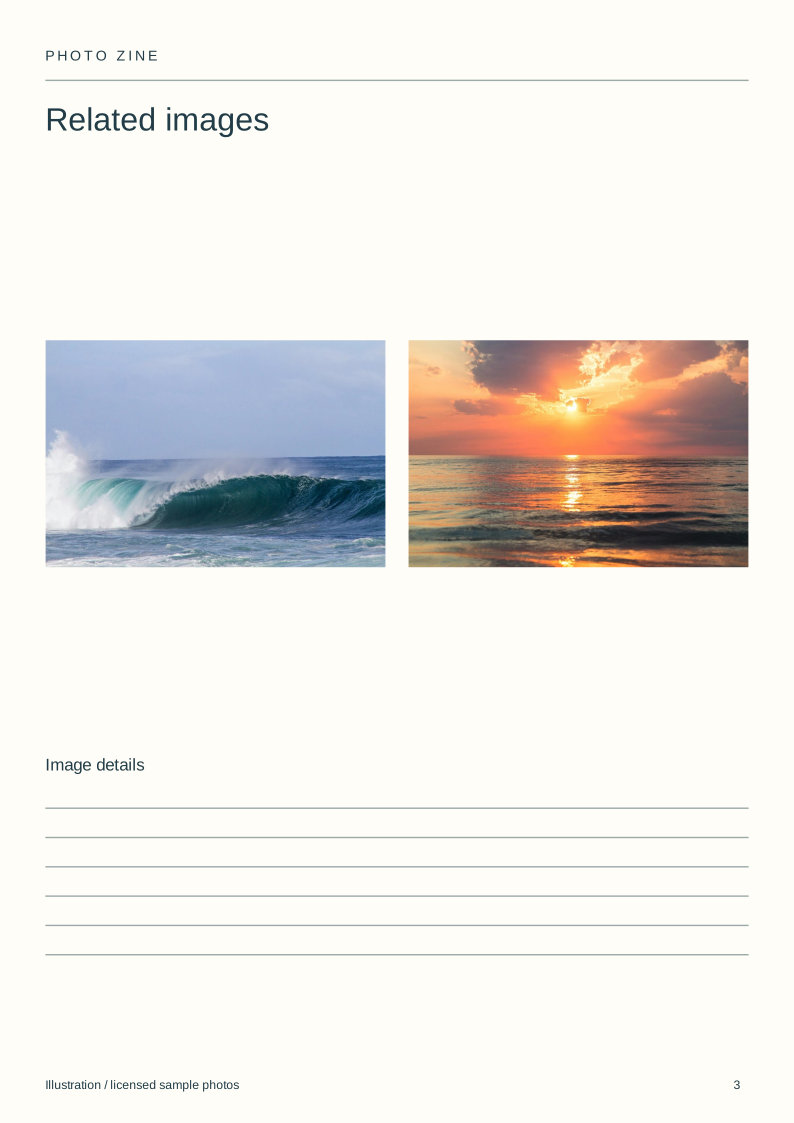
The eight downloadable layouts show a cover, opening image, pairs, details and an ending. The coastal demonstration is a sequence of licensed photos, not a record of one real trip.
Make a photo book
Arrange your photos on the pages, check the proof and order a printed copy.
| Page | Image role | Question to check |
|---|---|---|
| 1 | Cover | Does it identify the subject? |
| 2 | Opening view | Can the reader find their bearings? |
| 3 | Related images | Does each image add something? |
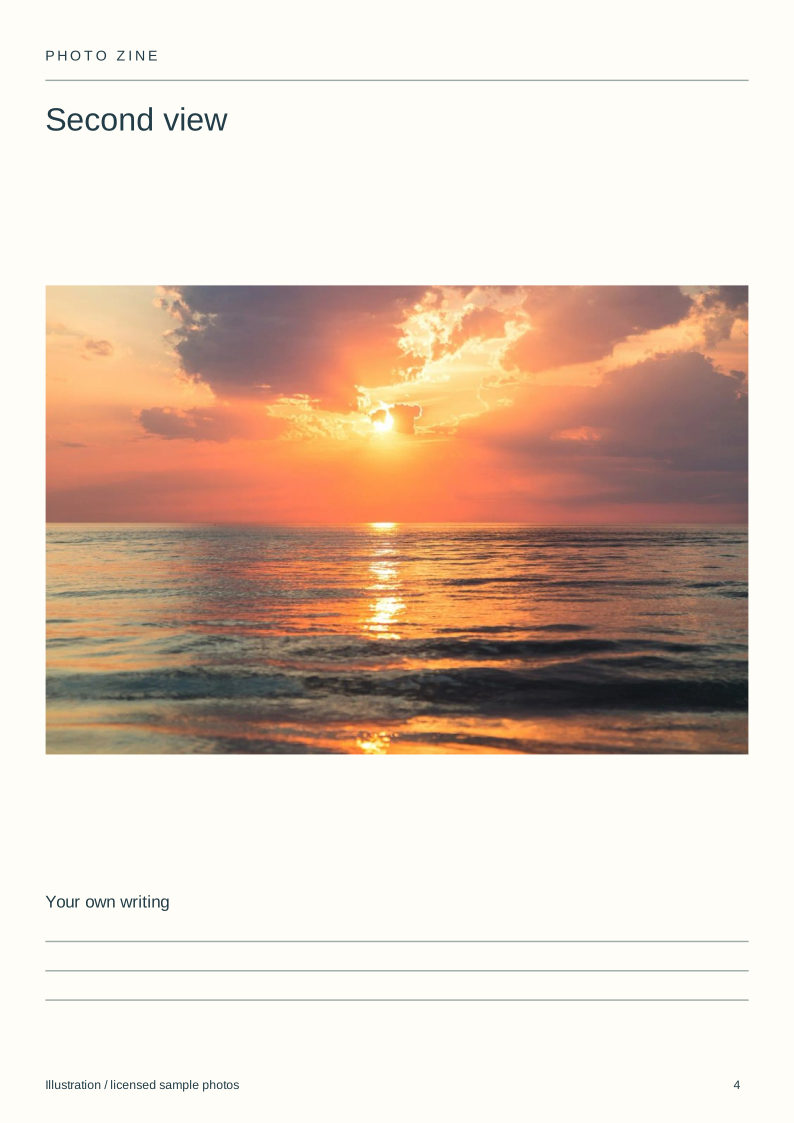
| 4 | Second view | Does it develop the subject? |
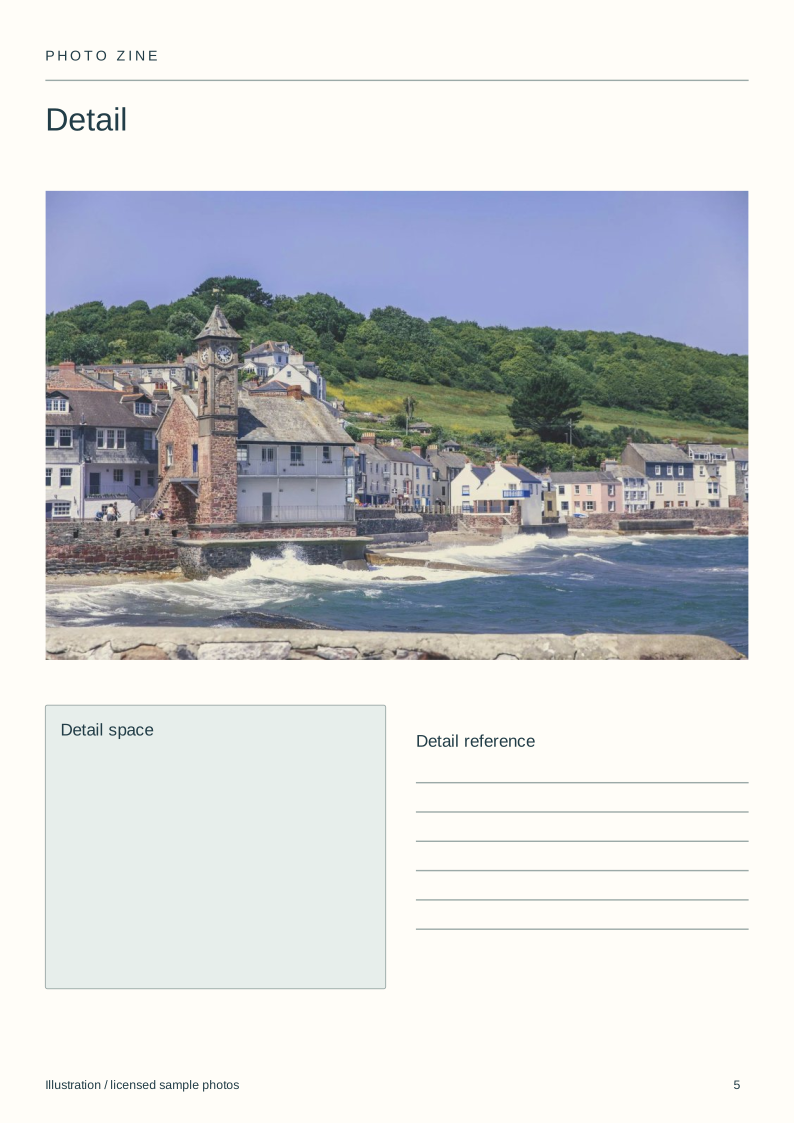
| 5 | Detail | Is it readable at this size? |
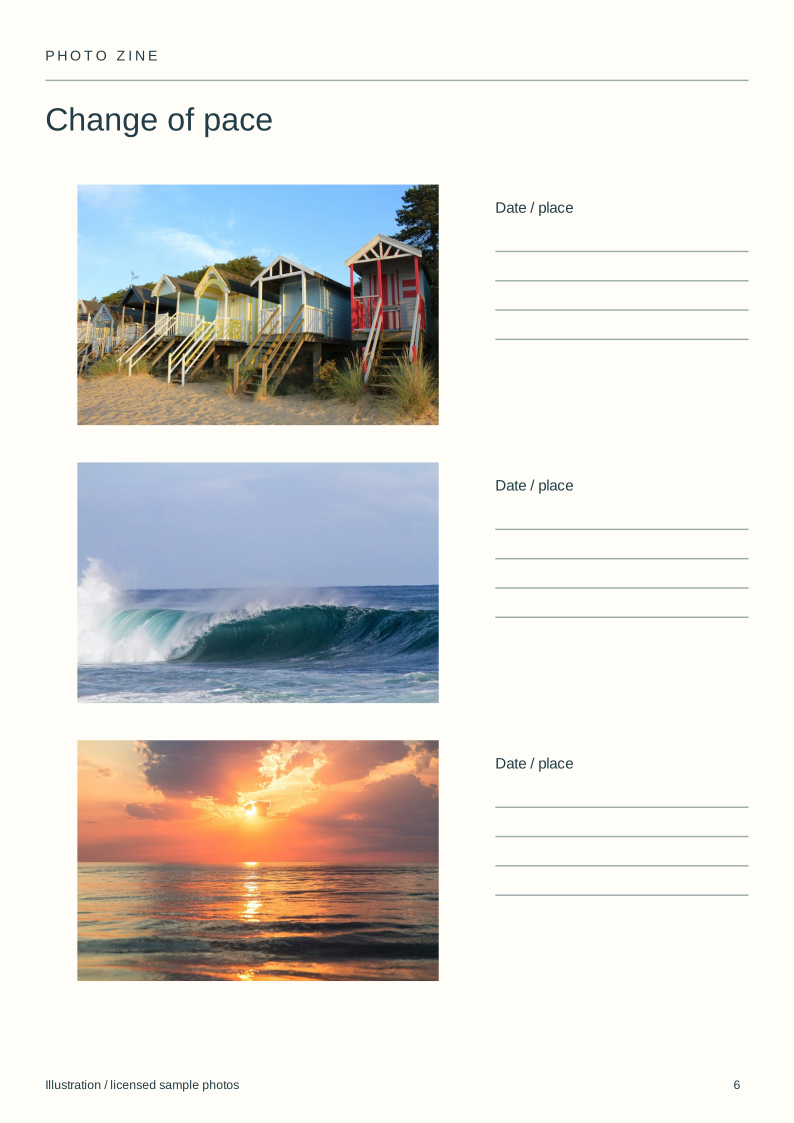
| 6 | Change of pace | Does the sequence add variety? |
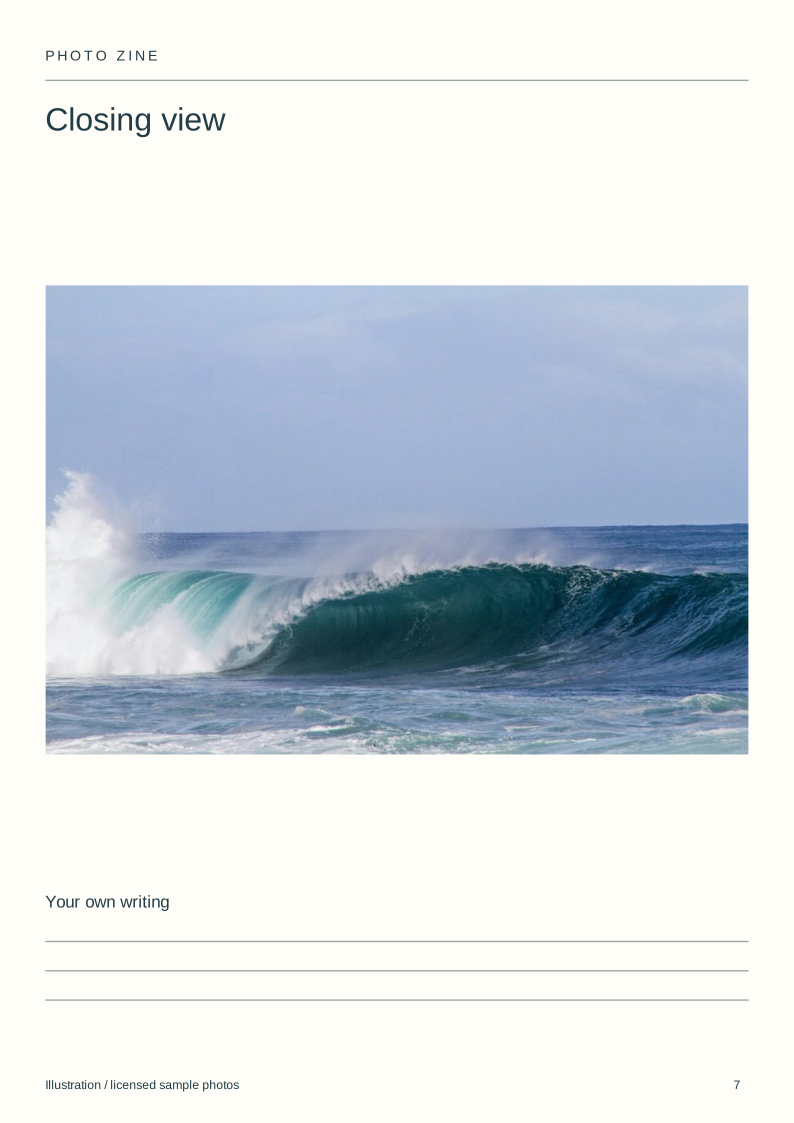
| 7 | Closing view | Does it finish rather than repeat? |
| 8 | Credits | Are creators and permissions recorded? |
Download the blank layouts
Free original SVG files. Edit a copy in a vector editor or print it. These are separate files, not native tbf book templates or fillable PDFs.
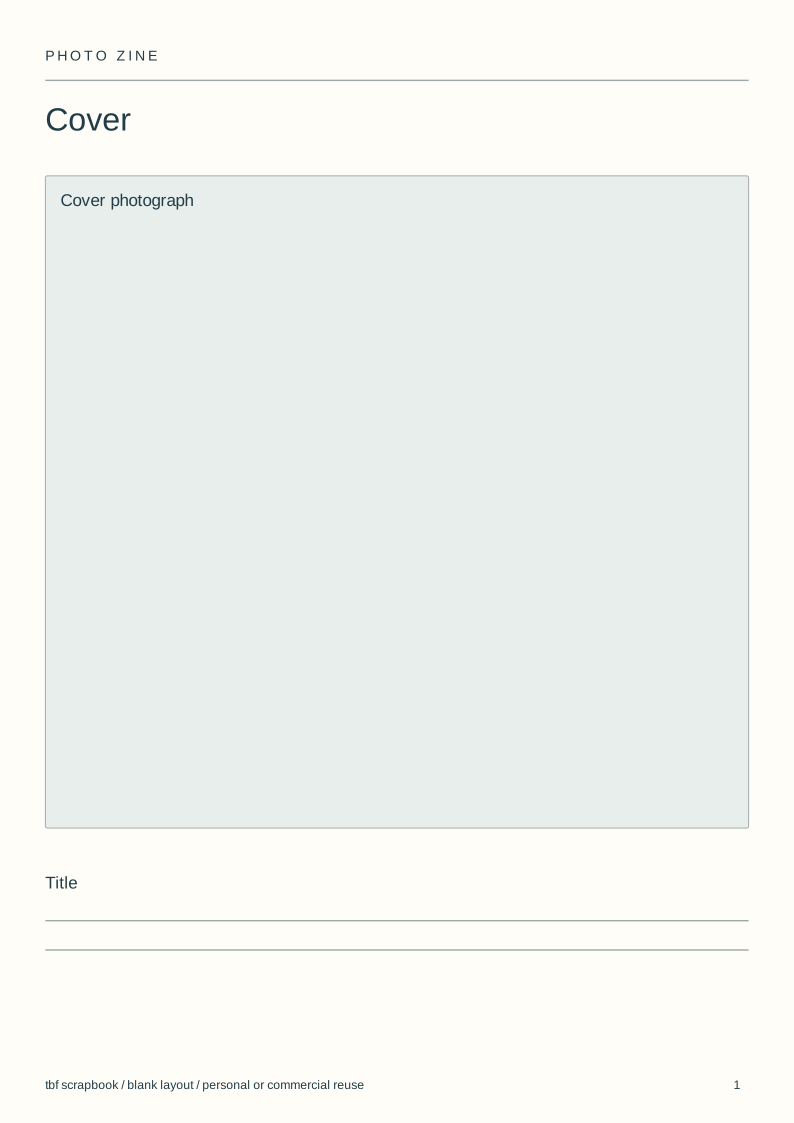
- Cover (SVG)
- Opening view (SVG)
- Related images (SVG)
- Second view (SVG)
- Detail (SVG)
- Change of pace (SVG)
- Closing view (SVG)
- Credits (SVG)
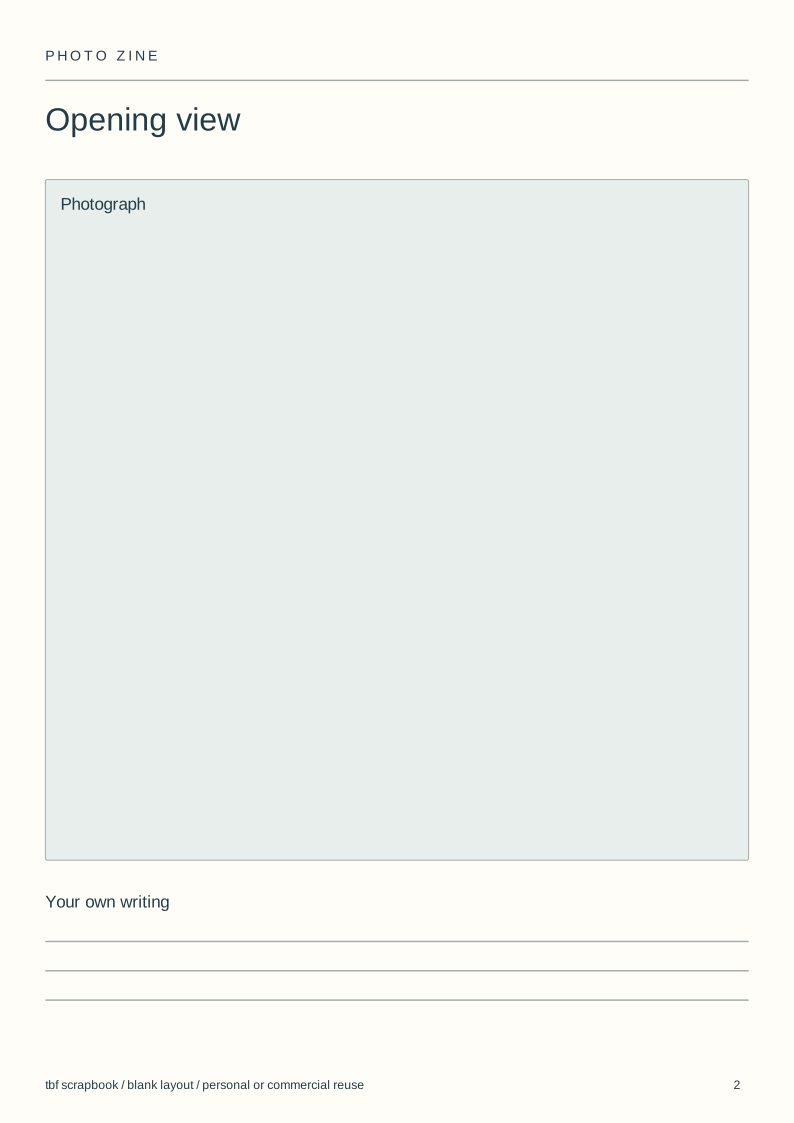
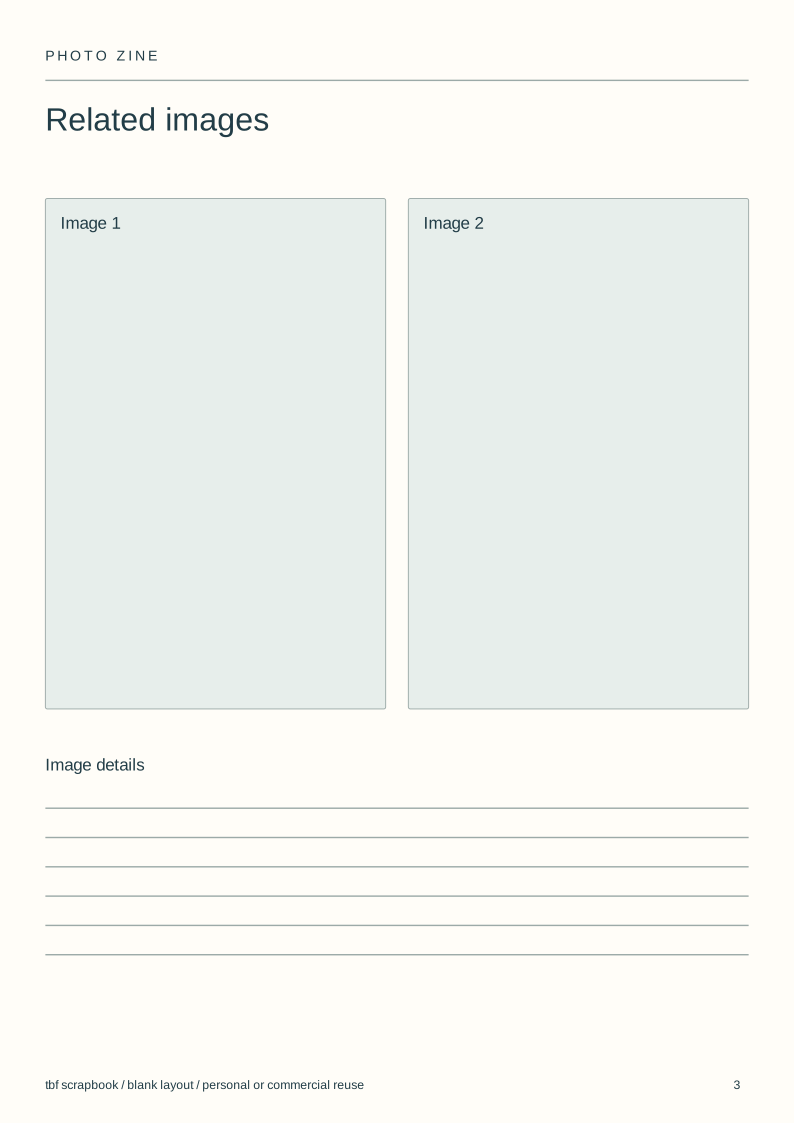
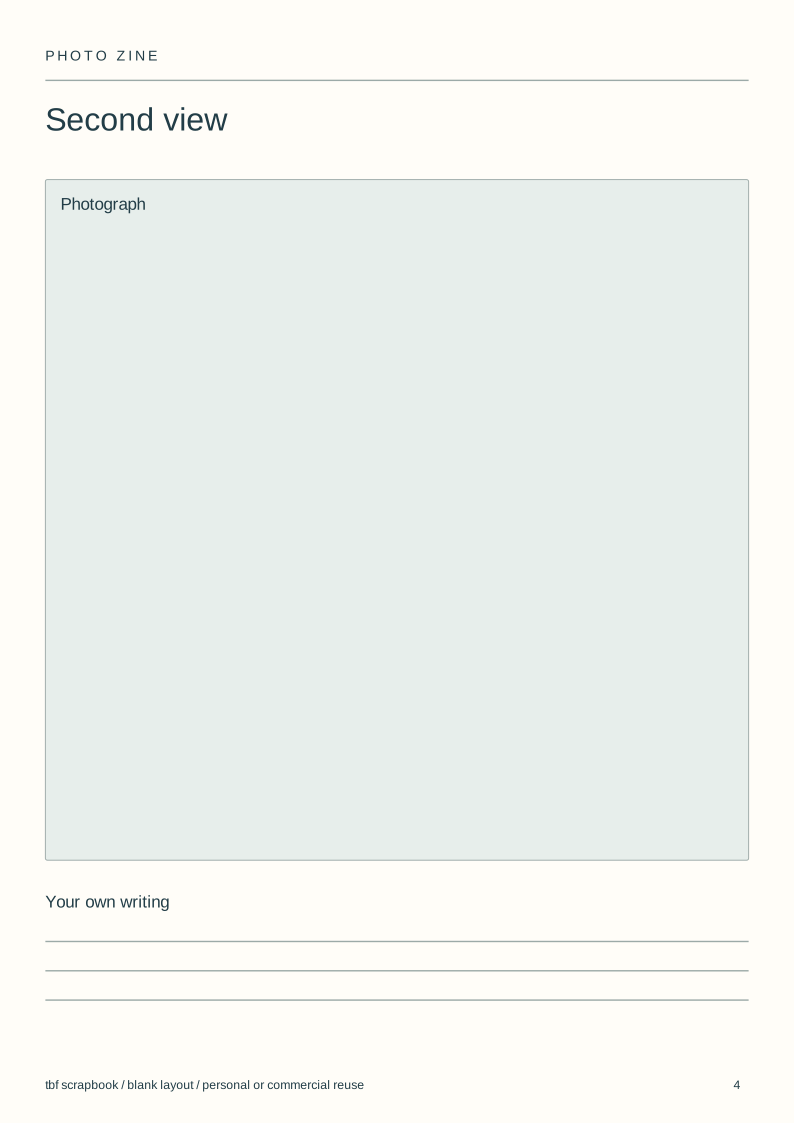
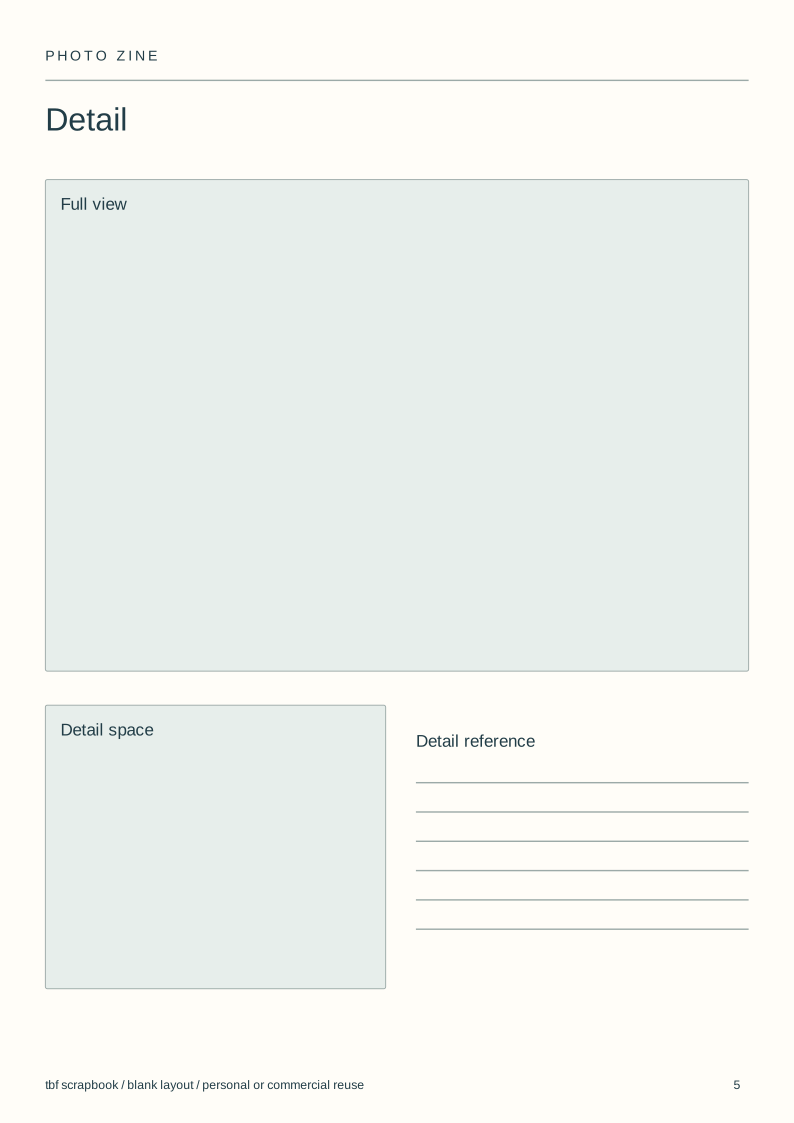
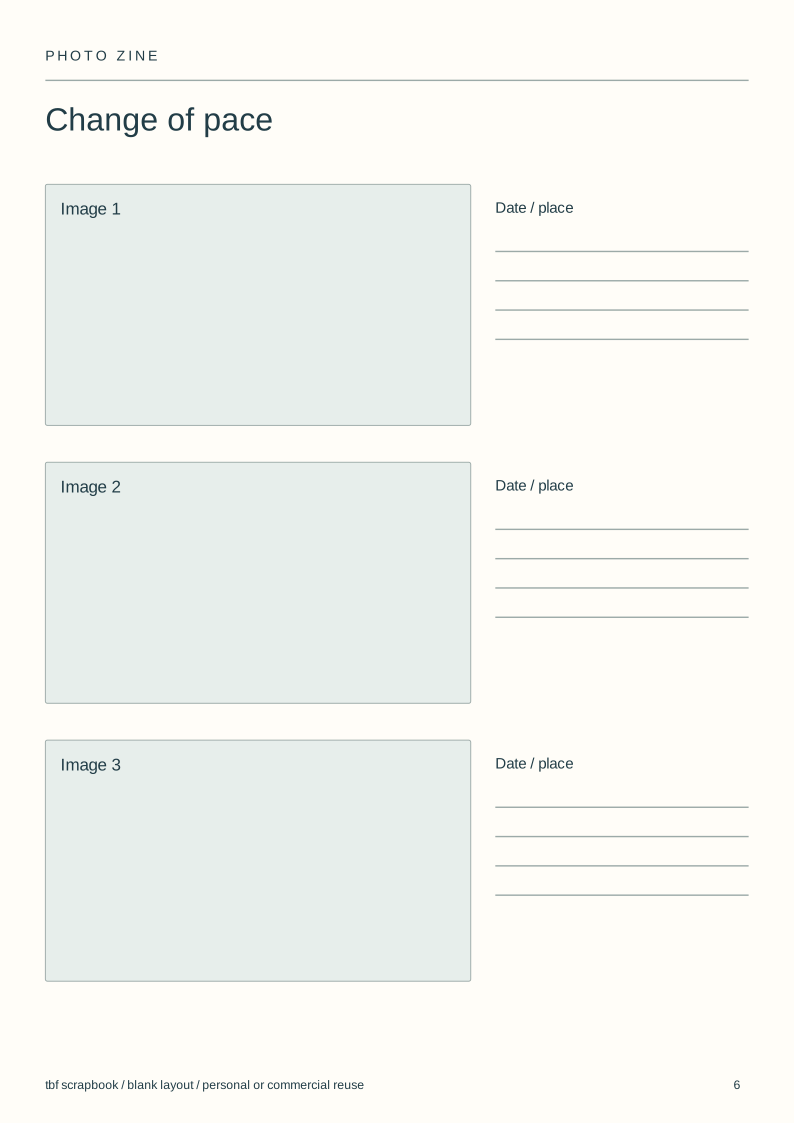
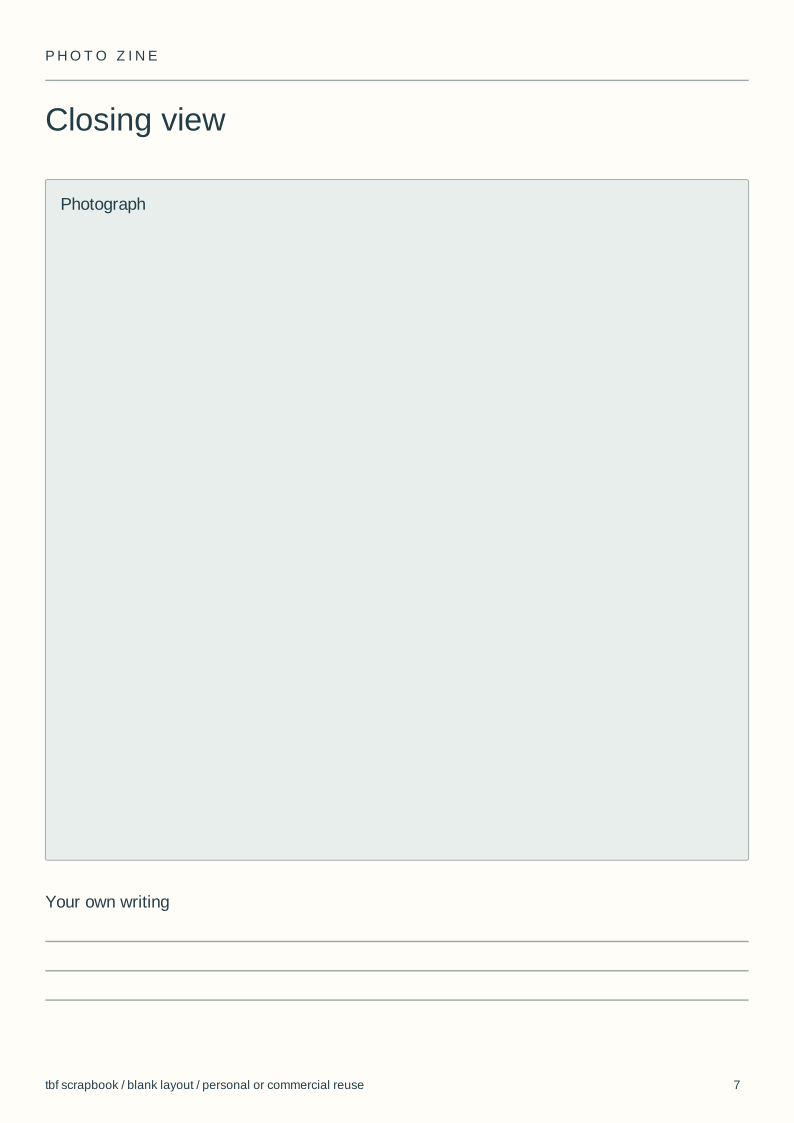
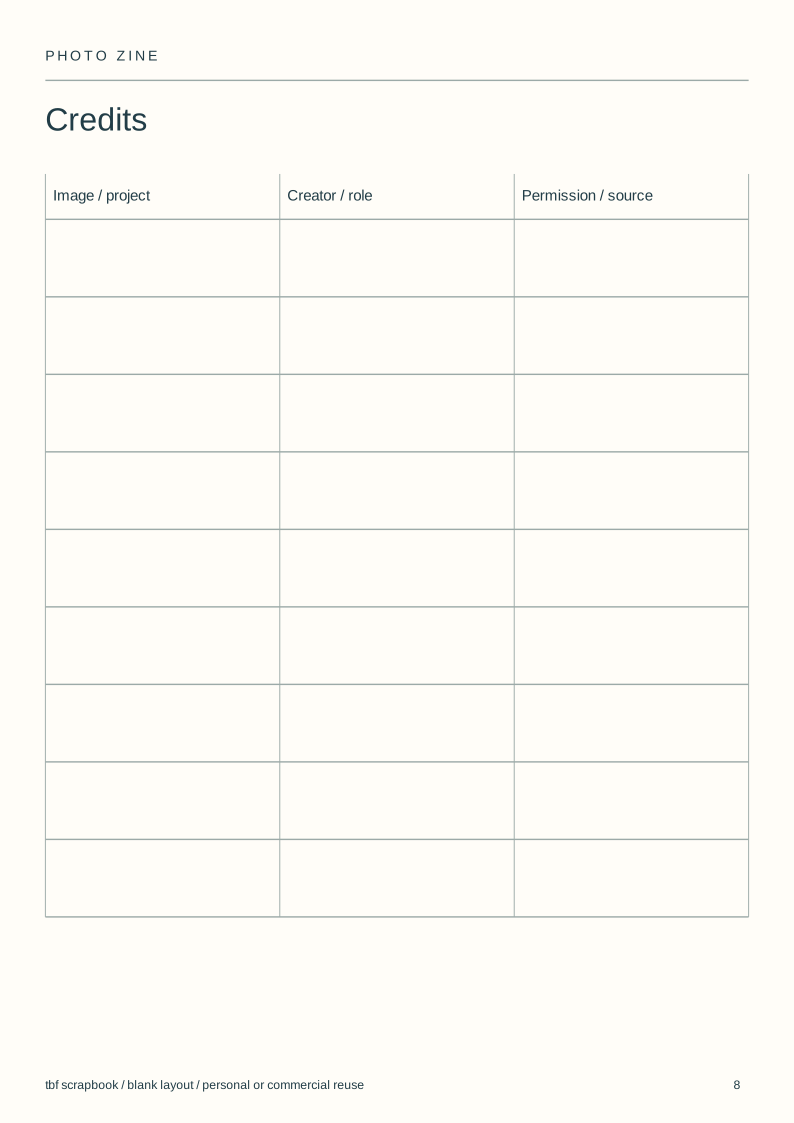
Use and adapt the original blank designs for personal or commercial work, without attribution. Added images keep their own rights. Check a print at actual size before making a batch.
View the complete illustrated layout
Illustrative layouts using licensed sample photographs. These show page structure, not an actual wedding, class, family history or trip. Personal writing stays empty.
Choose what the series is about
Make a contact sheet before arranging pages. Keep photographs that add a different view, distance or moment; remove near-duplicates even when each is attractive.
Try one sentence in your own words to describe the subject privately. If several unrelated subjects compete, make separate issues rather than forcing them into one.
Sequence before decorating
Start with an image that establishes the place or subject. Move between wider views and small details, then choose an ending that differs from the opening.
Print small thumbnails or move them in a grid. Compare two orders without changing crops and colours at the same time.
Decide how readers turn the pages
The supplied files are separate portrait pages. They are not imposed printing sheets: the printer still decides how pages sit together for its binding.
For a folded single-sheet booklet, use the mini-zine template instead. Do not send eight ordinary page files to a printer expecting a ready-to-fold sheet.
Keep a useful edition record
Record the title, issue date, image credits and the version you exported. A correction to a name should not leave several different files with the same final filename.
An online scrapbook can carry the sequence and recordings. A printed zine needs a printer whose paper, binding and minimum order fit the project.
Steps
Make a contact sheet
Gather a small set of photographs with one shared subject.
Try two sequences
Change image order before changing the page design.
Lay out the issue
Use the eight SVGs as separate pages or rebuild them in a book editor.
Choose the output
Check digital reading or the exact printer requirements before export.
Questions
How many pages should a photo zine have?
There is no single digital page count. For print, ask the printer about its binding and page-count rules before designing the final issue.
Is a photo zine the same as a photo book?
Both sequence pictures. A zine is often a smaller self-published issue; its paper and binding depend on how you produce it.
Can I print the downloaded layouts?
Yes, as separate pages at A4 size. They need your images first. For a one-sheet folded booklet, use the separate mini-zine download.