
Photography portfolio book: choose and order your work
A photography portfolio book presents a selected body of work to a particular reader. Choose the audience first, edit the images down and give each project a clear opening and closing page.
Start with 40 pages free. No card needed.
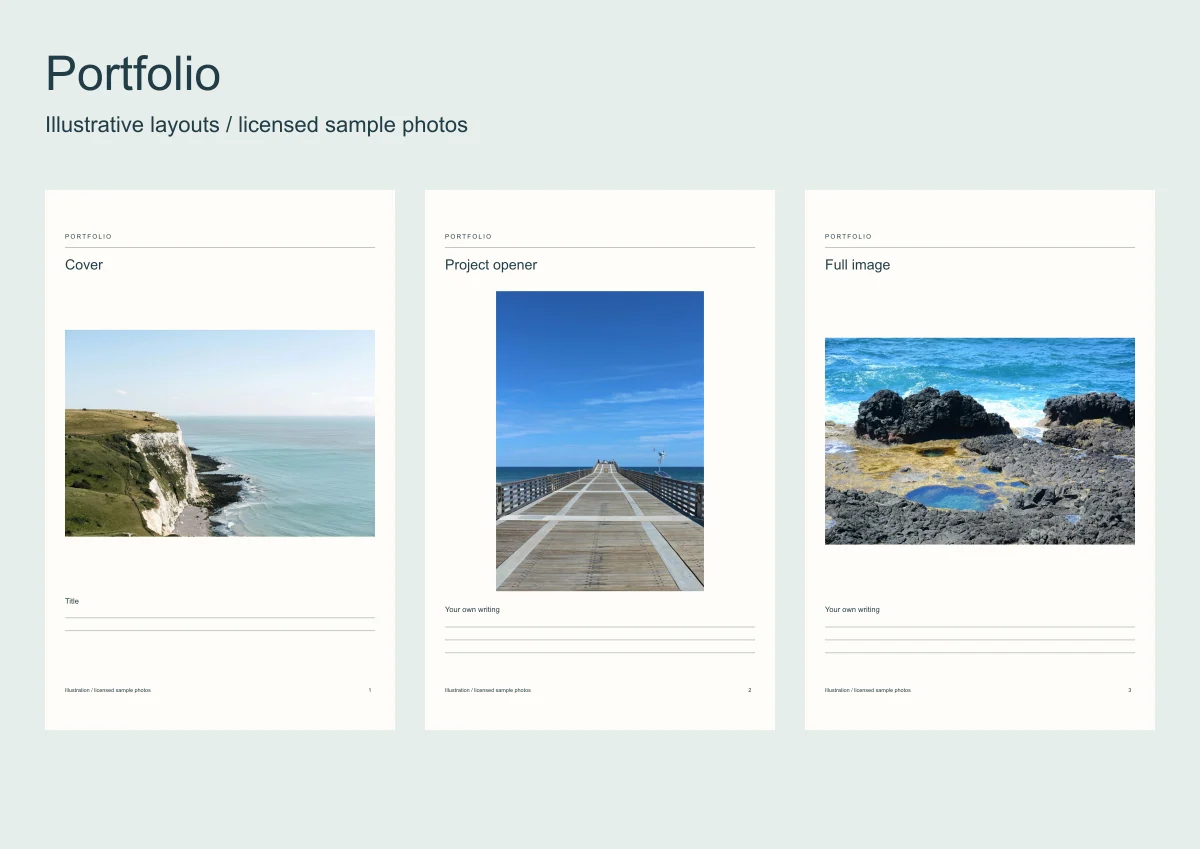
A portfolio for a portrait client needs different pictures from a book for an architecture course. Decide what the reader should be able to judge before choosing a cover.
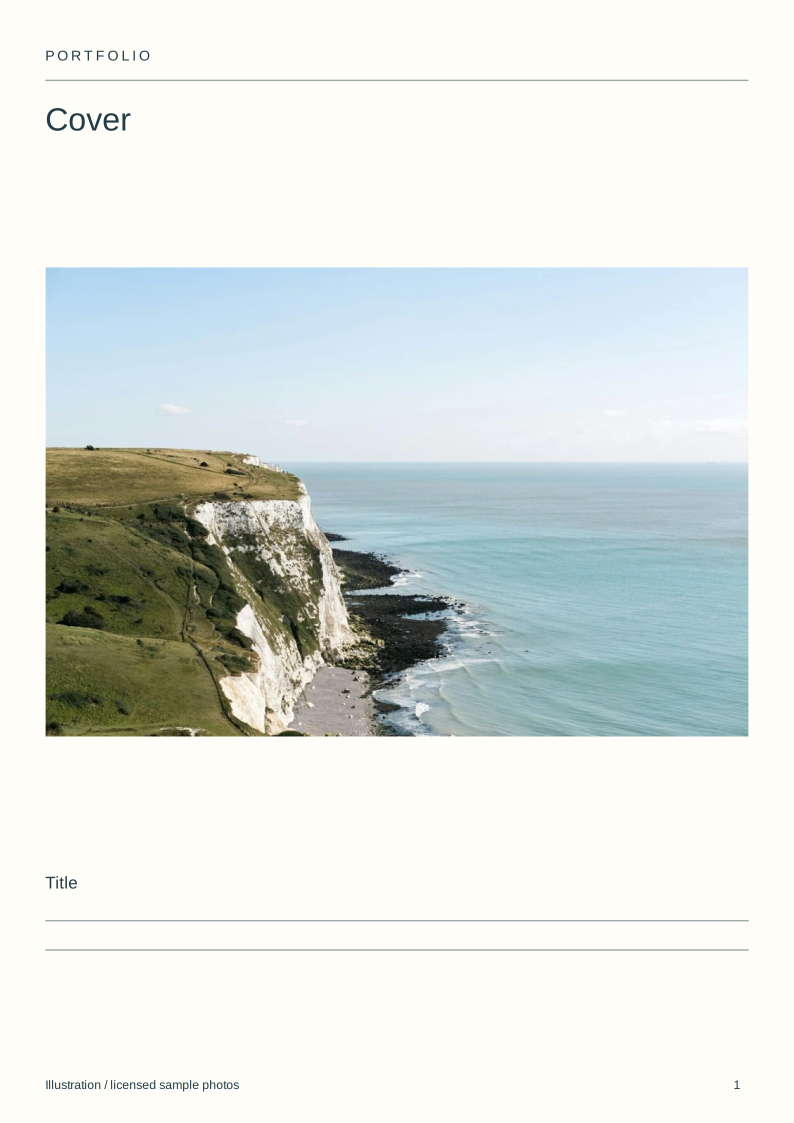
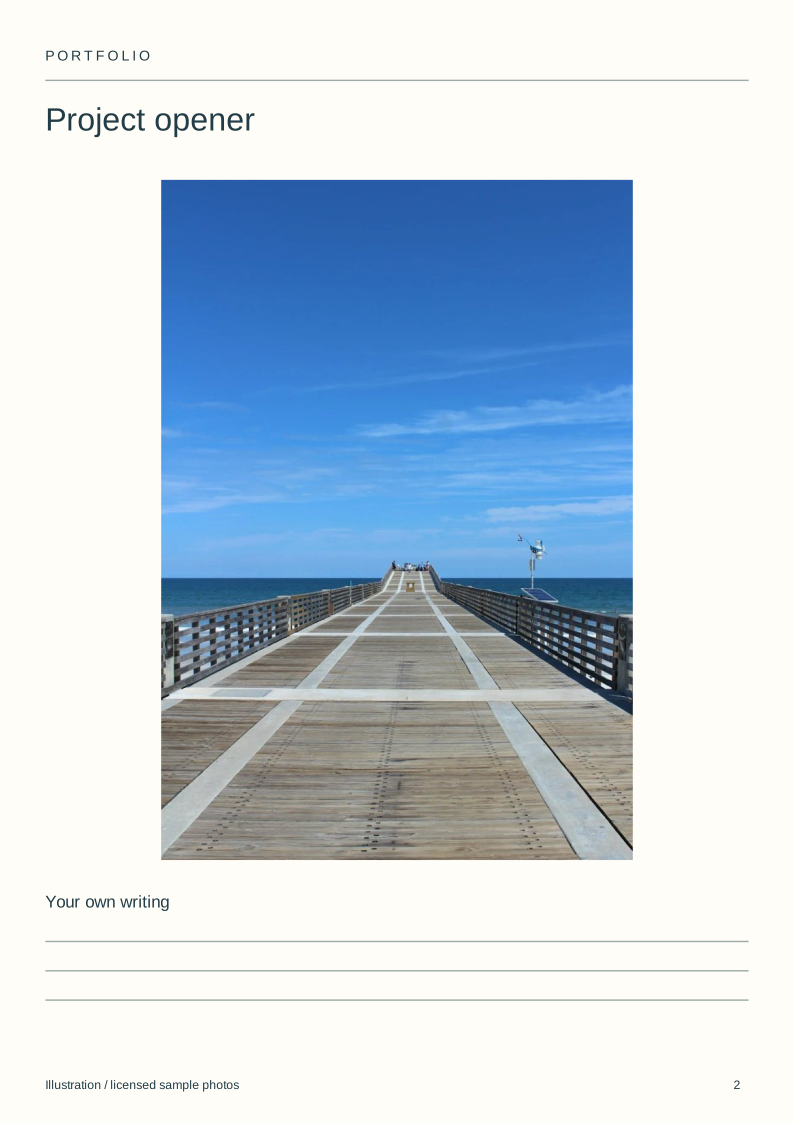
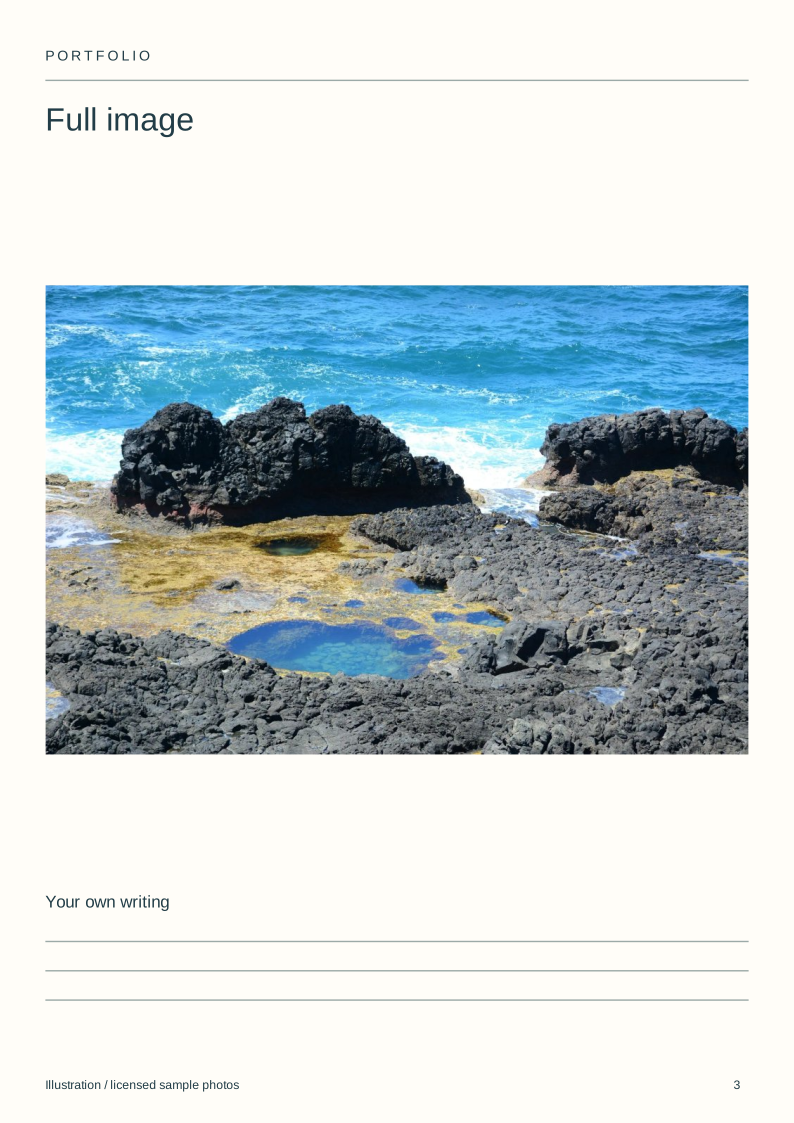
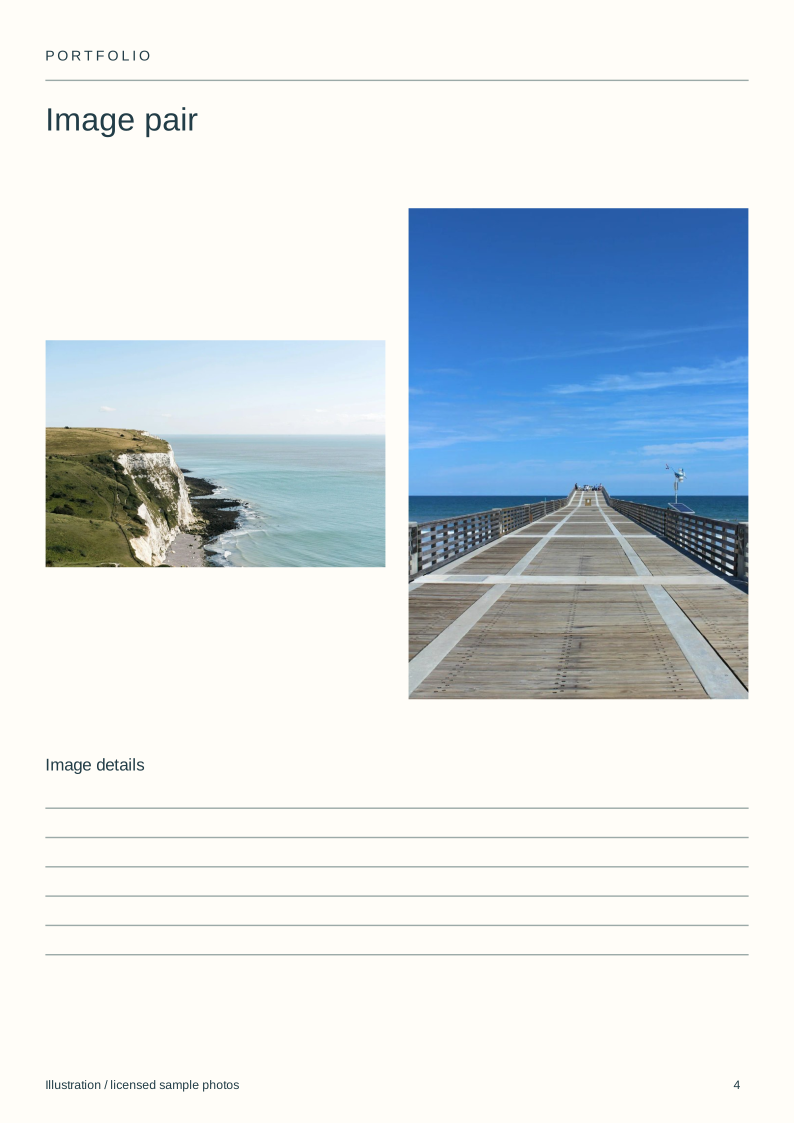
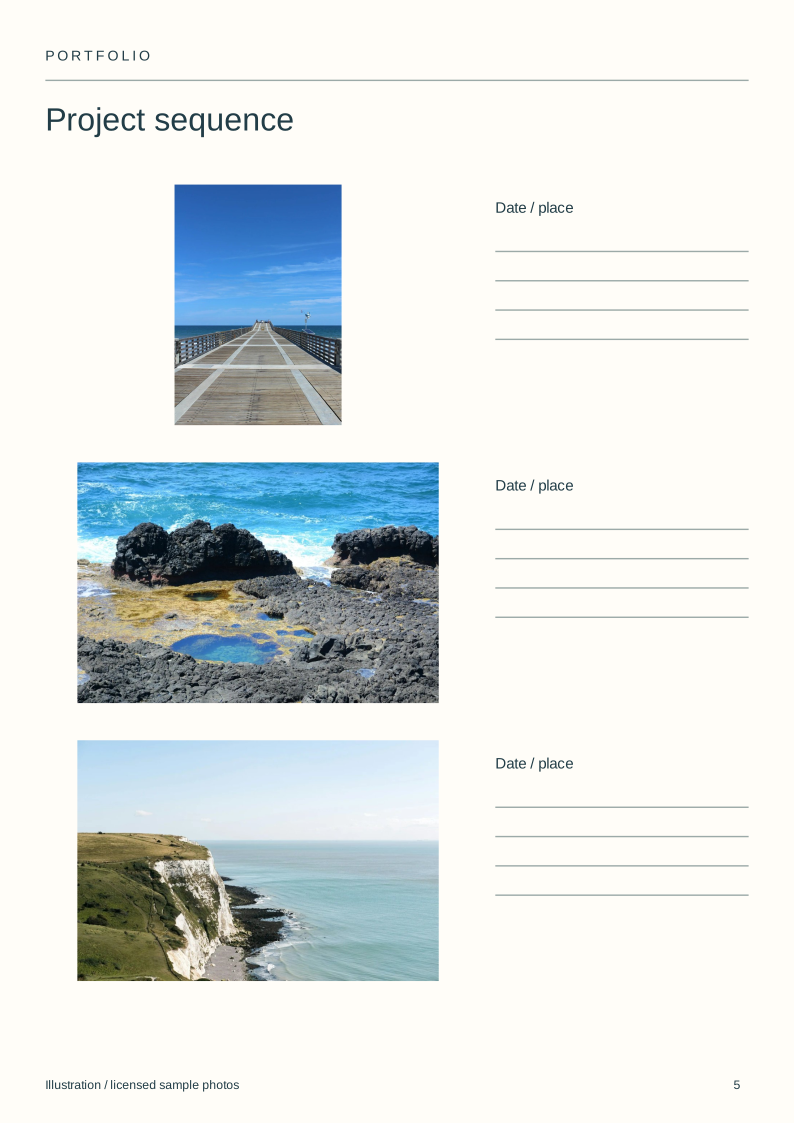
The blank portfolio pack includes a cover, project opener, full image, pair, sequence and credits page. Its coastal example demonstrates layout, not a photographer's commissioned portfolio.
Make a photo book
Arrange your photos on the pages, check the proof and order a printed copy.
| Image or project | Keep when | Record |
|---|---|---|
| Opening image | It identifies the intended work | Project and role |
| Supporting view | It adds a different useful view | Why it follows |
| Detail | It shows a skill the wider view hides | Required reading size |
| Similar image | It proves consistency rather than repetition | Reason to keep both |
| Closing image | It gives the section a clear finish | Next section or contact page |
Download the blank layouts
Free original SVG files. Edit a copy in a vector editor or print it. These are separate files, not native tbf book templates or fillable PDFs.
- Cover (SVG)
- Project opener (SVG)
- Full image (SVG)
- Image pair (SVG)
- Project sequence (SVG)
- Project credits (SVG)
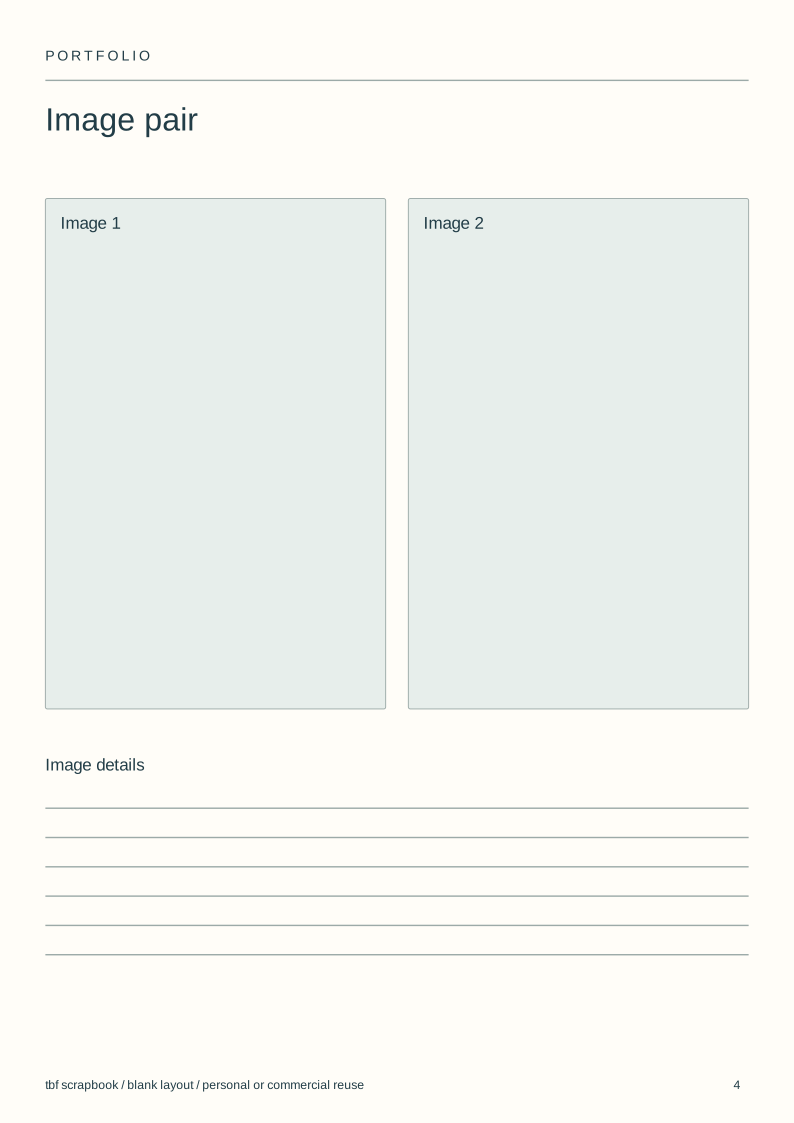
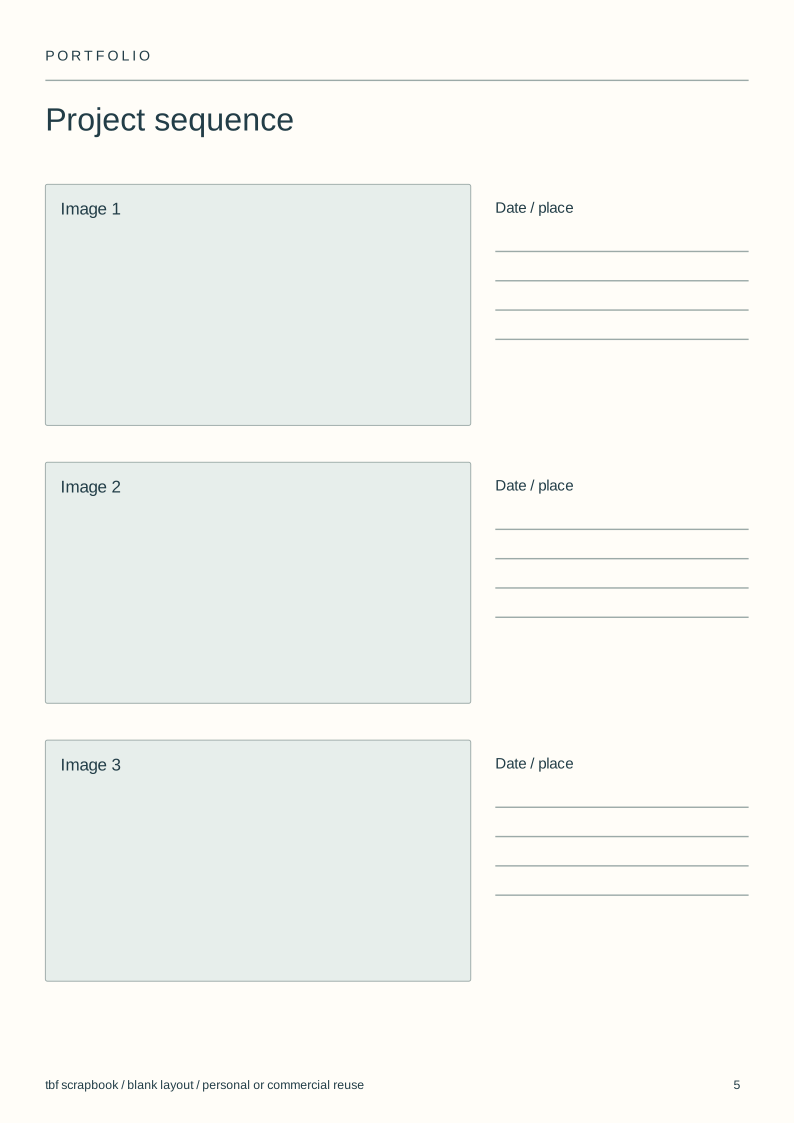
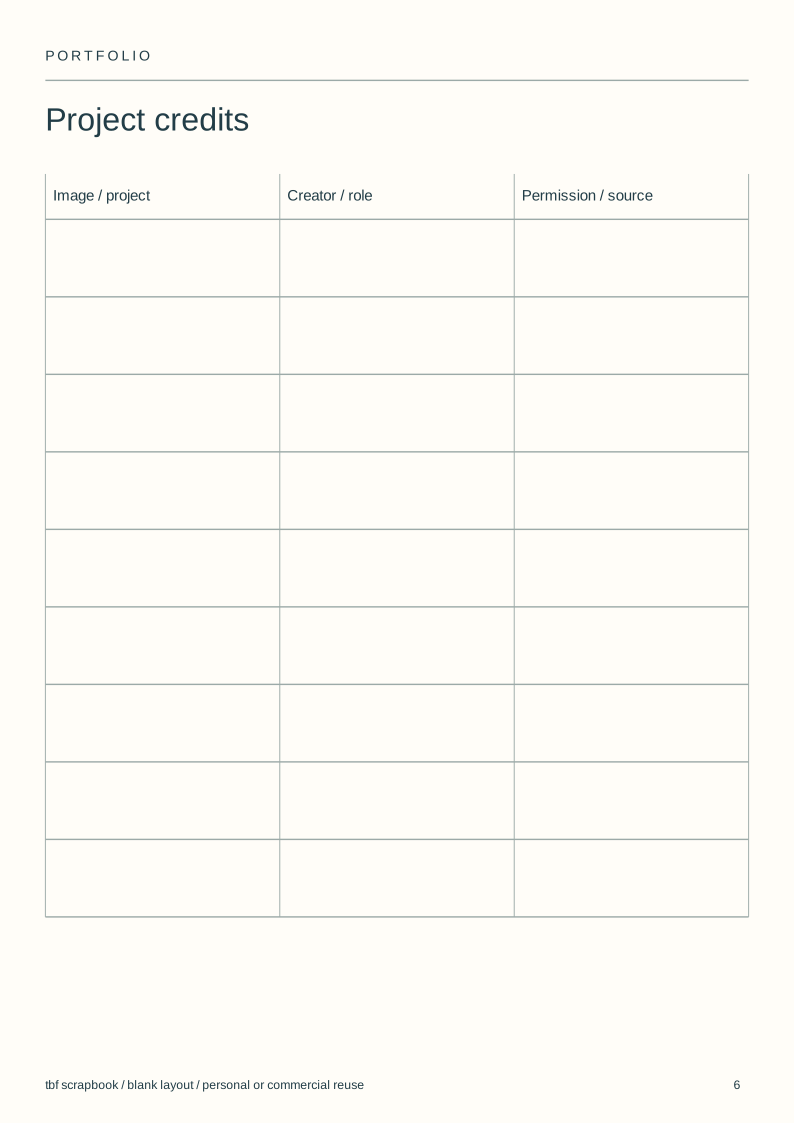
Use and adapt the original blank designs for personal or commercial work, without attribution. Added images keep their own rights. Check a print at actual size before making a batch.
View the complete illustrated layout
Illustrative layouts using licensed sample photographs. These show page structure, not an actual wedding, class, family history or trip. Personal writing stays empty.
Choose work for one audience
List the kinds of assignments or study you want the book to support. Keep pictures that show those abilities, including the less dramatic work needed to complete a brief.
A short coherent set is more useful than every successful photograph from several unrelated projects. Put a second body of work in a clearly separated section.
Show a project, not only highlights
Open each project with a strong image, then show enough related work to establish consistency. Alternate a full image with a pair or sequence where the relationship matters.
Keep captions factual: project, place, date and your role where relevant. If a photograph was a collaboration, identify the other work accurately.
Choose a bound book or a replaceable case
A bound portfolio fixes the sequence and is convenient to leave with someone. A sleeve portfolio lets you replace individual prints when the work changes.
Blurb offers portfolio books through its design tools and PDF workflow. tbf can arrange a digital or printed book; it does not sell a presentation case with replaceable sleeves.
Judge the output at the size it will be seen
Check complete photographs rather than cropping every image to the same box. Portrait and landscape work may need different page arrangements.
A screen proof checks placement. A physical sample is still needed to judge paper, colour and the centre of a printed spread; this guide does not claim a laboratory print comparison.
Steps
Name the audience
Write a private brief for the person who will view the portfolio.
Edit by project
Remove photographs that do not support that brief.
Build a sequence
Use the blank layouts to separate projects and vary image scale.
Check one sample
Review the digital copy and order a print proof if print quality matters.
Questions
Should a photography portfolio be printed?
Use the format the recipient requests. A printed book can support an in-person meeting, while a digital edition is easier to update and share.
How many photographs belong in a portfolio book?
Use enough to show a coherent project and consistent work. Remove an image if it repeats a point without adding evidence.
Are these editable portfolio templates?
The six SVG layouts can be edited in a vector editor. They are blank page designs, not a prefilled photographer biography or a native book template.