
Free online scrapbook maker
Open the editor, put photos and keepsakes on a page, write beside them, and keep the book online, as a file or in print. The first forty pages are free and need no card.
Try the editor here
A template, open in the editor. Move a photo, crop it, add tape. Changes here are not saved; sign in to keep a book.
Open a template instead
Six whole-book templates with the frames and the words laid out. Open one, put your photos in.
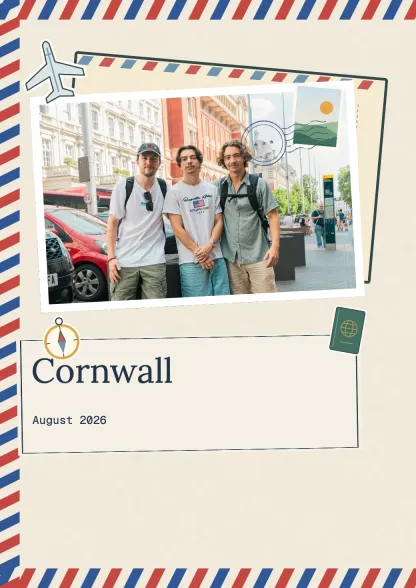 Travel journalTravel · 10 spreadsUse this template
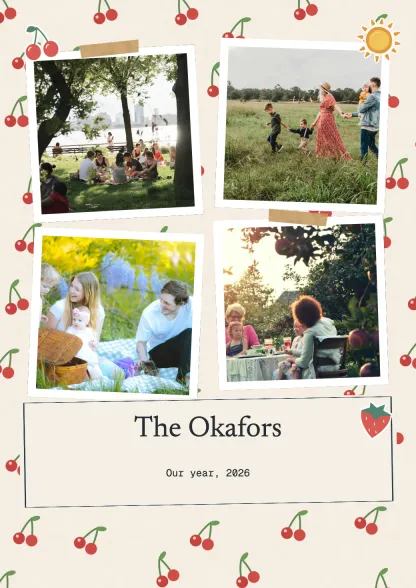 Family albumFamily · 10 spreadsUse this template
 Wedding albumCelebrations · 10 spreadsUse this template
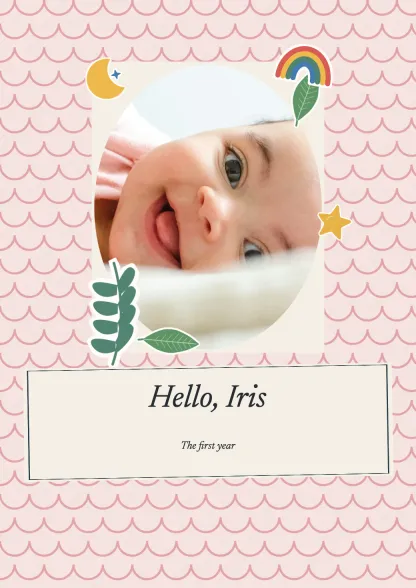 First yearFamily · 10 spreadsUse this template
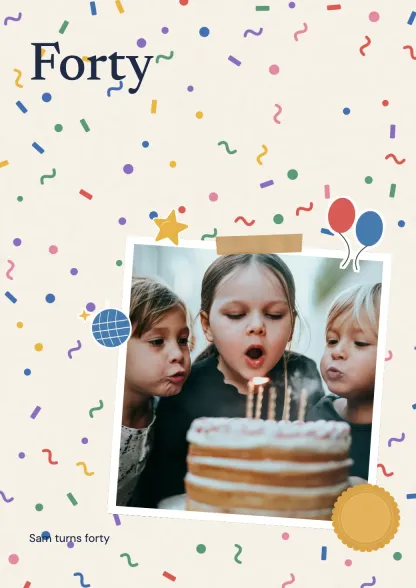 Birthday bookCelebrations · 10 spreadsUse this template
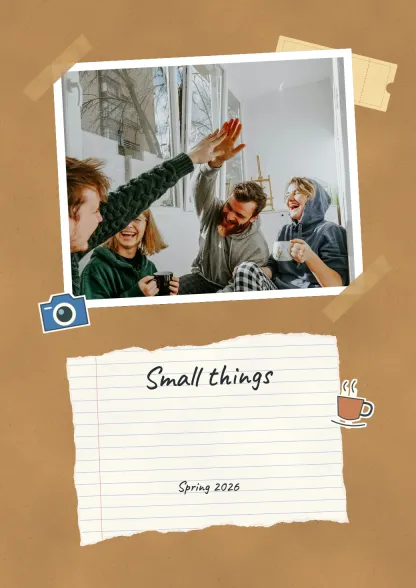 Everyday collectionEveryday · 10 spreadsUse this template
Make a scrapbook page online
- Open the editor on a template and rearrange it, or sign in and start your own book.
- Add photos from your phone or computer, and scans of tickets, cards, drawings and letters.
- Move, resize, crop and layer each piece on the page. Add tape, frames and paper from the supplies.
- Write your own words in a text box beside the photos. Nothing is written for you.
- Read the book as pages that turn, share it by link, or download and print it.
What the free online scrapbook maker includes
One book of up to forty pages with 250 MB for photos and keepsakes, the complete editor, and reading and sharing online with a watermark. No payment card to start.
A paid book takes up to 300 pages, five editors, contributions from as many people as you invite, PDF and page image export, an editable file with the original media, and printing in A4 portrait, A4 landscape or 21 cm square (8.3 x 11.7 in, 11.7 x 8.3 in or 8.3 in square). Plans and prices.
Which online scrapbook maker is best?
It depends on what you want at the end. Canva is quickest for a single decorated page. Mixbook is a printed photo book with templates. Smilebox shares pages by email. tbf scrapbook is for a book that several people add to, that holds video and voice beside the photos, and that you can read online, download and print.
| What you want | tbf scrapbook | Canva | Mixbook | Smilebox |
|---|---|---|---|---|
| See the editor first | A template opens in the editor; your own book needs an account | Editor needs a sign-in | Editor needs a sign-in | Sign-up first |
| Free plan | One book, 40 pages, read and share online | Free editor, paid features marked Pro | Free editor, you pay for print | Free with limits |
| A book, not single pages | Up to 300 pages in one book | Pages, printed one by one and bound | Yes, a printed photo book | Pages shared by email or social |
| Other people add to it | Contributors send photos, words, audio and video; you choose what goes in | Share an edit link | Invite people to add photos | No |
| Video and voice on a page | Yes, in the online and downloaded book | Generated video only | A slideshow of the book | Music under the pages |
| Keep a copy | PDF, page images and an editable file on paid plans | Download pages | Printed book | Print at home |
| Print it | A4 portrait, A4 landscape or 21 cm square | Pages, then bind | Yes, many sizes | At home |
Can I make a scrapbook online for free?
Yes. In tbf scrapbook a free book is forty pages, read and shared online with a watermark. Canva's editor is free with paid features marked. Mixbook's editor is free and the printed book is paid. A downloaded or printed tbf scrapbook needs a paid book.
Make it with other people
Send one invitation link. People send photos, words, audio and video from their own phones, and you choose what goes on the page. Up to five editors can arrange pages on a paid book. How a shared scrapbook works and the memory book maker.
Video and voice notes on a page
A clip or a recorded voice sits beside the photos and plays in the online book and in the downloaded file. A printed page shows the photos and words without it. What a video scrapbook can hold.
Guides
How to make a digital scrapbook, step by step · Nine online scrapbook makers tried and compared · Which scrapbook app suits you · Canva for a digital scrapbook, and where it stops · Layout ideas · All scrapbook guides