
Free mini-zine template: eight pages on one sheet
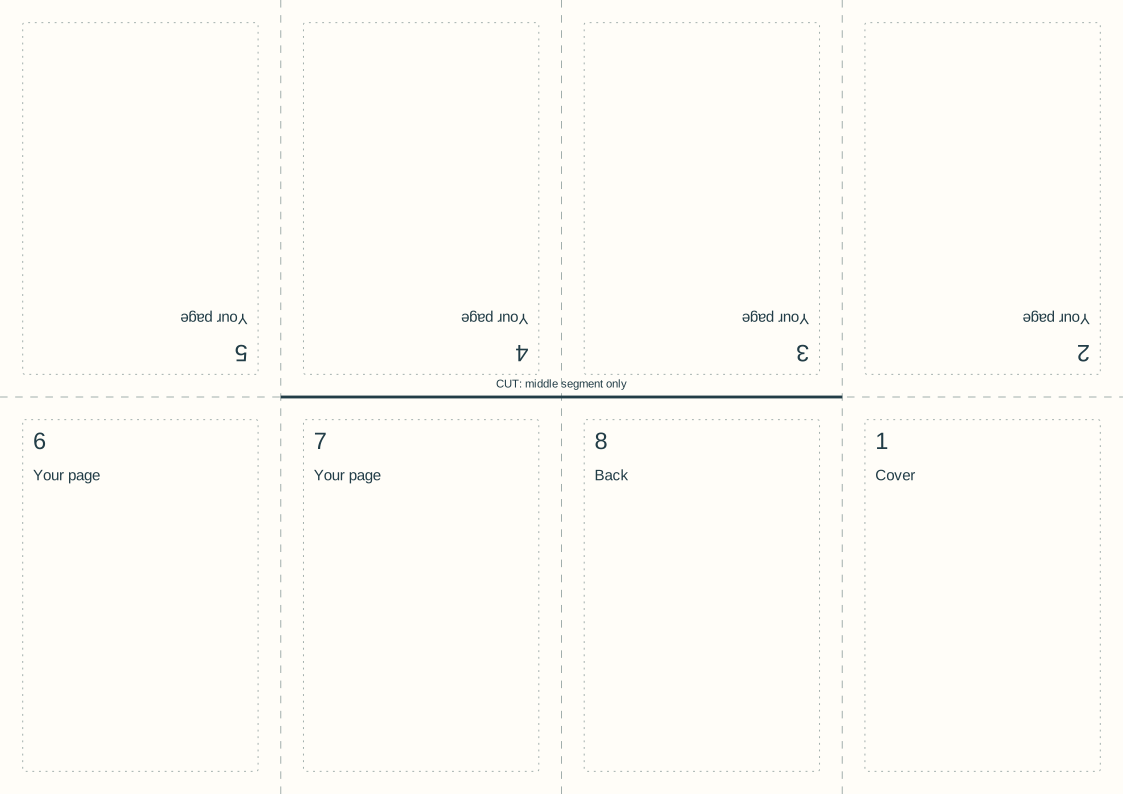
Download an A4 or US Letter eight-page mini-zine sheet. Fill the numbered panels, print one side, fold the sheet and make the centre slit. The panel numbers show the intended reading order.
Start with 40 pages free. No card needed.
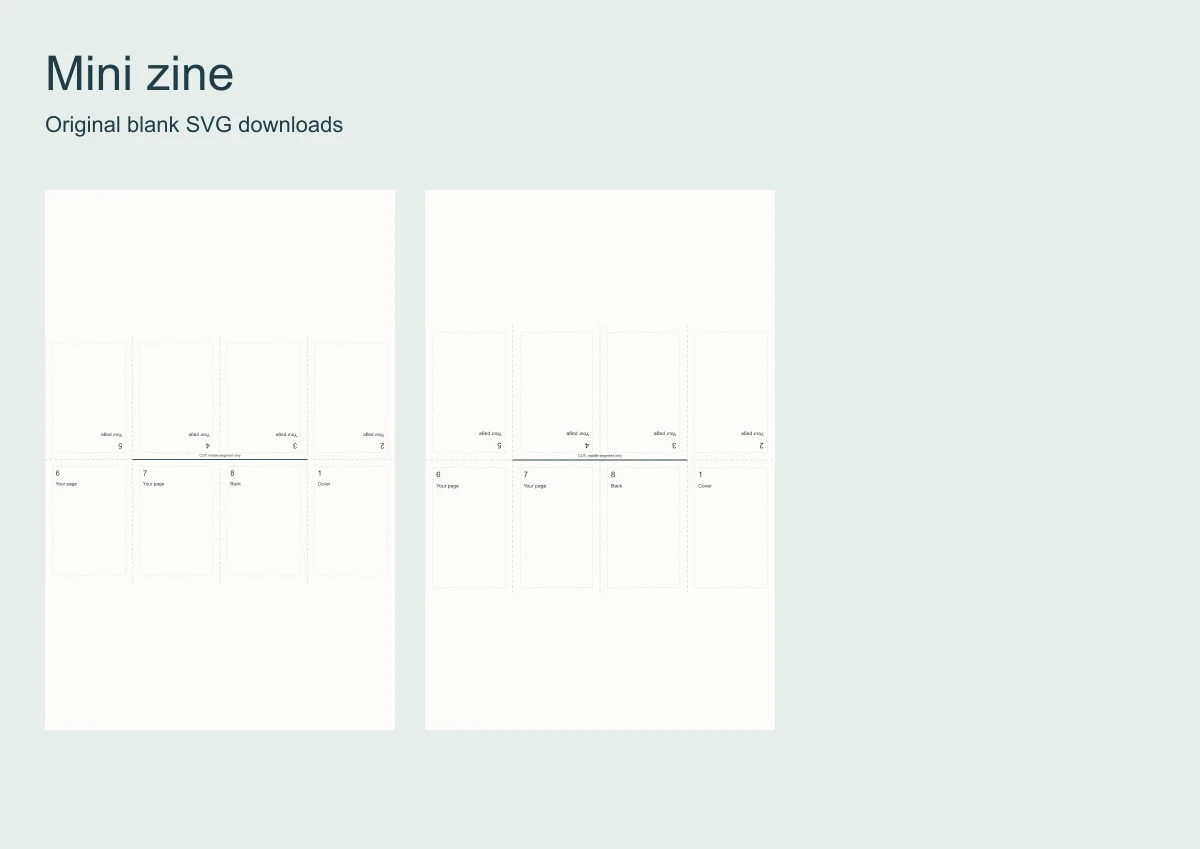
This is a single-sheet folded booklet, not eight separate pages sent to a printer. The upper panels are deliberately upside down before folding.
The SVGs are original blank layouts, editable in a vector editor. Print one sheet at actual size and check the fold before making copies.
Open a template instead
Six whole-book templates with the frames and the words laid out. Open one, put your photos in.
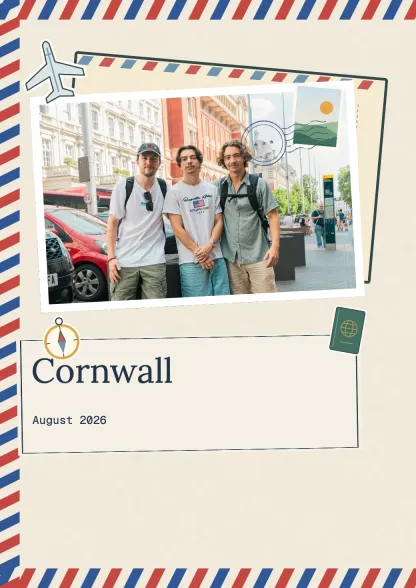 Travel journalTravel · 10 spreadsUse this template
 Family albumFamily · 10 spreadsUse this template
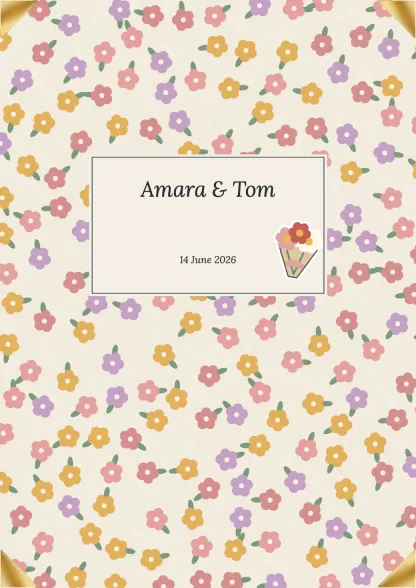 Wedding albumCelebrations · 10 spreadsUse this template
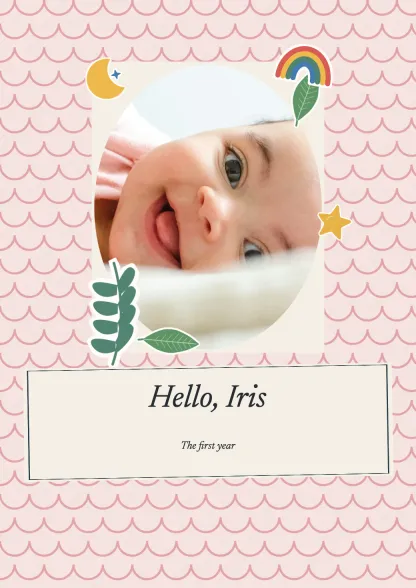 First yearFamily · 10 spreadsUse this template
 Birthday bookCelebrations · 10 spreadsUse this template
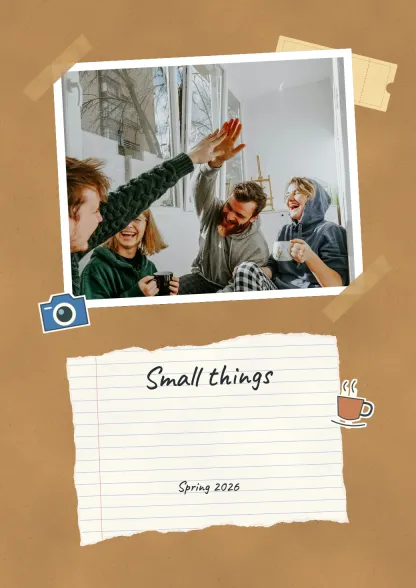 Everyday collectionEveryday · 10 spreadsUse this template
Make a scrapbook
Drop your photos onto editable pages and download a PDF.
| Position | Page number | Orientation |
|---|---|---|
| Top left | 5 | Upside down |
| Top second | 4 | Upside down |
| Top third | 3 | Upside down |
| Top right | 2 | Upside down |
| Bottom left | 6 | Upright |
| Bottom second | 7 | Upright |
| Bottom third | 8 | Upright |
| Bottom right | 1 | Upright |
Download the blank layouts
Free original SVG files. Edit a copy in a vector editor or print it. These are separate files, not native tbf book templates or fillable PDFs.
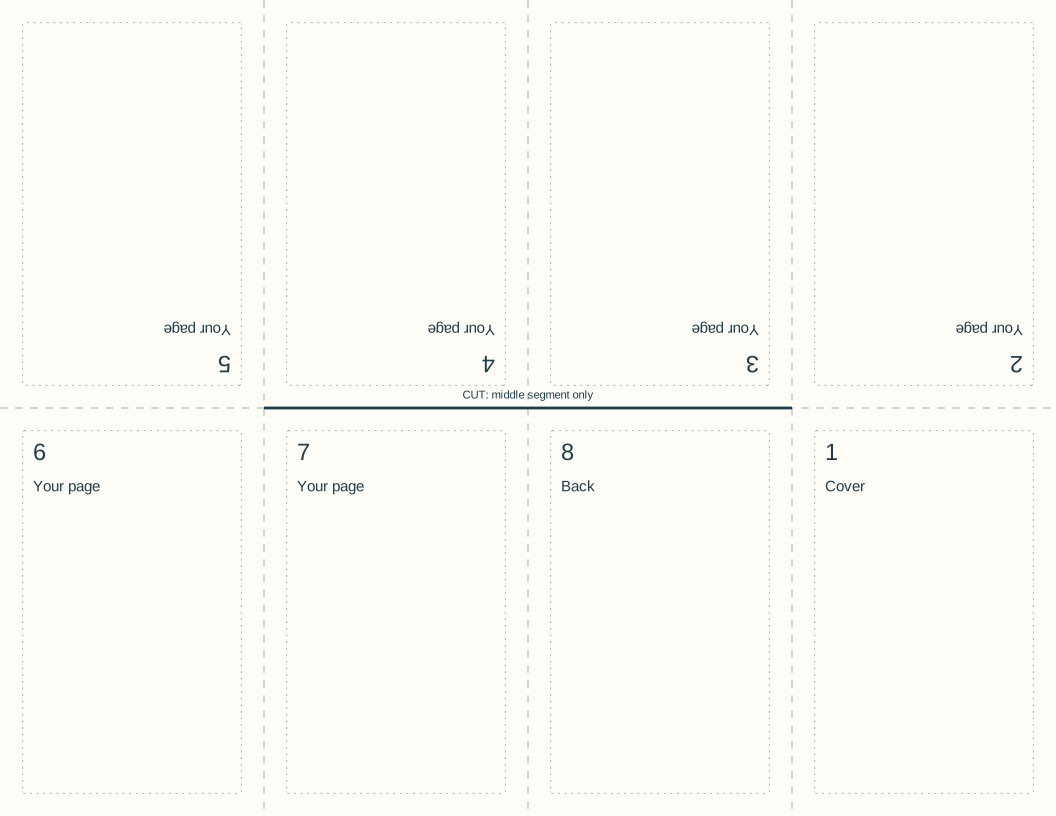
Use and adapt the original blank designs for personal or commercial work, without attribution. Added images keep their own rights. Check a print at actual size before making a batch.
Choose the correct sheet
A4 is 210 by 297 mm; US Letter is 8.5 by 11 inches. Both templates are landscape sheets with four columns and two rows.
Print at actual size on the matching paper. Keep the page number and faint fold guides on your first proof so you can check the sequence before adding photos.
Follow the panel order
Across the upper row, the pages are 5, 4, 3 and 2, rotated 180 degrees. The lower row is 6, 7, 8 and 1. Page 1 is the cover and page 8 the back.
Keep important content inside each panel's inset border. The outside sheet edges may fall in the printer's unprintable area.
Make the folds and centre slit
Fold the sheet into eight equal panels and unfold it. Cut only along the marked middle slit between the first and third vertical folds.
Fold along the long centre line, push the ends towards each other to open the slit, then bring the panels together as a booklet. Use the printed numbers to find the cover.
Check a numbered proof first
Check that pages 1 through 8 turn in order and that none is upside down. If the printer scaled or rotated the sheet, correct its settings before filling a final copy.
For a larger photo sequence with ordinary page layouts, use the photo-zine guide instead. tbf's standard book export does not automatically impose this folded-sheet format.
Steps
Download the sheet
Choose the SVG for A4 or US Letter paper.
Print the numbered proof
Use actual size and keep all panel numbers visible.
Fold and slit
Follow the fold diagram and cut only the marked centre segment.
Replace the empty panels
Edit a copy with your images after the numbered proof works.
Questions
Why are some mini-zine pages upside down?
Those panels rotate into place when the sheet is folded. Turning them upright in the file would make them upside down in the finished booklet.
Do I need double-sided printing?
No. This eight-page layout uses one side of one sheet. The reverse stays inside the folded booklet.
Can I edit the mini-zine template online in tbf?
These are standalone SVG files for a vector editor. They are not a native tbf template, and tbf does not automatically export this imposed one-sheet layout.