
Canva scrapbook templates, and how to use one in a book
Canva lists over a thousand free scrapbook page templates. Drop photos into the frames, download the page as a PDF or an image, and print it. For a book with other people in it, bring the page here.
Start with 40 pages free. No card needed.
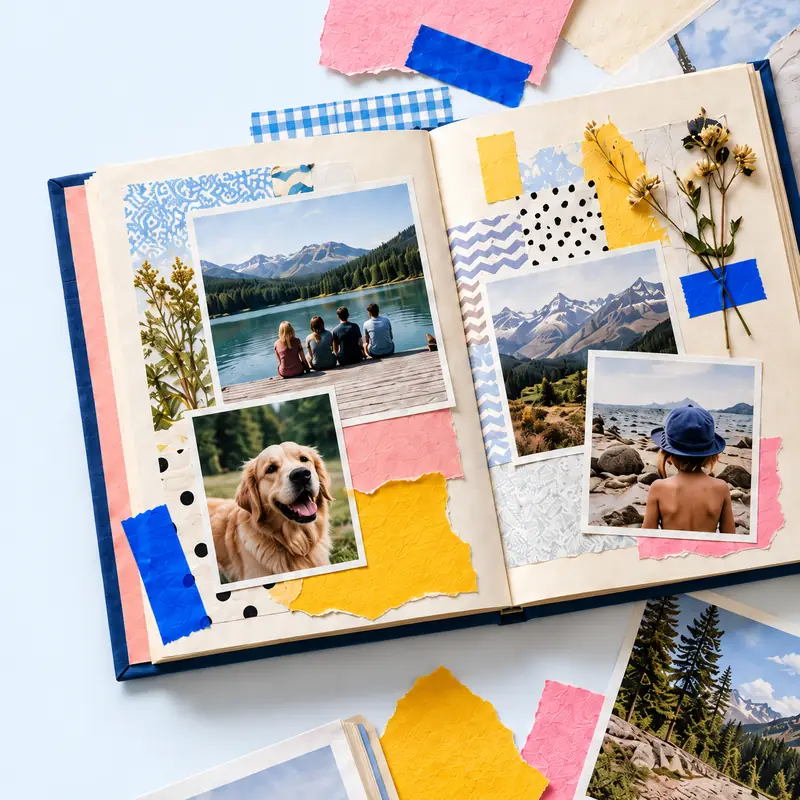
A Canva scrapbook template is one page: a collage, a filmstrip, a vintage or retro layout, grouped by travel, birthdays and pets. Its templates page counted 1,007 of them on 21 October 2026.
This page says how to get a good page out of one, where a template stops being enough, and how to carry a finished Canva page into tbf scrapbook as one page of a longer book.
If you want the Canva editor itself weighed up against a book maker, that is the Canva digital scrapbook guide. This one is about the templates.
See also: Canva for a digital scrapbook, weighed against a book maker, the six free blank layouts, an online scrapbook maker, Open the online scrapbook maker, Six scrapbook templates you can open and fill.
Open a template instead
Six whole-book templates with the frames and the words laid out. Open one, put your photos in.
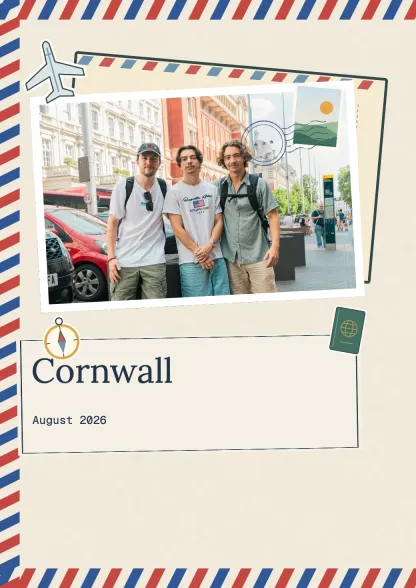 Travel journalTravel · 10 spreadsUse this template
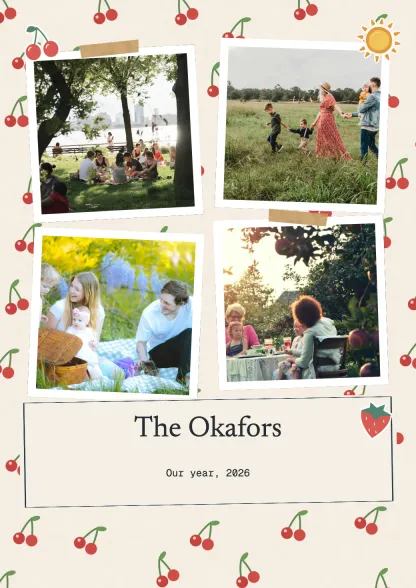 Family albumFamily · 10 spreadsUse this template
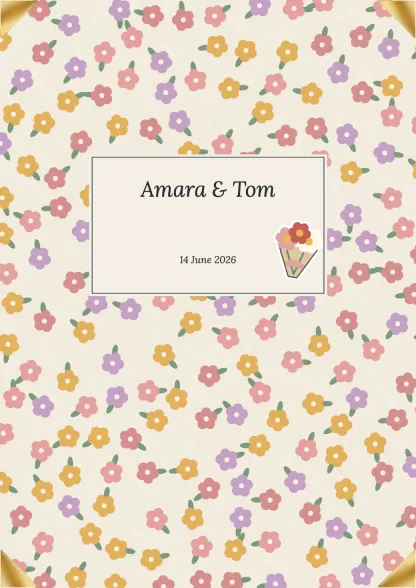 Wedding albumCelebrations · 10 spreadsUse this template
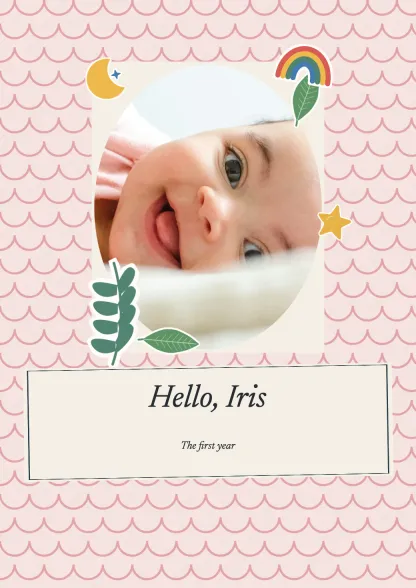 First yearFamily · 10 spreadsUse this template
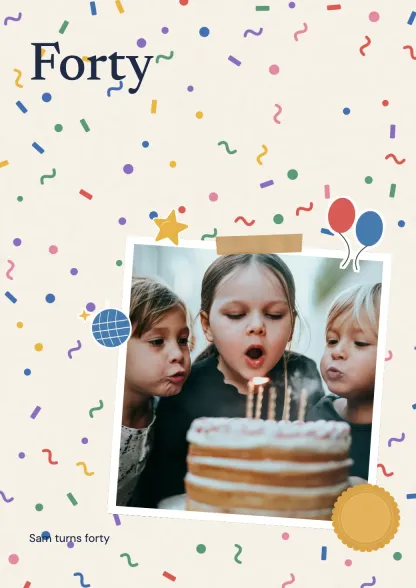 Birthday bookCelebrations · 10 spreadsUse this template
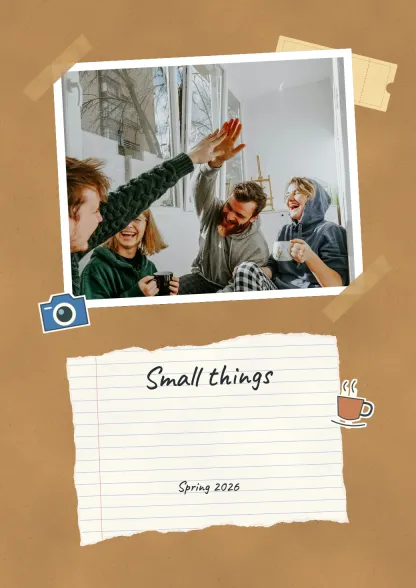 Everyday collectionEveryday · 10 spreadsUse this template
Make a digital scrapbook
Add your photos and keepsakes in tbf scrapbook, then arrange them on the pages. Fill a scrapbook template online.
| Step | Canva | tbf scrapbook |
|---|---|---|
| Start | Open a template or Create blank, upload your photos, drag them into the frames | Open the sample without an account, add photos and keepsakes to a page, move and crop each one |
| Sizes | 12 x 12 in, 8.5 x 11 in and 8 x 6 in in its FAQ; a template can name its own, such as 25 x 20 cm | 8.3 x 11.7 in portrait, 11.7 x 8.3 in landscape or 8.3 in square, which is A4 and 21 cm |
| Graphics | Icons, illustrations and stock photos from its library, more frames from Elements, the Draw tool | Your own photos, scans and PNGs; tape, frames and paper from the supplies |
| Other people | Share the design with the edit box ticked and they change the same page | One link; people send photos, words, audio and video and you choose what goes on the page |
| Video and voice | Nothing on the page plays; its answer is a QR code to somewhere else | Play on the page online and in the download, never on a printed page |
| Keep it | Download the page as a PDF or an image | Free: 40 pages read online with a watermark. Paid: up to 300 pages, PDF, page images and an editable export |
| Print each page at home or at a print shop, or order it from Canva Print, then bind the pages | Order the whole book after a print proof |
What you get from a Canva scrapbook template
The templates page shows 50 at a time with a Show more button, a Create blank option, and Explore more links for travel, aesthetic, modern and friendship pages.
Each template is a page with photo frames already placed. Upload photos under Uploads, drag each one into a frame, and drag an edge to resize it. More frames come from the Elements library.
The create page names the photo tools: a vintage filter and a black and white one, vignette, blur and x-process effects, and contrast, brightness, blur background and tint adjustments.
- Search box: type the thing you want, a ticket, a tape strip, a polaroid frame, and drag it on.
- Draw tool: doodles and arrows in your own hand, with a mouse or a finger.
- Filters: apply the same one to every photo on the page so they sit together.
Free and Pro
The templates page calls the templates free. On the create page four tools carry a Pro label: Magic Eraser, Magic Edit, Magic Grab and Magic Expand. Dream Lab and Magic Media are labelled free.
A single element inside a template can be a paid one even when the template is free. Check an element before you build a page round it, so the download is not held back at the end.
Downloading a page
Canva's templates page names the download as a PDF or an image. Print it at home, take it to a print shop, or order it from Canva Print, and bind the printed pages into an album.
For a page you will place somewhere else, choose PNG. Download it at the page's full size, not as a screenshot, so it prints sharp.
Where a template stops
Pages, not a book. Canva's own answer to printing a scrapbook is to print the layouts one by one and bind them. There is no bound book from one file on either page.
An edit link, not contributors. Ticking the edit box means everyone who opens the link changes the same page. Forty relatives sending photos for a birthday book need a way in that is not the editor.
No video or voice. A Canva page is still. The create page's answer to a clip or a voice note is its QR code generator, which points at a file kept somewhere else.
Bringing a Canva page into tbf scrapbook
Make the Canva page the same proportion as the book page first: 8.3 by 11.7 for a portrait book, 11.7 by 8.3 for landscape, square for square. Then download it as a PNG at full size.
In the book, add the PNG to a page as a photo and drag its corners to the page edges. It can be moved, cropped and layered like any photo, so tape or a caption can sit on top of it.
Words inside the PNG stay as a picture. For a caption you may change later, retype it in a text box on top, so it stays editable and comes out crisp in the PDF.
What that buys you: one book of up to 300 pages on a paid plan rather than loose pages, other people's photos and words through one link, and a printed book after a proof.
Pages you build directly rather than in Canva can start from the six free blank layouts.
Steps
Set the proportion
Decide portrait, landscape or square for the book and make the Canva page that shape before you place anything, so nothing is cropped later.
Build the page in Canva
Drop the photos into the frames, add a ticket or a tape strip from the search box, apply one filter to every photo. Check each element is free or on your plan.
Download as PNG
Full page size, PNG, from Canva's download. Keep the Canva design too in case you want to change the page.
Place it and retype the words
Add the PNG to a page as a photo, stretch it to the edges, and type any caption you may edit in a text box on top.
Questions
Are Canva scrapbook templates free?
Its templates page calls them free. Four tools on the create page carry a Pro label: Magic Eraser, Magic Edit, Magic Grab and Magic Expand. An element inside a template can be Pro, so check it first.
What size is a Canva scrapbook template?
Canva's FAQ names 12 x 12, 8.5 x 11 and 8 x 6 inches, and a mini theme. tbf scrapbook prints 8.3 x 11.7 inches portrait or landscape, or 8.3 inches square, after a print proof.
Can I put a Canva page in a tbf scrapbook book?
Yes. Download the page as a PNG, add it to a page as a photo and drag it to the edges. Words in the PNG stay as a picture, so retype any you may want to edit in a text box.