
16 yearbook page ideas (2027): spreads and layouts
Design a yearbook in two-page spreads: one main photo at least twice the size of any other, even outer margins, a caption beside every picture. Sixteen layouts below, each made in an editor.
A paid plan is required to create a yearbook. Printing is a separate order.
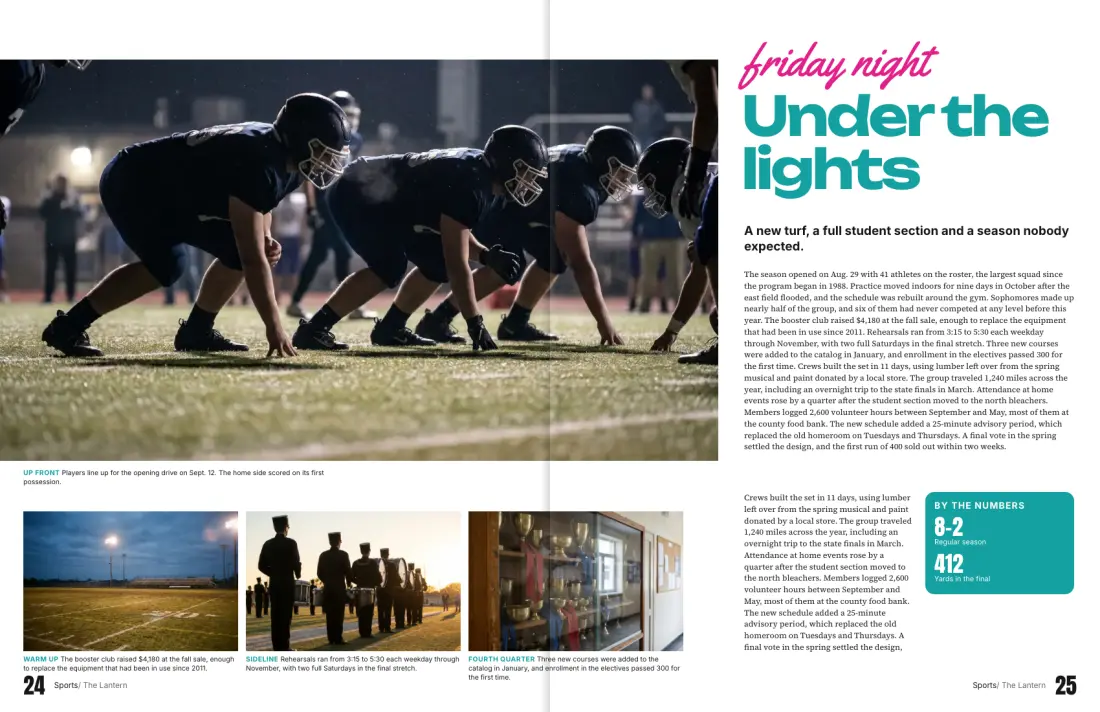
A reader sees two facing pages at once, so a yearbook is planned in spreads rather than pages. Most layout trouble starts when each page is designed alone.
The sixteen spreads below show the shapes real books use, from the section divider to the index. The school, faces and names in them are invented.
See also: six free yearbook templates, what sections a yearbook can hold, yearbook cover ideas, a Year 6 leavers book, scrapbook page examples, Elementary yearbook ideas with a fair coverage plan.
Lay out a spread with your own photos
Add your pictures, let Arrange lay out a first version, and move anything that is not working. Start with one section. Lay out yearbook pages online.
A paid plan is required to create a yearbook. Printing is a separate order. Plans and prices.
| Section | Spread | Pictures | Watch for |
|---|---|---|---|
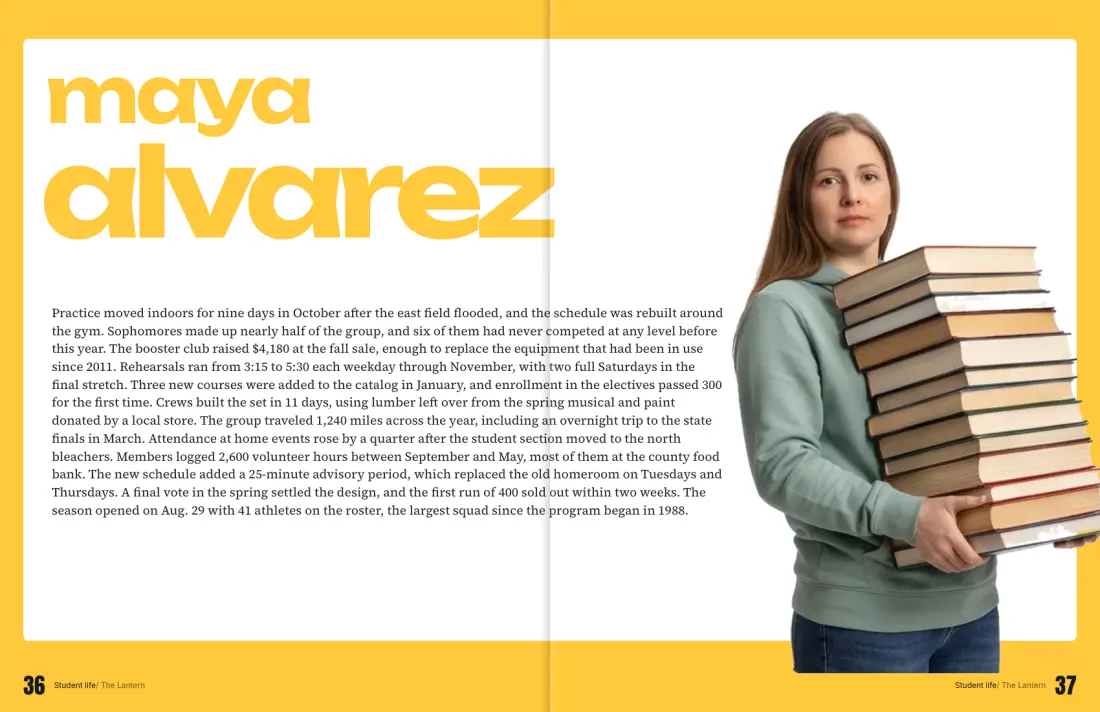
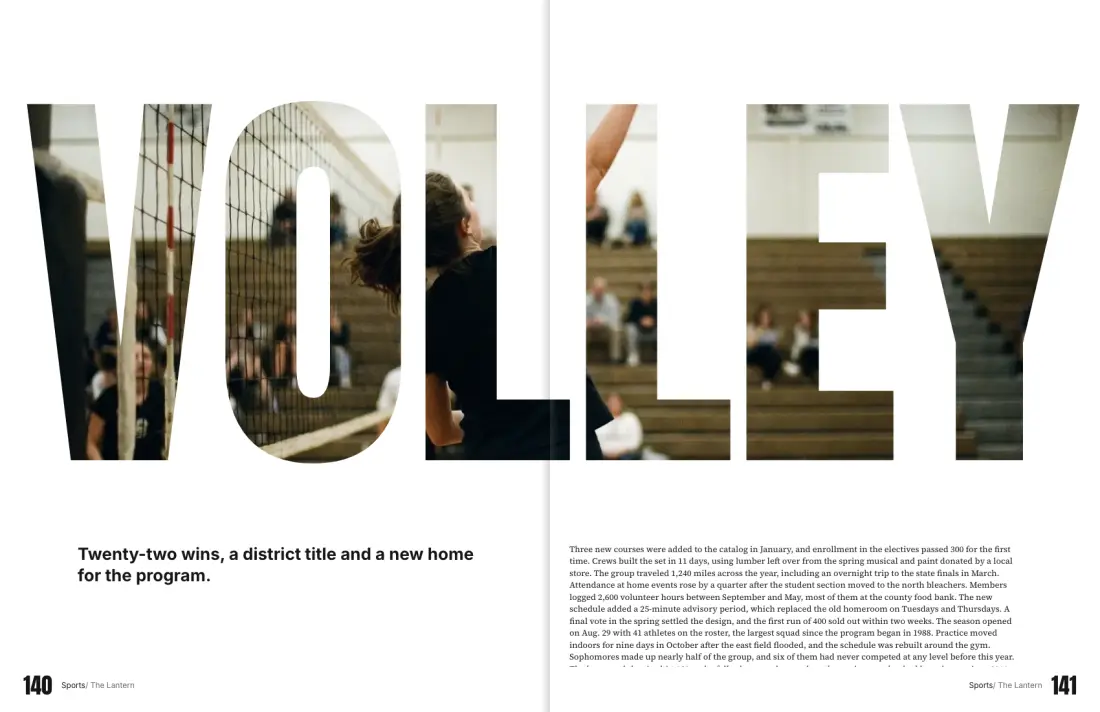
| Section opener | Full spread with one label | 1 | The fold running through a face |
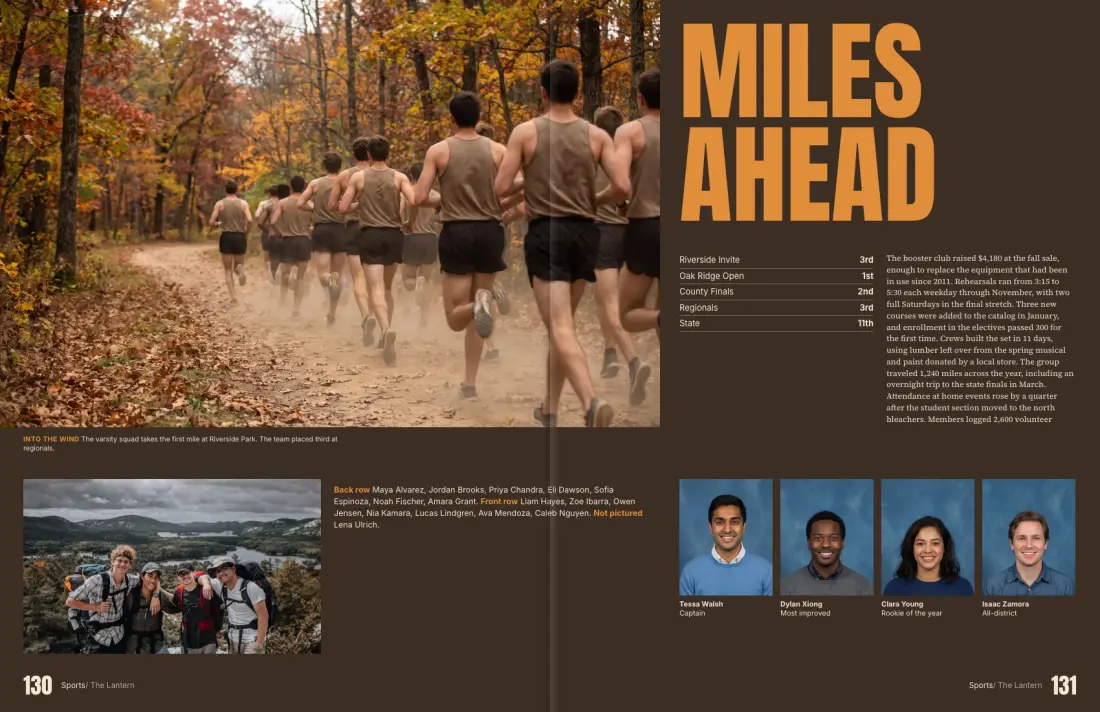
| Sports | One main and three support | 4 | A main picture that is too small to lead |
| Theater and music | Two tall pictures | 2 to 4 | Two pictures fighting for attention |
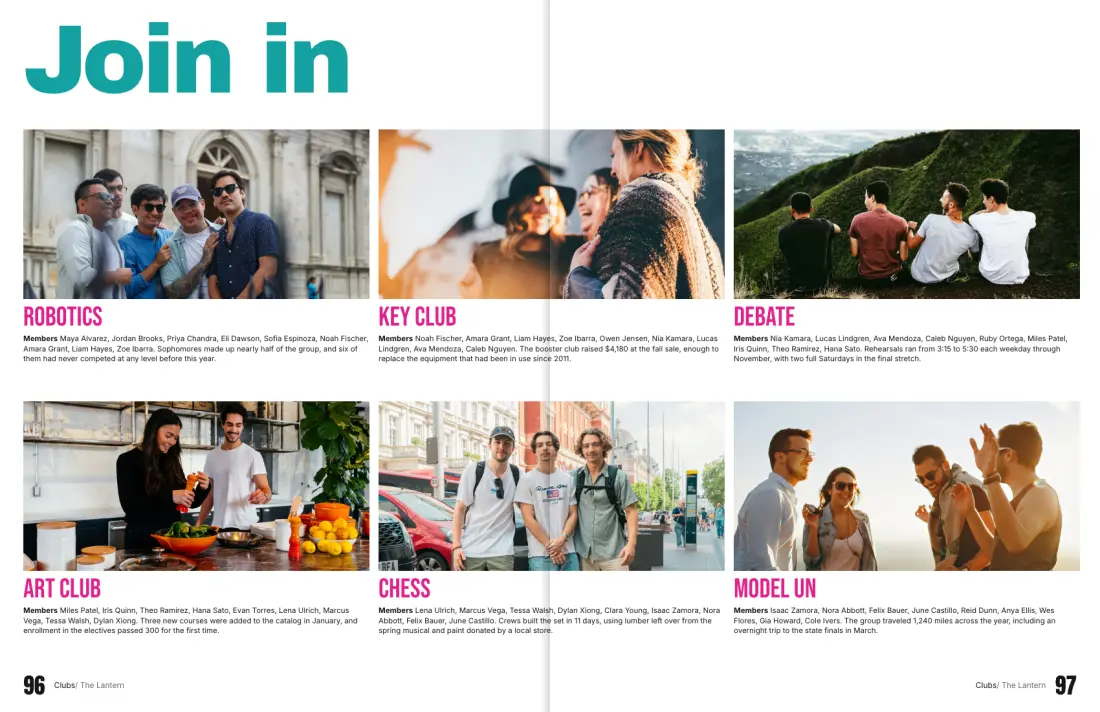
| Clubs | Equal grid | 6 to 8 | A big club taking two frames |
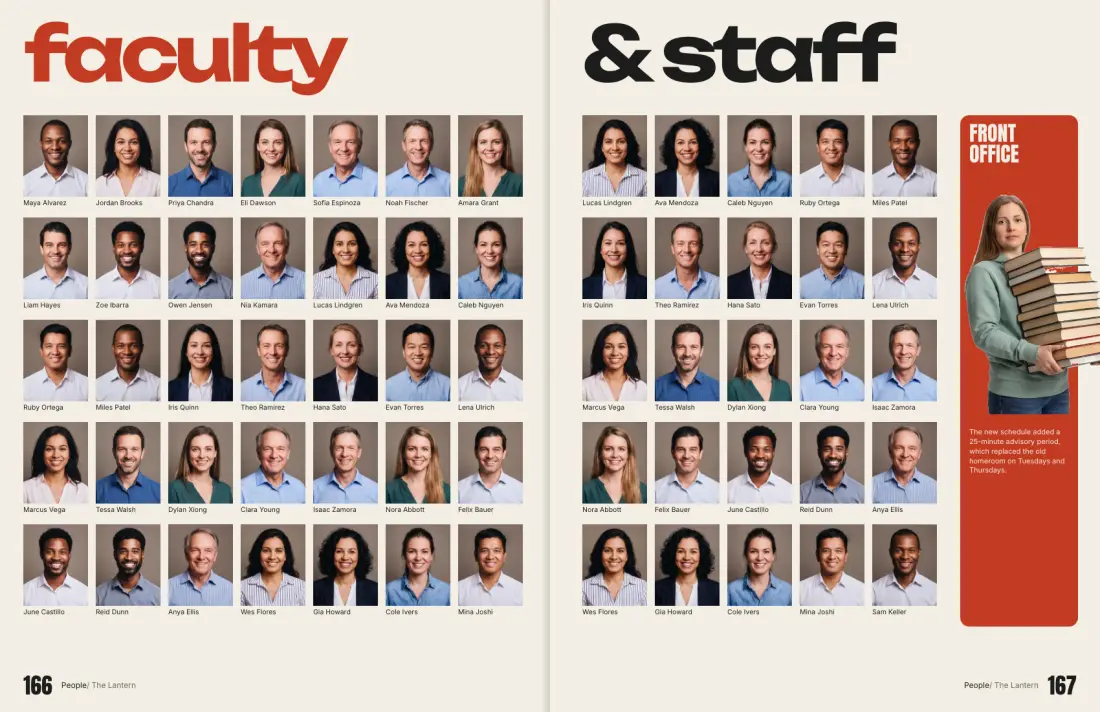
| Portraits | Portrait grid | 8 or more | A name beside the wrong face |
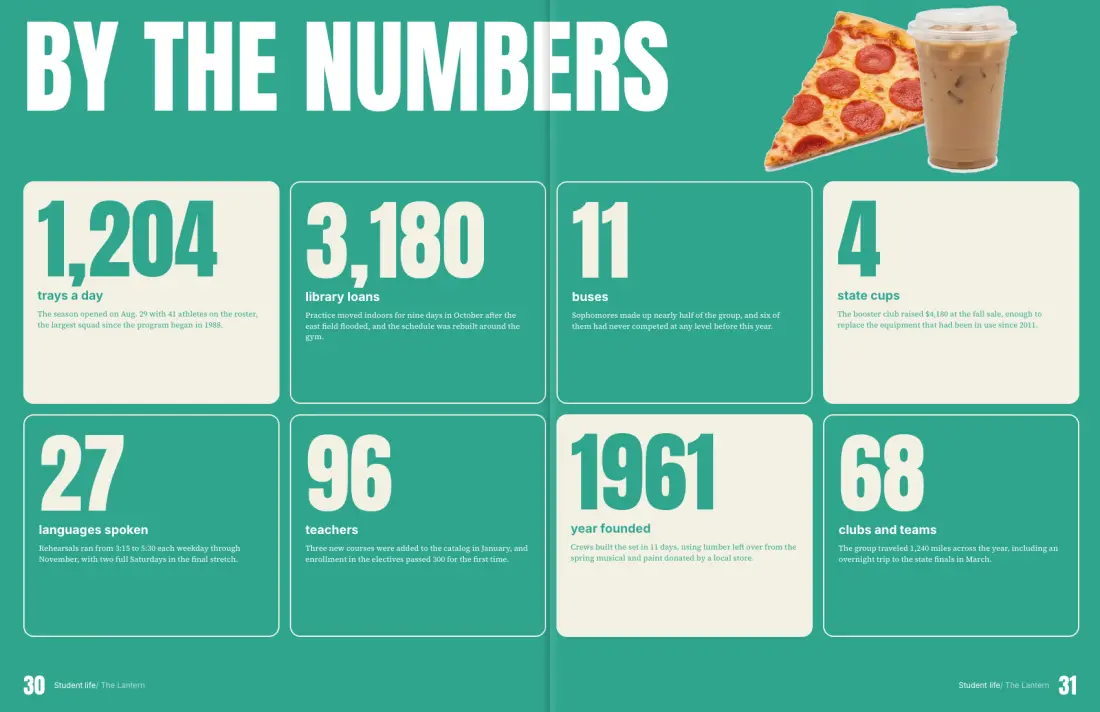
| Spirit week, dances | Scatter or candid wall | 6 | Tilting everything in the book |
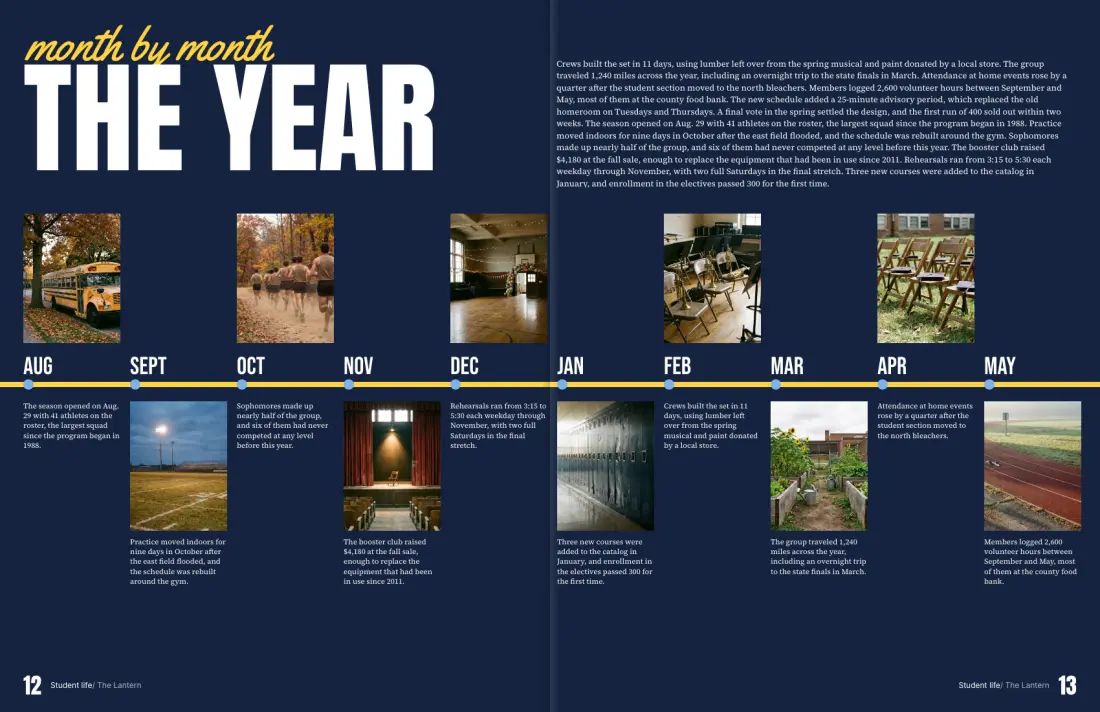
| Field trips | Postcards or timeline | 4 | Missing dates and places |
| Academics | One project, three details | 4 | Pictures of people looking at a board |
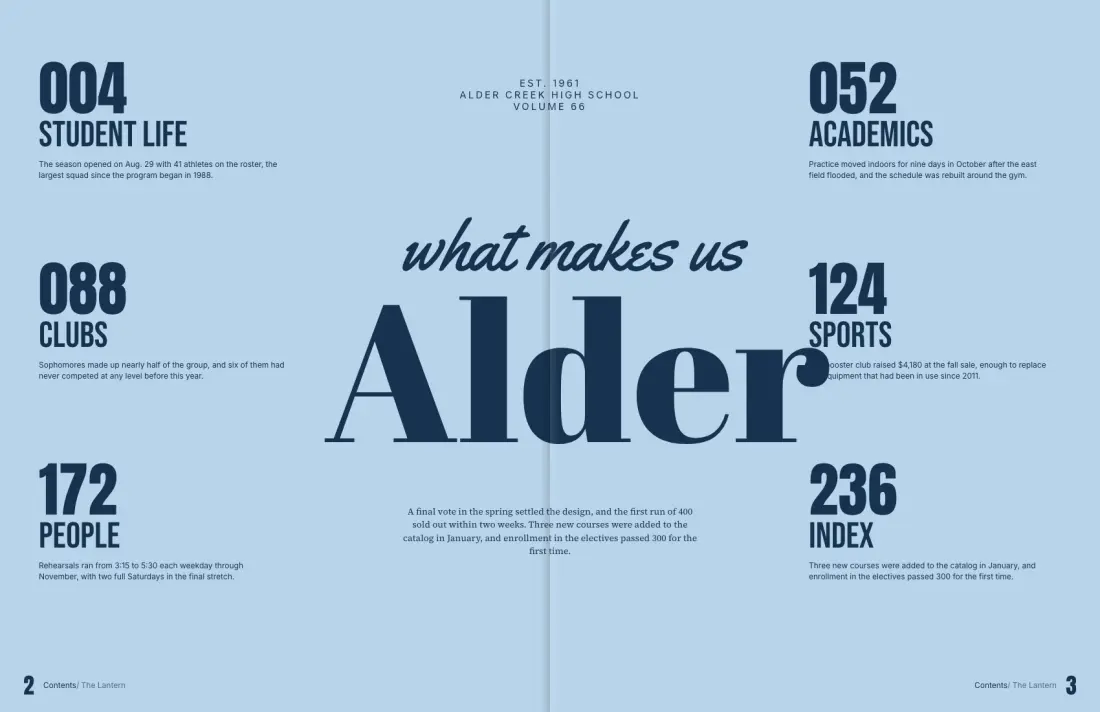
| Reference | Index or contents | 0 to 1 | Page numbers that move after printing |
| Closing | Lead picture with a note | 1 to 3 | Trying to sum up the year |
The rules most spreads follow
Yearbook firms teach much the same short list. It makes pages by different people look like one book.
- Keep the outer margins the same on every spread
- Make one main photo at least twice as large as any other
- Keep the space between pictures the same across the spread
- Run an eyeline, one line that pictures hang from or sit on
- Put a caption next to every picture it describes
- Keep faces and words out of the fold, which firms call the gutter
- Put a page number, the folio, on every spread
Sixteen spreads, as a yearbook runs them
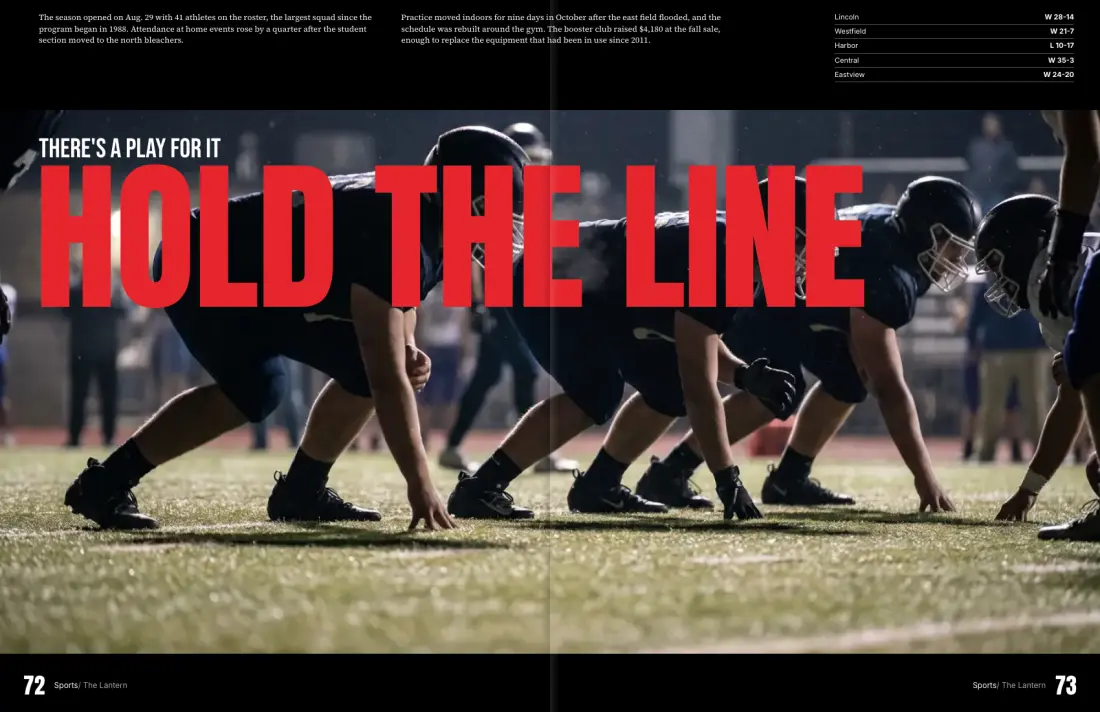
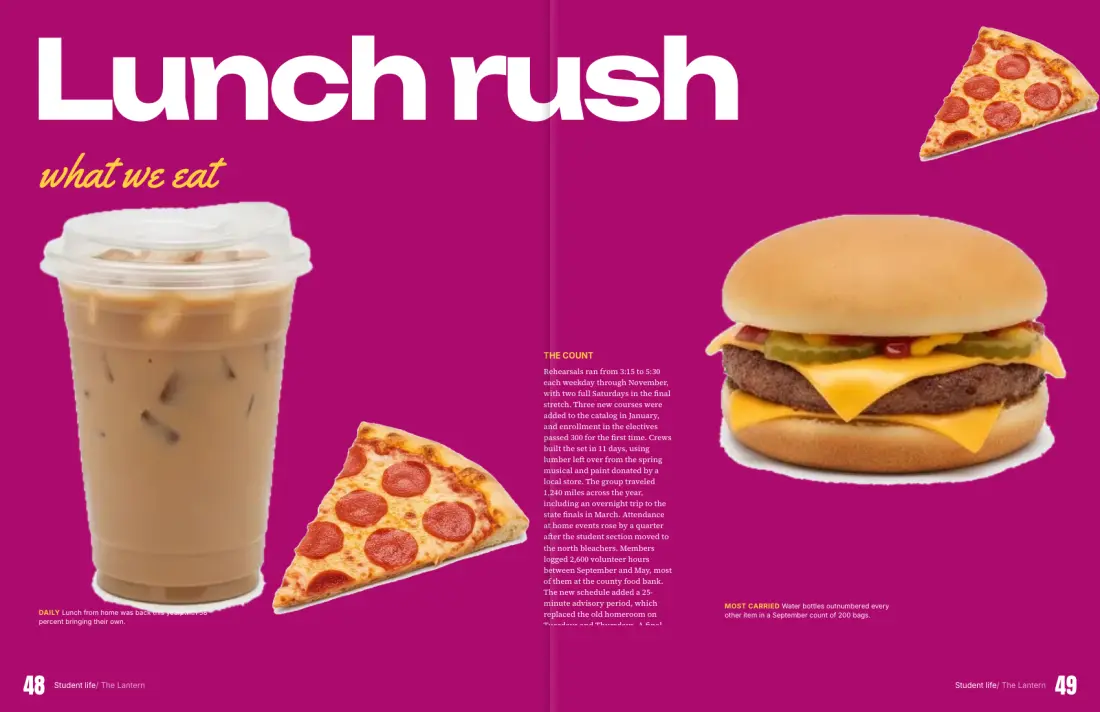
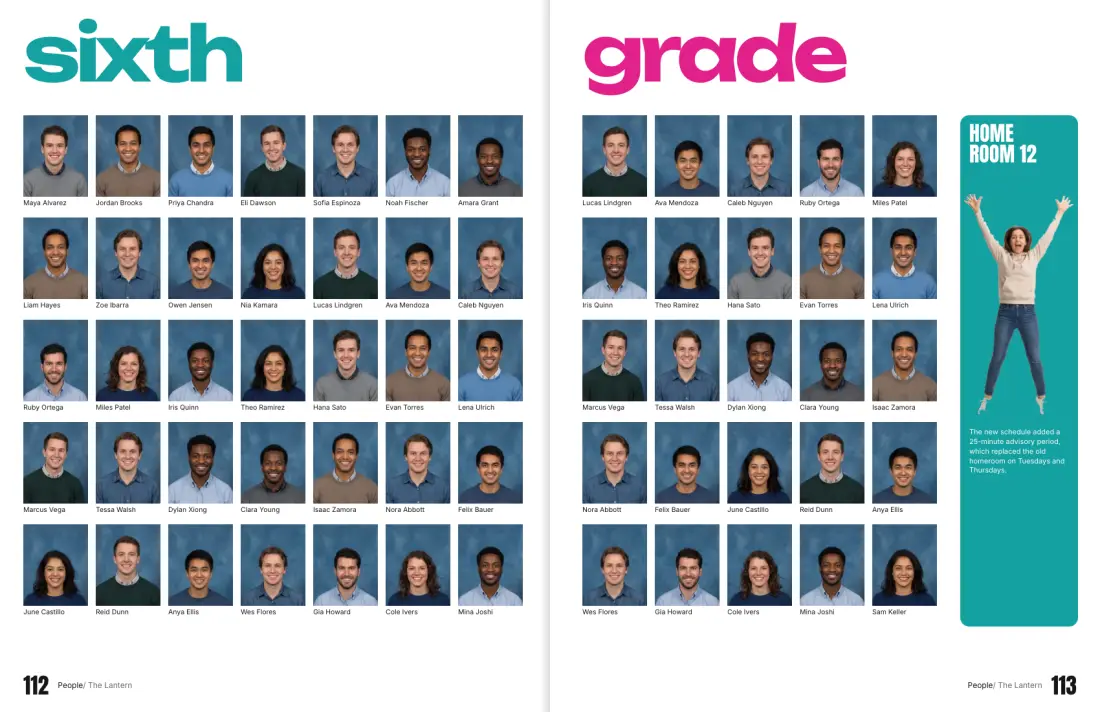
These are drawn for this guide, for an invented school, with generated faces and invented names. The tbf scrapbook editor does not lay pages out like this yet.
Use them as a pattern. Every one follows the rules above: a clear lead, consistent margins, a caption with each picture and a folio on every spread.

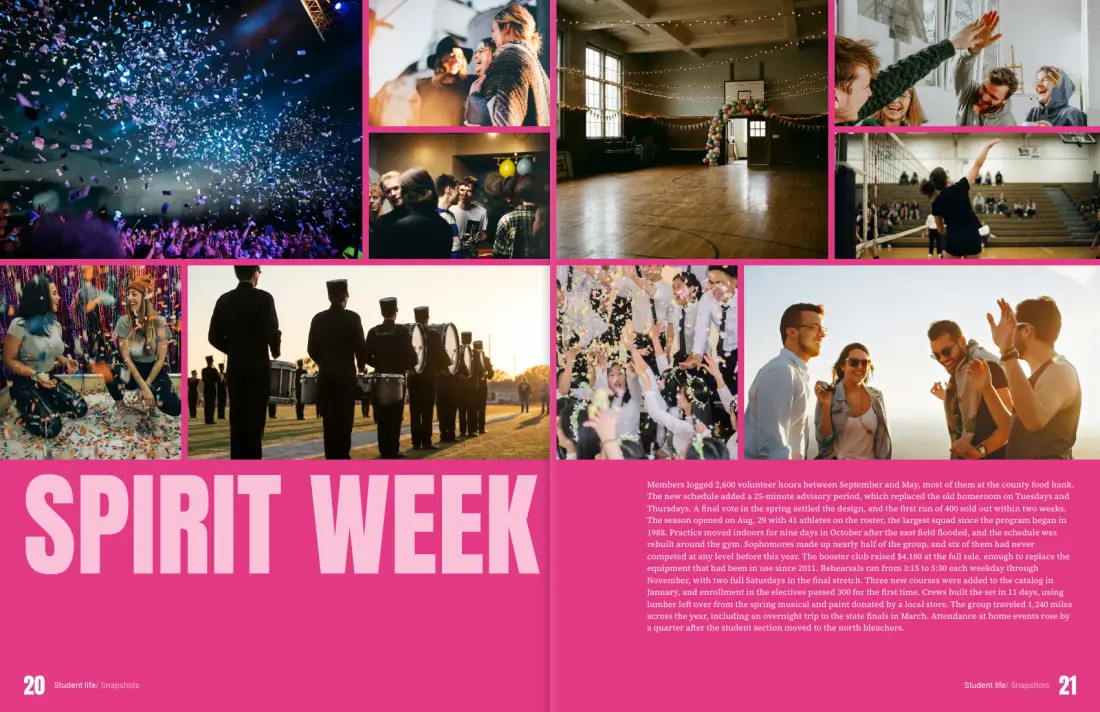
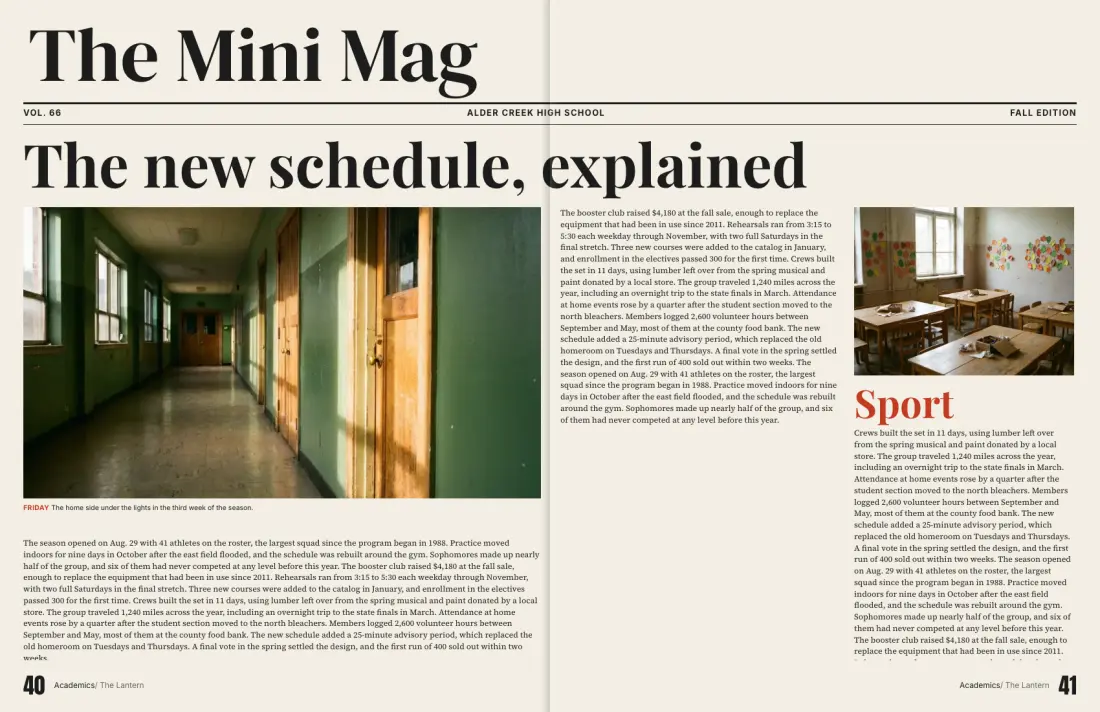
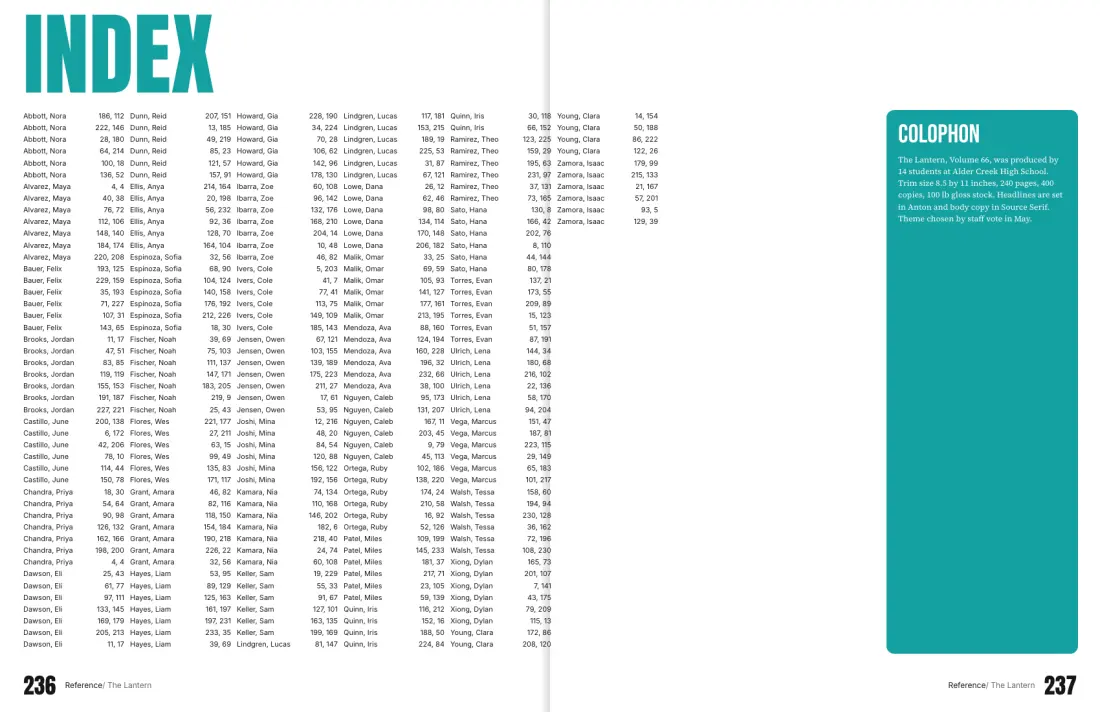
Working on a column grid
Divide the spread into narrow columns and make every picture and caption a whole number of them wide. Jostens notes that 24 columns across a spread is a popular choice.
A modular layout is easier for a first-time team: a set of boxes of agreed sizes, called mods, that any section can drop in.
For a small book made alone, three columns per page is enough. Line pictures up on them and leave one column empty for air.
Captions and names
Walsworth asks for a caption with every photo and advises listing all members in a group of six or fewer. In a bigger group, name the rows or say who the group is.
Write the caption as a fact: who, what, where and when. Check every name against a list from the school or the organiser, not against memory.
In the US, the annual yearbook is named in the Department of Education model notice on directory information. Parents can refuse that release by the date the school sets.
So ask the school for its opt-out list before you place a name. A club or family book is outside school rules, but asking each family first is still the decent way to do it.
Page counts, order and who makes it
Decide the count first. Walsworth describes books made of 16-page signatures, and Picaboo says some print facilities need a multiple of four. A count that misses leaves blanks.
Book sizes differ too: 8.5 by 11 and 9 by 12 inches are common at US firms. tbf scrapbook prints A4 portrait or landscape or a 21 cm square, so set the shape before laying out.
A class, club or home-school group can plan a yearbook of up to 300 pages in Studio. A whole school may need a yearbook firm with portrait import.
Pages to make
A section opener
One picture across both pages, one word, the theme element in the same corner as every other opener.
A coverage spread
Main picture on the left crossing no fold, three support pictures on the right, one caption for each, one headline.
A portrait spread
Eight or more equal frames in register order, names on the line below, with one small candid to break the grid.
A closing spread
One quiet picture that echoes the opening one, the year, and a space for signatures on the facing page.
Questions
How do you lay out a yearbook page?
Work on the spread. Set margins, place one main picture, add support pictures on the same line, then captions and a headline. Keep spacing the same between everything.
How many photos should a yearbook spread have?
Between four and eight for coverage, with one much larger. A section opener can have one. A portrait grid has as many as the frames allow at a size faces can be recognised.
What is a mod in a yearbook?
A self-contained block of a set size, such as a poll or a small list. Short items can then be dropped into a spread without redesigning it.
Sources
- Walsworth: yearbook spread checklist (PDF)
- Walsworth: yearbook terms
- Jostens: yearbook glossary (PDF)
- Walsworth: wait before you submit (PDF)
- Walsworth: understanding signatures
- Picaboo: page count requirements
- US Department of Education: model notice for directory information
- 34 CFR 99.37, conditions for disclosing directory information
Before you finish
Plan the yearbook pages
Choose the number of students, their space and the shared pages in Studio. The total includes both covers and must be even, up to 300 pages.
A family book can use shared pages without individual student pages. Print limits depend on the binding you choose.