tbf scrapbook

free digital scrapbook maker all your little things.
one lovely scrapbook.

tbf scrapbook is a free digital scrapbook maker in your browser. Add photos, videos, voice notes and scanned tickets, share the book by link, invite people to add their own pages, and print it as a book.

Start with 40 free pages. No card needed.

a whole little world in here ↓

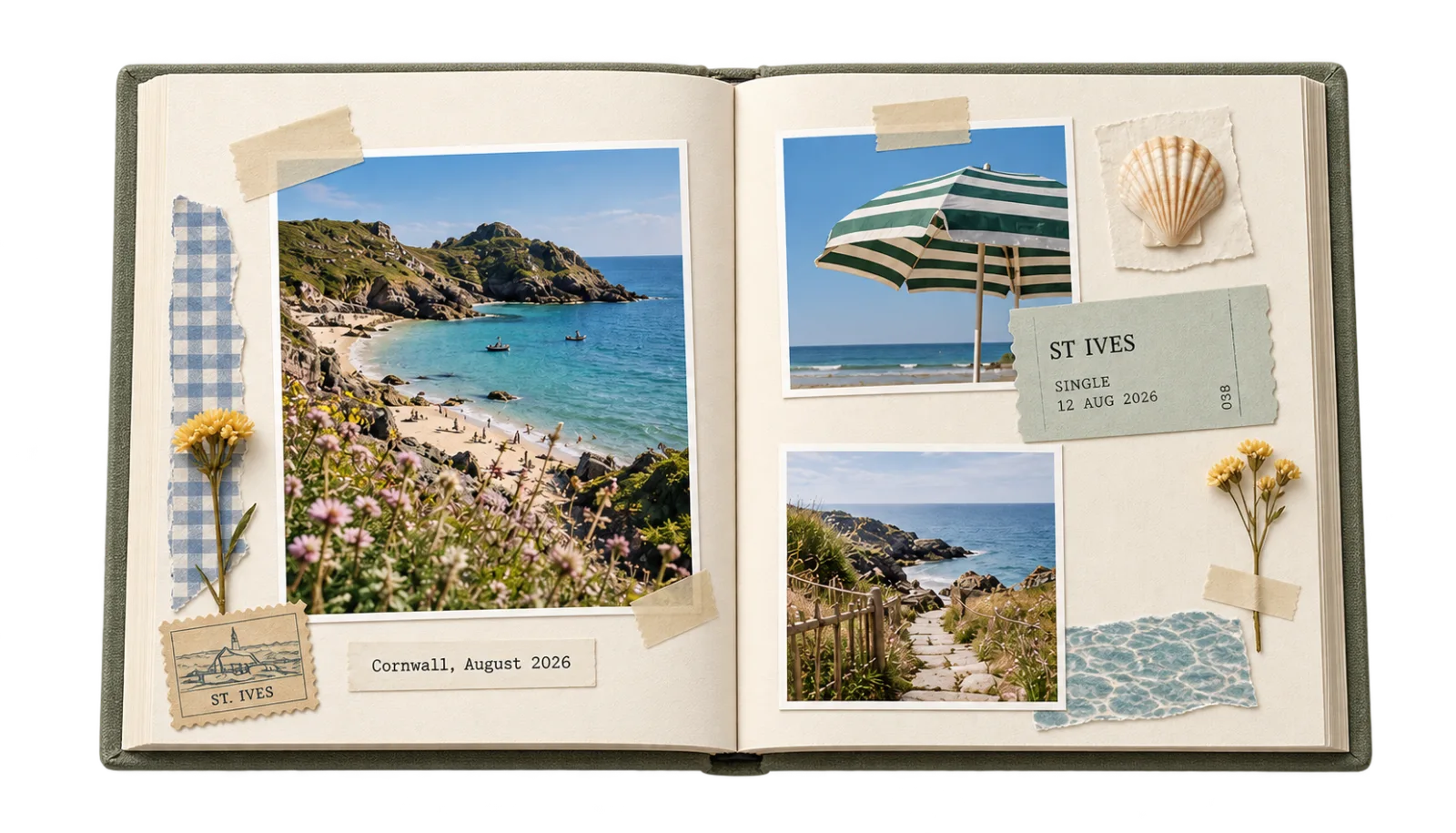
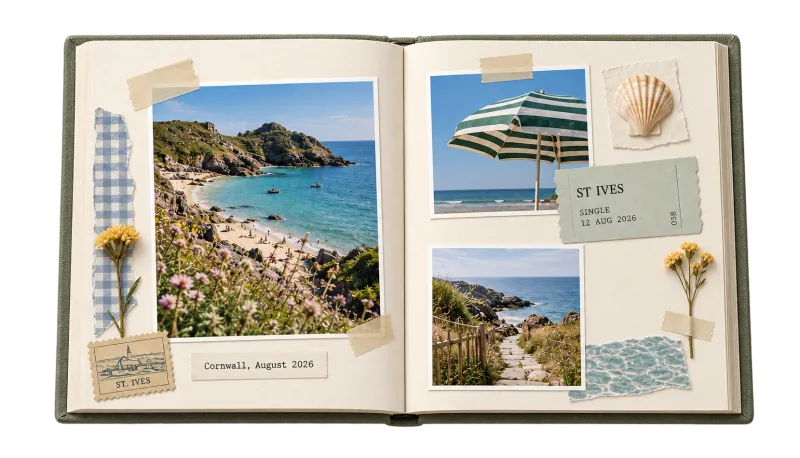
An open Cornwall scrapbook with beach photos, a St Ives train ticket, pressed flowers and a seashell.
A Cornwall scrapbook idea. Look inside

What is a digital scrapbook?

Pages you arrange on a screen from your photos, scanned tickets and your own words. Share it, download a PDF, print it as a book or frame a page.

For the things you want to keep

A trip. A year. A person.

Different moments. Same beautiful place for them.

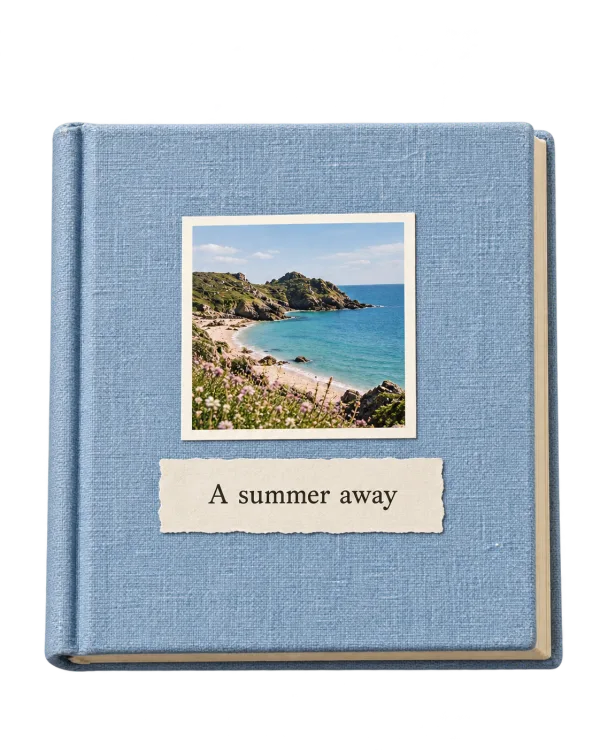
Powder blue linen scrapbook, A summer away, with a photo of the Cornish coast.

The places you went.

The ticket, the view, the café you still talk about.

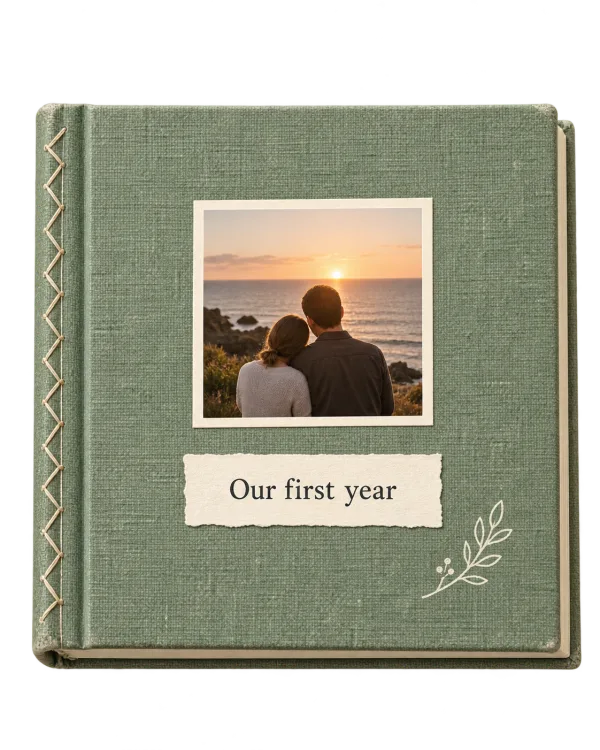
Sage linen scrapbook, Our first year, with a couple watching the sunset.

The life in between.

Sunday mornings. New keys. Another year of you.

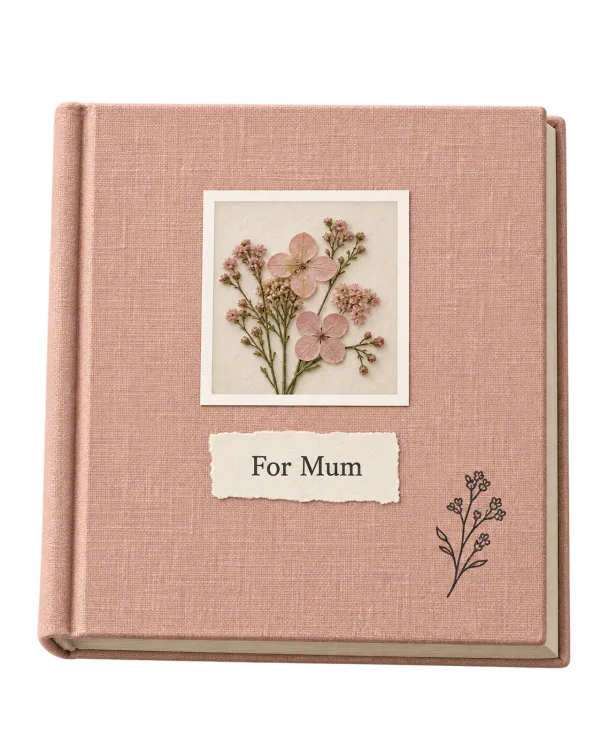
Dusty pink linen scrapbook, For Mum, with a small photograph of flowers.

The people who matter.

A birthday, a thank you, a whole book about them.

or call it a memory book
Make a scrapbook
THE LITTLE THINGS, COMING TOGETHERscroll a little. make a little.

01 / A first draft, without the blank page

Your photos.
A head start.

Choose your photos. Get three different arrangements. Pick your favourite, then move, crop and layer anything.

Keep a photo exactly where you want it. Lock it before rearranging.

02 / Real life belongs on the page

Keep the ticket.
Lose the table.

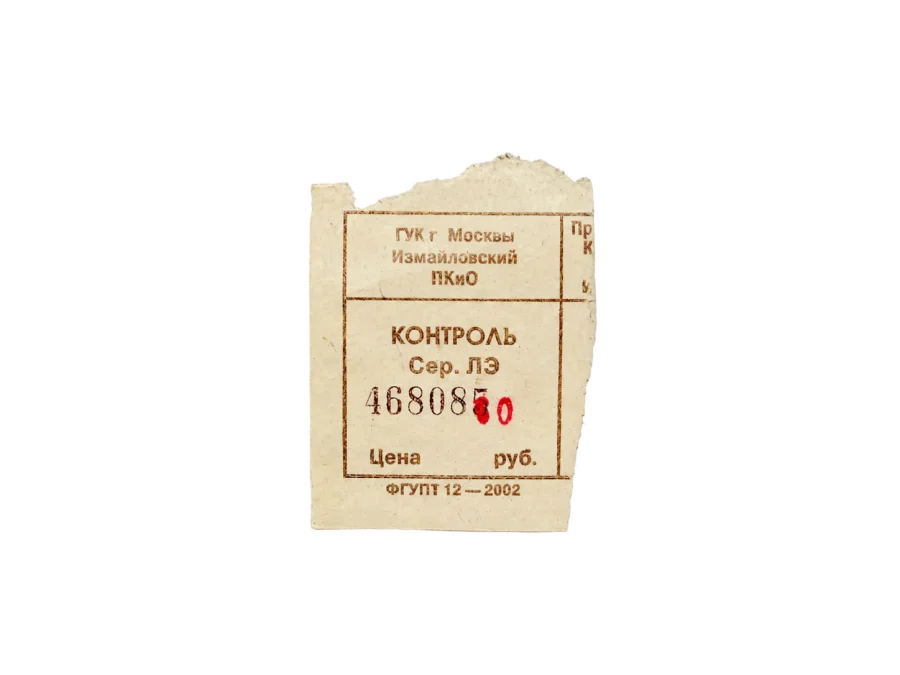
Photograph a ticket, a letter or a little drawing. Straighten the corners, lift away the background and keep its lovely, imperfect edges.

Compare before and after. Refine the edge. Your source stays safe.

03 / Everyone has a bit to add

One link.
Everyone’s bit.

Send one link. Friends and family add their photos, words and voice notes. Nothing goes on the page until you say so.

Plus has up to five editors per book.

04 / From the screen to the shelf

Print it.
Pass it round.

Order a hardback, softcover or lay-flat book, or frame one page for the wall.

Check a proof and the delivered price before you pay.

05 / The details make it yours

A little paper.
A little magic.

Make your own paper, tape, frames and illustrations with AI. Choose a colour and a texture, preview the credit cost, then make it.

Decorations made for your page. Your photos and your words stay yours.

Look through the books
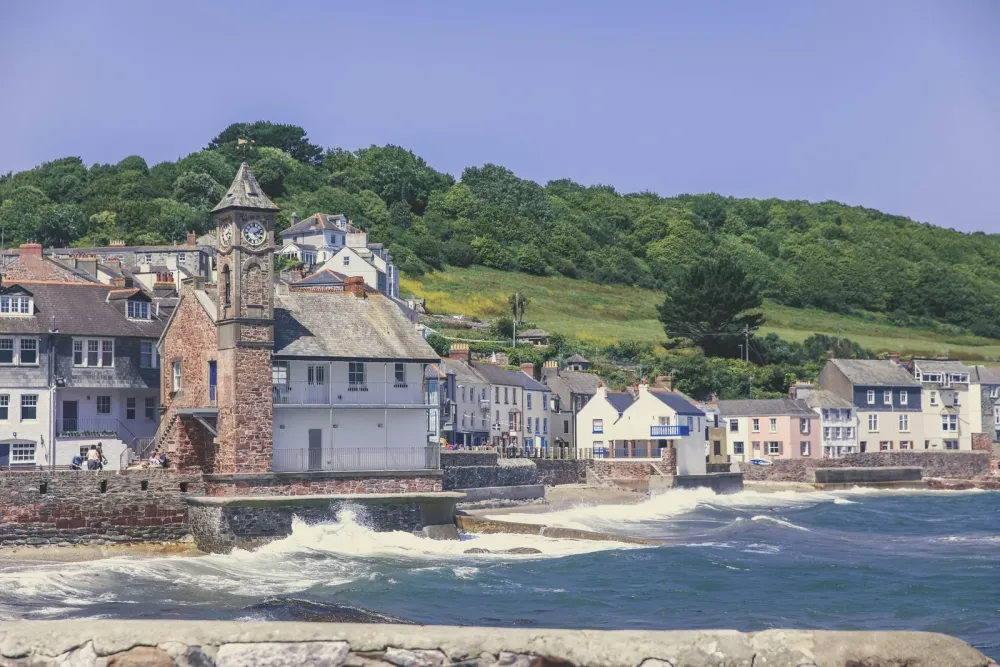
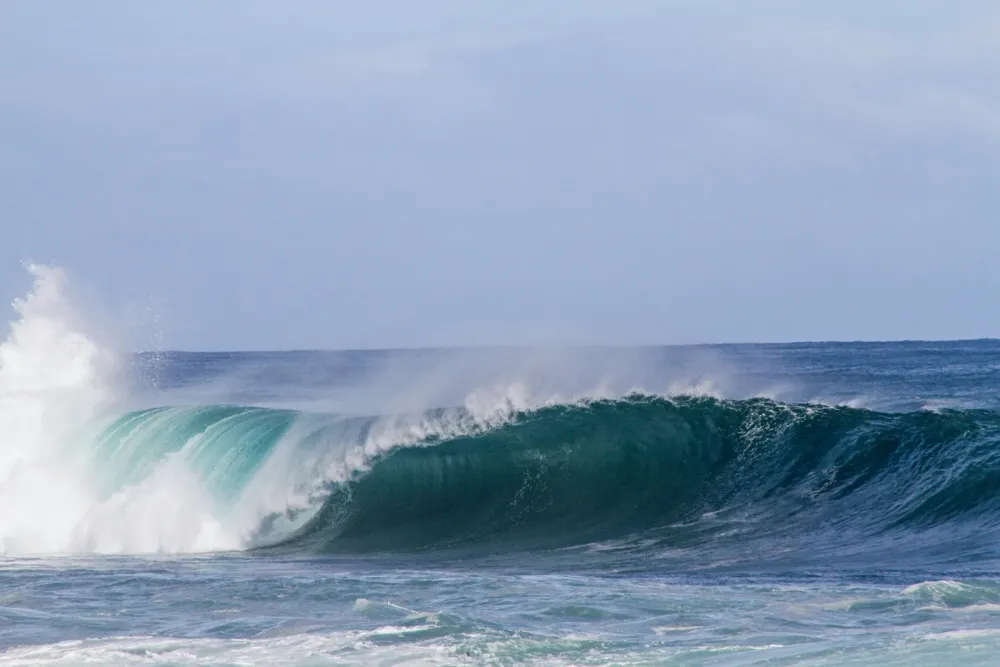
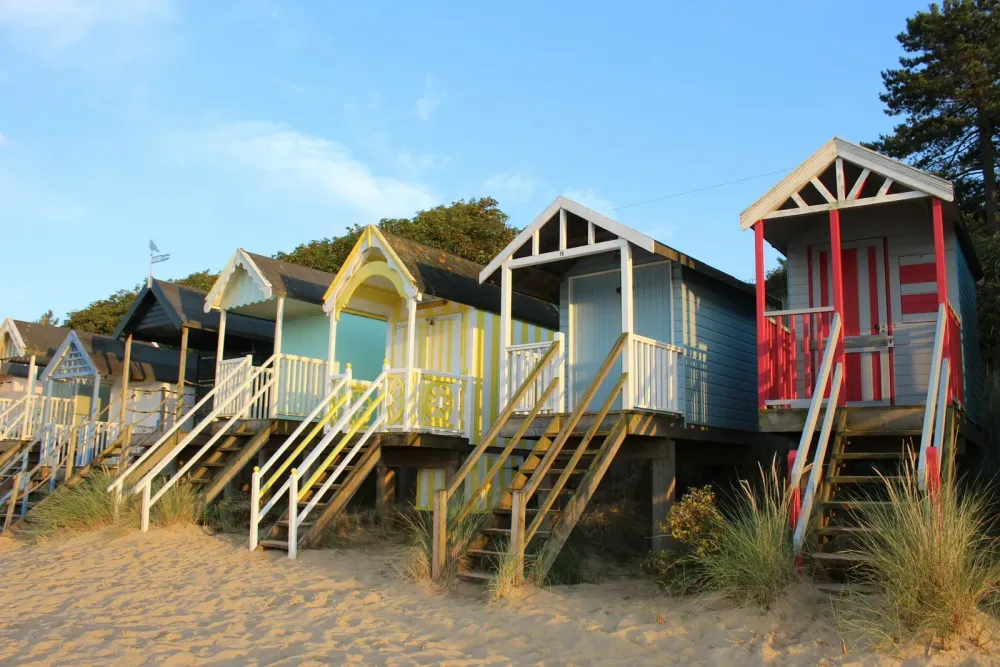
A Cornish harbour, arranged on the preview page. A breaking wave, arranged on the preview page. Beach huts, arranged on the preview page. the long way home

Same photos. Three editable starting points. Try them.

even this little thing. A photographed paper ticket before background removal.

Illustrated preview. The original is always kept.

A harbour photo on a shared scrapbook page.
Beach huts, added by Sam.
SSam

you slept the whole train home.

MMum
NNan

Illustrated preview. You choose what goes in.

A sunset photograph surrounded by a decorative paper and illustration preview.

a day like this.

A style preview. Generating artwork uses plan credits.

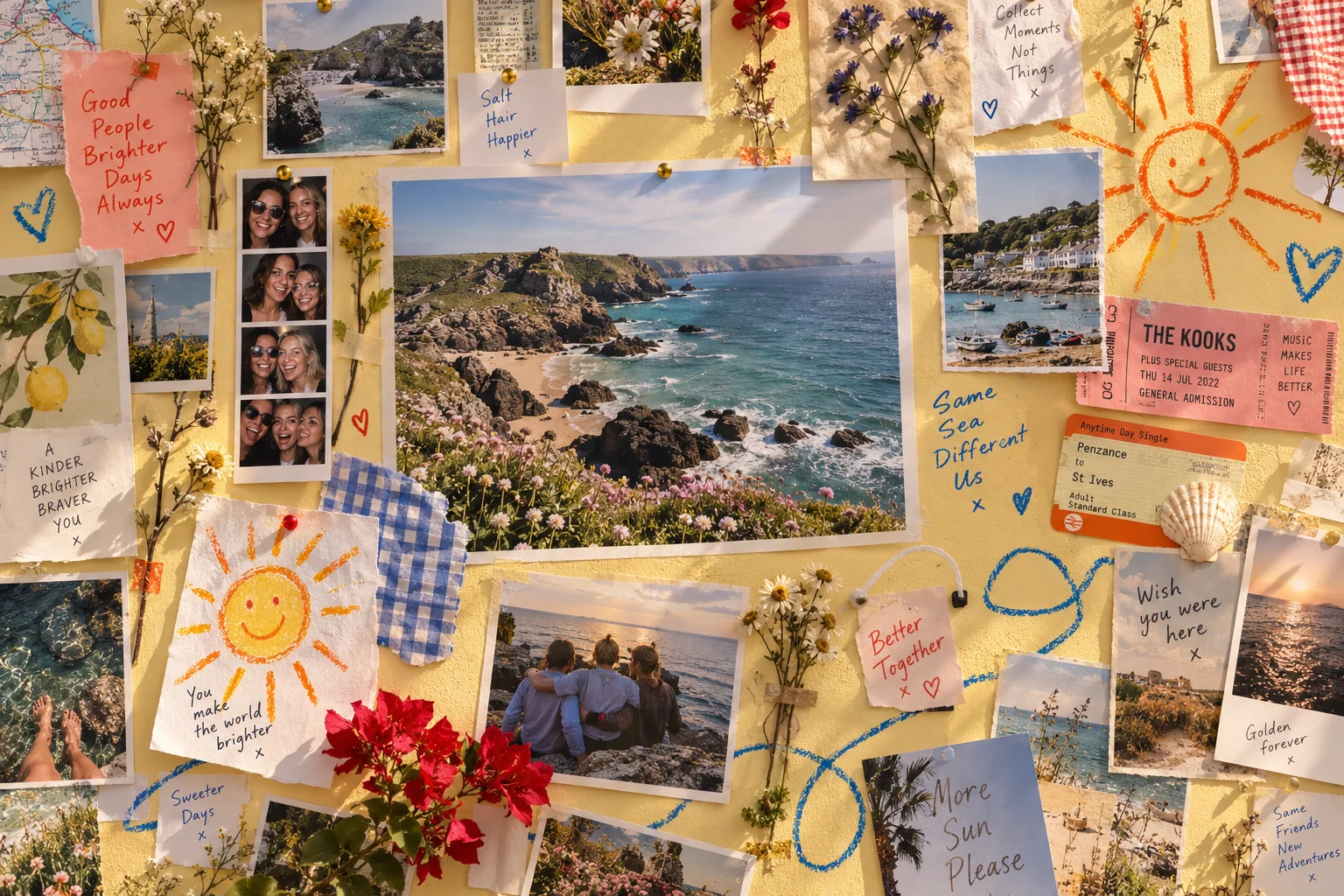
A studio wall full of pinned photographs, postcards, tickets, flowers and handwritten notes.

Not just the photos. The whole feeling.

Life isn’t tidy.
Good.

Their side of the story.

Make room for everyone.

Invite people to add their photos and words. Review what arrives. You choose what makes the book.

Hear it again.

Keep the voice, too.

A laugh. A birthday wish. Add audio and video alongside the pictures, ready to play when someone opens your digital book.

Explore the digital scrapbook
A sage green scrapbook, ready to keep.
PDF

For your files.
Or your own printer.

Print

A bound book.
A page in a frame.

.tbfbook

Your pages. Your originals.
An offline reader, too.

The best bit? It’s yours.

Keep it.
Really keep it.

Paid plans include PDF export and the whole editable book, with its media and an offline reader.

It still opens without an active subscription. Your book doesn’t need us to be there.

You can also order it printed: a hardback, softcover or lay-flat book, or one page framed for the wall.

Find your kind of book

Plans and prices

Prices in USD, including tax.

Prices as of October 2026.

Billing period

Free

Free

  • One book, up to 40 pages
  • 250 MB of storage
  • 3 AI credits, once
  • Watermarked reading and sharing
  • No card needed.
Start for free

One book

US$25 once

  • One book, up to 300 pages
  • 2 GB of storage
  • 10 AI credits, once
  • Every export format
  • One year online. No automatic renewal.
Make a book

Plus

US$89 a year

US$9.99 a month

  • Unlimited books, 300 pages each
  • 10 GB of storage
  • 10 AI credits each month
  • Up to five editors per book
  • Every export format
Start for free

Household

US$169 a year

US$18.99 a month

  • Five adults, each with their own library
  • 50 GB of shared storage
  • 20 AI credits each month
  • Unlimited books, 300 pages each
  • Every export format
Start for free

Studio

US$359 a year

US$37.99 a month

  • Unlimited books, 300 pages each
  • 100 GB of storage
  • 40 AI credits each month
  • Up to five editors per book
  • Every export format
Start for free

Subscriptions renew automatically. Cancel any time. Yearly subscriptions are billed in one payment.

When paid access ends

You can read and download your books for 90 days after paid access ends.

One-book hosting can be renewed for US$7 a year. It does not renew automatically.

AI credits

1 credit makes 1 AI decoration. Adding your own photos, words and files uses no credits.

Extra credits: 20 for US$7 or 100 for US$25.

Credit details

Monthly credits reset on the first of each month. Unused monthly credits do not carry over.

Extra credits are bought or given once. They do not expire while your account is open.

You see the credit cost before starting. Failed or cancelled jobs return the credits.

A few good questions

Before you
turn the page.

What is a digital scrapbook?

Photos, keepsakes and your own words on pages you arrange yourself, like a paper scrapbook, with room for audio and video. You share it by link, download it as a PDF or print it as a book.

Can I make a scrapbook for free?

Yes. Your free book includes up to 40 pages, 250 MB of storage, the complete manual editor and watermarked reading and sharing. PDF export and downloads need a paid plan. No card is needed.

Can I share my scrapbook by link?

Yes. Every book has a link. Whoever holds it reads the book in a browser, with no app and no account. You can close the link whenever you like.

Can we make one scrapbook together?

Yes. Send one link and friends and family add their own photos, words, voice notes and clips. You decide what goes on the pages. Plus includes up to five editors per book.

Can I put video and voice notes in it?

Yes. Put a clip or a recording on a page beside the photos. They play in the shared book and in the downloaded book. A printed book can carry a code that opens the recording in a browser.

Do I need to download an app?

No. It runs in your browser on a phone, tablet or computer. The sample opens without an account.

What is the difference between a digital scrapbook and a photo book?

A photo book is photographs in a set layout, printed. A scrapbook also holds tickets, notes, handwriting, video and voice, laid out however you like. Here you can print it as a book as well.

How is it different from Mixbook, Canva or Storyworth?

Mixbook prints photo books, Canva makes single pages and Storyworth collects written stories. Here the family adds to one book, with tickets, letters, video and voice, and you read it online or print it. Side by side: Mixbook, Canva, Storyworth.

Can family in different places add to one book?

Yes. The invitation link opens in any phone browser, wherever they live. Each person sends photos, words, voice notes or clips, and you choose what goes in.

Can I put tickets, letters and handwritten notes in it?

Yes. Photograph or scan them flat and place them beside the photos from the same day. The originals can go back in a box.

Can the whole family make an anniversary or grandparents book?

Yes. Send the link to the family. Each person adds photos, old letters and a short video message, and you print the book with a code beside each recording.

Can we make a memory book for someone who has died?

Yes. Send the link to family and friends, each adds photos and words, and you arrange and print the book.

Can I order a printed book?

Yes. Order a hardback, softcover or lay-flat book from the studio, or frame a single page. You check a proof and see the delivered price before you pay.

Can I keep my scrapbook outside the app?

Yes. Paid plans include PDF export and every download format, including a portable book that opens without tbf scrapbook. Audio and video need a digital export; they cannot play on paper.

What does the AI help with?

It can organise your photos, suggest page arrangements and make decorative artwork. You choose what to use. It does not write your memories for you. Artwork allowances depend on your plan.
A few photos. A little time. Something to keep.

You’ve already got
the good stuff.

Let’s make something of it.

Make a scrapbook

40 free pages. A lovely place to start.