
Photo book with text
Design a photo book from scratch or choose an editable design. Arrange your photos, captions and longer notes on each page, then check the print proof before you order.
Design from scratchChoose a design
A4 portrait (21 x 29.7 cm), A4 landscape (29.7 x 21 cm), 21 cm square
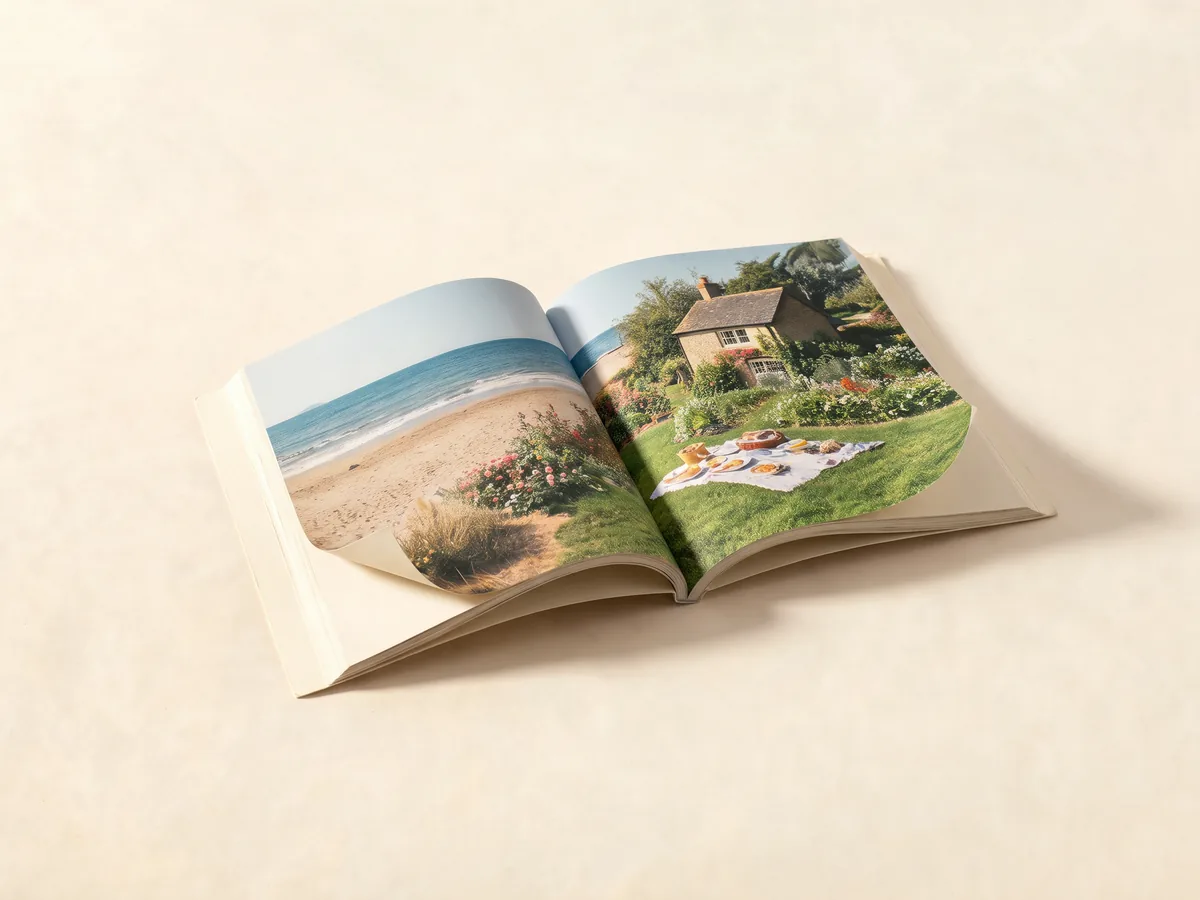
Softcover
From £10.99 for 20 pages
- £0.25 each extra page, up to 300
- Usually 7 to 10 working days
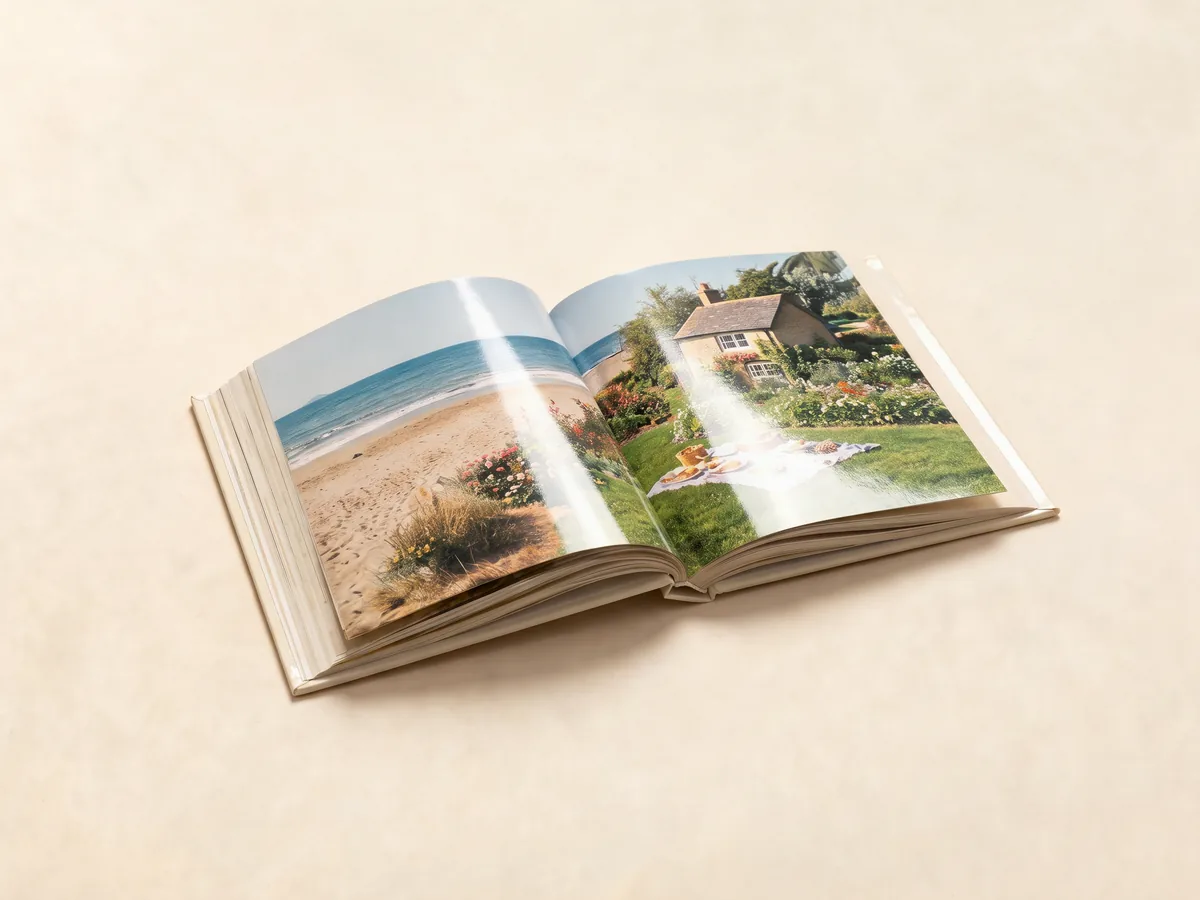
Hardback
From £14.99 for 24 pages
- £0.30 each extra page, up to 300
- Usually 7 to 10 working days
UK delivery £6.99, then £1.25 for each further copy.
Album designs
Shape
Cover
Style
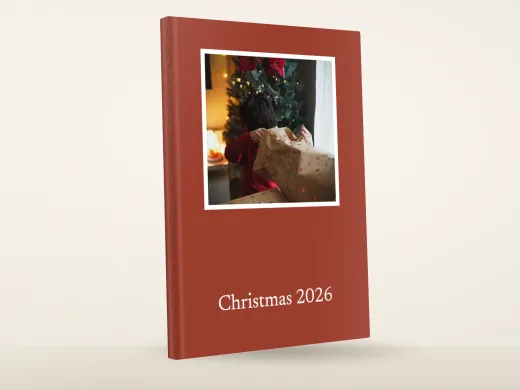 Start blankDesign from scratch18 blank styles, from £10.99
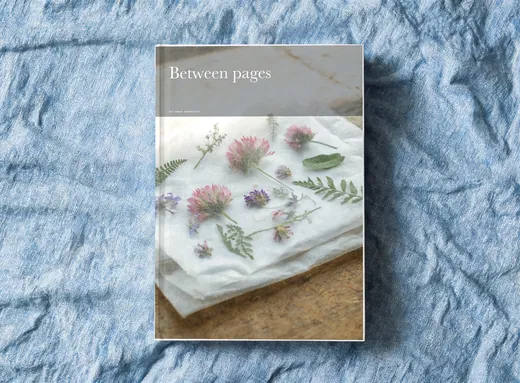 Pressed Between PagesFrom £10.99
- Sample photos
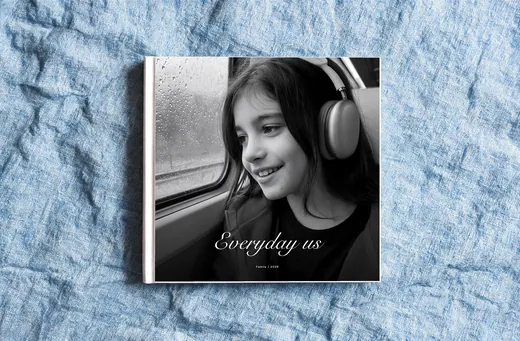 The Everyday AlbumFrom £10.99
- Sample photos
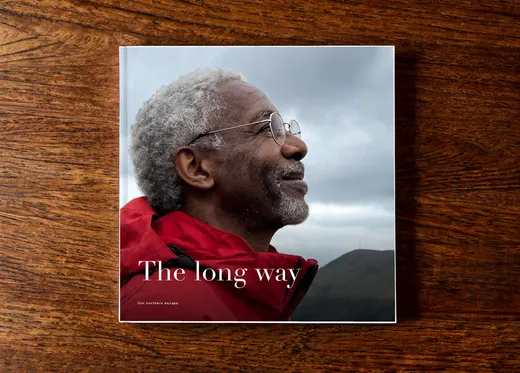 The Long Way HomeFrom £10.99
- Sample photos
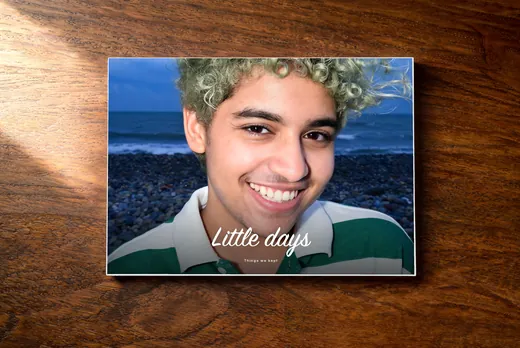 All These Little DaysFrom £10.99
- Sample photos
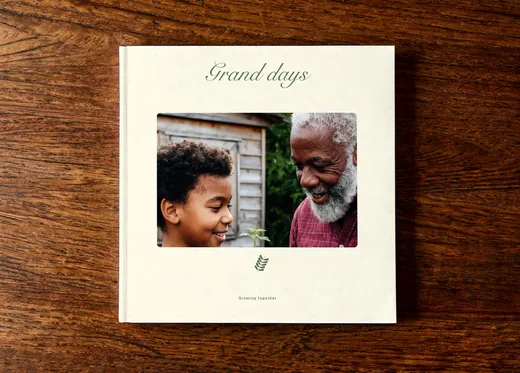 Grand DaysFrom £10.99
- Sample photos
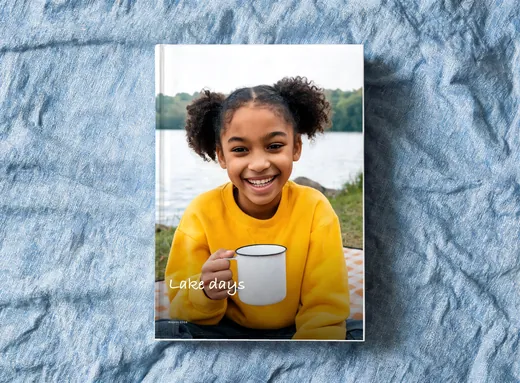 Lake NotesFrom £10.99
No designs match.
Design from scratch
Start from a blank book and make every page yourself.
- 1 Pick a style
- 2 Add your photos and words
- 3 We print it and post it
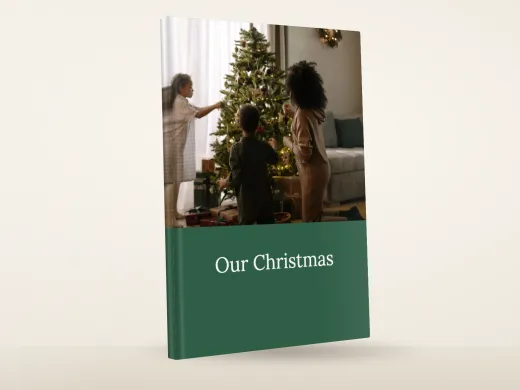
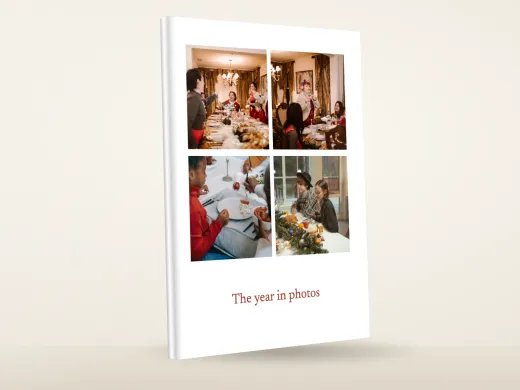
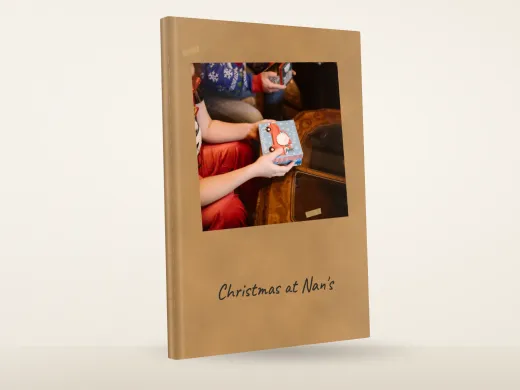
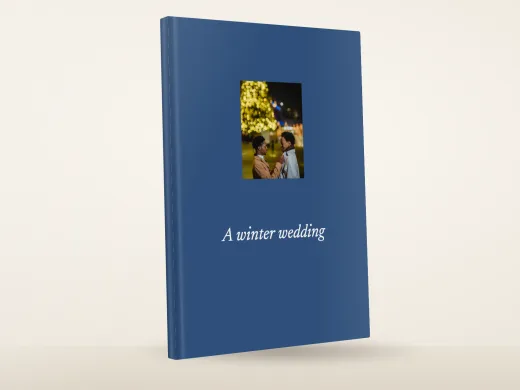
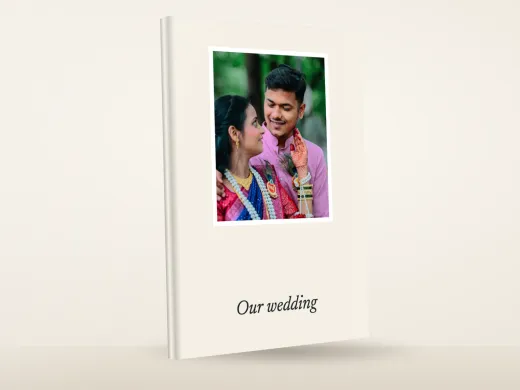
Choose a design below or start with a blank book. The layouts, colours and type can be changed. Design previews use sample photos; your book uses the images and words you add.
The cover choices and prices above are for printed books. They are separate from digital subscriptions. You can start on a free account and pay for printing when the pages are ready.
A4 portrait and landscape measure 21 x 29.7 cm in their respective orientations. The square book is 21 x 21 cm. Leave room for the words when choosing how many photos to put on a page.
Captions and longer notes
Add a text box for the words you want on a page. Change its position, size and type, then place the photos around it. You write the text yourself; it does not arrive filled with suggested memories.
For names and dates, a small space beneath each photo may be enough. For a longer account, set aside part of the page or a whole page so the text does not have to shrink around the pictures.
Read the busiest page at its intended print size before arranging the rest. A layout that looks spacious when enlarged on screen can leave very small captions in a book.
Keep the original handwriting
Scan or photograph a handwritten note and add it as an image. Crop away the table or scanner border, then keep the writing large enough to read on the page.
This preserves the appearance of the handwriting. It does not turn it into editable typed text. Keep the original paper and image file separately from the printed book.
Collect words and photos from family
Share a contribution link when other people have something for the book. They send their own photos and words from a phone. You review what arrives and choose what to place on the pages.
Sending material and editing the layout are different jobs. A contributor's words do not become a printed page until you have arranged and checked them.
Choose the cover and delivery address
Softcover costs less for a short book or several copies. Hardback gives the book a rigid cover. Both choices shown here keep each page separate, so keep words away from the centre fold.
The displayed prices and delivery charge are for the UK. For a US or another supported address, the studio calculates the delivery quote before payment. Check the total for your copies and page count.
If you want a photograph across two pages, compare the lay-flat option in the photo book catalogue. It has a different price and page limit.
Read the proof before paying
Check each name, date, line break and crop in the print proof. Look for text too close to the edge or the centre, and for pale handwriting that has become difficult to read.
An on-screen proof confirms the page layout. It does not establish the feel of the paper or the exact printed colour. If you need several matching copies, consider checking one printed copy first.
Questions
How much is a printed photo book with text?
Softcover from £10.99 for 20 pages, then £0.25 a page; Hardback from £14.99 for 24 pages, then £0.30 a page. UK delivery is £6.99.
Can I design my photo book from scratch?
Yes. Start with a blank book and arrange each page yourself. Add your photos and text, move or remove frames, and change the colours and fonts. You can also start with an editable design.
Can every page have text as well as photos?
Yes. Place your own text and images on the pages. For a long note, allow enough space to keep the words readable rather than making the type smaller.
Can I print a handwritten letter in the book?
Yes. Add a scan or clear photograph of the letter as an image. Inspect the fine strokes and crop at the printed size before approving the proof.
Do I need a subscription to order a book?
No. A free account can order printed books. Its digital storage and page limits still apply, and the printed copies and delivery are paid for separately.
Can family members send their own words?
Yes. Invite them with a contribution link. Their submissions wait for you to review and place in the book before printing.
Can I change a spelling mistake after ordering?
Check spelling before approving the proof and paying. An edit to the online book does not change a copy already sent to print.