
Personalised photo books
Start from a design, add your photos and your own words, change what you like, and order once the proof looks right.
From £10.99, plus £6.99 UK delivery
Shape
Cover
Style
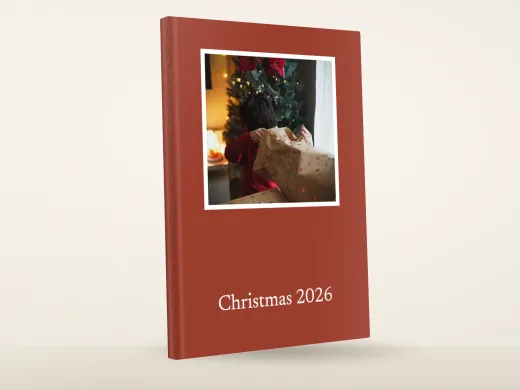 Start blankDesign yours18 blank styles, from £10.99
- Sample photos
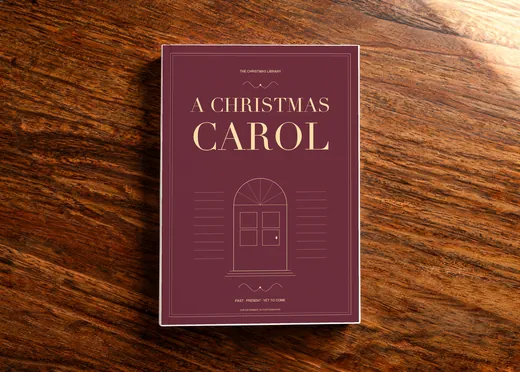 A Christmas CarolFrom £10.99
- Sample photos
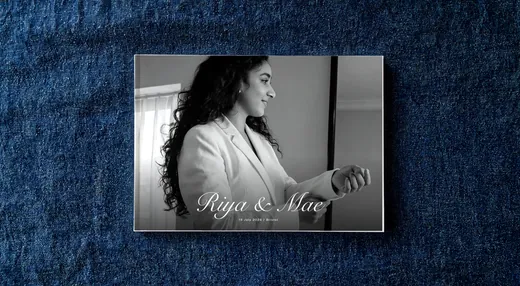 A Day For UsFrom £10.99
- Sample photos
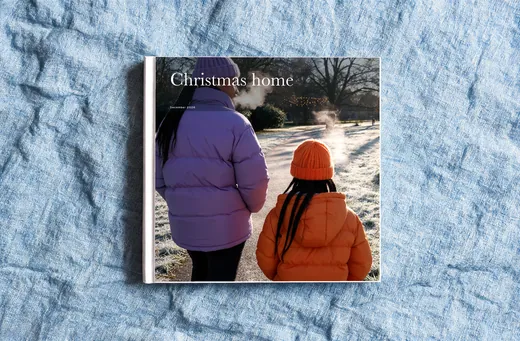 A House Full Of ChristmasFrom £10.99
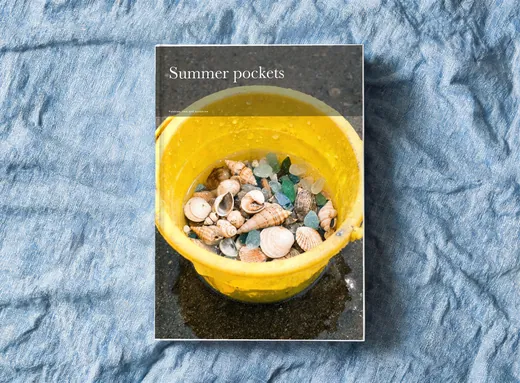 A Pocketful Of SummerFrom £10.99
- Sample photos
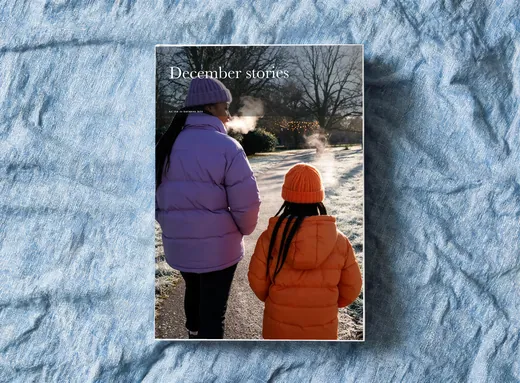 After The Last ParcelFrom £10.99
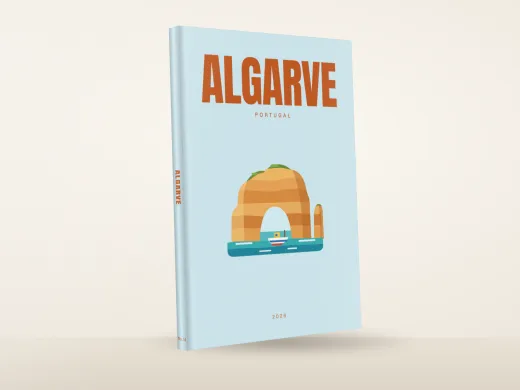 AlgarveFrom £10.99
- Sample photos
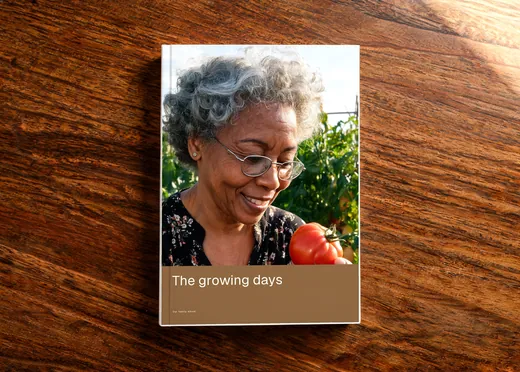 Allotment AfternoonsFrom £10.99
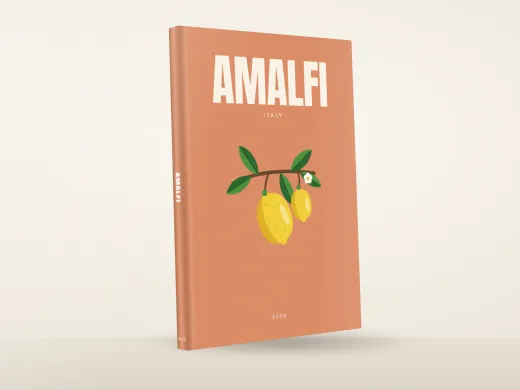 AmalfiFrom £10.99
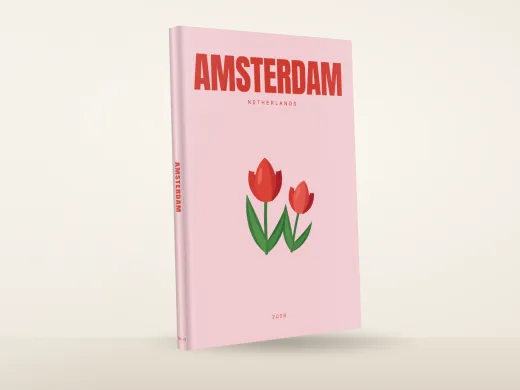 AmsterdamFrom £10.99
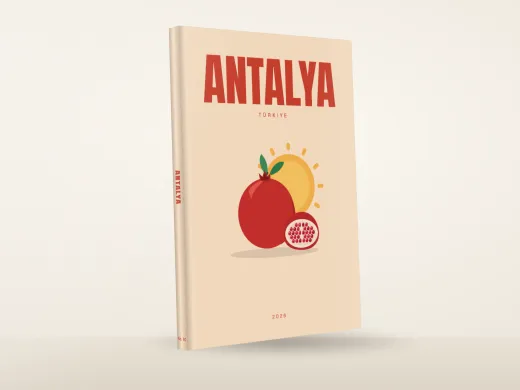 AntalyaFrom £10.99
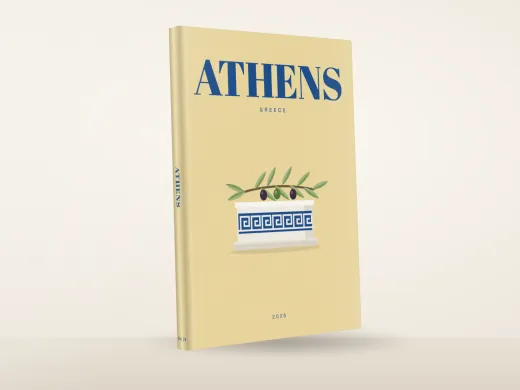 AthensFrom £10.99
- Sample photos
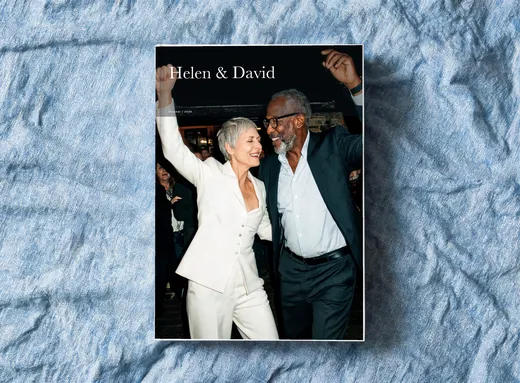 Autumn PromisesFrom £10.99
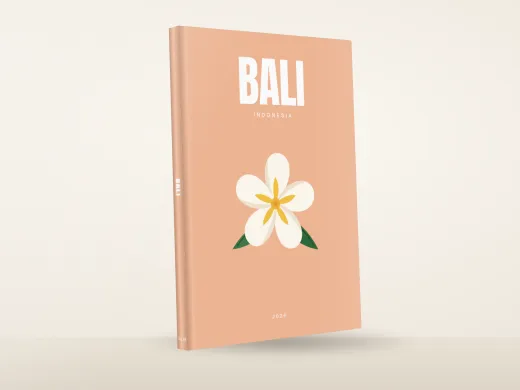 BaliFrom £10.99
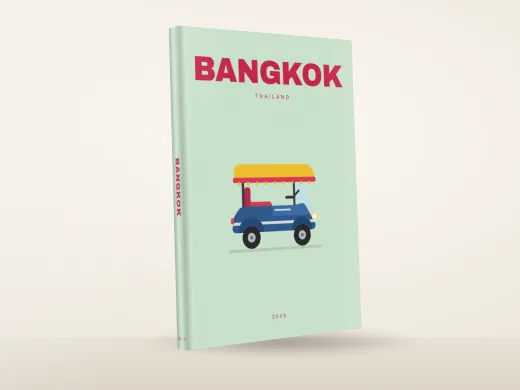 BangkokFrom £10.99
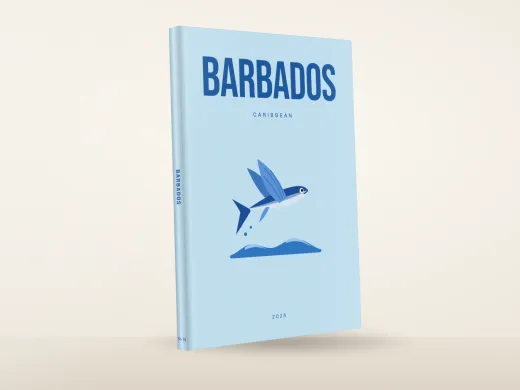 BarbadosFrom £10.99
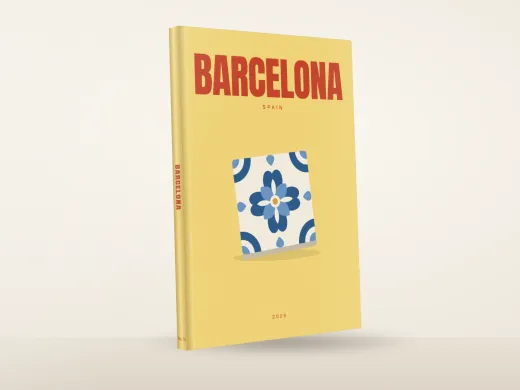 BarcelonaFrom £10.99
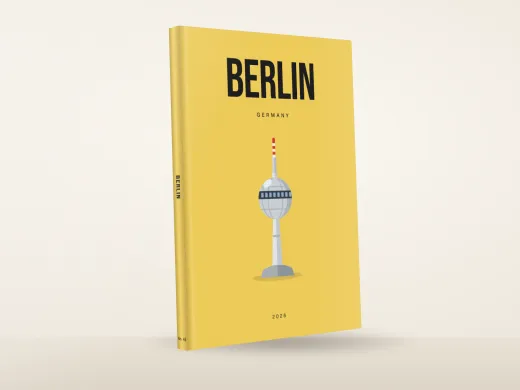 BerlinFrom £10.99
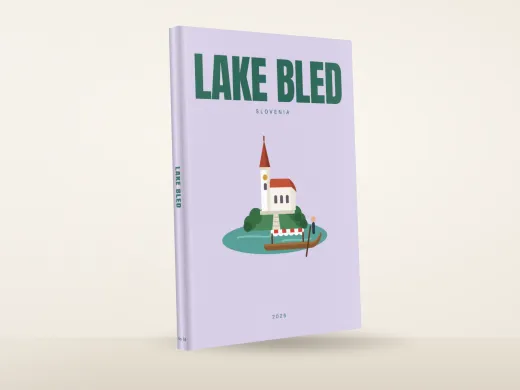 BledFrom £10.99
- Sample photos
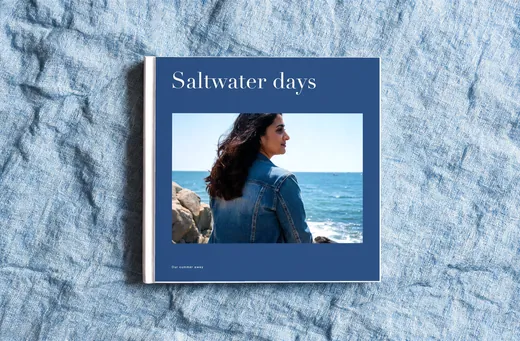 Blue HourFrom £10.99
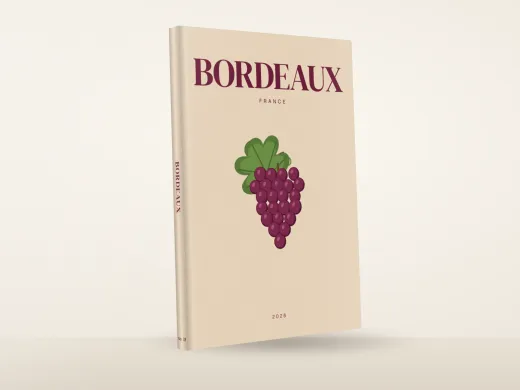 BordeauxFrom £10.99
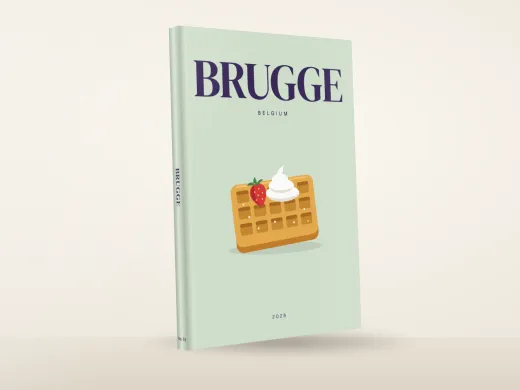 BrugesFrom £10.99
 BudapestFrom £10.99
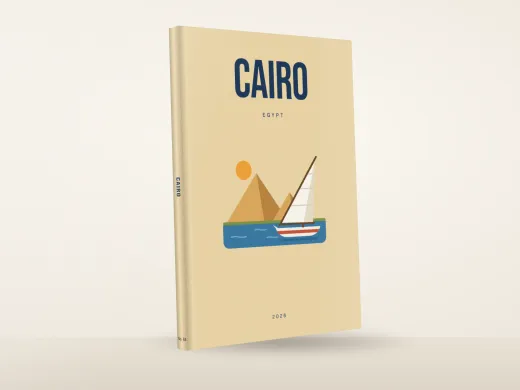 CairoFrom £10.99
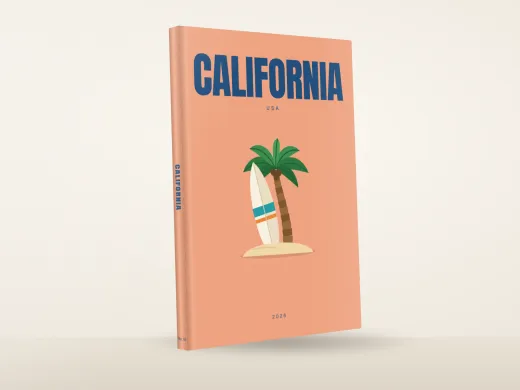 CaliforniaFrom £10.99
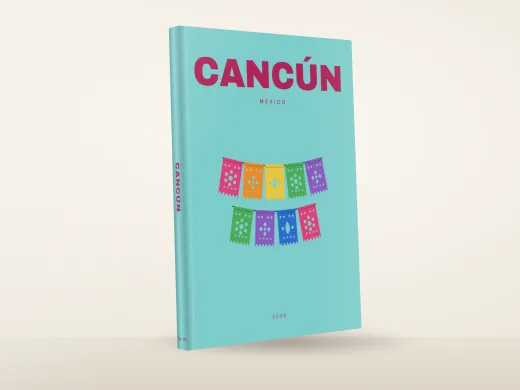 CancunFrom £10.99
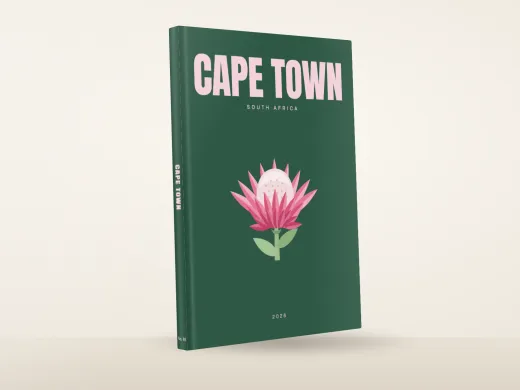 Cape TownFrom £10.99
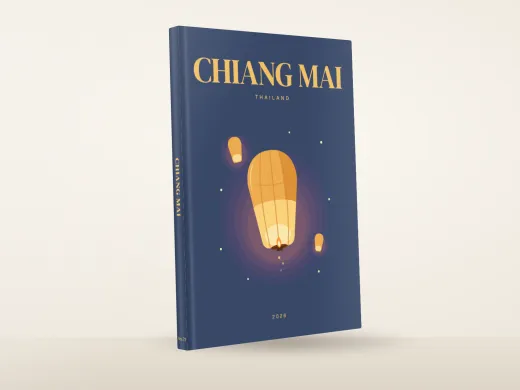 Chiang MaiFrom £10.99
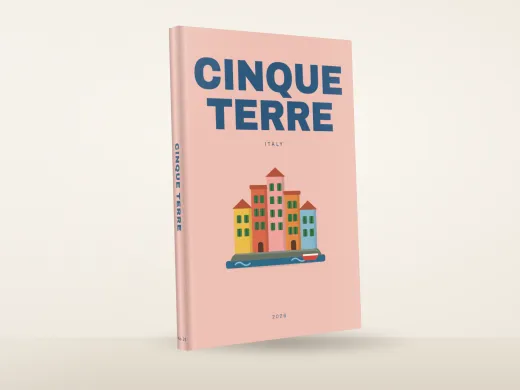 Cinque TerreFrom £10.99
- Sample photos
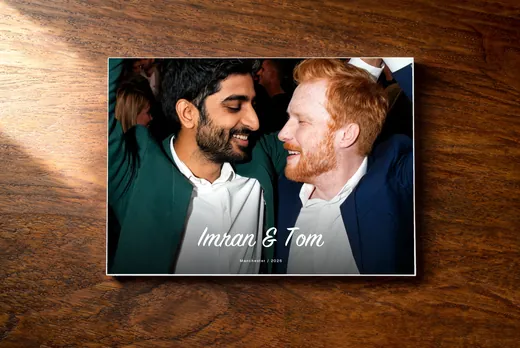 City Hall StoriesFrom £10.99
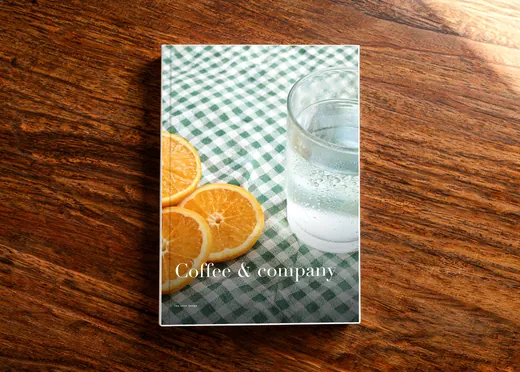 Coffee And CompanyFrom £10.99
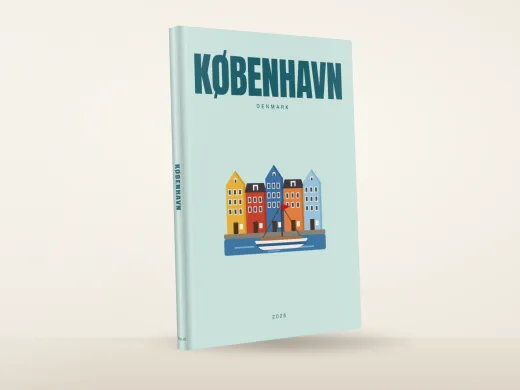 CopenhagenFrom £10.99
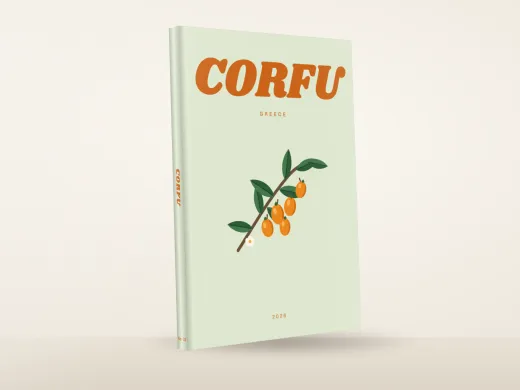 CorfuFrom £10.99
- Sample photos
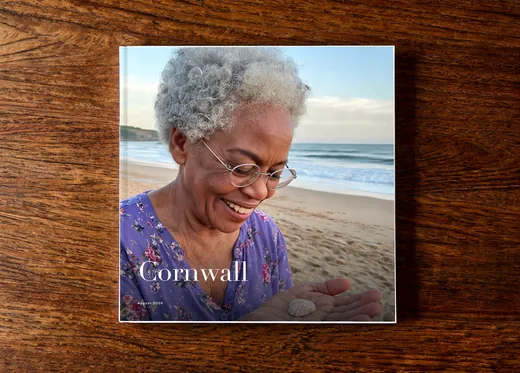 Cornwall KeepsakesFrom £10.99
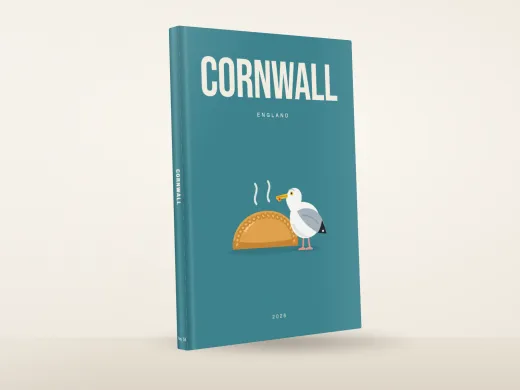 CornwallFrom £10.99
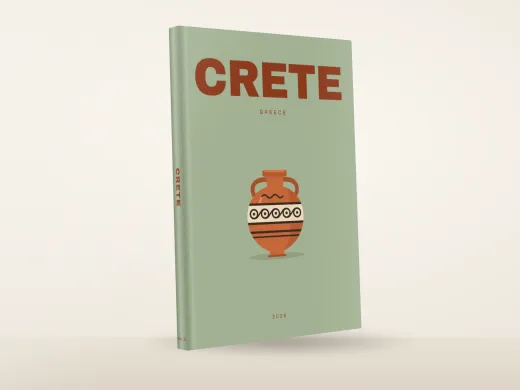 CreteFrom £10.99
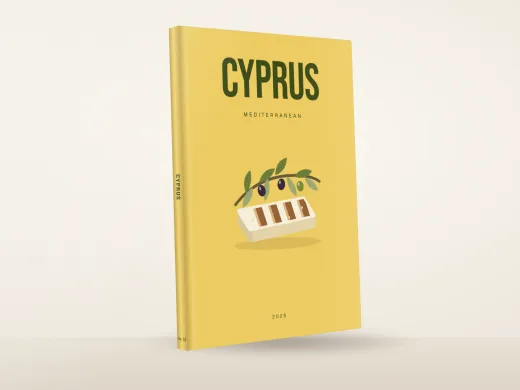 CyprusFrom £10.99
- Sample photos
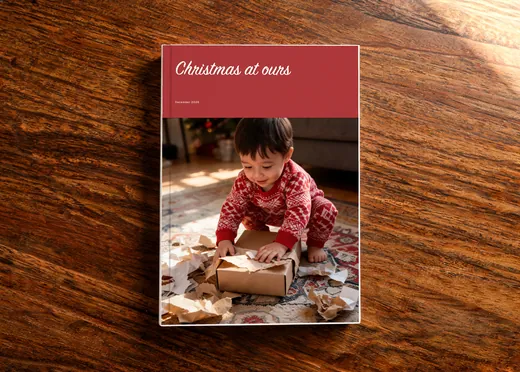 December KeepsakesFrom £10.99
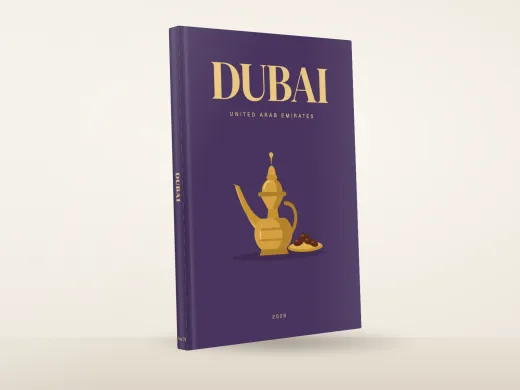 DubaiFrom £10.99
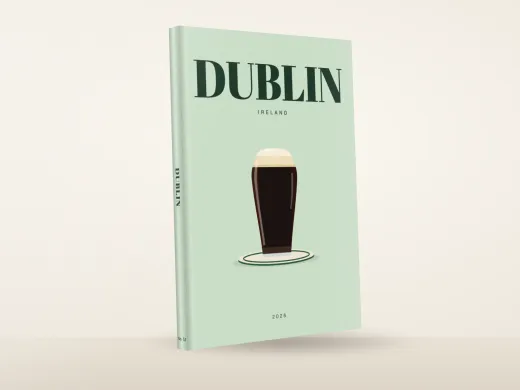 DublinFrom £10.99
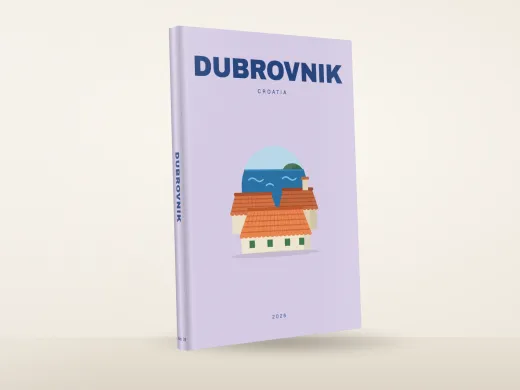 DubrovnikFrom £10.99
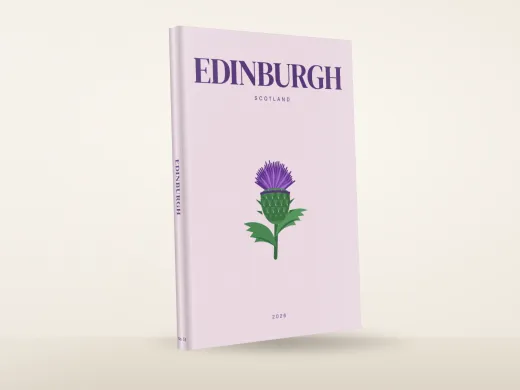 EdinburghFrom £10.99
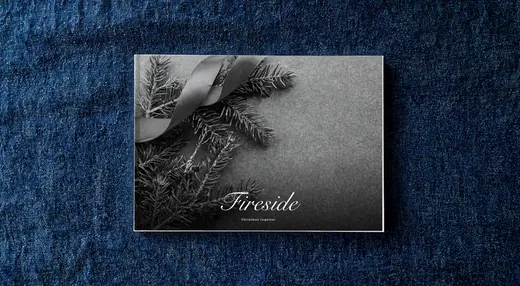 Fireside PagesFrom £10.99
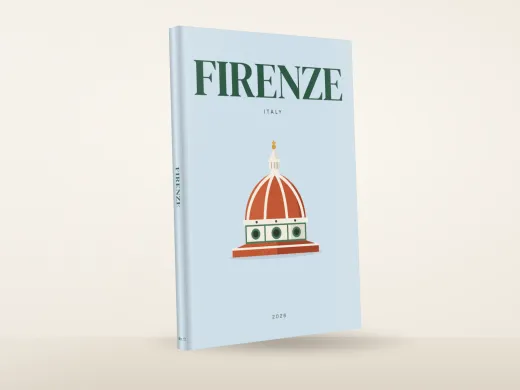 FlorenceFrom £10.99
- Sample photos
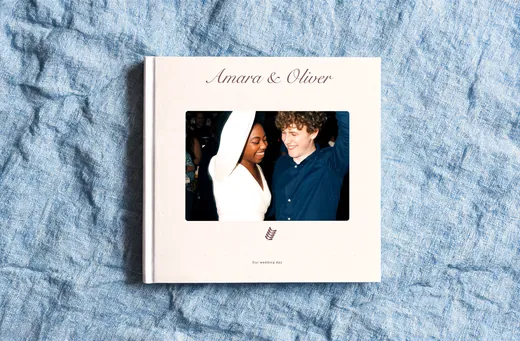 Garden AfterglowFrom £10.99
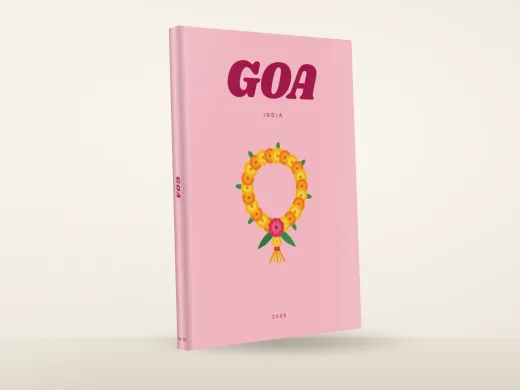 GoaFrom £10.99
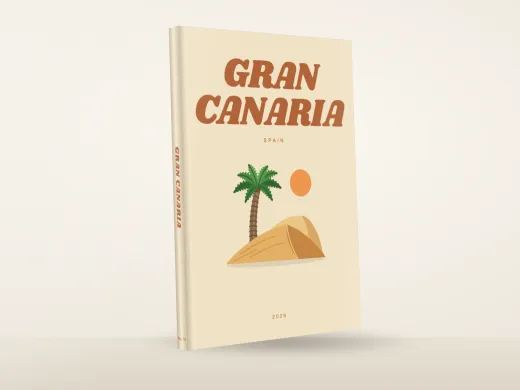 Gran CanariaFrom £10.99
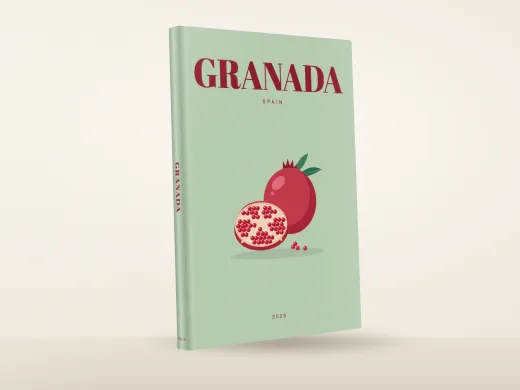 GranadaFrom £10.99
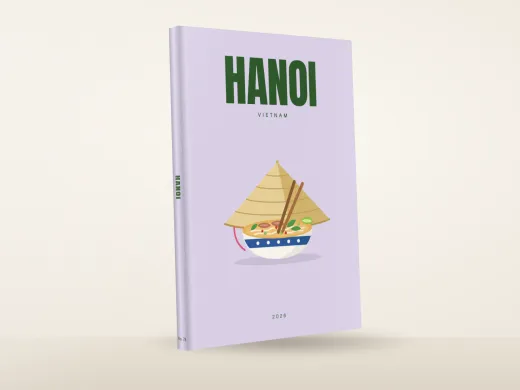 HanoiFrom £10.99
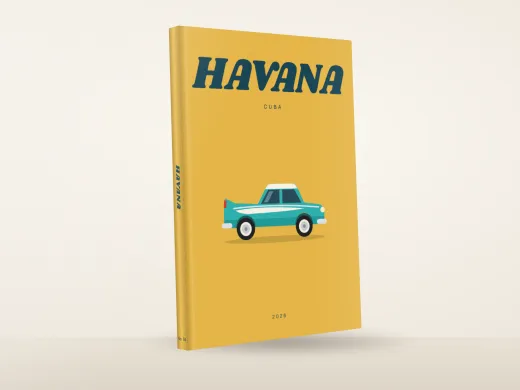 HavanaFrom £10.99
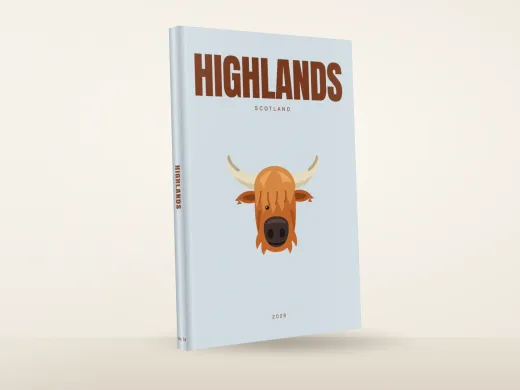 HighlandsFrom £10.99
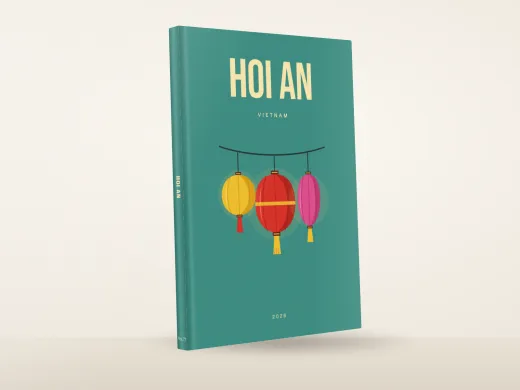 Hoi AnFrom £10.99
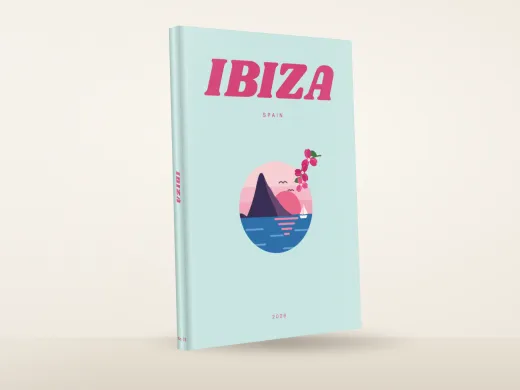 IbizaFrom £10.99
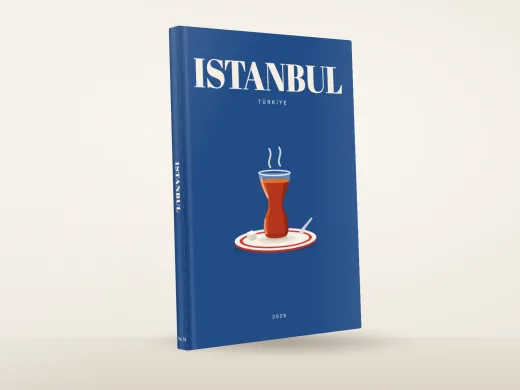 IstanbulFrom £10.99
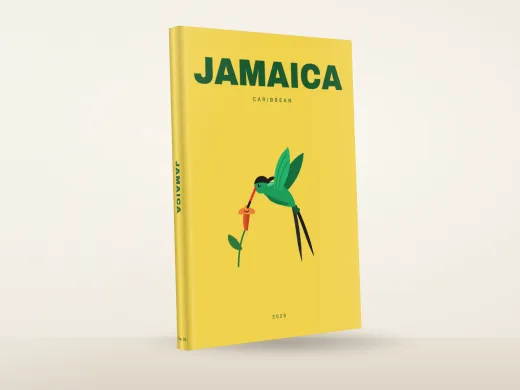 JamaicaFrom £10.99
- Sample photos
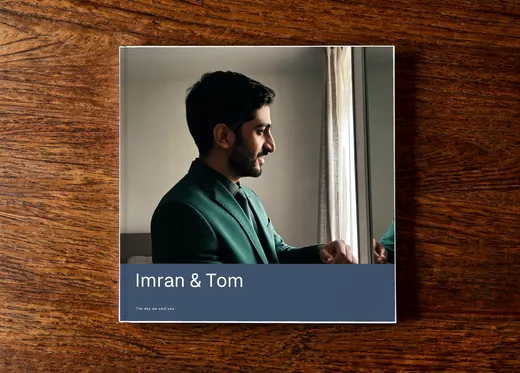 Just Married UsFrom £10.99
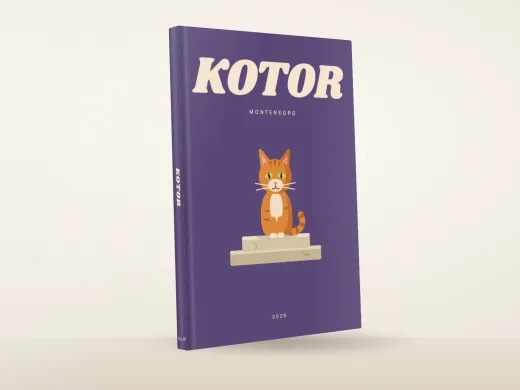 KotorFrom £10.99
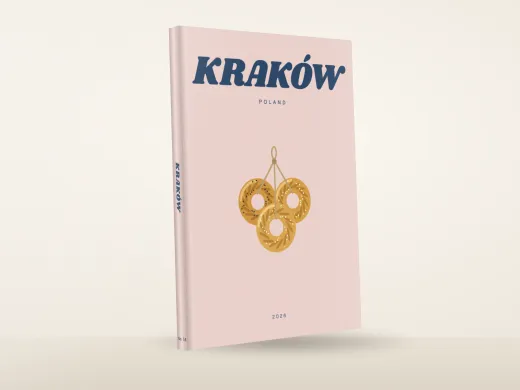 KrakowFrom £10.99
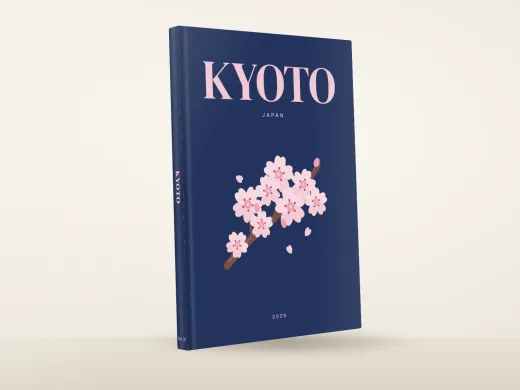 KyotoFrom £10.99
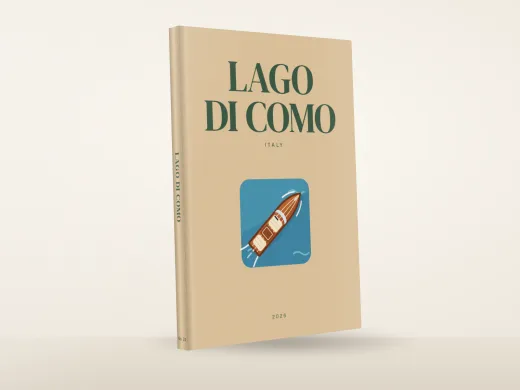 Lake ComoFrom £10.99
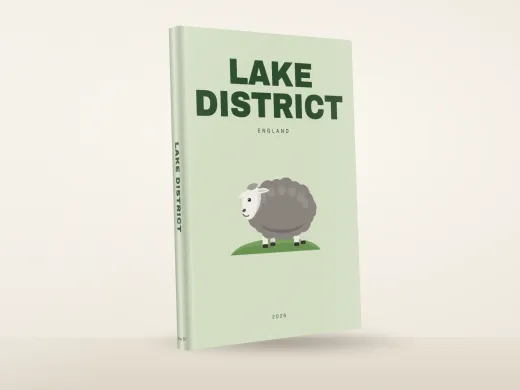 Lake DistrictFrom £10.99
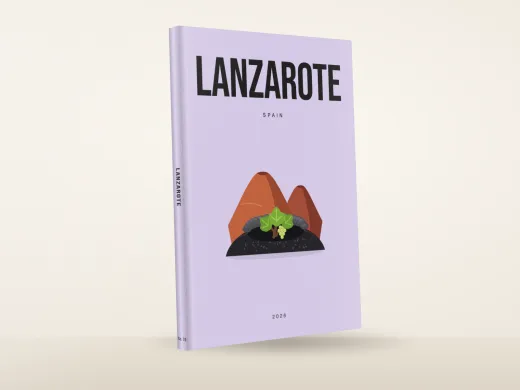 LanzaroteFrom £10.99
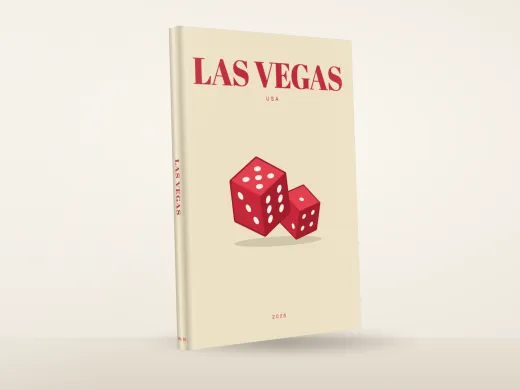 Las VegasFrom £10.99
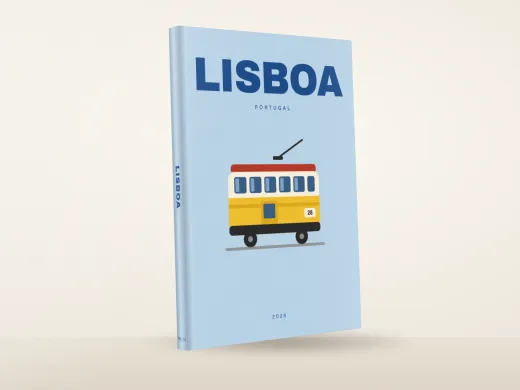 LisbonFrom £10.99
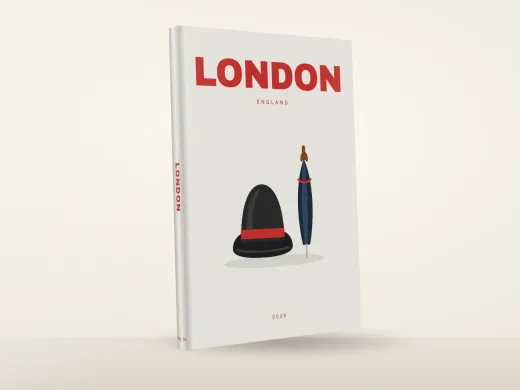 LondonFrom £10.99
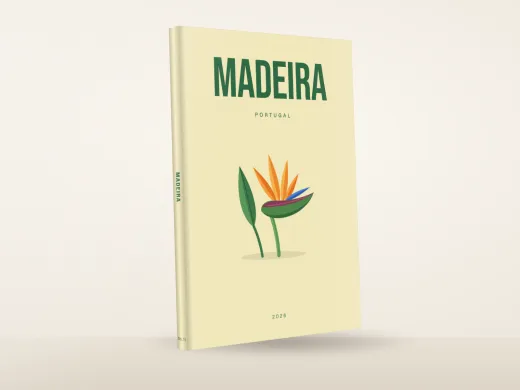 MadeiraFrom £10.99
 MadridFrom £10.99
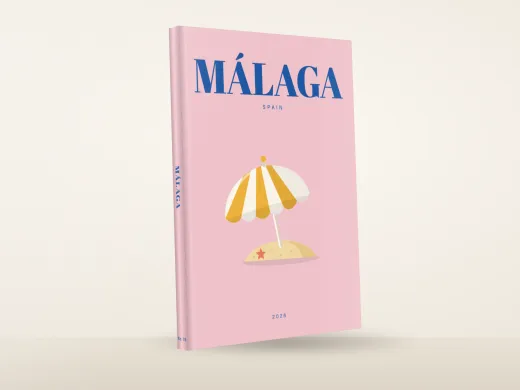 MalagaFrom £10.99
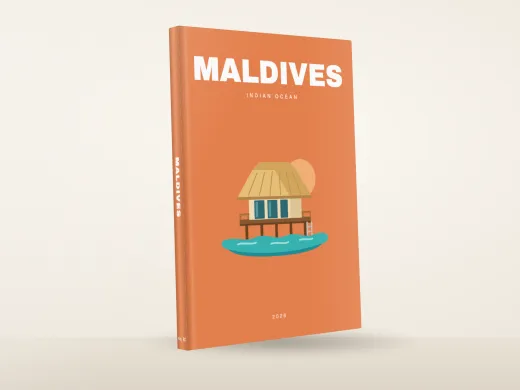 MaldivesFrom £10.99
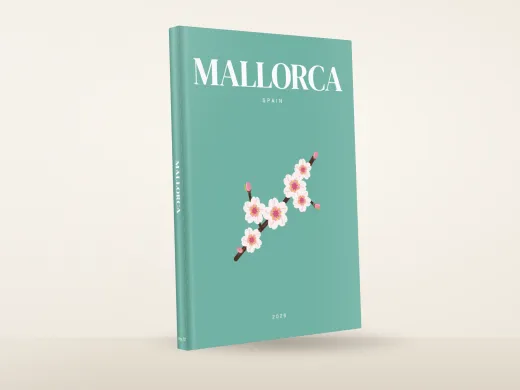 MallorcaFrom £10.99
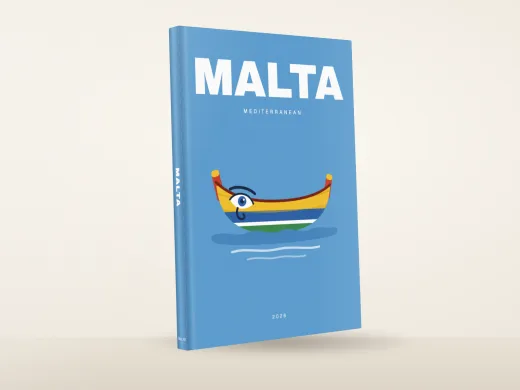 MaltaFrom £10.99
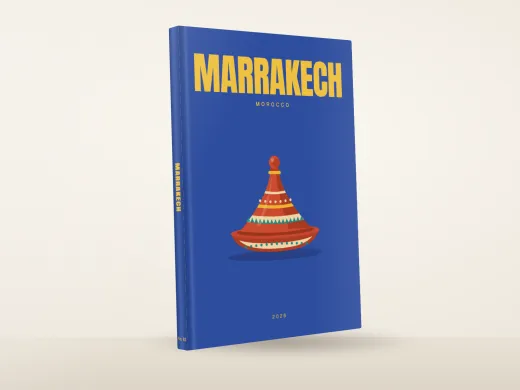 MarrakechFrom £10.99
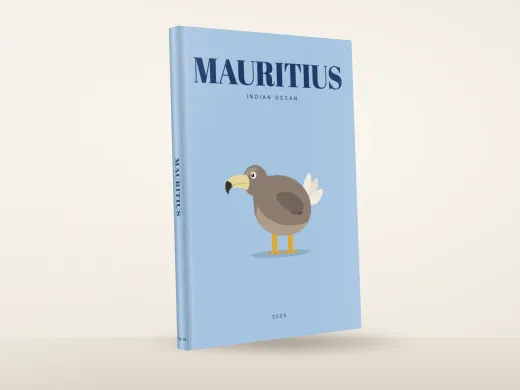 MauritiusFrom £10.99
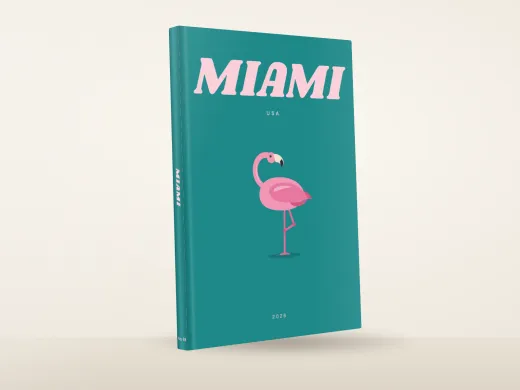 MiamiFrom £10.99
 MilanFrom £10.99
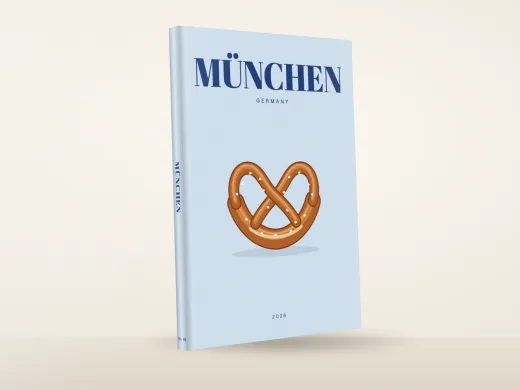 MunichFrom £10.99
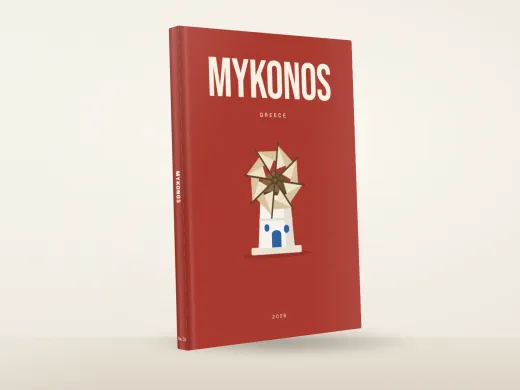 MykonosFrom £10.99
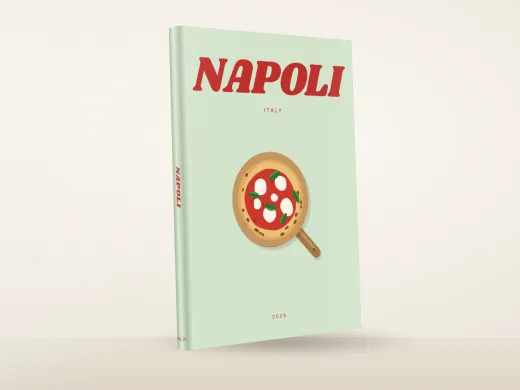 NaplesFrom £10.99
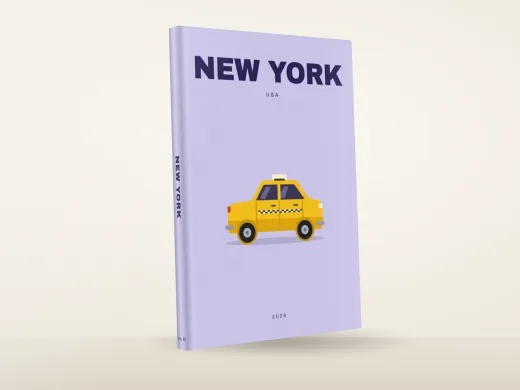 New YorkFrom £10.99
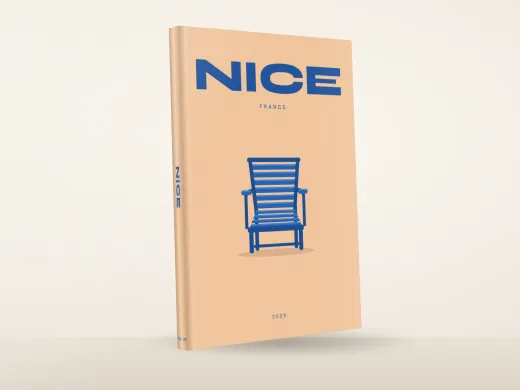 NiceFrom £10.99
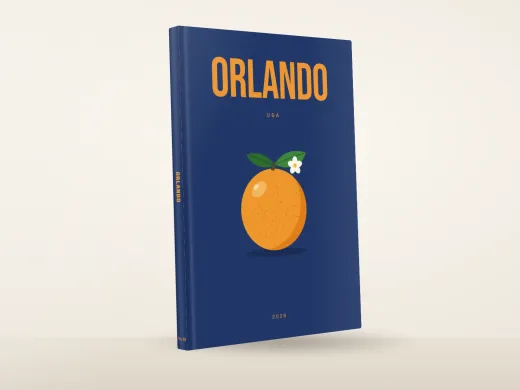 OrlandoFrom £10.99
- Sample photos
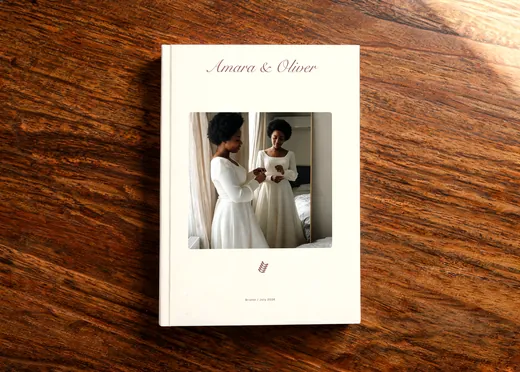 Paper RoseFrom £10.99
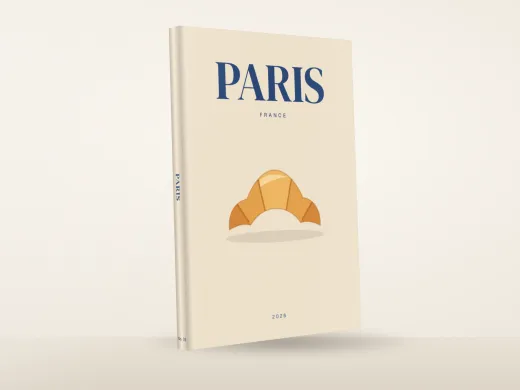 ParisFrom £10.99
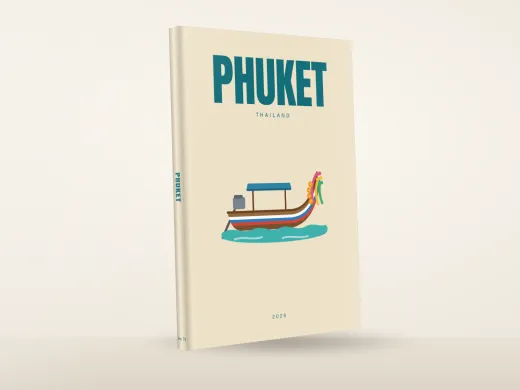 PhuketFrom £10.99
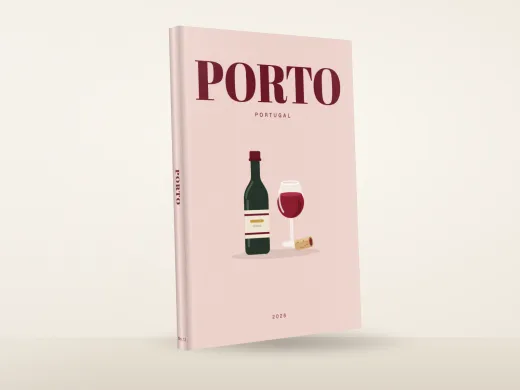 PortoFrom £10.99
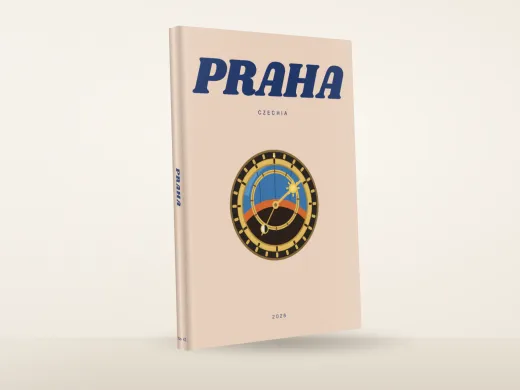 PragueFrom £10.99
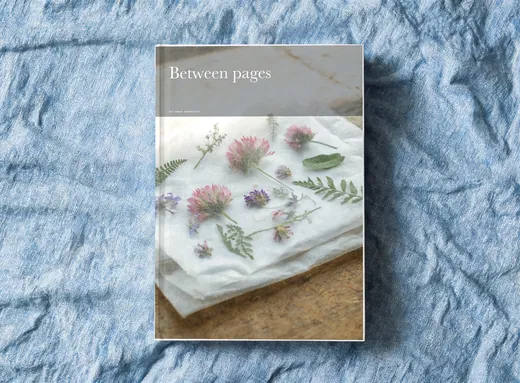 Pressed Between PagesFrom £10.99
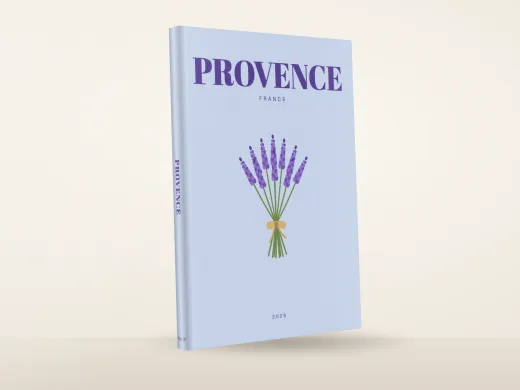 ProvenceFrom £10.99
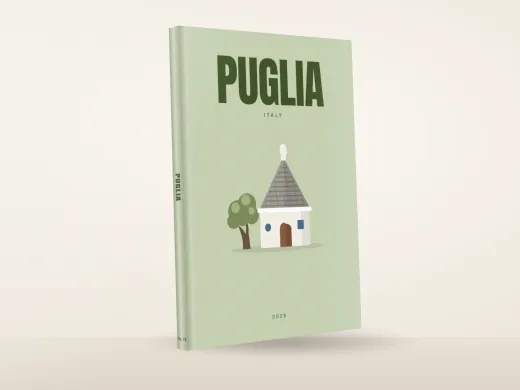 PugliaFrom £10.99
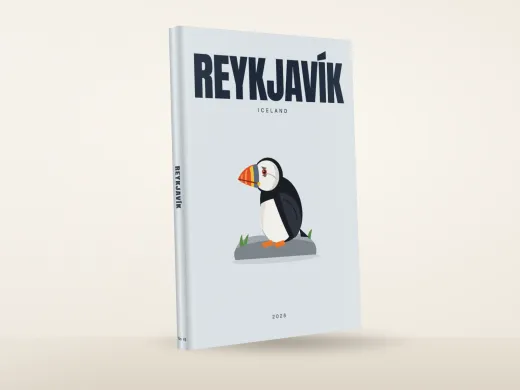 ReykjavikFrom £10.99
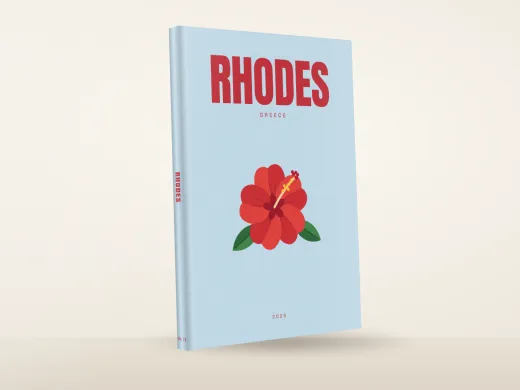 RhodesFrom £10.99
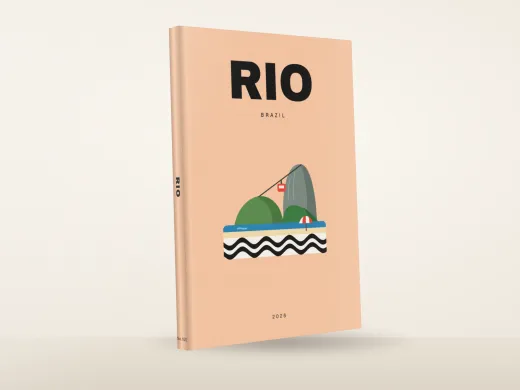 RioFrom £10.99
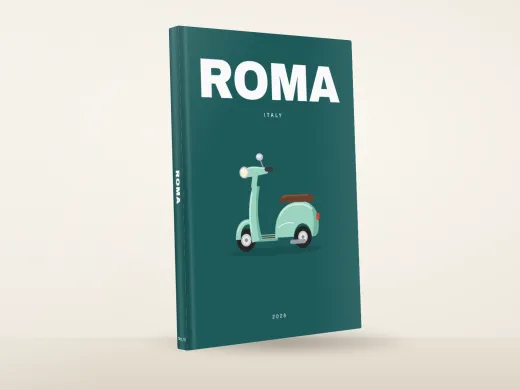 RomeFrom £10.99
- Sample photos
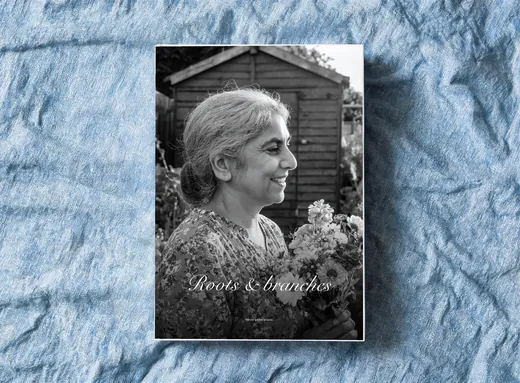 Roots And BranchesFrom £10.99
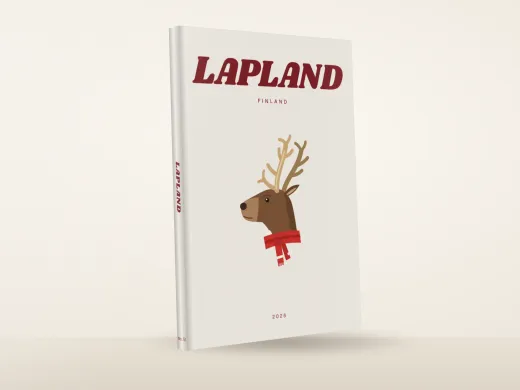 RovaniemiFrom £10.99
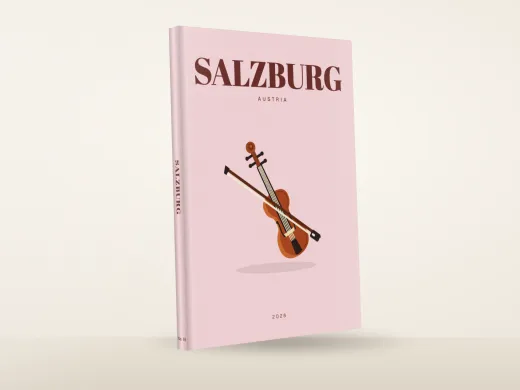 SalzburgFrom £10.99
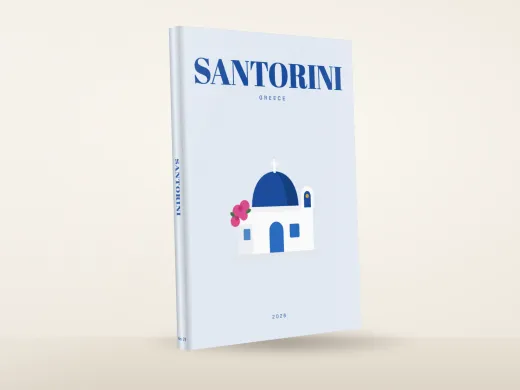 SantoriniFrom £10.99
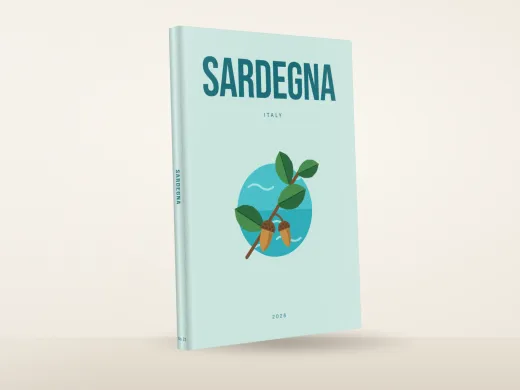 SardiniaFrom £10.99
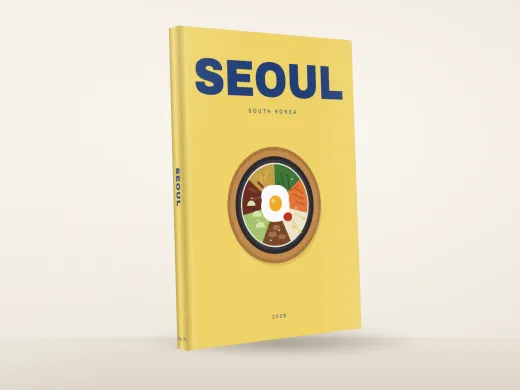 SeoulFrom £10.99
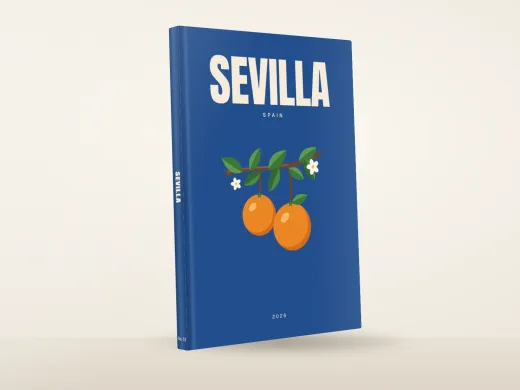 SevilleFrom £10.99
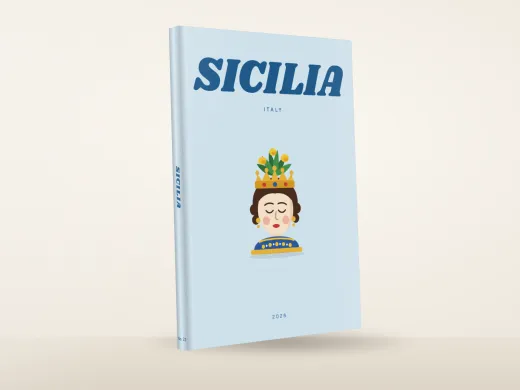 SicilyFrom £10.99
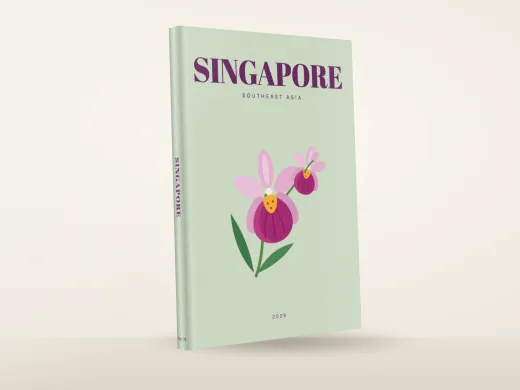 SingaporeFrom £10.99
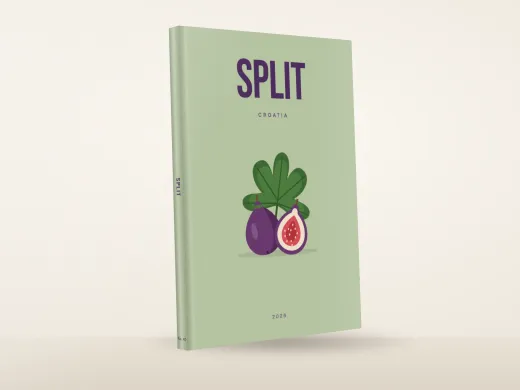 SplitFrom £10.99
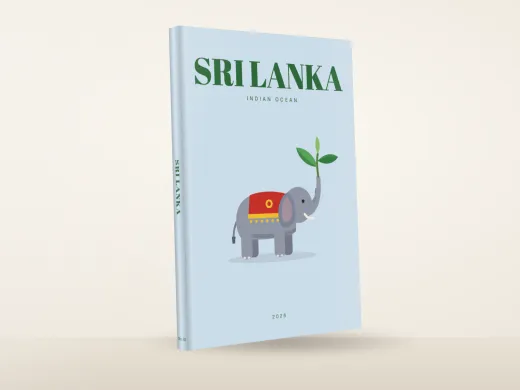 Sri LankaFrom £10.99
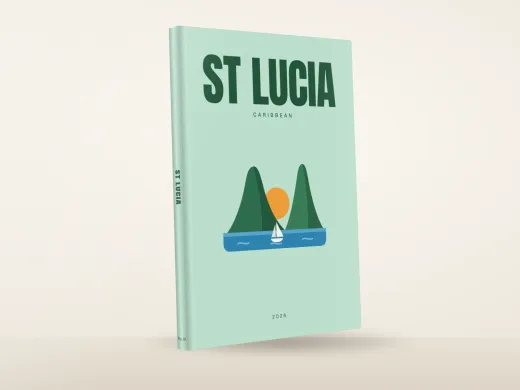 St LuciaFrom £10.99
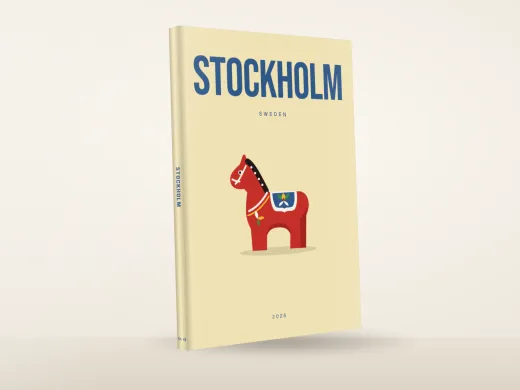 StockholmFrom £10.99
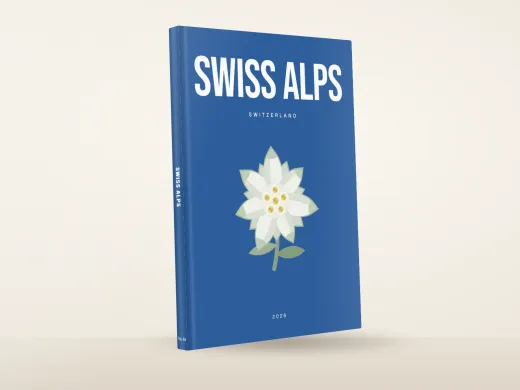 Swiss AlpsFrom £10.99
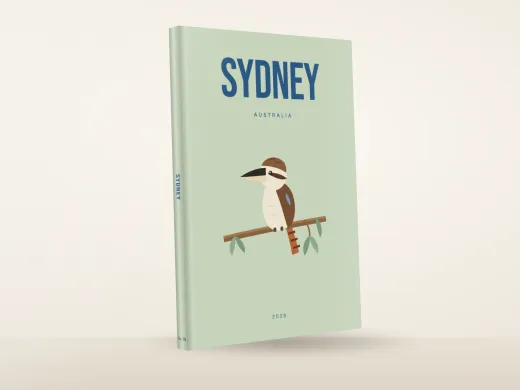 SydneyFrom £10.99
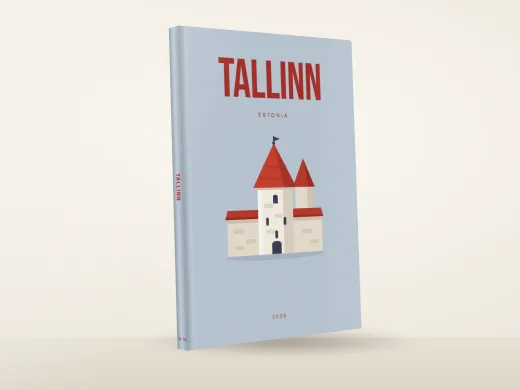 TallinnFrom £10.99
 TenerifeFrom £10.99
- Sample photos
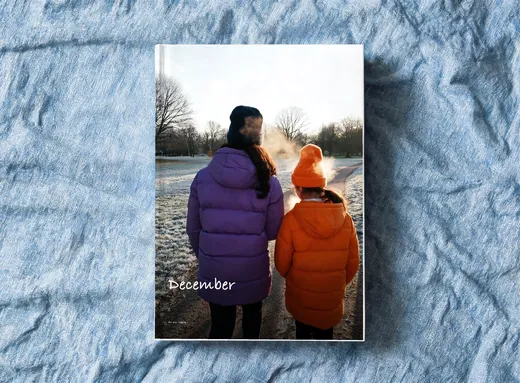 The December TableFrom £10.99
- Sample photos
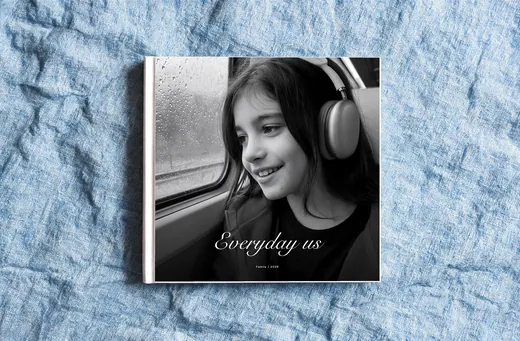 The Everyday AlbumFrom £10.99
- Sample photos
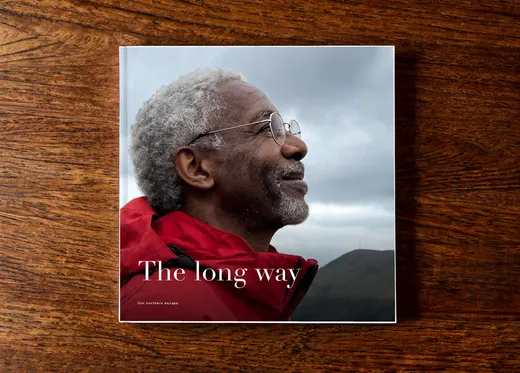 The Long Way HomeFrom £10.99
- Sample photos
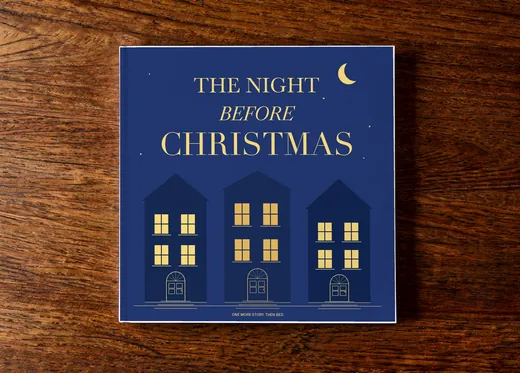 The Night Before ChristmasFrom £10.99
- Sample photos
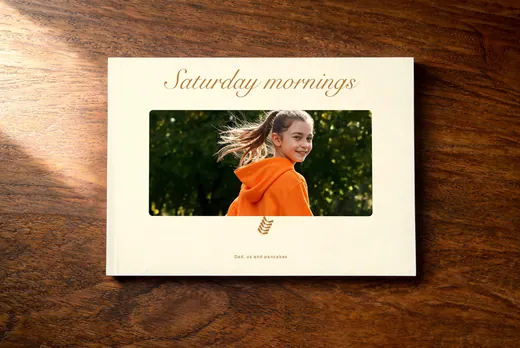 The Pancake ClubFrom £10.99
- Sample photos
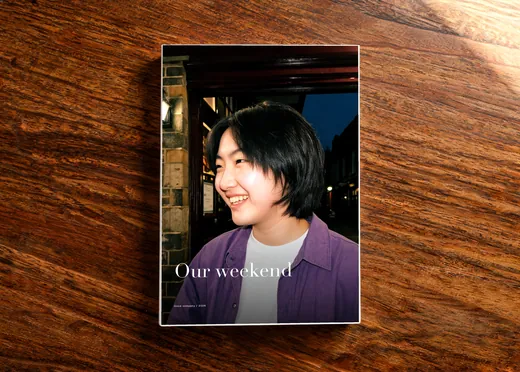 The Weekend EditFrom £10.99
- Sample photos
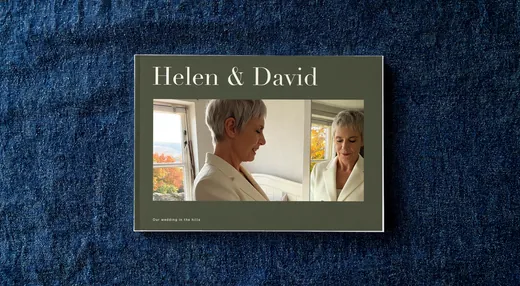 Together In OctoberFrom £10.99
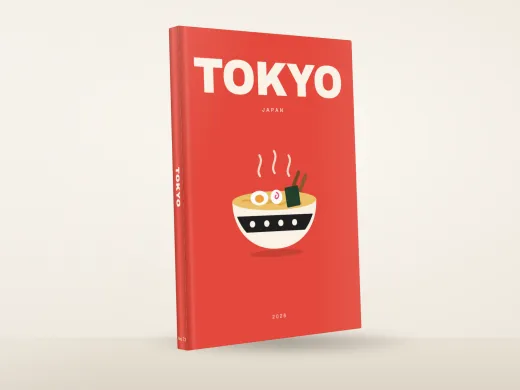 TokyoFrom £10.99
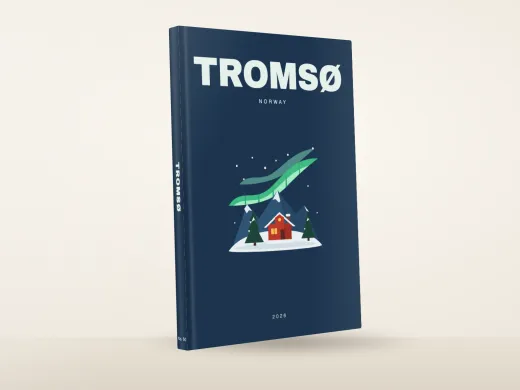 TromsoFrom £10.99
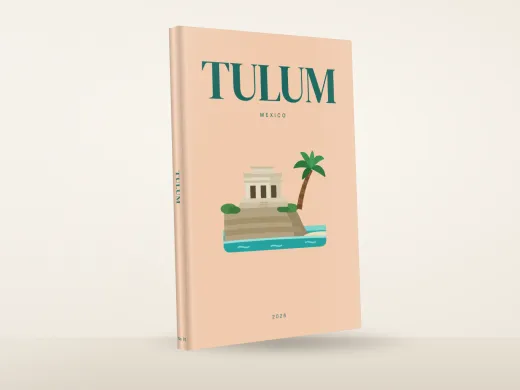 TulumFrom £10.99
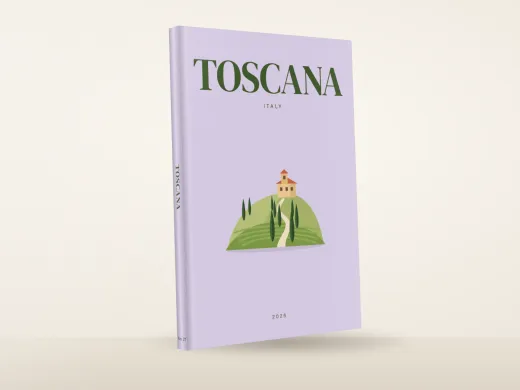 TuscanyFrom £10.99
- Sample photos
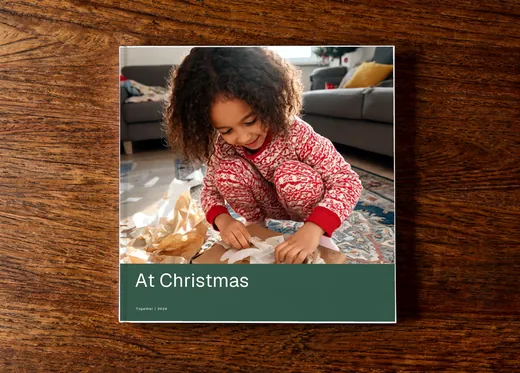 Twinkle At HomeFrom £10.99
- Sample photos
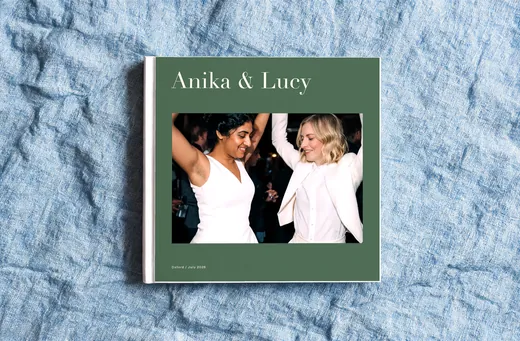 Under The Garden GateFrom £10.99
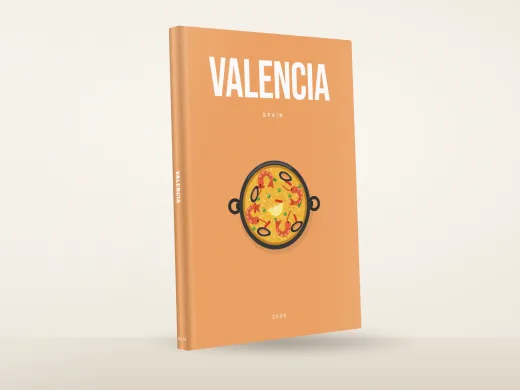 ValenciaFrom £10.99
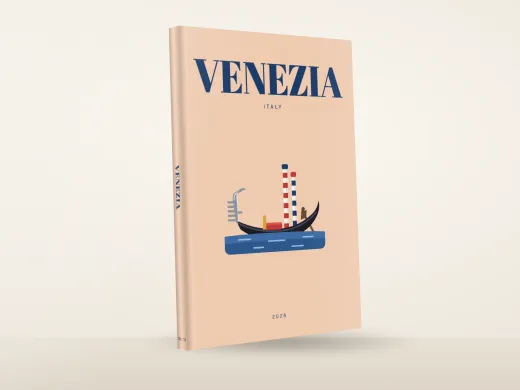 VeniceFrom £10.99
 ViennaFrom £10.99
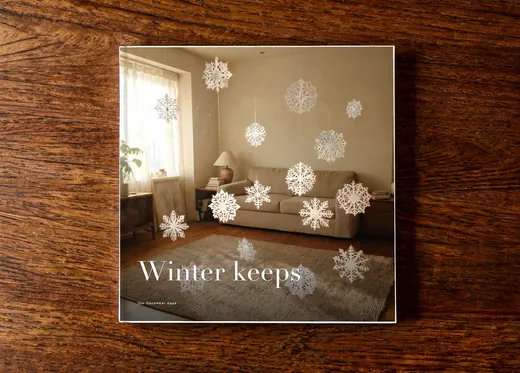 Winter KeepsFrom £10.99
- Sample photos
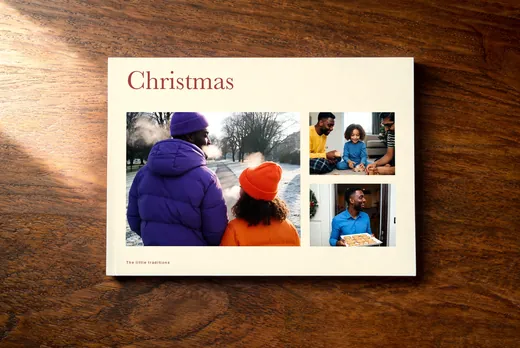 Wrapped In RedFrom £10.99
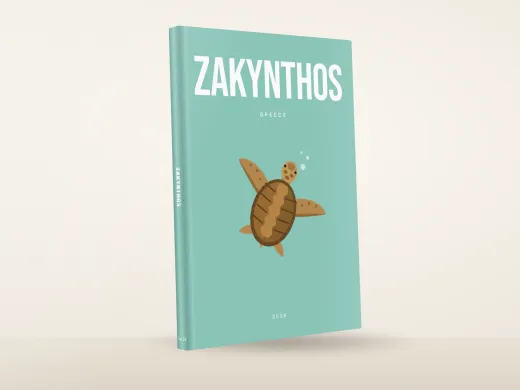 ZakynthosFrom £10.99
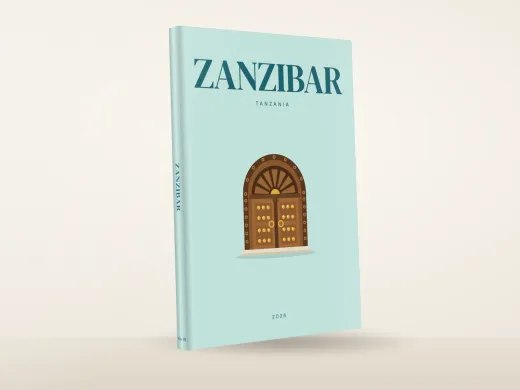 ZanzibarFrom £10.99
- Sample photos
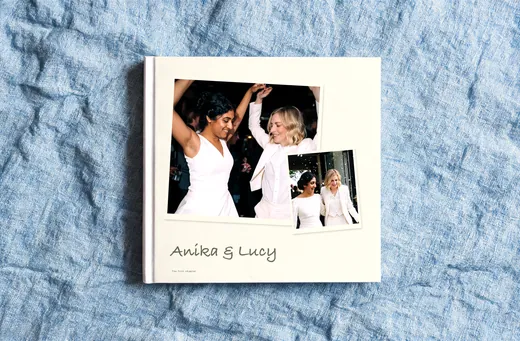 A Life In BloomFrom £10.99
- Sample photos
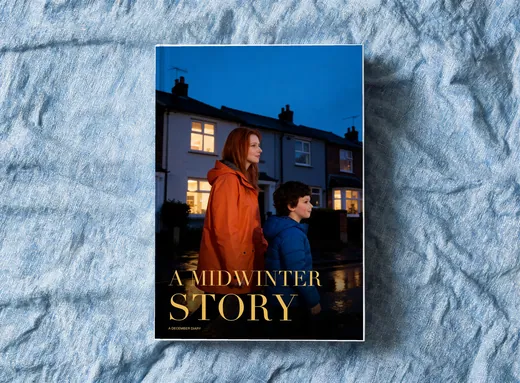 A Midwinter StoryFrom £10.99
- Sample photos
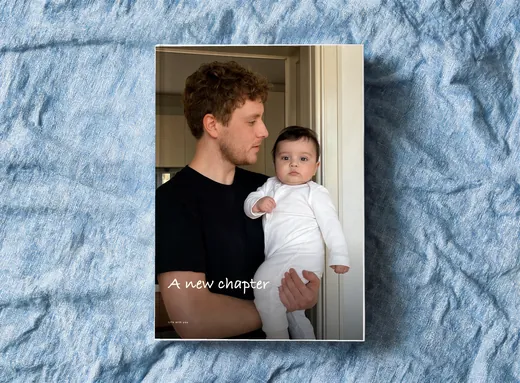 A New ChapterFrom £10.99
- Sample photos
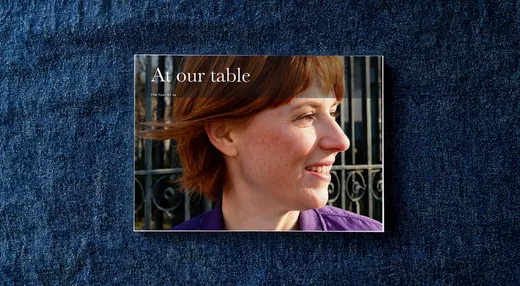 A Place At Our TableFrom £10.99
- Sample photos
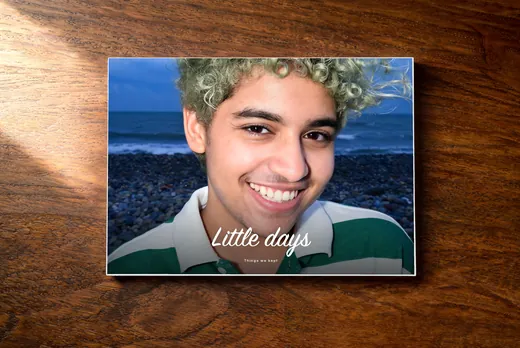 All These Little DaysFrom £10.99
- Sample photos
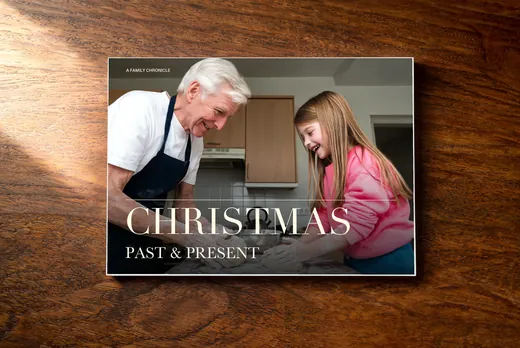 Christmas Past & PresentFrom £10.99
- Sample photos
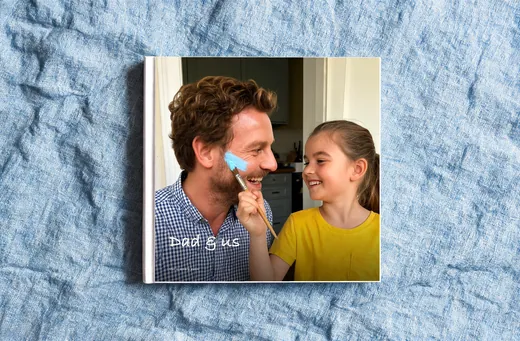 Dad And UsFrom £10.99
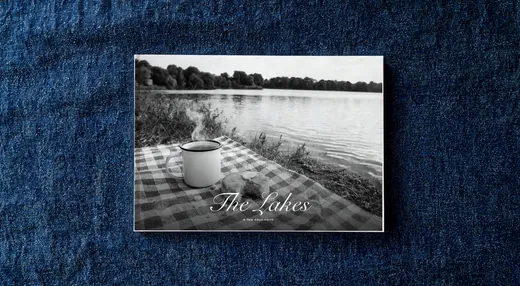 Fell And WaterFrom £10.99
- Sample photos
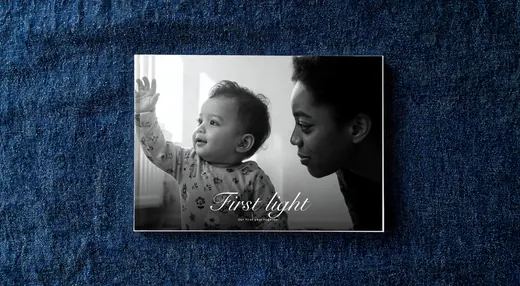 First Light BabyFrom £10.99
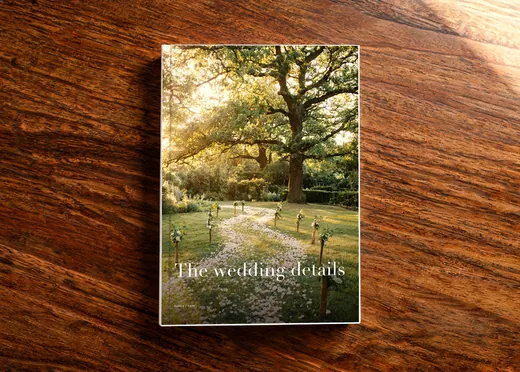 Golden Hour AlbumFrom £10.99
- Sample photos
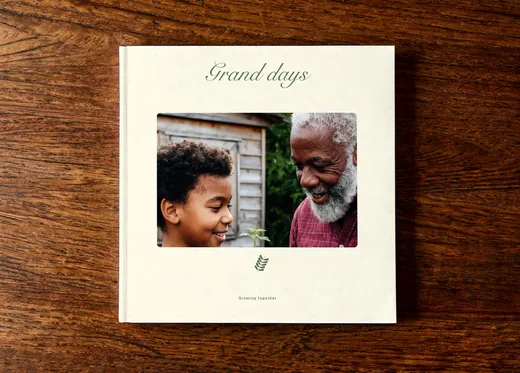 Grand DaysFrom £10.99
- Sample photos
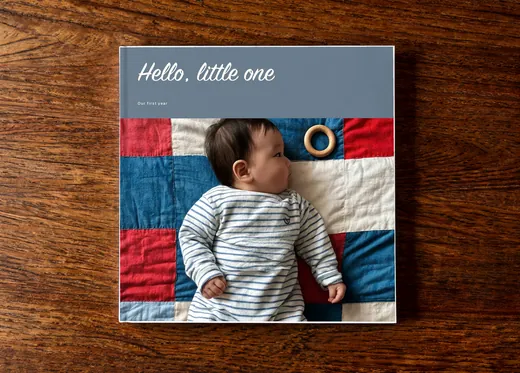 Hello Little OneFrom £10.99
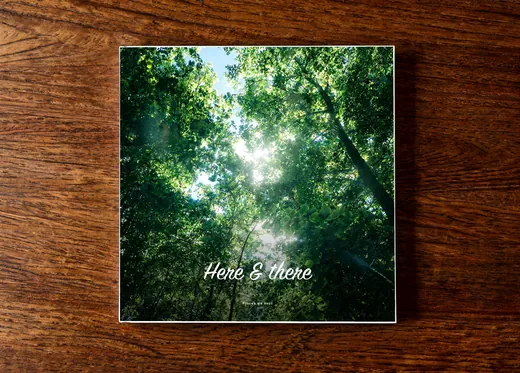 Here And ThereFrom £10.99
- Sample photos
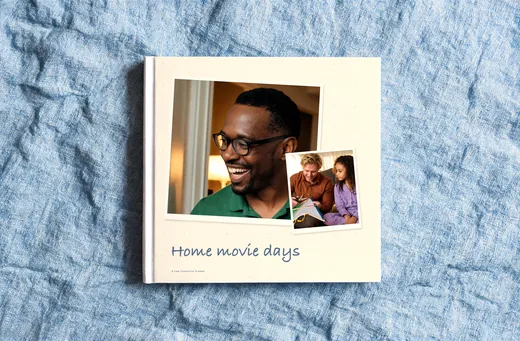 Home Movie DaysFrom £10.99
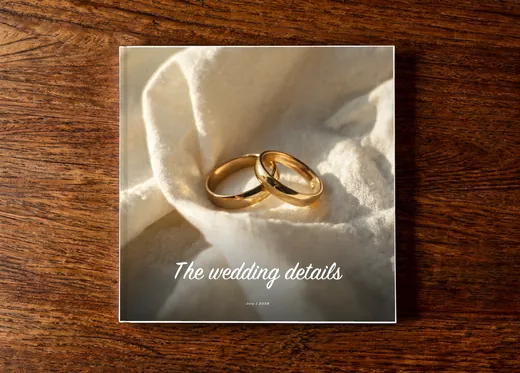 Ivory VowsFrom £10.99
- Sample photos
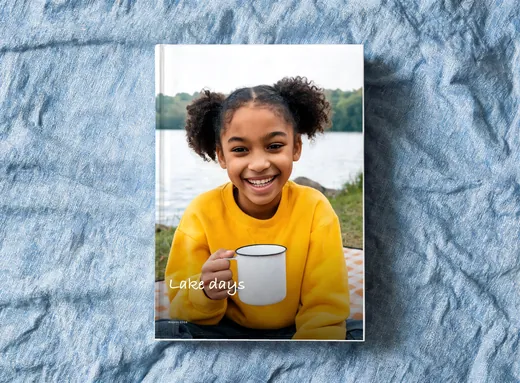 Lake NotesFrom £10.99
- Sample photos
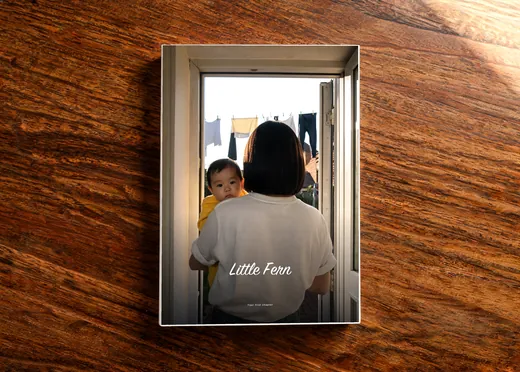 Little FernFrom £10.99
- Sample photos
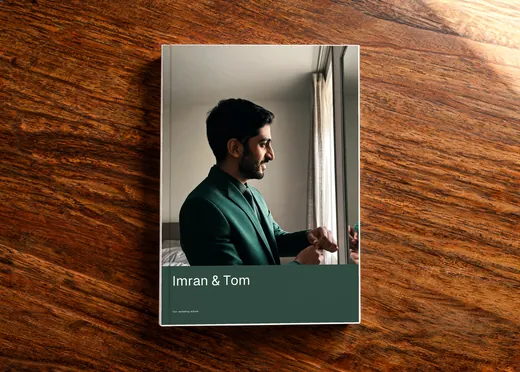 Modern HeirloomFrom £10.99
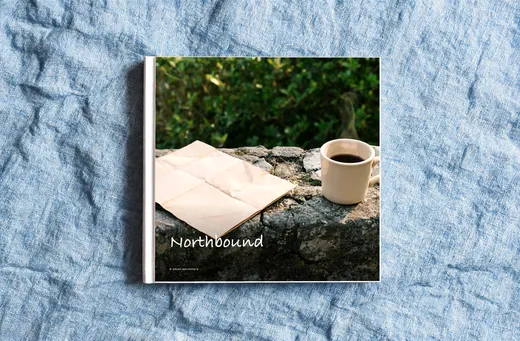 Northern DetourFrom £10.99
- Sample photos
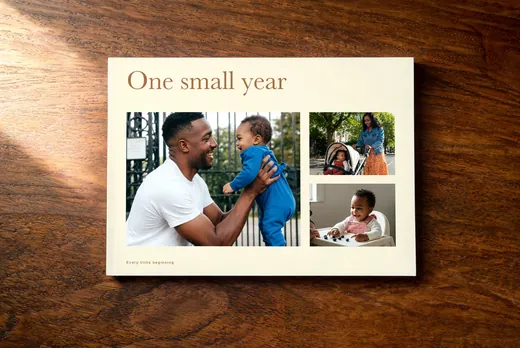 One Small YearFrom £10.99
- Sample photos
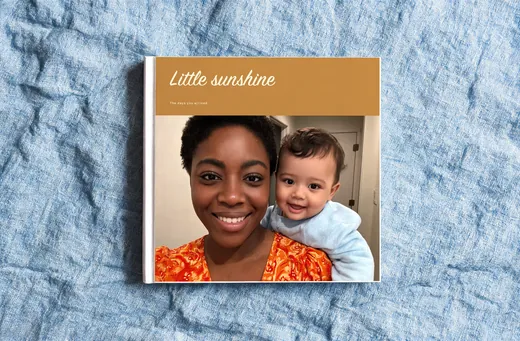 Our Little SunFrom £10.99
- Sample photos
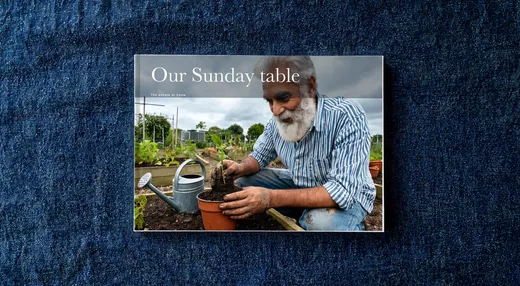 Our Sunday TableFrom £10.99
- Sample photos
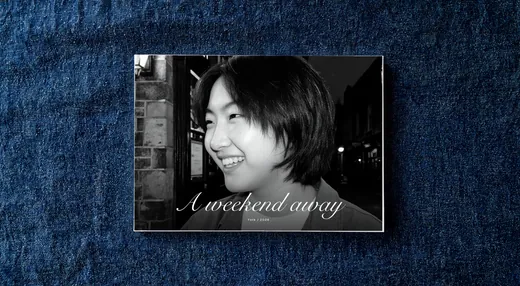 Out Of OfficeFrom £10.99
- Sample photos
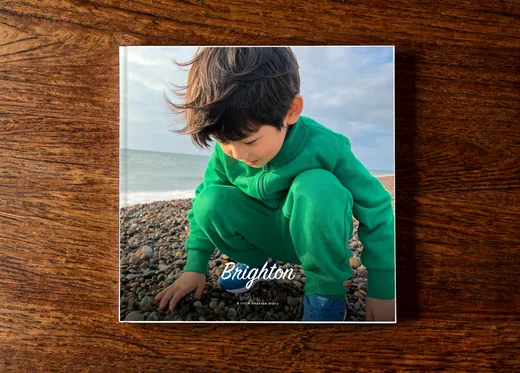 Pebble DaysFrom £10.99
- Sample photos
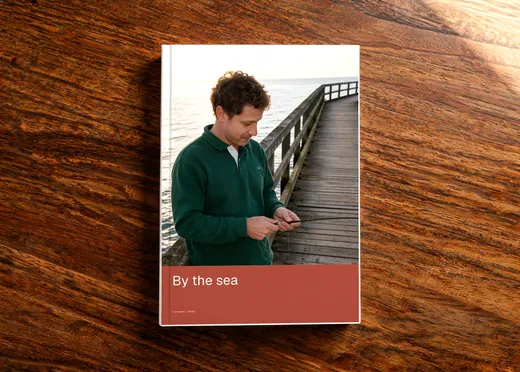 Postcards From The SeaFrom £10.99
- Sample photos
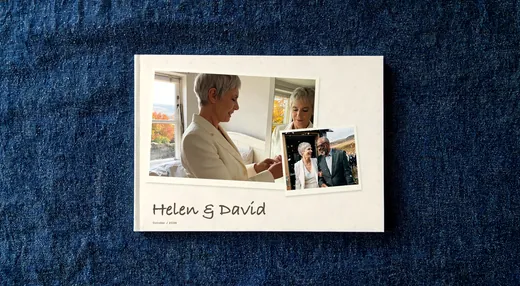 Quiet CelebrationFrom £10.99
- Sample photos
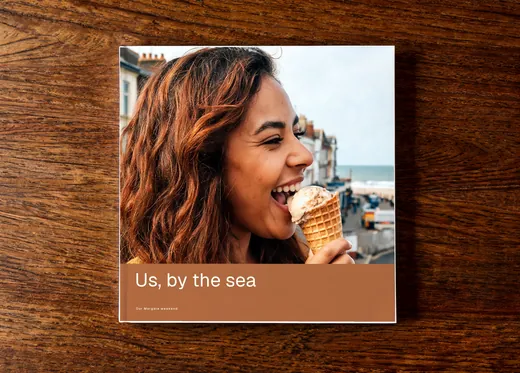 Siblings By The SeaFrom £10.99
- Sample photos
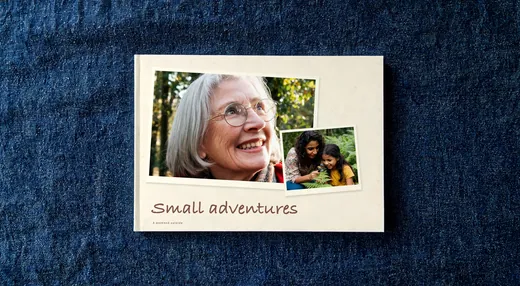 Small Adventure SocietyFrom £10.99
- Sample photos
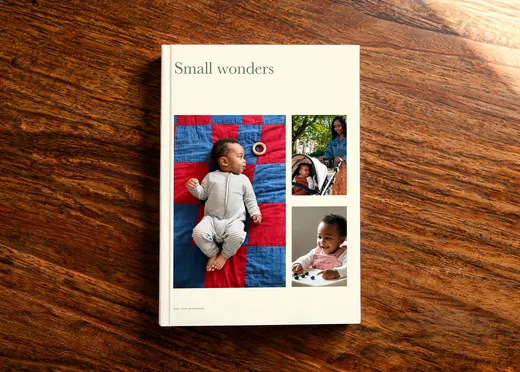 Small WondersFrom £10.99
- Sample photos
 The Christmas BookshelfFrom £10.99
- Sample photos
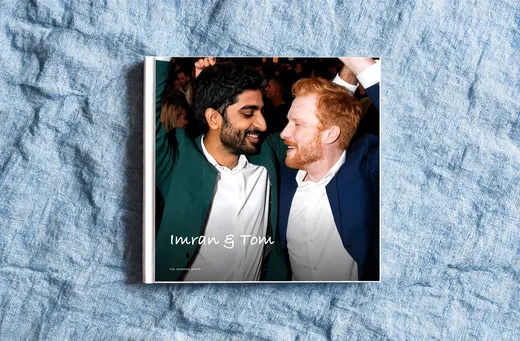 The Evening EditionFrom £10.99
- Sample photos
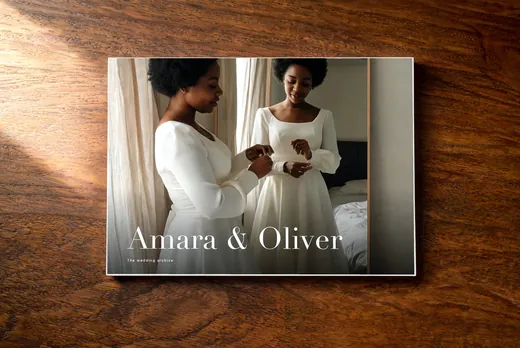 The Wedding ArchiveFrom £10.99
- Sample photos
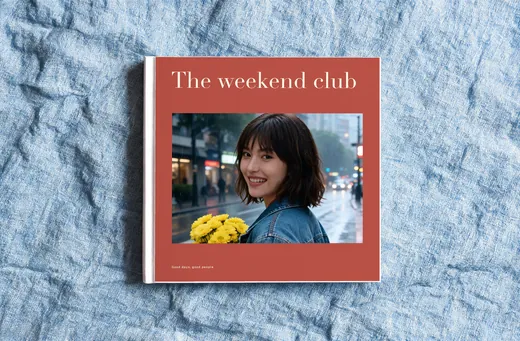 The Weekend ClubFrom £10.99
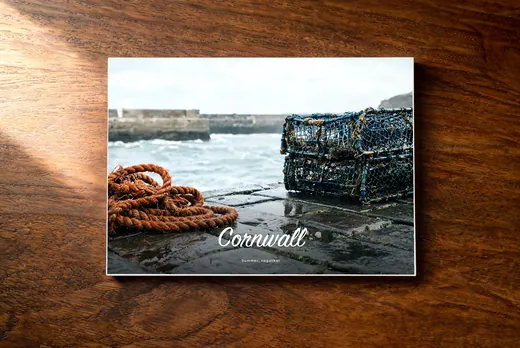 Tide MarksFrom £10.99
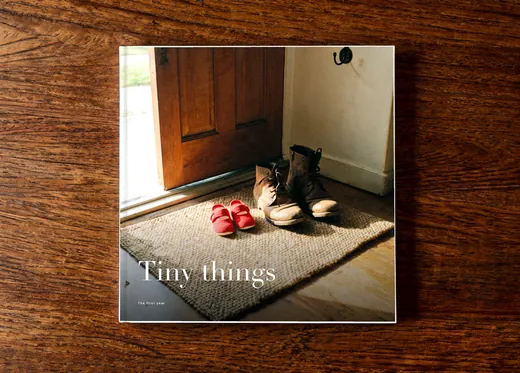 Tiny ThingsFrom £10.99
- Sample photos
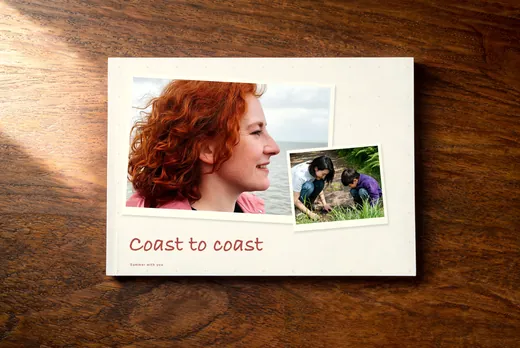 Wind In Our HairFrom £10.99
No designs match.
Or design yours
Start from a blank book and make every page yourself.
- 1 Pick a style
- 2 Add your photos and words
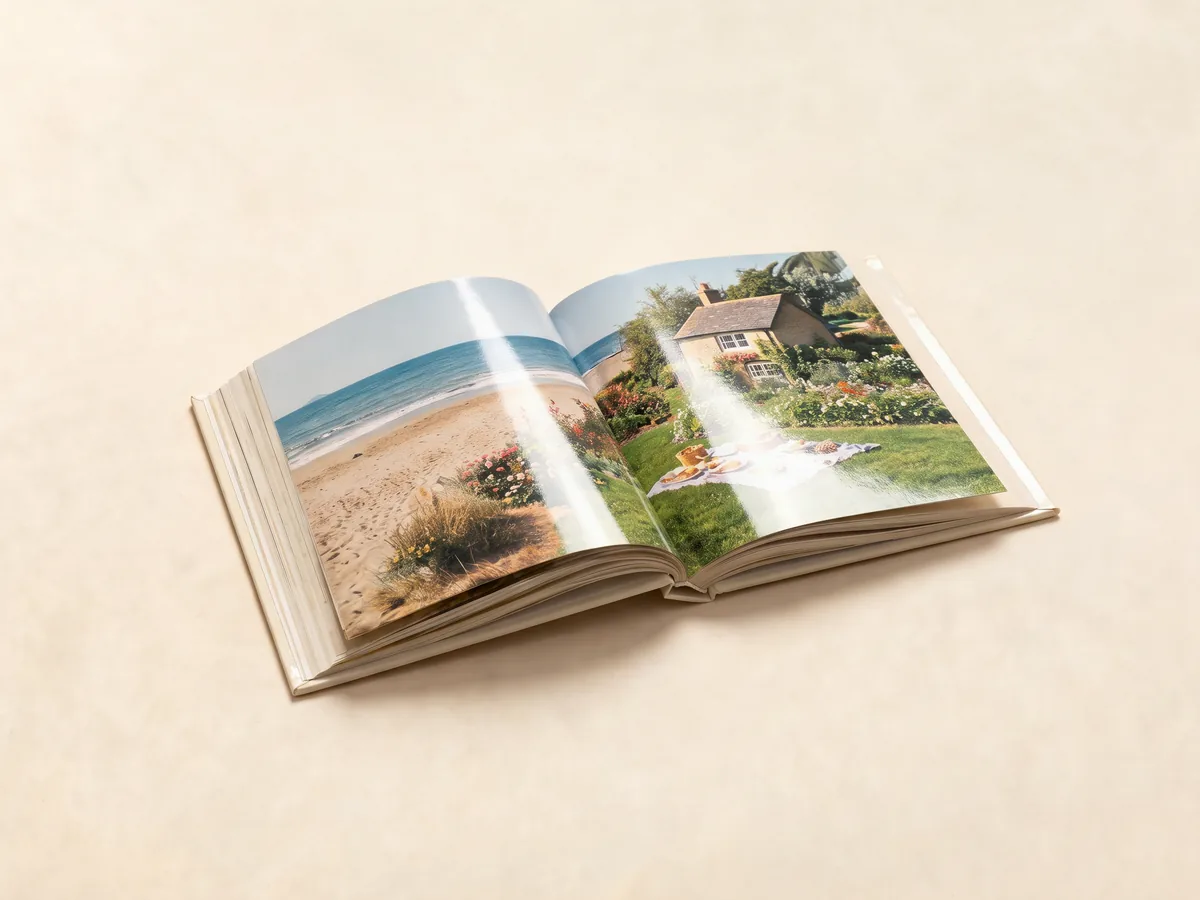 3 We print it and post it
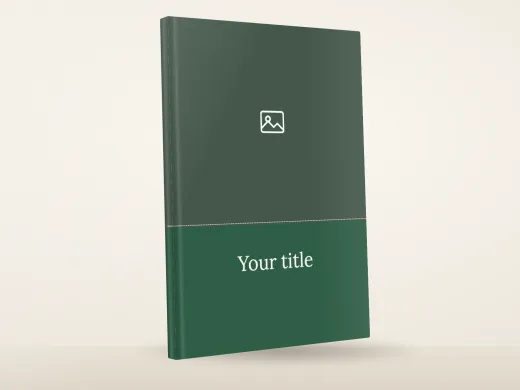
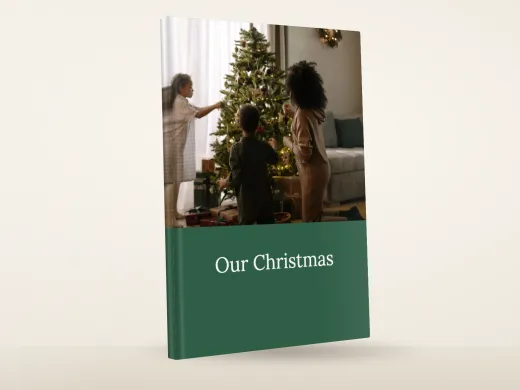
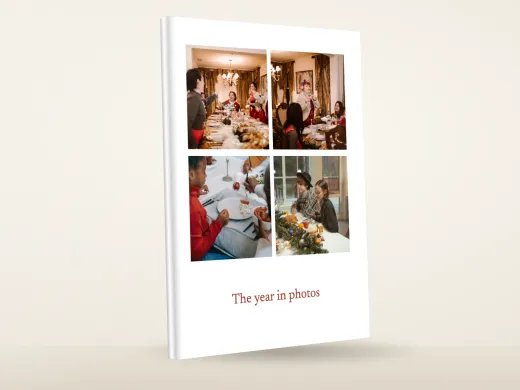
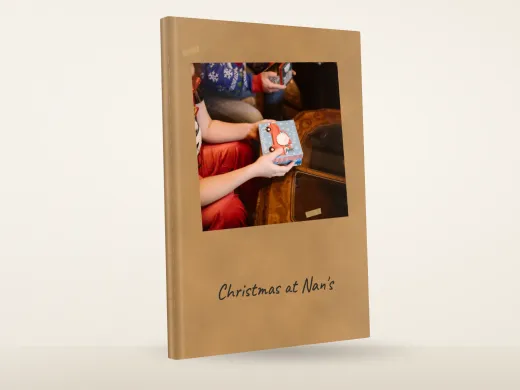
The photos, the title and every caption in the book are yours. The design sets where you start: the paper, the colours, the type and the cover layout.
The studio is the photo book maker. It takes photos from your phone or computer and puts them in the design's frames.
You can add pages and type a title or caption on any line.
Everything in the design can be changed after you start, so two books from the same design can end up looking nothing alike.
Making a photo book, step by step
1. Choose a design and a shape: A4 portrait, 21 x 29.7 cm, A4 landscape, 29.7 x 21 cm, or square, 21 x 21 cm.
2. Add your photos, all at once or a few at a time.
3. Fill the frames and type any titles and captions.
4. Add or remove pages until the book is the length you want. The price changes as you go.
5. Read the proof of every page, choose how many copies, and pay.
What you can change
The cover photo, the title, the paper, the colours, the type, the number of pages and the photo in every frame. Nothing in a design is fixed.
Your words
Captions start empty and the title is what you type. A book with no words at all prints fine.
Most people add names, dates and places. Keep a caption under a photo to a line or two. Put a longer note on a page of its own.
Which design to start from
If there is an occasion, start there: a wedding, a new baby, a holiday.
If not, start from the look, scrapbook or full photo. Then pick the shape most of your photos were taken in. Phone photos are usually portrait.
Questions
Can I make a photo book on my phone?
Yes. The studio works on a phone or a computer, and photos come straight from your camera roll.
What makes it a custom photo book?
Your photos, your words and the changes you make. The design is only where the book starts.
Do I see the book before it is printed?
Yes. You read a proof of every page and order only when it looks right.
Can I put a name on the cover?
Yes. The cover title is whatever you type, such as a name, a date or a place.
How many photos do I need?
About two or three a page at a comfortable size, so 50 to 70 for a 24-page book. Grids of small photos take more.